Scan Date:May 17, 2026
Show More
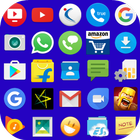
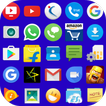
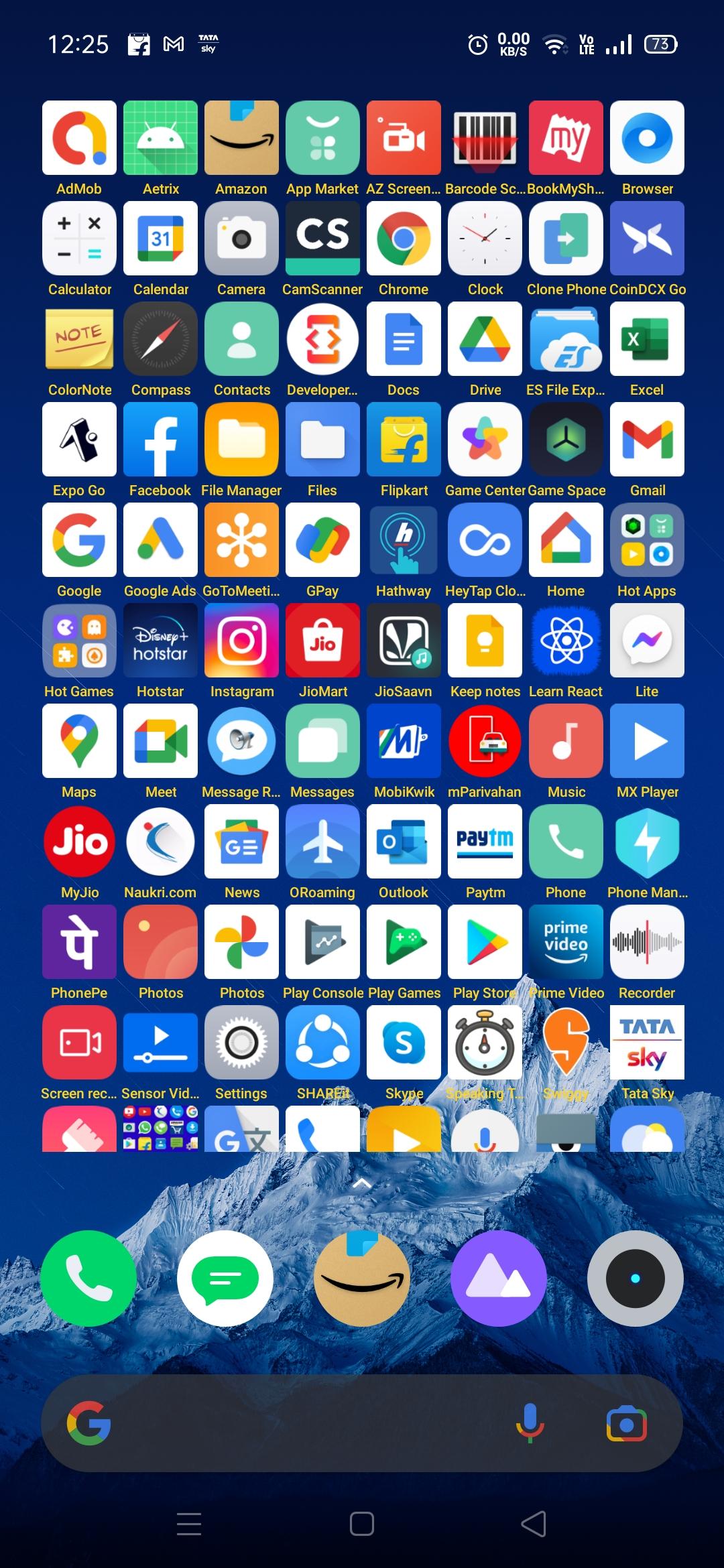
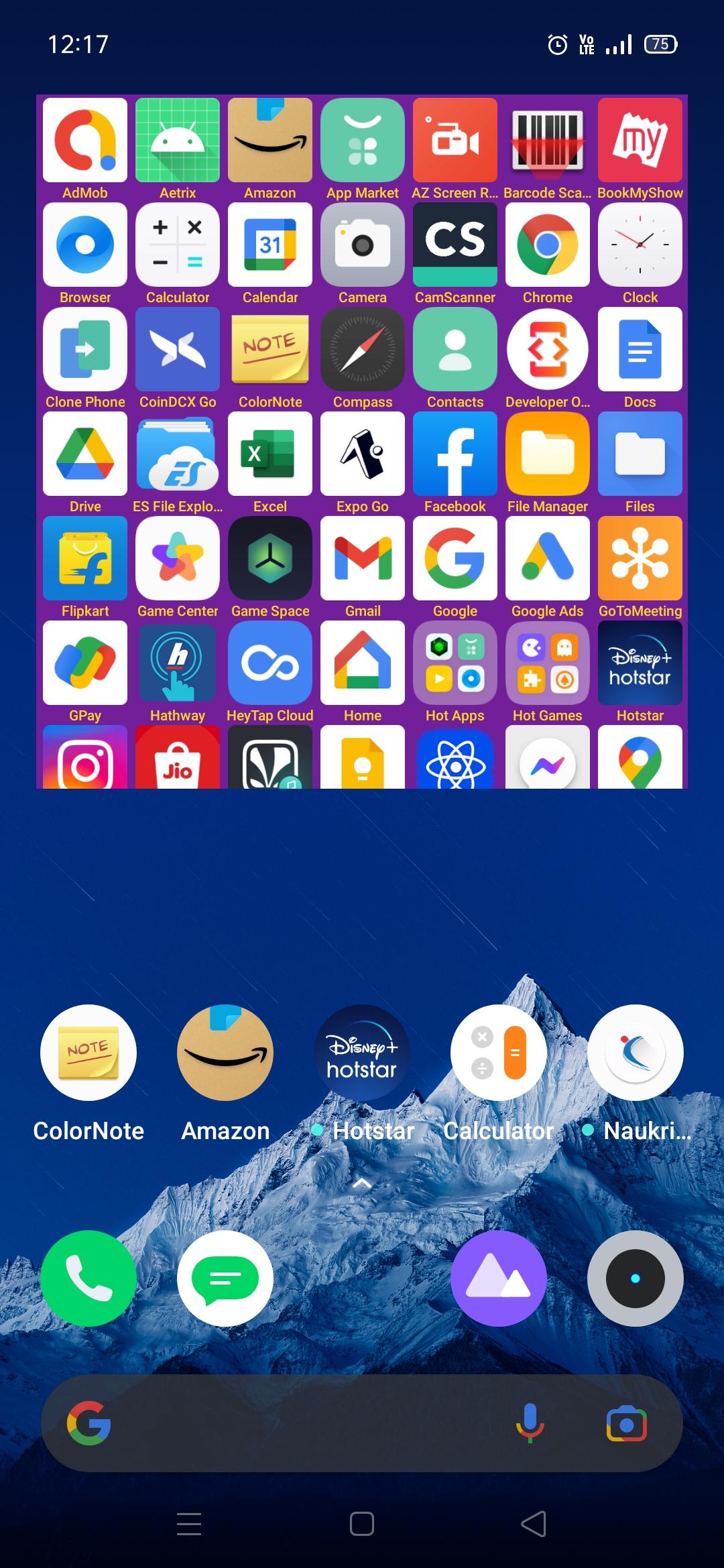
Best Home screen widget app to open all apps easily in home screen without opening menu in android device using Tiny Icons Widget.
This tiny icons widget apps can be helpful for users who want to keep their home screen organized and clutter-free while still having quick access to their frequently used apps or actions.
Advantages:
- All the apps you will get in one touch.
- Your mobile home screen looks colorful.
- Customize the widget with any color combination for app name and background using color picker.
- No need to go into menu to search application.
- You save your own time instead of searching apps in menu.
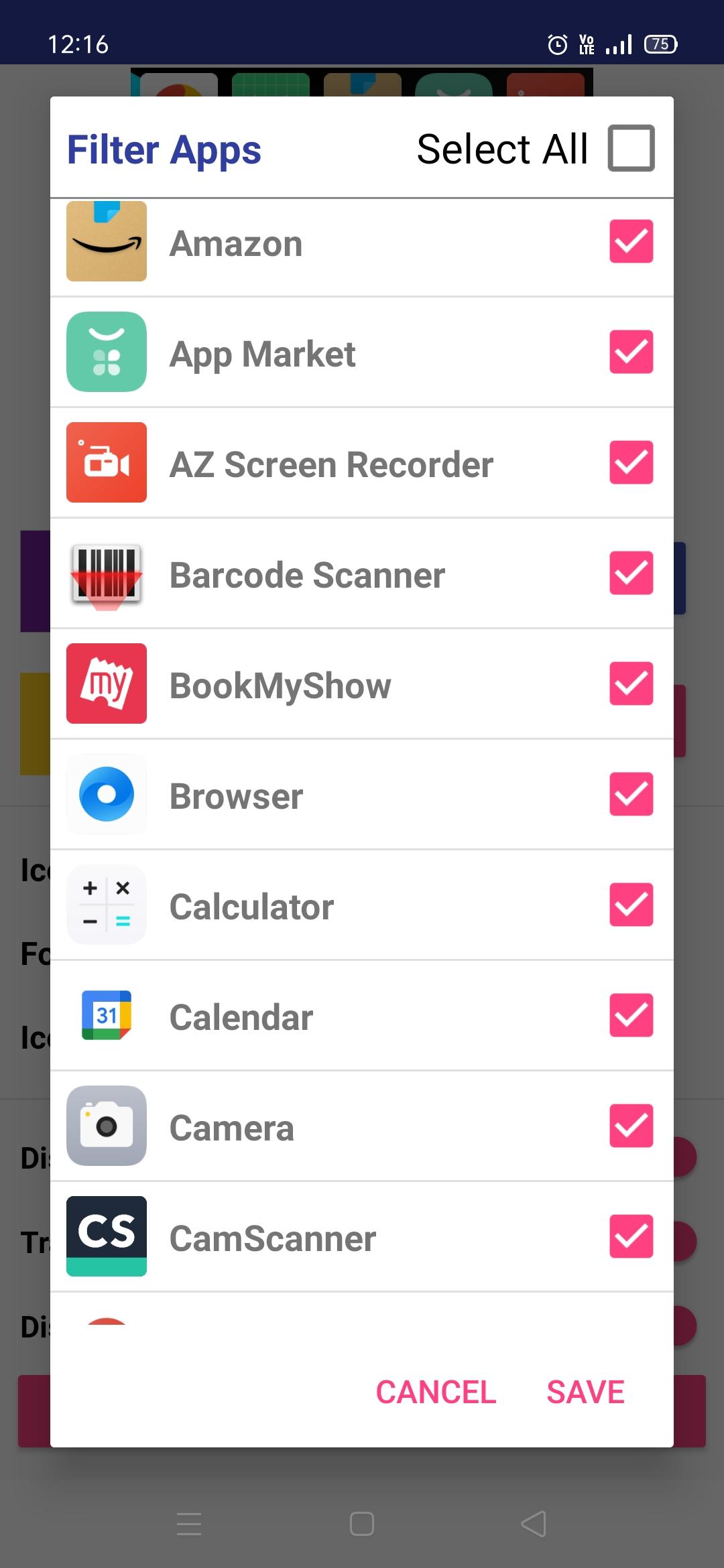
- Filter the desired apps to be appeared in home screen widget.
- Launch all your favorite apps from home screen itself.
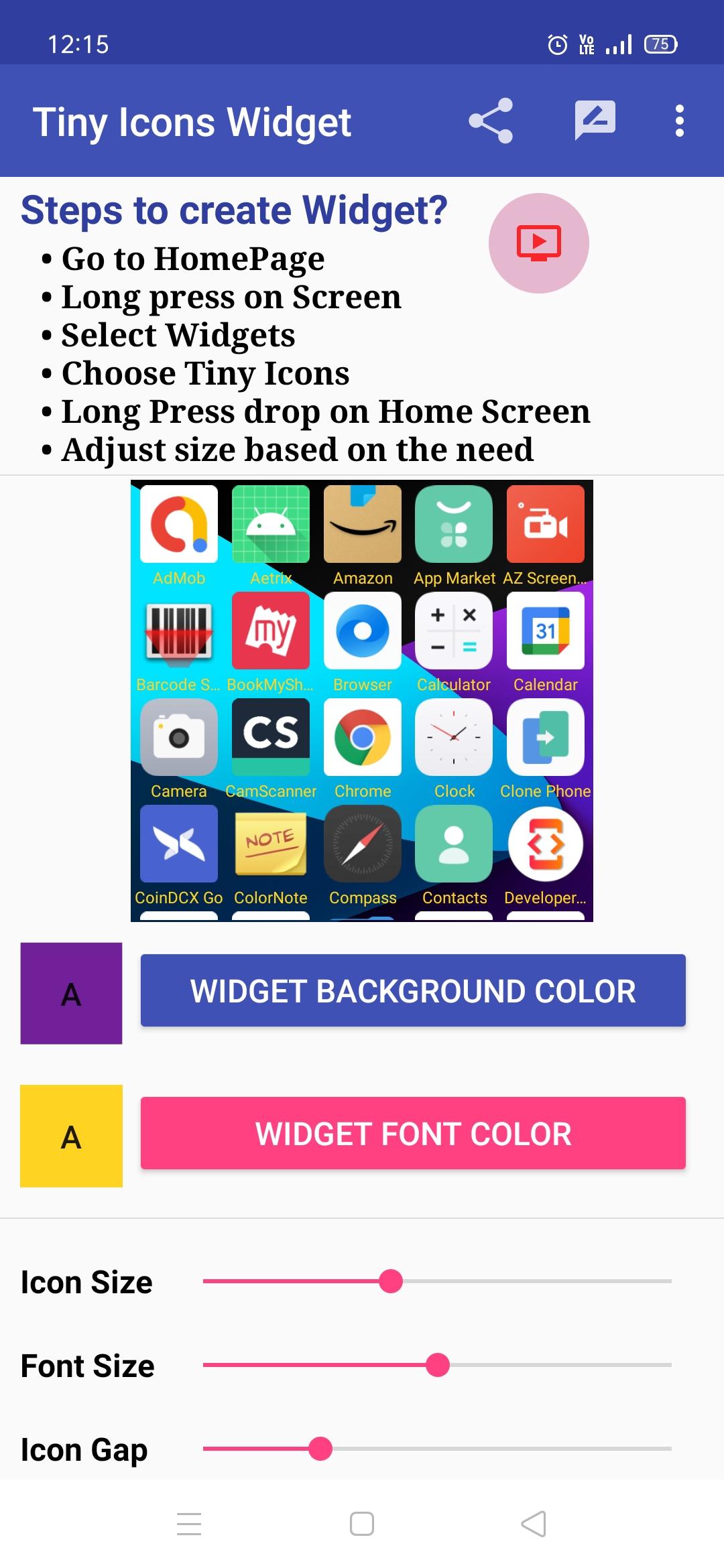
How to create Widget?
1. Go to Home Page
2. Long press on Screen
3. Select Widgets
4. Choose Tiny icons
5. Long Press drop on Home Screen
6. Adjust size based on the need
Note: Creating widget in android may vary between one device model to another model.
If you still not clear how to use Tiny icons widget, then check the demo video from below YouTube link:
https://www.youtube.com/watch?v=0sbfY2XkSwg
Features available in Tiny Icons Widget:
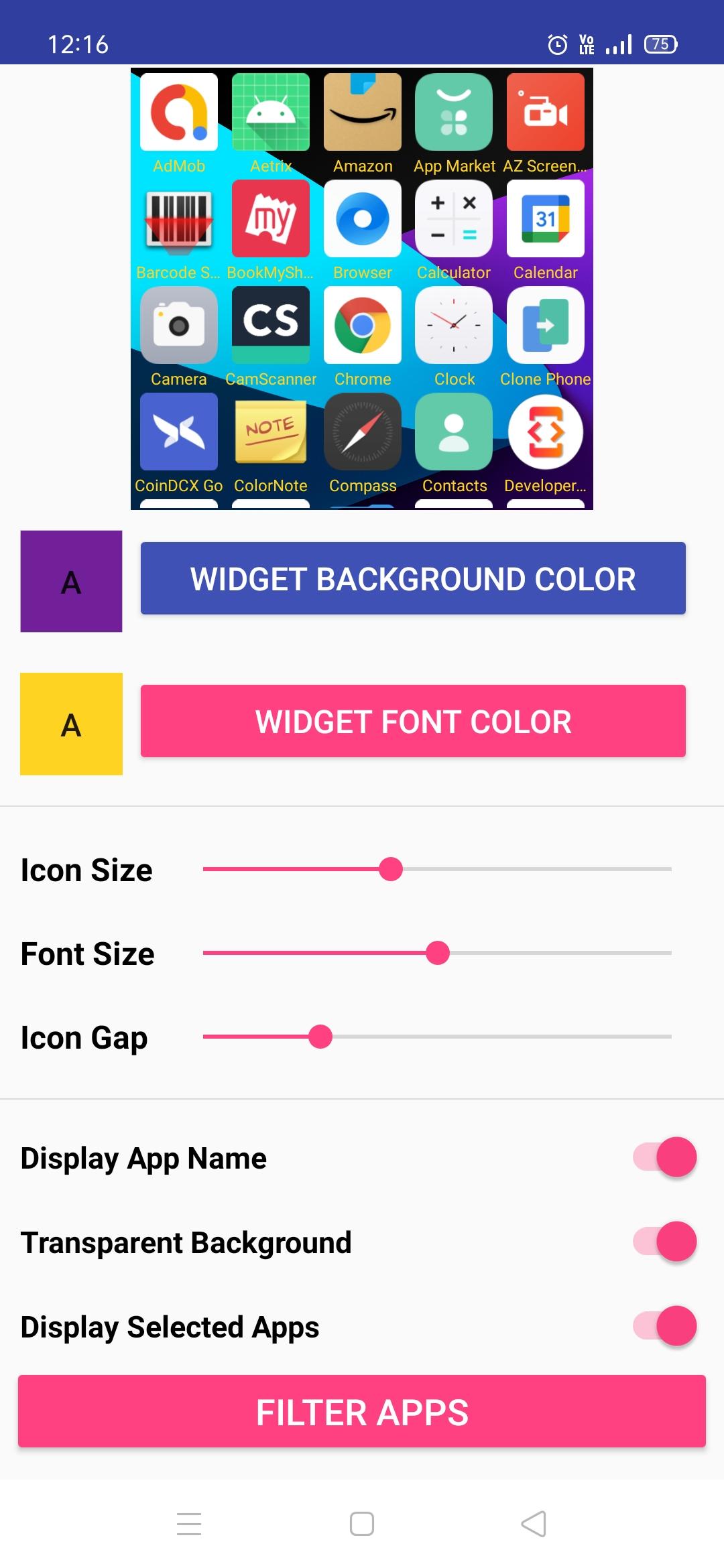
1. Change the widget background colour
2. Change the app icon size small or big
3. Change the app name font color & size
4. Filter option to select required apps to display
5. Adjust the widget to any shape and size
6. Able to hide and show the app name of icon
7. Option available to make transparent background for widget
8. Live change can happen in widget when doing the settings in app
9. Used as a Launcher app to open the app from home screen with small launcher icons
10. Open any apps from the mobile within a second using tiny icons launcher widget.
11. Option to adjust Icon padding space for easy clicks based on the finger size
12. User can able to see the total number of apps installed in their android mobile and apps selected for the widget.
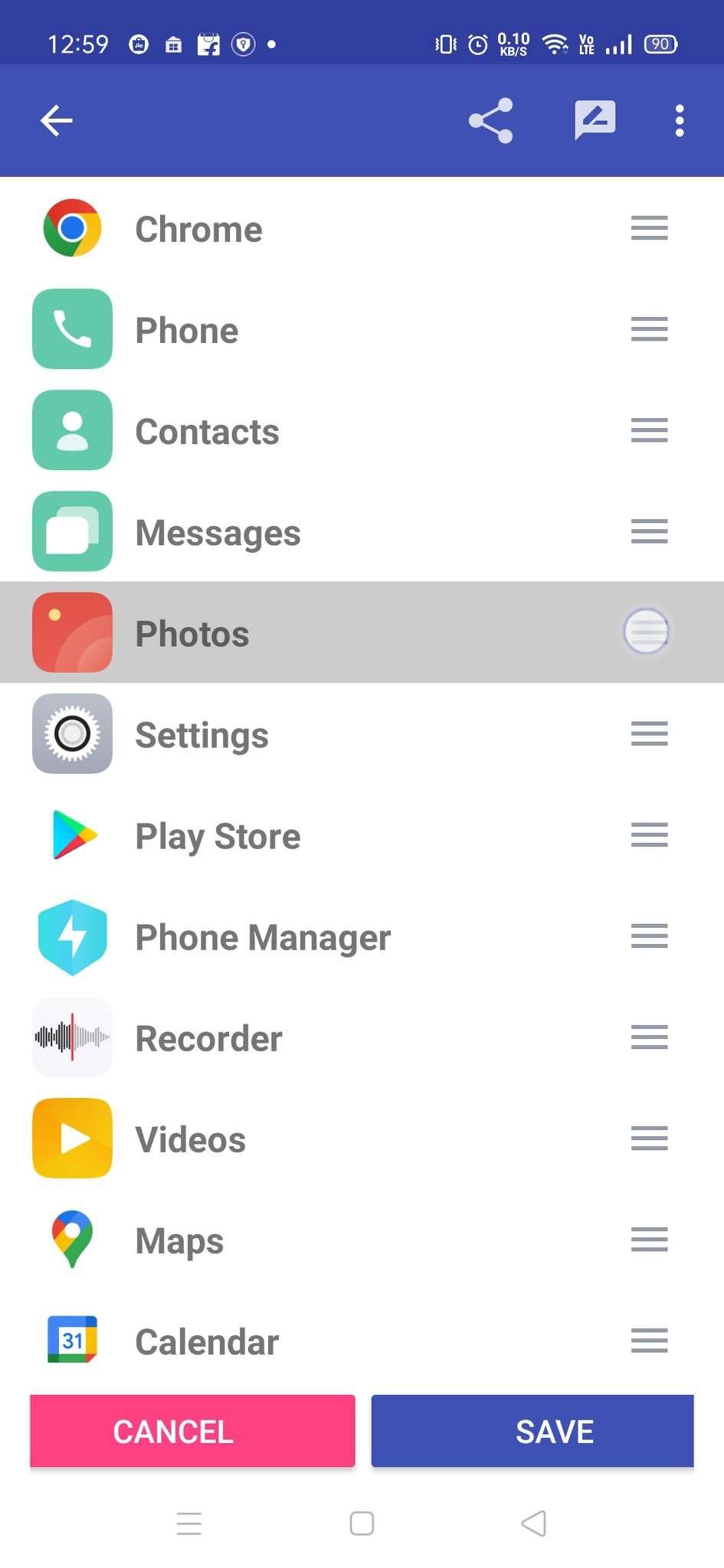
13. New feature to sort the apps and manually customize the order via Custom Sorting. And also alphabetical order in ascending or descending.
Latest Version
1.3Uploaded by
Mustafa Maaz
Requires Android
Android 6.0+
Category
Free Personalization AppContent Rating
Everyone
Security Report
Report
Flag as inappropriateLast updated on May 17, 2026
• Fixed app icons disappearing issue during install/uninstall (fully resolved)




APKPure - A multi-platform app store primarily focused on Android, providing extensive app-related content. Discover the app you want easier, faster, and safer, with quick and efficient downloads and installations.