Scan Date:Mar 11, 2026
Show More

TIFF Viewer - TIFF Converter for Android allows you to view and print large TIFF files and convert TIFF images to PDF, JPG, PNG, BMP, and WEBP formats.
TIFF File Viewer - TIFF to JPG is a fast and lightweight TIFF file viewer and converter for Android.
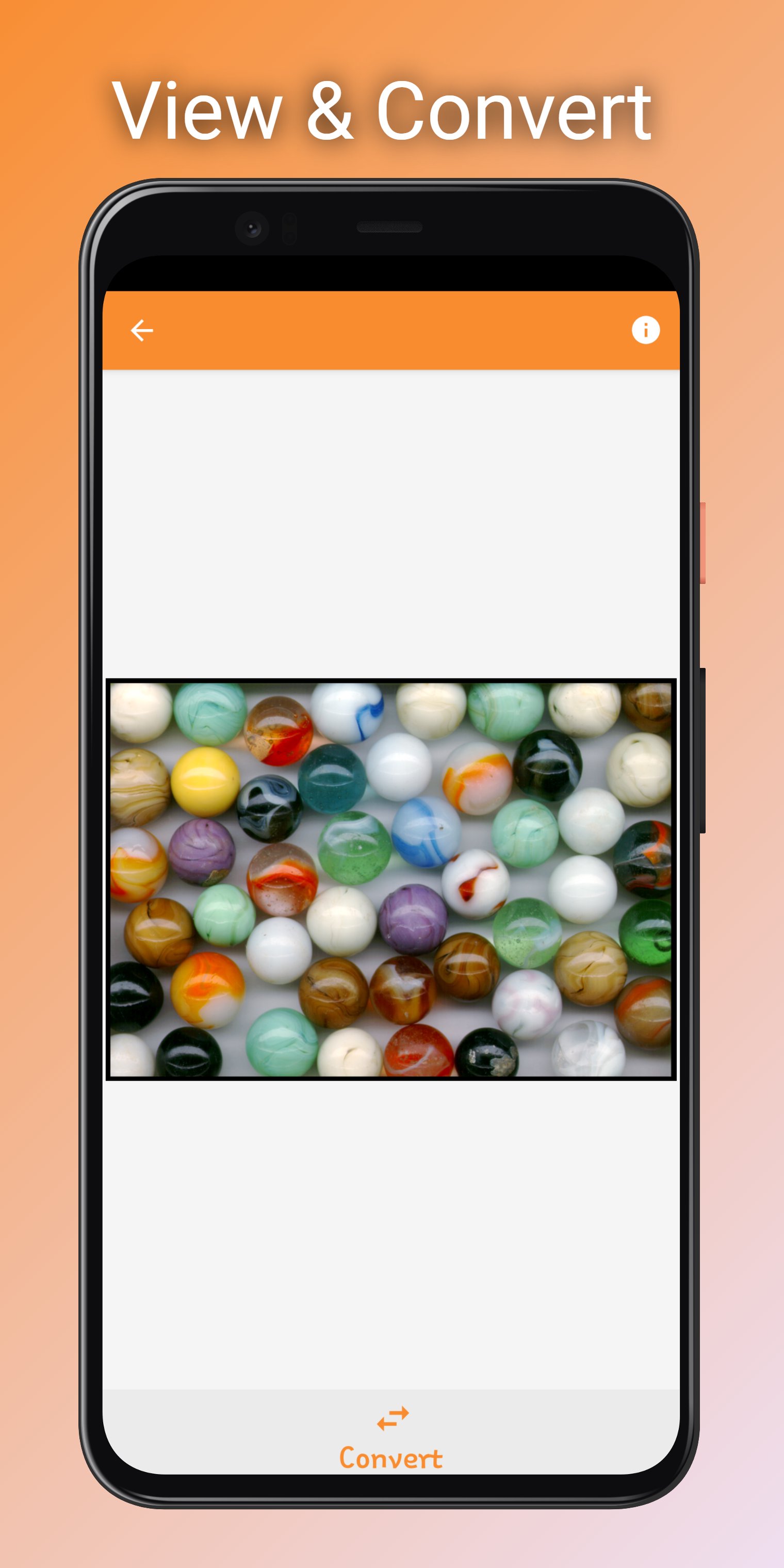
TIFF files can be opened using the system's built-in file browser, or the app can be launched from an external application. Multi-page TIFF files can be converted to PDF, PNG, WEBP, BMP, and JPEG.
Features:
• Supports batch conversion of TIFF image files
• Supports batch conversion of multi-page TIFF files
Supported conversion formats:
• TIFF Image to PDF
• TIFF Image to JPEG
• TIFF Image to BMP
• TIFF Image to PNG
• TIFF Image to WEBP
• Multi-page TIFF File to PDF
• Multi-page TIFF File to JPEG
• Multi-page TIFF File to BMP
• Multi-page TIFF File to PNG
• Multi-page TIFF File to WEBP
TIFF Viewer - TIFF Converter supports a wide range of image compressions, including:
CCiTT G3
CCiTT G4
LZW
Deflate
JPEG
Old-JPEG
How to Use TIFF Viewer - TIFF Converter
• Click on the "Open TIFF" button to select a TIFF file for viewing.
• Click on the "Convert" button, select the conversion format and directory, then click "Convert".
• To select and convert multiple TIFF image files at once, click on the "Converter" tab, select the TIFF files to convert, then click "Convert".
Latest Version
2.5Uploaded by
Piratheeban Piratheeban
Requires Android
Android 7.0+
Category
Free Productivity AppContent Rating
Everyone
Security Report
Report
Flag as inappropriateLast updated on Mar 8, 2026
Optimize app and fixed issues




APKPure - A multi-platform app store primarily focused on Android, providing extensive app-related content. Discover the app you want easier, faster, and safer, with quick and efficient downloads and installations.