Scan Date:Mar 15, 2026
Show More
Store and edit patches on your THR amplifier directly from your phone or tablet!
Yamaha's THR series are terrific little amplifiers. Unfortunately they only have the ability to store 5 patches on-board. The only way you can access more than 5 patches is hook your amp up to a PC or Mac and install Yamaha's THR Editor application. In addition, some of the amplifier effects such as the compressor are only accessible through Yamaha's PC application.
Until now.
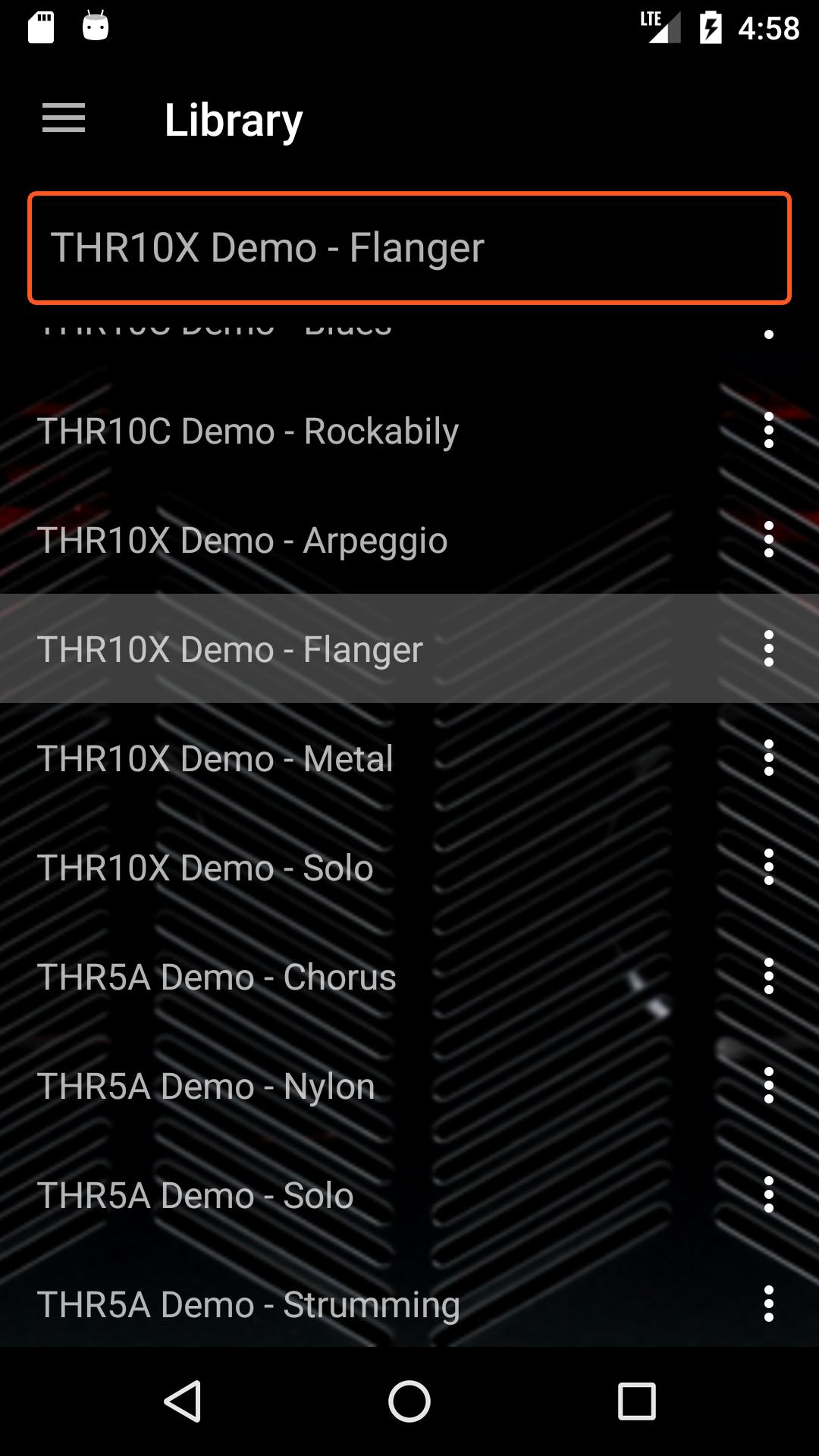
Introducing THR Librarian. Simply attach your Android phone or tablet to your amplifier using a USB On-The-Go adapter, and you can switch between patches and edit them right from your device.
What you need:
- An Android phone or Tablet that supports USB On-The-Go.
- A Yamaha THR5, THR5A, THR10, THR10C or THR10X amplifier (THR-II series not currently supported).
- The USB cable that came with your amplifier.
- A USB OTG adapter. If your phone has a USB Micro-AB connector, you will need an adapter like this one: http://a.co/3mustjw. If your phone has a USB Type-C connector, you will need an adapter like this one: http://a.co/fBZA0vM.
The free version of the app allows you to test your connection and load the built-in demo patches. A single in-app purchase is offered if you wish to unlock the full feature set, which will allow you to:
- Download patches from your amplifier.
- Modify all of the parameters available on your amp, including ones not directly accessible such as the compressor. The editor also changes in real-time as you adjust the parameters on your amp.
- Organize your patches into groups. Tag your favorite patches, or create a set list for a live performance.
- Use the hotkey feature in combination with a Bluetooth MIDI or HID foot switch (e.g. https://amzn.to/3RqNcDY) for hands-free patch and effect switching.
- Import patches from .YDP and .YDP files.
- Rename and delete patches.
- Share patches via email, Google Drive, Android Beam, etc.
Troubleshooting:
In the unlikely event that THR Librarian is unable to connect to your amplifier:
1) Verify your amplifier is able to connect to Yamaha's THR Editor on your PC.
2) Verify your phone/tablet supports USB OTG using one of the free OTG checker apps in the Play Store.
3) Try plugging a USB thumb drive into your USB OTG adapter; your phone/tablet should automatically recognize the drive. Note if you have a OnePlus device, USB OTG is disabled by default, and must be enabled under Settings/Advanced. It also automatically turns off 10 minutes after it is enabled. You can permanently enable it by following the instructions here: https://www.xda-developers.com/enable-always-on-otg-oxygenos/.
If these checks all succeed and you are still not able to get the app to connect, please contact us directly at apps4amps@gmail.com. Note we are unable to provide support for connection issues through the Play Store review channel, as it only permits a single character-limited response.
Terms of Use: https://drive.google.com/file/d/1_06bSOByXYIm38ZCr4nIHy5YdPdt_oqi/view?usp=share_link
Privacy Policy: https://drive.google.com/file/d/1PlMfLg_lkhsf-EMuyaHtStbhPFiMYdNi/view?usp=share_link
Note: This app is not affiliated with or endorsed by Yamaha Corporation in any way. THR is a registered trademark of Yamaha Corporation.
Latest Version
9.0Uploaded by
Salah Ahmed
Requires Android
Android 5.0+
Category
Free Music & Audio AppContent Rating
Everyone
Security Report
Report
Flag as inappropriateLast updated on Sep 10, 2025
Add library backup/restore functionality



APKPure - A multi-platform app store primarily focused on Android, providing extensive app-related content. Discover the app you want easier, faster, and safer, with quick and efficient downloads and installations.