Package Name:com.ultimateguitar.tonebridge
SHA-256:7dc0b2255a0d680c3db40fb3ec2448d65e254c73ee2cd4284971d8078fd99da8
Show More


Tonebridge Guitar Effects helps you practice songs with tones that sound close to the original track. You plug your guitar into your phone with a simple adapter and choose a preset that fits the song. Built by Muse Group and Ultimate Guitar, it pairs smoothly with tabs so you can learn parts with the right sound from the start. For quick setup on Android, install the Tonebridge Guitar Effects APK and begin playing without complicated controls.
Song presets and tone previews
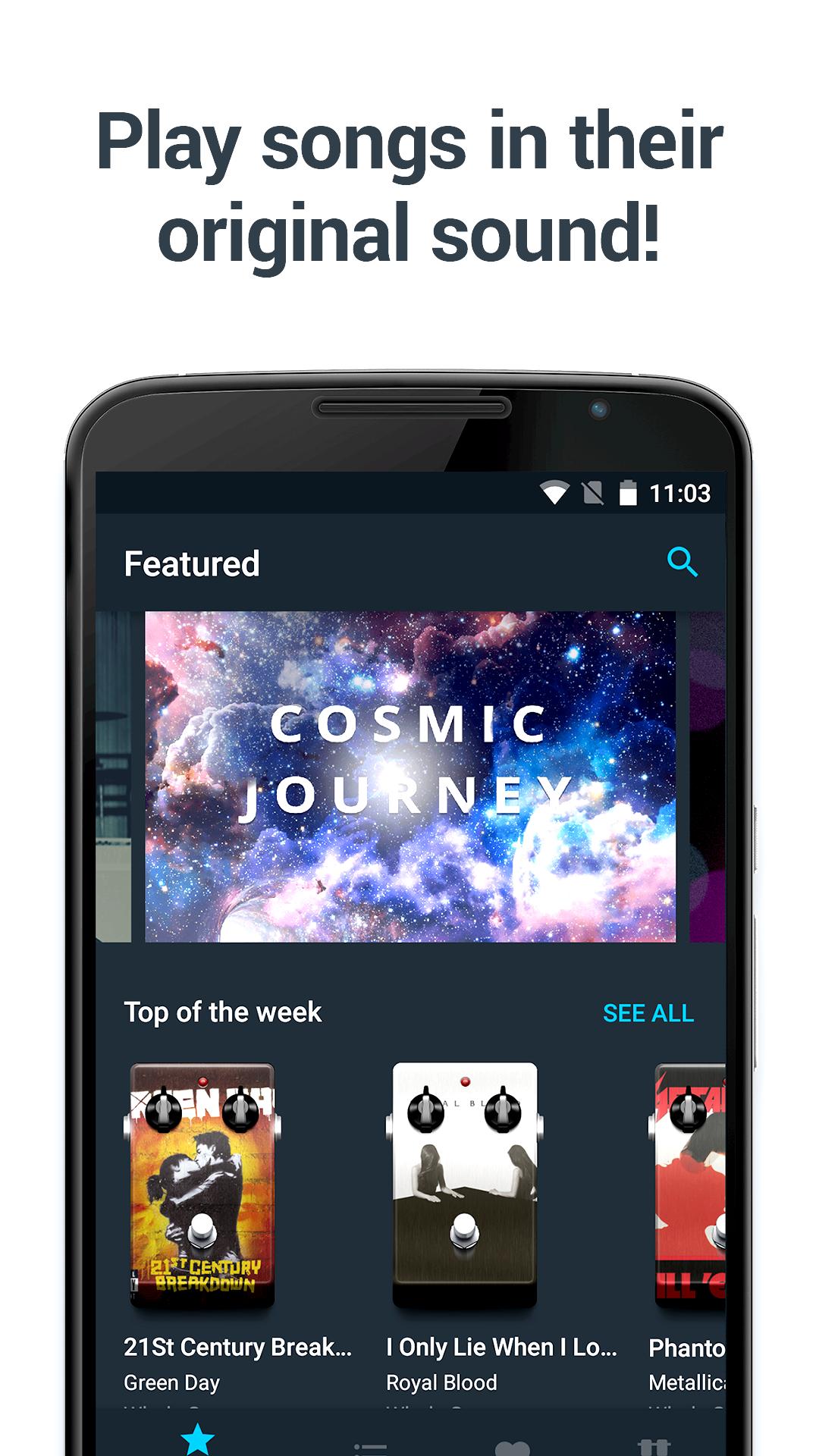
Tonebridge Guitar Effects offers more than 23K popular song presets across genres. You can preview tones with over 7.5K short demo samples before you play. This makes it easy to compare sounds and pick the preset that fits your practice session. It saves time and keeps your focus on the music.
Low latency with feedback and noise control
The engine is designed for low latency so your notes respond in real time. Intelligent feedback handling helps prevent unwanted squeal, while noise reduction keeps the signal clear. As a result, you hear what you play promptly and cleanly, which supports steady practice and timing.
Authentic tones without complex tweaking
Tonebridge Guitar Effects delivers ready to use tones that aim to match the feel of the original recording. You do not need to build chains or adjust advanced parameters. Pickup setting guidance appears for many presets so you can position or select pickups to get closer to the intended sound. This keeps setup simple and consistent from song to song.
Tabs pairing and curated collections
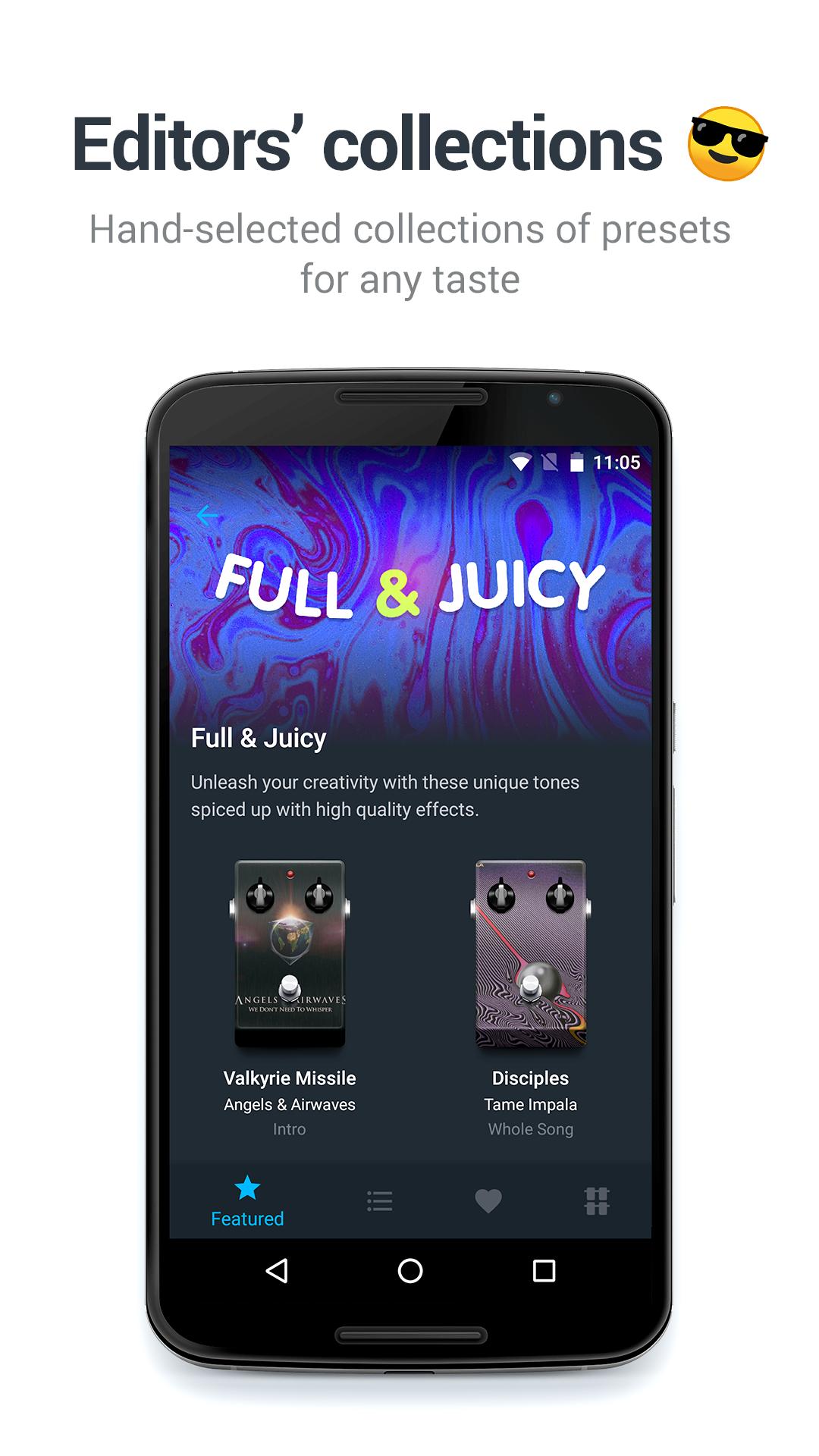
Tonebridge Guitar Effects pairs with Ultimate Guitar tabs to connect the right tone to the part you are learning. Curated collections from Ultimate Guitar editors help you explore notable sounds by genre or artist. Pedalboards are available so you can assign several presets and switch quickly during a song. This approach supports transitions between clean, crunch, and lead tones with minimal effort.
Analog connection and community preset requests
Tonebridge Guitar Effects works with common analog adapters such as Ampkit Link, iRig, and iRig 2. Setup is straightforward and uses a simple cable path from guitar to phone. If a song tone is missing, you can request new presets from the community. This keeps the library growing and aligned with real practice needs.
Tonebridge Guitar Effects is free to use. There are no complex configuration steps to start practicing. You can install the app, connect your guitar with a supported adapter, and select a preset to play.
The app is designed for analog connections with adapters like Ampkit Link, iRig, and iRig 2. USB audio interfaces are not supported on mobile at this time. For best results, use reliable cables and set levels carefully to avoid unwanted noise.
This quick guide covers basic setup for practicing with song matched tones. To begin, download Tonebridge Guitar Effects and prepare your guitar and adapter.
Tonebridge Guitar Effects focuses on simple setup and practical presets for learning songs. For consistent performance and new features, keep the Tonebridge Guitar Effects latest version installed on your device.
For official product and support information, use the links below.
Latest Version
1.4.7Uploaded by
Carlos Thompson
Requires Android
Android 7.0+
Category
Free Music & Audio AppContent Rating
Everyone
Security Report
Check Now
Report
Flag as inappropriateLast updated on Nov 16, 2025
We’re working on making your app experience even better while you’re working on choosing the next song to perform. Let’s make your goals happen!





APKPure - A multi-platform app store primarily focused on Android, providing extensive app-related content. Discover the app you want easier, faster, and safer, with quick and efficient downloads and installations.