Wifi Computer turns your phone/tablet into a wireless mouse, keyboard and touchpad or as PPT, Media player and Browser remote for your PC. It enables you to control your PC, effortlessly through a local network connection.
How does it work?
1. Download Wifi computer server program from: http://initlogic.in/wificomputerserver.zip
2. Install program on Pc, then Run it as administrator.
3. Make sure PC and Android phone are in the same network. You can use android phone as portable hotspot and connect to PC.
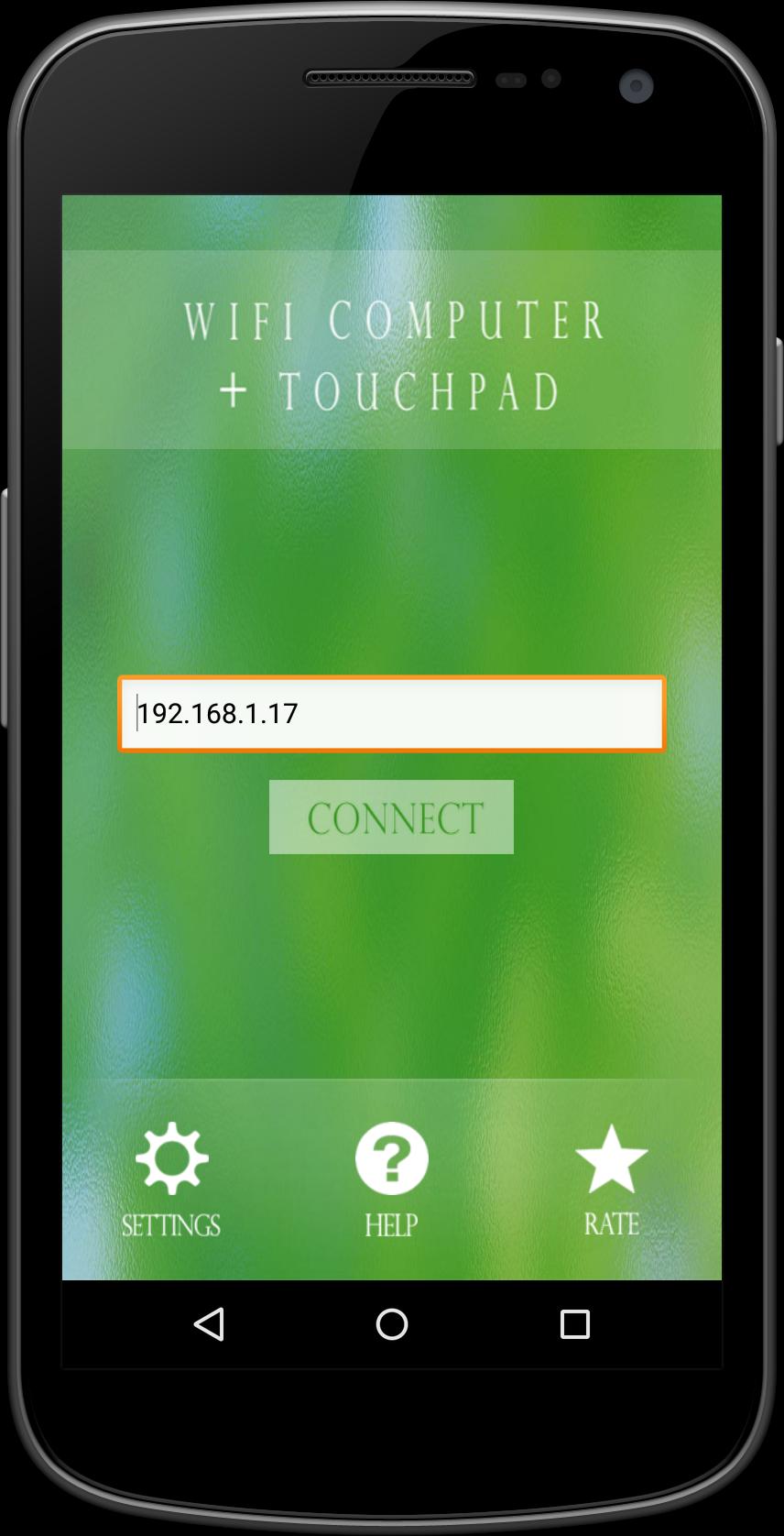
4. Run app on Android phone, then input IP address of PC and click connect.
Keyword:
Wifi computer, Mouse, keyboard
เวอร์ชันล่าสุด
1.5อัปโหลดโดย
Ahmad Deolive
ต้องใช้ Android
Android 2.3.2+
Category
ฟรี ประสิทธิภาพการทำงาน แอปการจัดประเภทเนื้อหา
Everyone
รายงาน
ปักธงว่าไม่เหมาะสมLast updated on Jun 18, 2016
Minor bug fixes and improvements. Install or update to the newest version to check it out!



APKPure - ร้านค้าแอปพลิเคชันแบบมัลติแพลตฟอร์มที่มุ่งเน้นระบบ Android เป็นหลัก พร้อมให้บริการเนื้อหาที่เกี่ยวกับแอปอย่างครบครัน ค้นพบแอปที่คุณต้องการได้ง่าย รวดเร็ว และปลอดภัยยิ่งขึ้น พร้อมการดาวน์โหลดและติดตั้งที่รวดเร็วและมีประสิทธิภาพ