Package Name:com.grid_crop_app
SHA-256:bbbec744dc3b03452dca5840aa2cf290f48b7294c5b8be33967f96ab2ccecbd6
Show More

🧩 Grid Slice — turn one shot into a feed puzzle in a few taps.
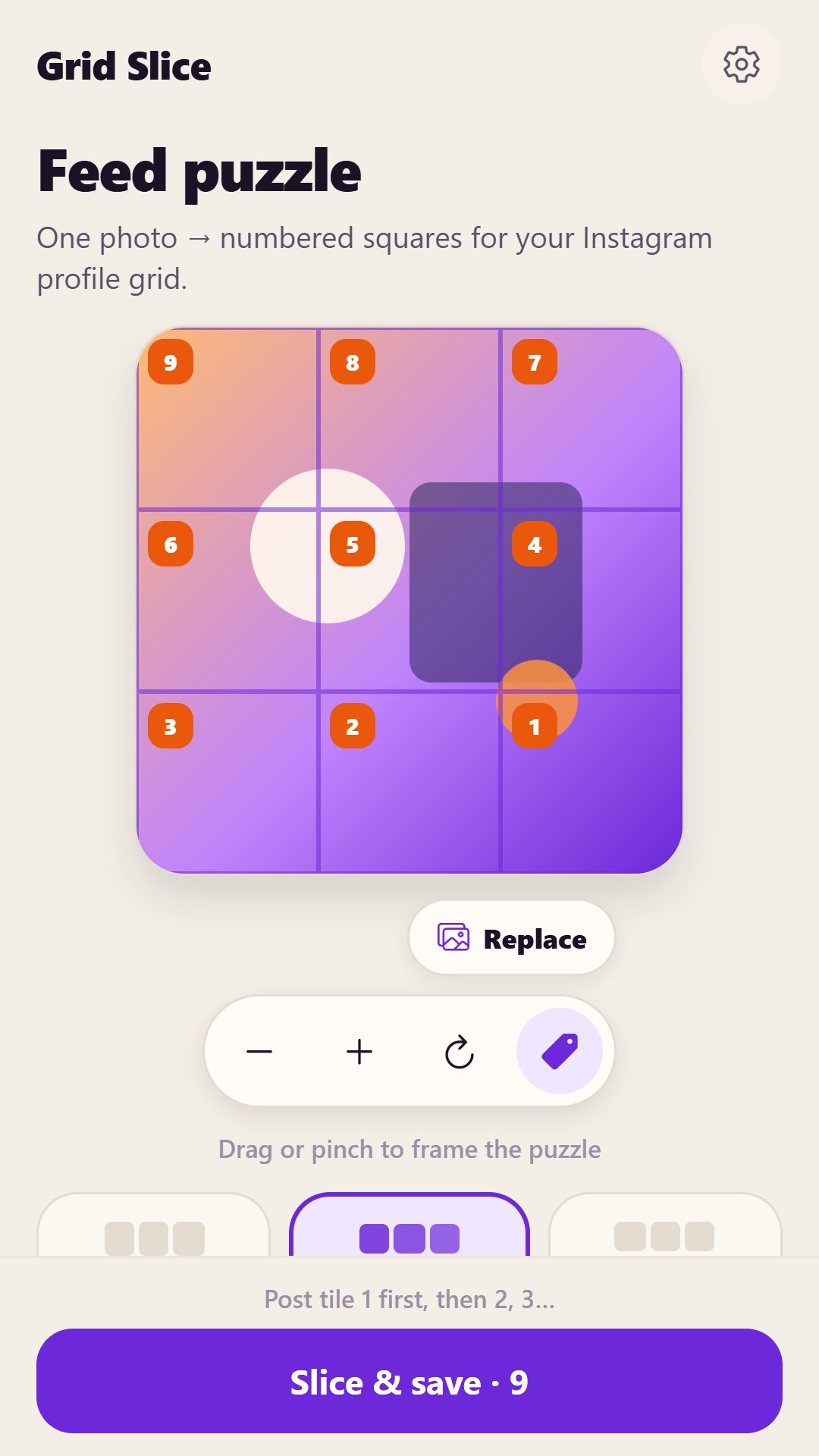
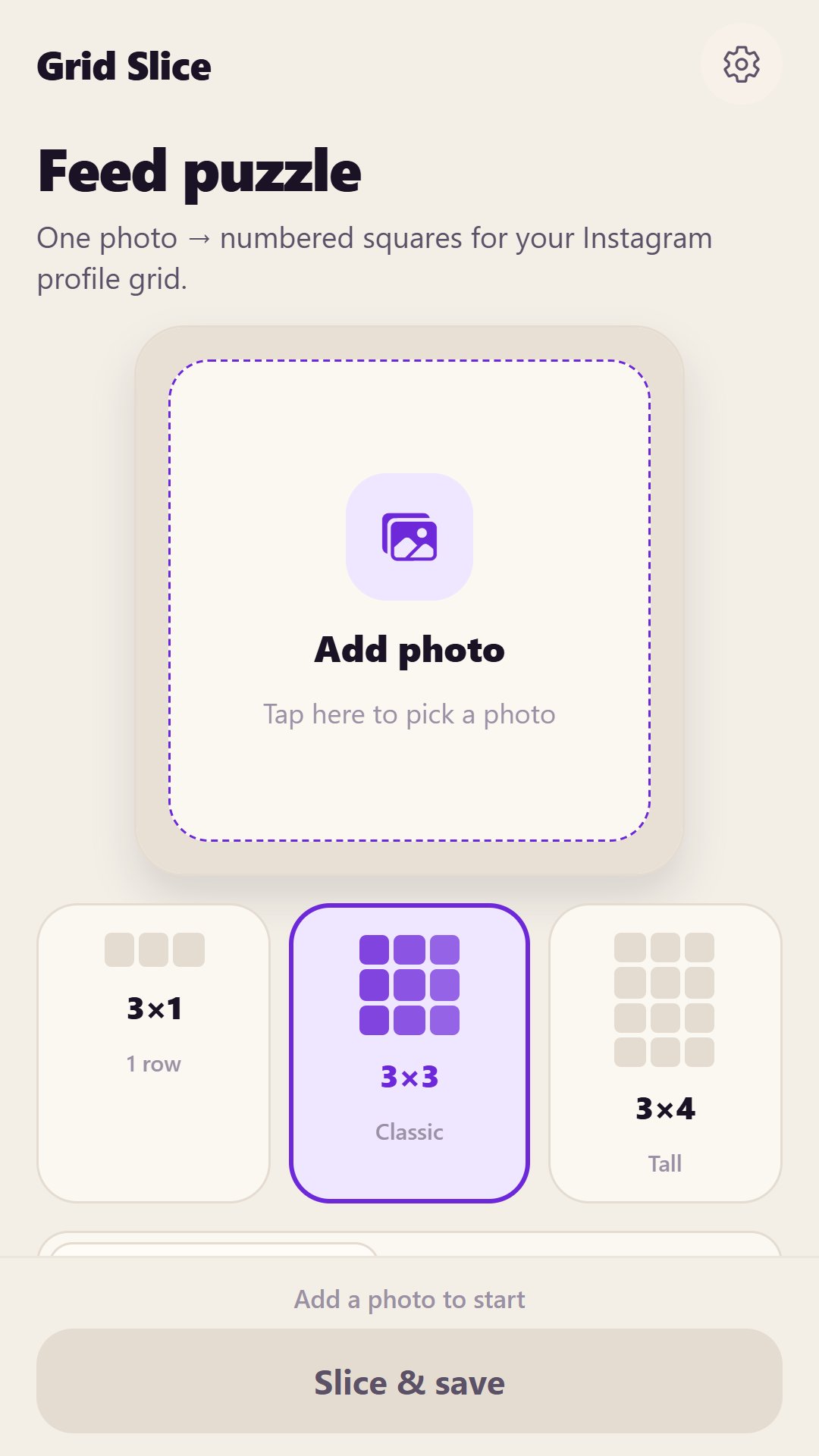
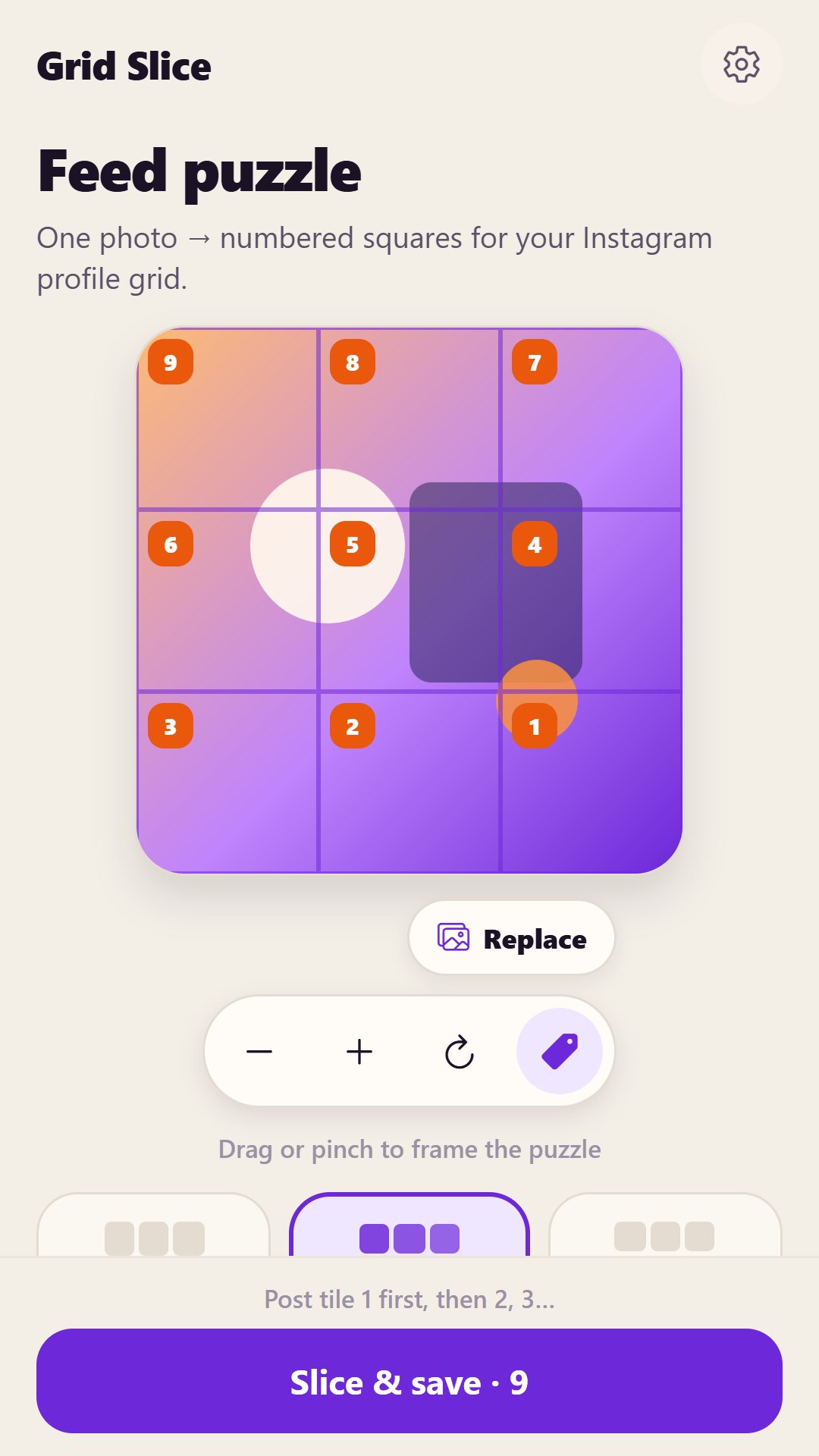
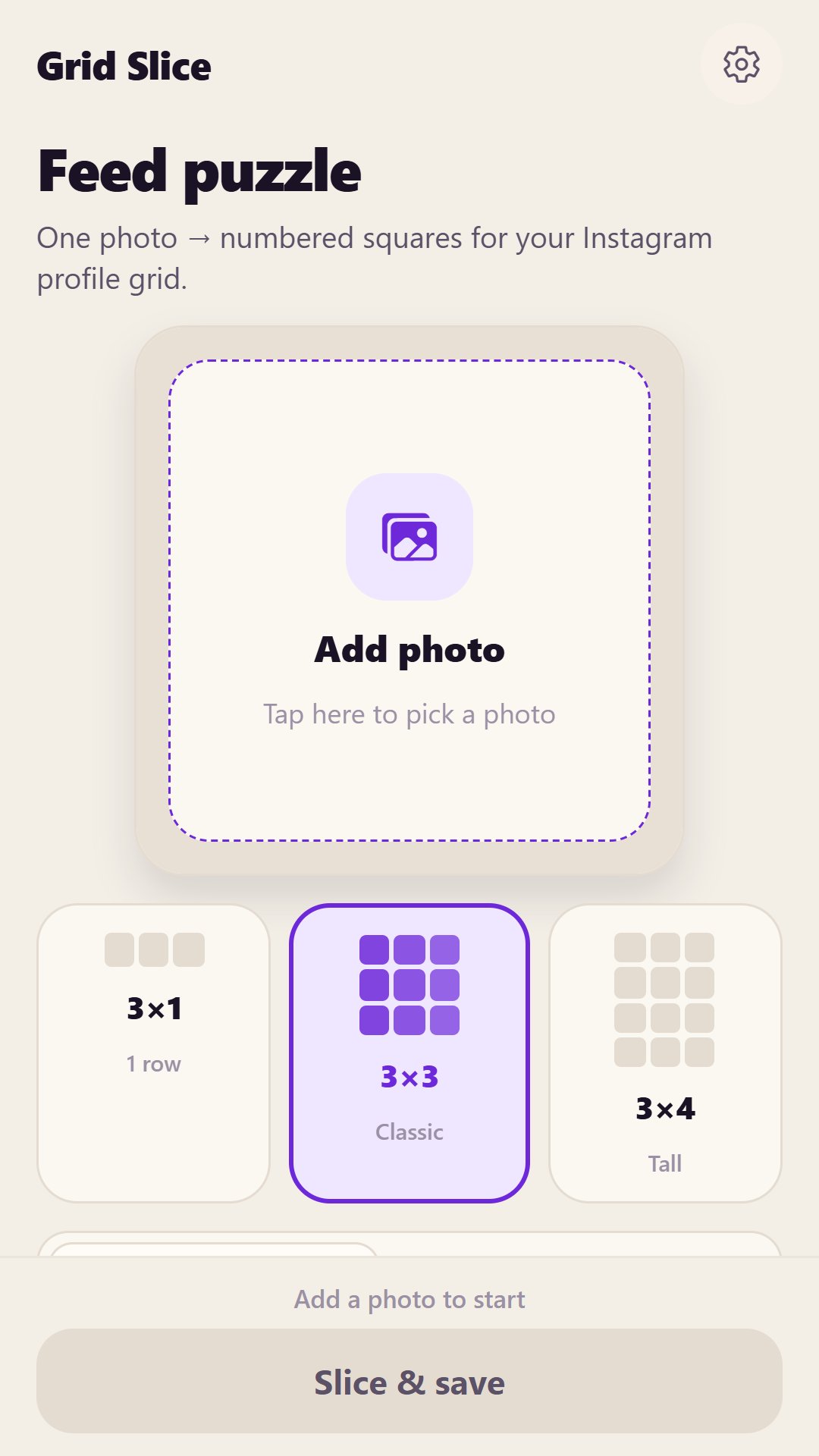
Creators and brands love a profile “puzzle” — one big image cut into square tiles that rebuild as a banner in the Instagram grid. Grid Slice lets you pick a photo, choose 3×1, 3×3, or 3×4, drag or pinch to frame, then save a numbered pack of squares ready to post. Offline core job, bilingual EN/RU, no accounts.
🔊 How it works
1️⃣ Tap the stage and pick a photo from your gallery
2️⃣ Choose a grid: 3×1 row, classic 3×3, or tall 3×4
3️⃣ Drag / pinch to frame; use IG order or left→right numbering
4️⃣ Tap Slice & save — numbered tiles go to your Grid Slice album
⚠️ Looks best with a clear subject and enough resolution for square crops. Very tall or tiny photos may need a quick reframe. Always check the preview before you post the pack.
🛠 Key features
🖼 Single photo pick
📐 Grids: 3×1, 3×3, 3×4
⚪ Drag & pinch framing
🔢 IG post order or left→right numbers
🔍 Zoom, reset, show/hide numbers
💾 Saves numbered squares to a Grid Slice album
⚙️ English and Russian
🌙 Light / dark / Auto
📴 Core slicing works offline (after install)
🏠 Perfect for
✔ Instagram profile puzzle banners
✔ Beauty / fashion / product lookbooks
✔ Brand launch grids and campaign tiles
✔ Creators who want a clean numbered post pack
⚠️ Important notes
Does NOT post to Instagram for you
Does NOT auto-match lighting or faces
Does NOT upload your photos to our servers for the core job
Does NOT require an account
Works best when you post tiles in the numbered order shown
🔐 Privacy first
🔒 No accounts
🔒 Photos processed on-device
📱 Grid Slice — one photo, a full feed puzzle
Latest Version
1.0.2Uploaded by
عبد الرحمن مصطفى
Requires Android
Category
Free Tools AppContent Rating
Everyone
Security Report
Check Now
Report
Flag as inappropriateLast updated on Nov 6, 2026
[New] Instagram grid puzzle — slice photos into 3×1, 3×3, 3×4 numbered squares for your feed.






APKPure - A multi-platform app store primarily focused on Android, providing extensive app-related content. Discover the app you want easier, faster, and safer, with quick and efficient downloads and installations.