
Pink Pixels is a theme that applies new icons to the most popular apps through a launcher of your choice. Each icon was hand crafted with simplicity in mind. The 4,500+ pink icons and wallpapers are inspired by old CRT monitors with scanlines and icons are xxxhdpi which means they're HD or high enough resolution to get cool looking lined icons on any device out there.
QUICK TIPS
You can manually edit icons in most launchers by long-pressing the icon you'd like to edit.
Widgets: If your widget stops updating, check your system or battery settings to make sure the app is exempt from battery optimization. More info at https://dontkillmyapp.com/
DISCLAIMER
You may need an alternate launcher to apply the icon pack. Please download a launcher that supports icon packs (Nova, Evie, Microsoft, etc.) before installing.
PRO VERSION
This is the Pro version of the app. Get the free version here: https://play.google.com/store/apps/details?id=com.natewren.piptec
HOW-TO GUIDE
http://natewren.com/apply
FEATURES
• 5,300+ hand-made pink icons
• Digital Clock Widget with date options
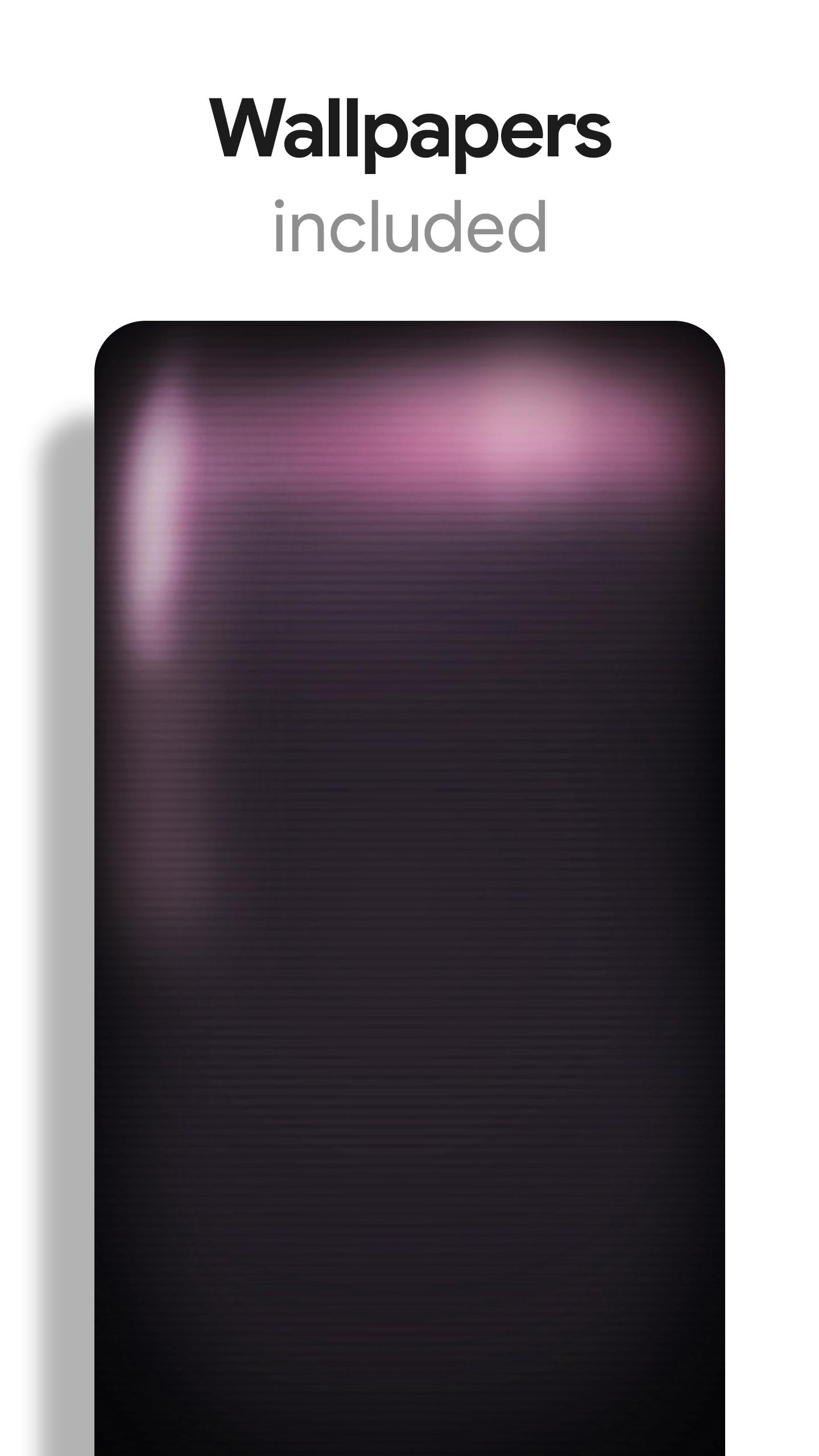
• Matching HD wallpapers included
• Icons updated regularly
• Icons are semi-transparent to show off your backgrounds
• Flat & simple themed icons with many variations of default lined icons such as phone, contacts, etc.
• Wallpaper picker included.
• Request more icons within the app.
HOW TO APPLY ICONS VIA ICON PACK
1. Open the app after installing
2. Navigate to "Apply" tab
3. Select your Launcher
HOW TO APPLY ICONS VIA LAUNCHER
1. Open Launcher settings by tapping + holding on an empty area of home screen
2. Select personalization options
3. Select icon pack
HEX CODE
Pink: fe57a8
FOLLOW ME
Twitter: https://twitter.com/natewren
QUESTIONS/COMMENTS
natewren@gmail.com
http://www.natewren.com
Latest Version
3.8.9Requires Android
6.0
Category
Personalization AppContent Rating
Everyone
Report
Flag as inappropriateLast updated on May 4, 2026
Minor bug fixes and improvements. Install or update to the newest version to check it out!


APKPure - A multi-platform app store primarily focused on Android, providing extensive app-related content. Discover the app you want easier, faster, and safer, with quick and efficient downloads and installations.