Scan Date:May 17, 2026
Show More

A CUSTOM LAUNCHER IS REQUIRED TO USE ICONS. PLEASE DOWNLOAD ONE (NOVA, APEX, ACTION, ETC) BEFORE INSTALLING
FREE VERSION
This is the free version of the app. Get the pro version here: https://play.google.com/store/apps/details?id=com.natewren.moonshinepro
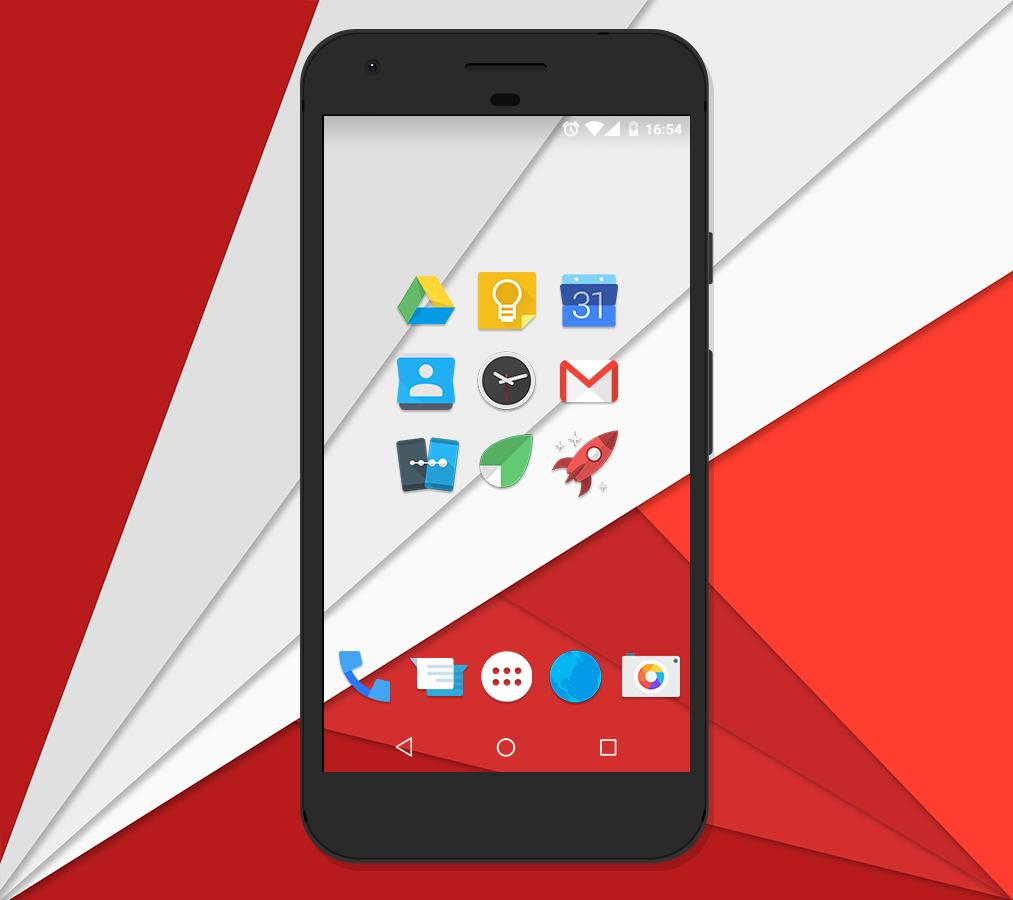
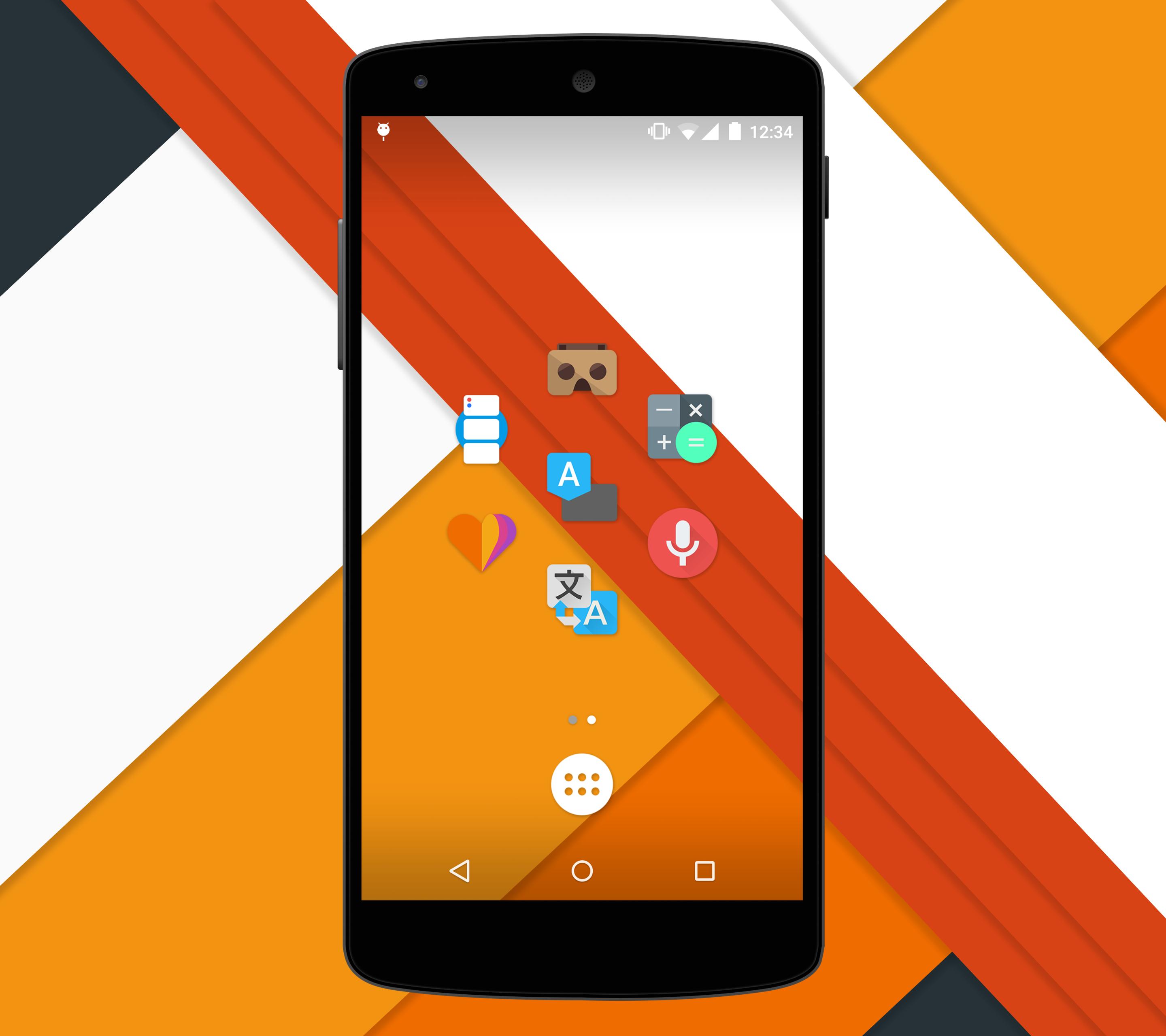
It is officially time for a new look. Introducing Moonshine.
Inspired by leaks and rumors, we decided to make a full pack following these new guidelines
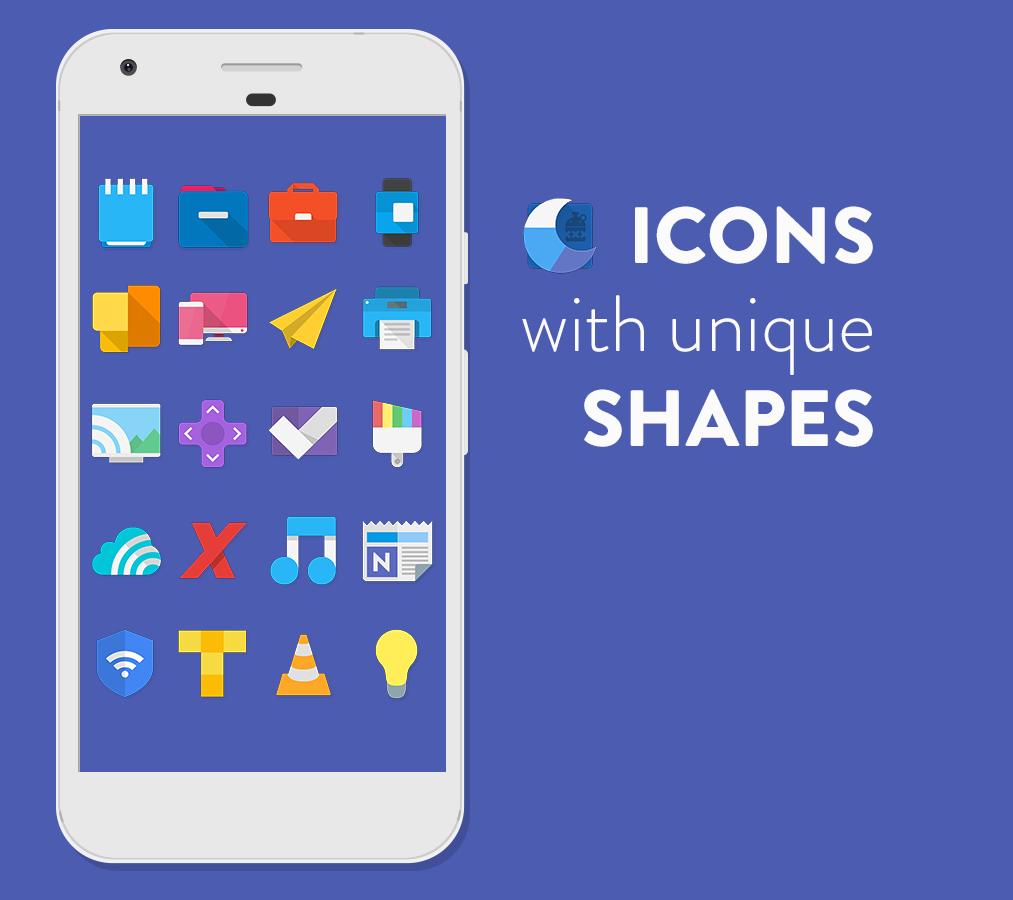
With the previous leaks of an apparent redesign of the core Android apps, we decided to explore more into the new guidelines, and experiment with them! Some have long shadows, most are flat, and almost all have a pop of color! We are taking Google's guidelines, and applying our own creative touch to them! This icon pack doesn't aim for "consistency"; instead, it aims for a "free form" type of look. Not every icon is supposed to look the same or mimic each other.
"If you’re anything like me, after seeing Android’s upcoming Moonshine UI icons, you’ve been drooling to get that sexy, flat design on your Android devices. Thanks to talented Android designers, you can now rock those new icons." - phandroid.com
FEATURES:
★ Material Design Dashboard App!
★ Muzei Wallpaper Support!
★ 925+ vector designed icons (Made in XXX-HDPI - 192x192 - THIS VARIES GREATLY ON YOUR DEVICES SCREEN RESOLUTION!)
★ 28 homemade wallpapers!
★ Supports Nova, Apex, ADW, Smart, Unicon, Action Launcher, Aviate, Go Launcher, Next, Holo launcher, Solo Launcher, KK Launcher, Atom Launcher, and Inspire Launcher! (As well as Flow Home Beta)
★ Icon Picker that shows the latest added icons!
_________________________________
HOW TO APPLY:
1. Download a custom launcher from above (Nova, Yandex, Apex, ADW, Smart, Action, Unicon, Go, etc)
2. Open the Moonshine application and navigate to the "Apply" tab.
3. Select your dedicated launcher and you are set to go!
4. To access the wallpapers, simply go into the app, select the "Wallpapers" tab, and pick from over a dozen homemade walls!
__________________________________
Visit my website:
http://www.natewren.com
Follow me on Twitter!
https://twitter.com/natewren
Follow me on Google+!
https://plus.google.com/+NateWren
Latest Version
3.9.0Uploaded by
Edwin Edwin Diaz Bernard
Requires Android
Android 6.0+
Category
Free Personalization AppContent Rating
Everyone
Security Report
Report
Flag as inappropriateLast updated on May 17, 2026
Fix to FO4 stats widget tabs
Icons now organized into A-Z tabs in launcher icon pickers. If your launcher still shows one Icons tab after updating, refresh the icon pack in your launcher settings or clear data on this app once.



APKPure - A multi-platform app store primarily focused on Android, providing extensive app-related content. Discover the app you want easier, faster, and safer, with quick and efficient downloads and installations.