With Tecla Next you can use your external switches or the driving controls of your powered wheelchair to:
• Send and receive email and text messages
• Browse the web
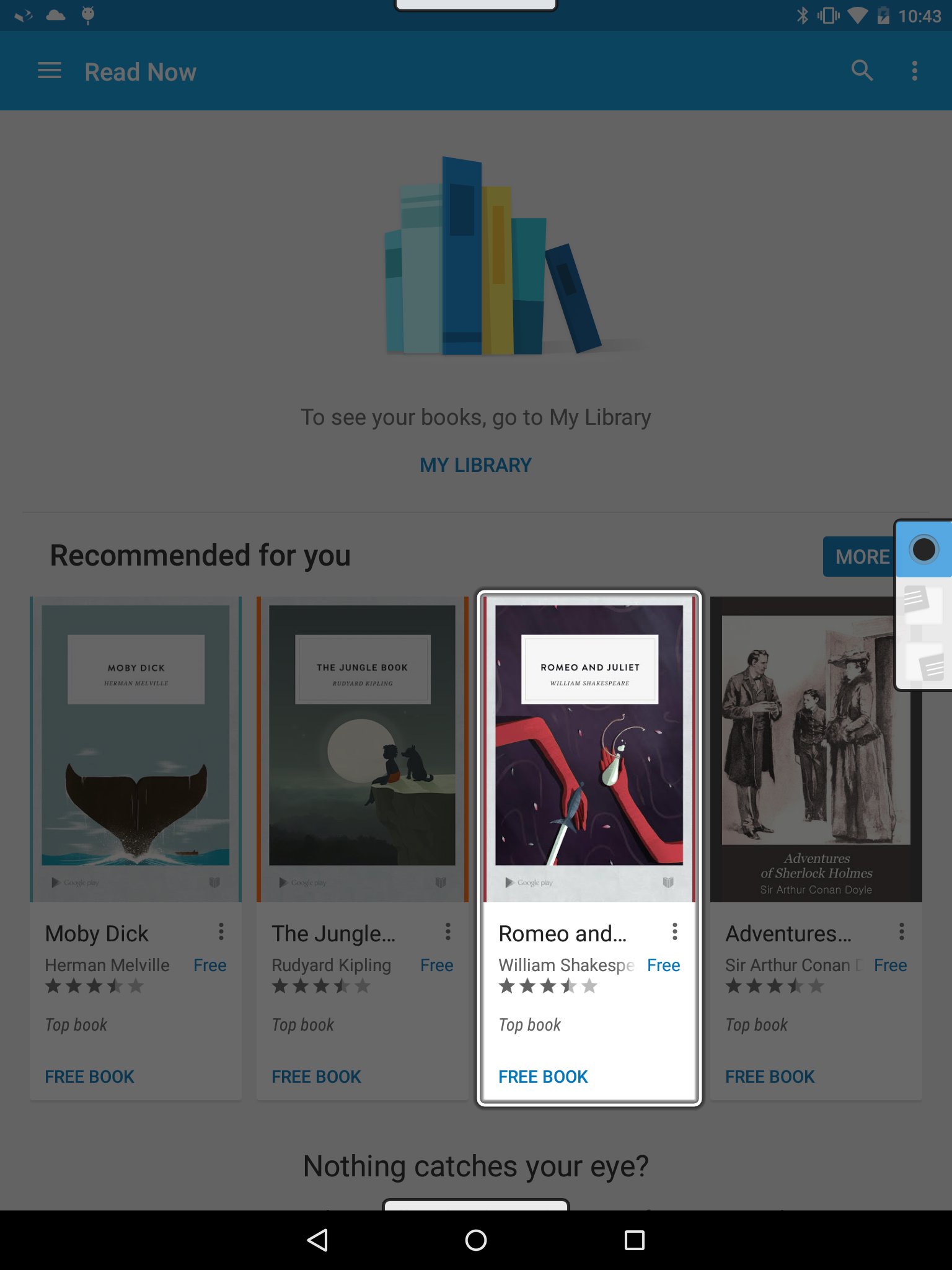
• Read books
• Access environmental controls (e.g., temperature, TV, etc.)
• Make, and even hang up, phone calls at any time
• Enter text and commands with your voice
• And just about everything else you can do with a smart device!
Head over to http://gettecla.com today to get your Tecla switch interface!
WARNING!
Tecla Next is experimental software and may not work on your device. Before installing, please make sure you understand the following:
• Tecla Next works best on Nexus-branded devices. You may experience significant issues on other devices.
• Updating to a new Android version can render Tecla Next unusable since manufacturers do not usually test their upgrades for accessibility.
• Android M (6.0) accessibility is broken and is likely to prevent Tecla Next from working properly on your device.
FEATURES
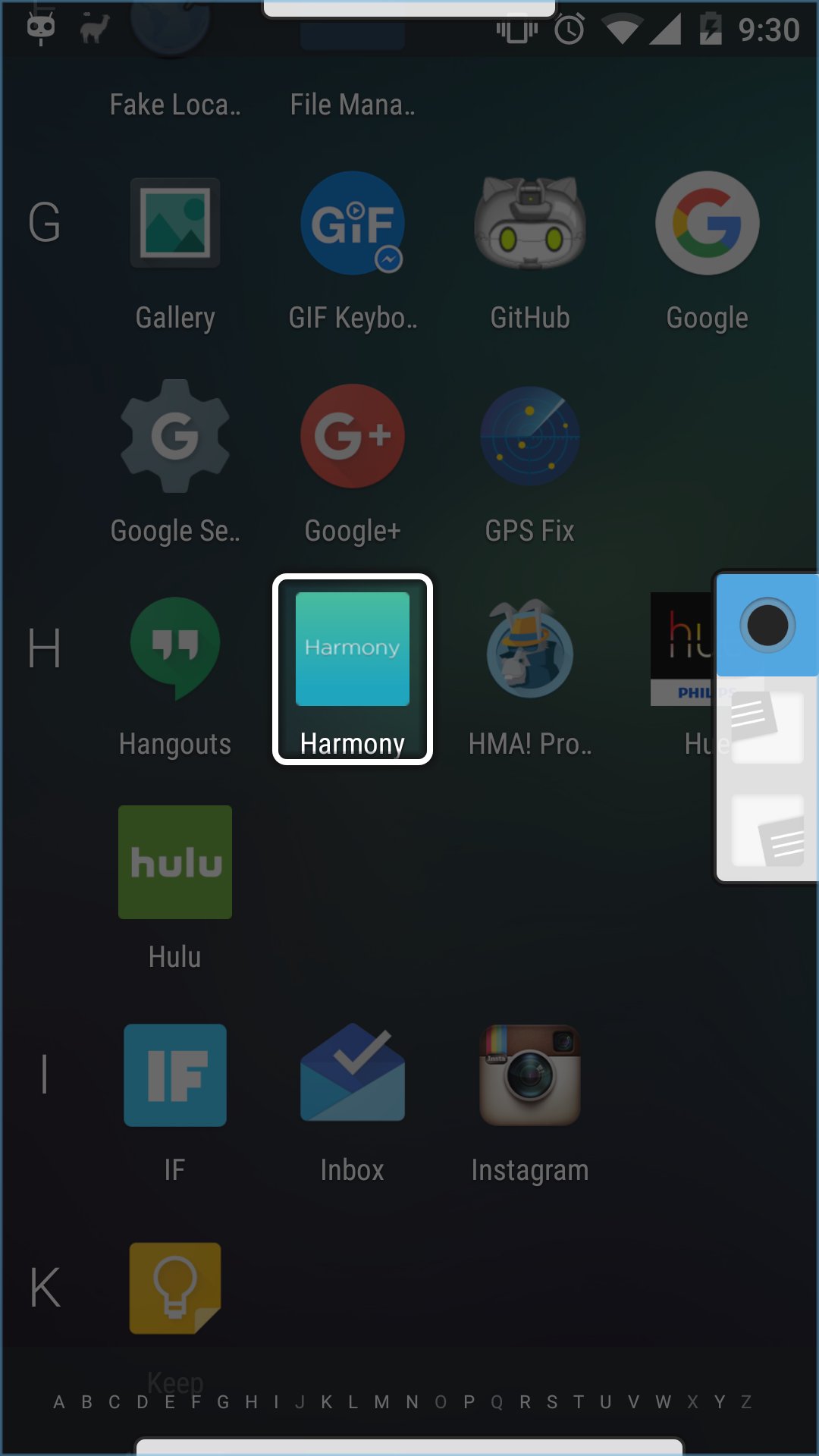
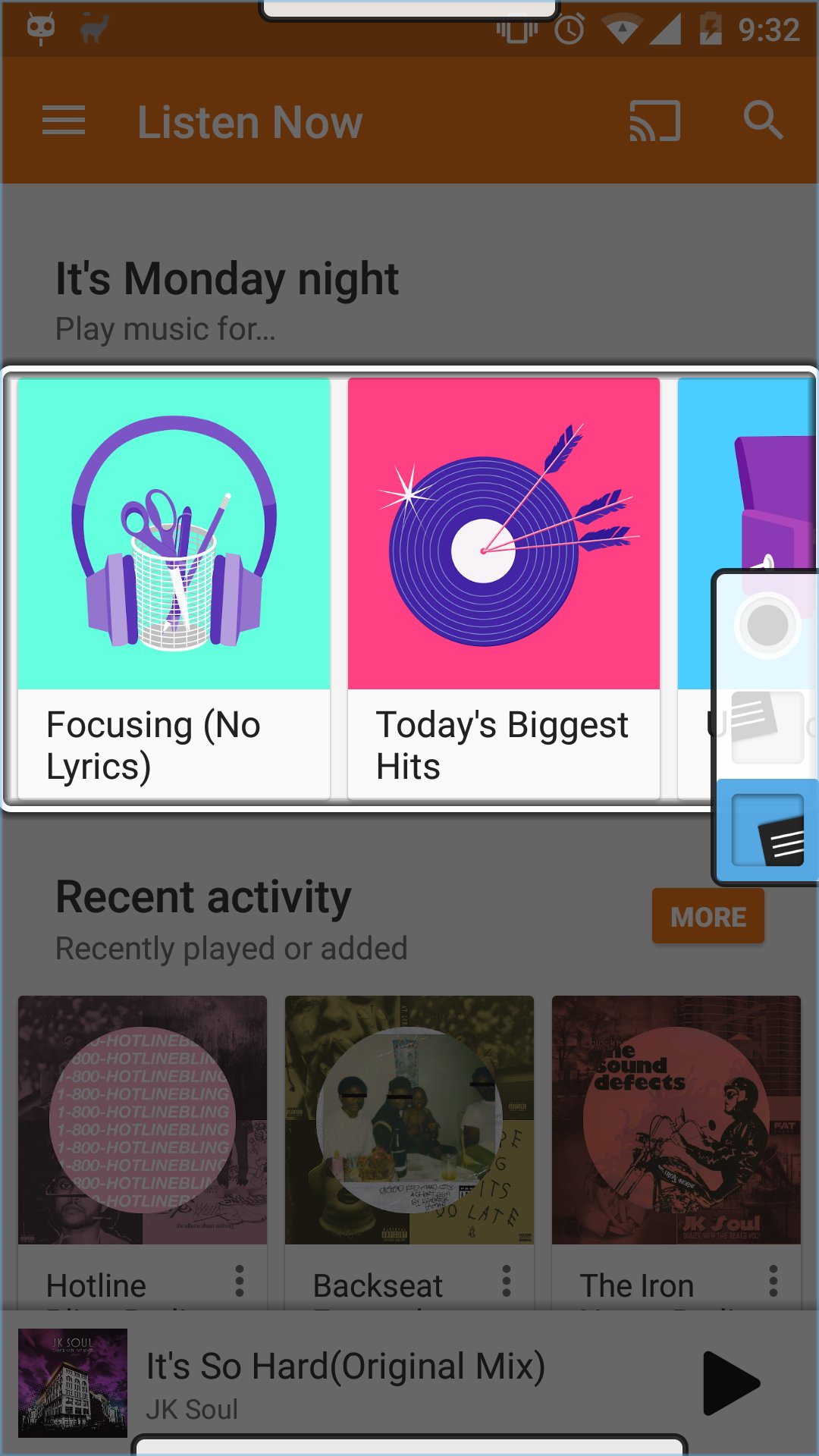
• Access your Android device with a single switch
• Configure more switches for faster scanning access
• Adjust auto-scan speed
• Access keyboard word prediction
• Monitor Tecla battery charge
PRO FEATURES
• Use any switch interface
• Call/text a contact with a single switch press (Coming soon)
and more! Pro features are always free when using a Tecla switch interface in Android mode!
Tecla gives access to Android for individuals with spinal cord injuries (quadriplegia), multiple sclerosis (MS), ALS, muscular dystrophy, cerebral palsy, brain injury, stroke and anyone else who, due to disease or disability, finds it difficult to use a touch-screen.
Use Tecla Next with the Tecla switch interface for the best switch access experience. Don't have a Tecla yet? don't worry!, just activate "Full switch access" in the app settings, and use Tecla Next with any switch interface!
Latest Version
0.8.2Uploaded by
Sebastian Marquez Garcia
Requires Android
Android 4.1+
Category
Free Tools AppContent Rating
Everyone
Report
Flag as inappropriateLast updated on Feb 17, 2016
* Fixes pro preference style
* Restored pro check
* Added support for keyboard events from Tecla Shield
* Updated scanning sound effect






APKPure - A multi-platform app store primarily focused on Android, providing extensive app-related content. Discover the app you want easier, faster, and safer, with quick and efficient downloads and installations.