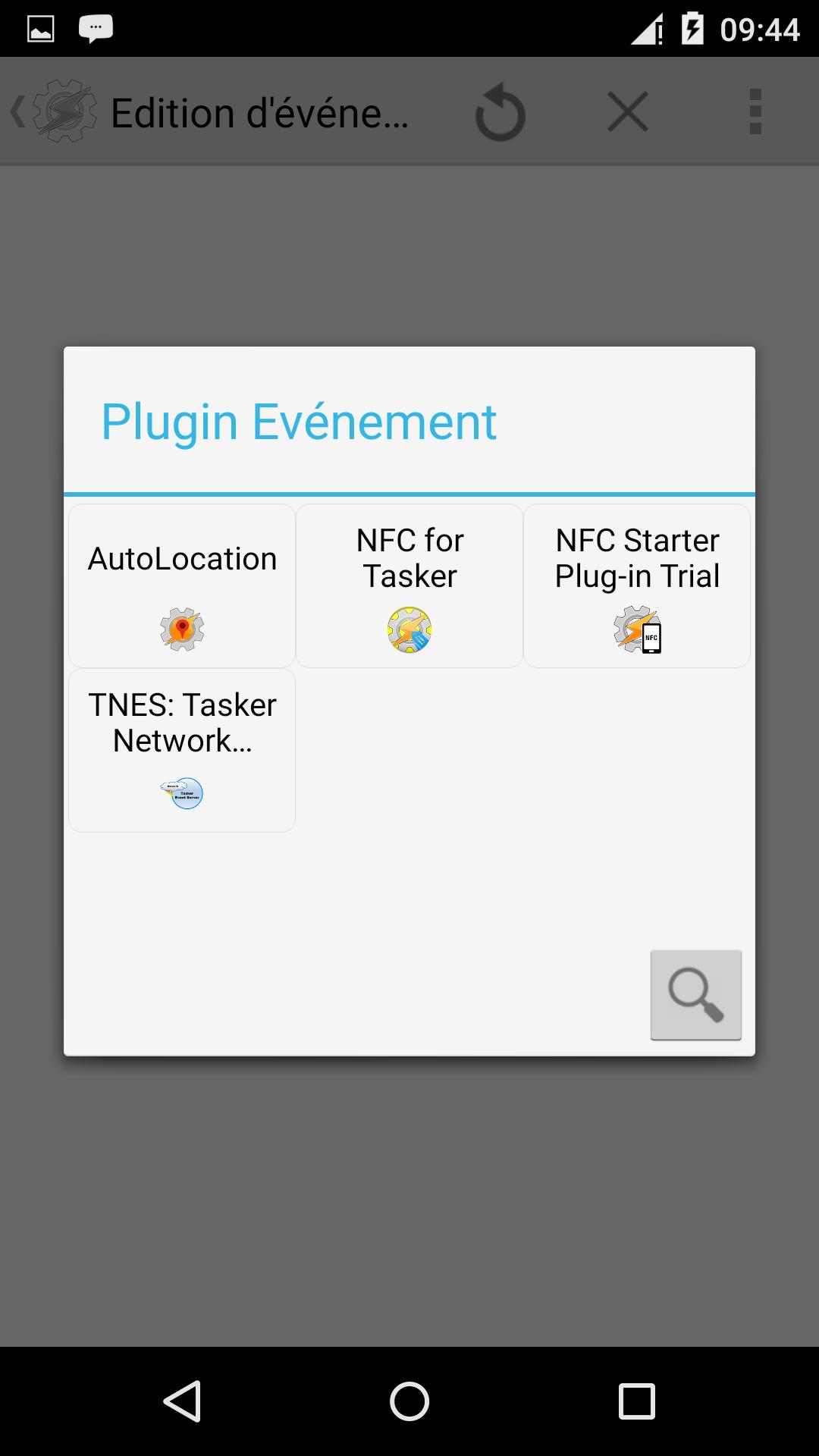
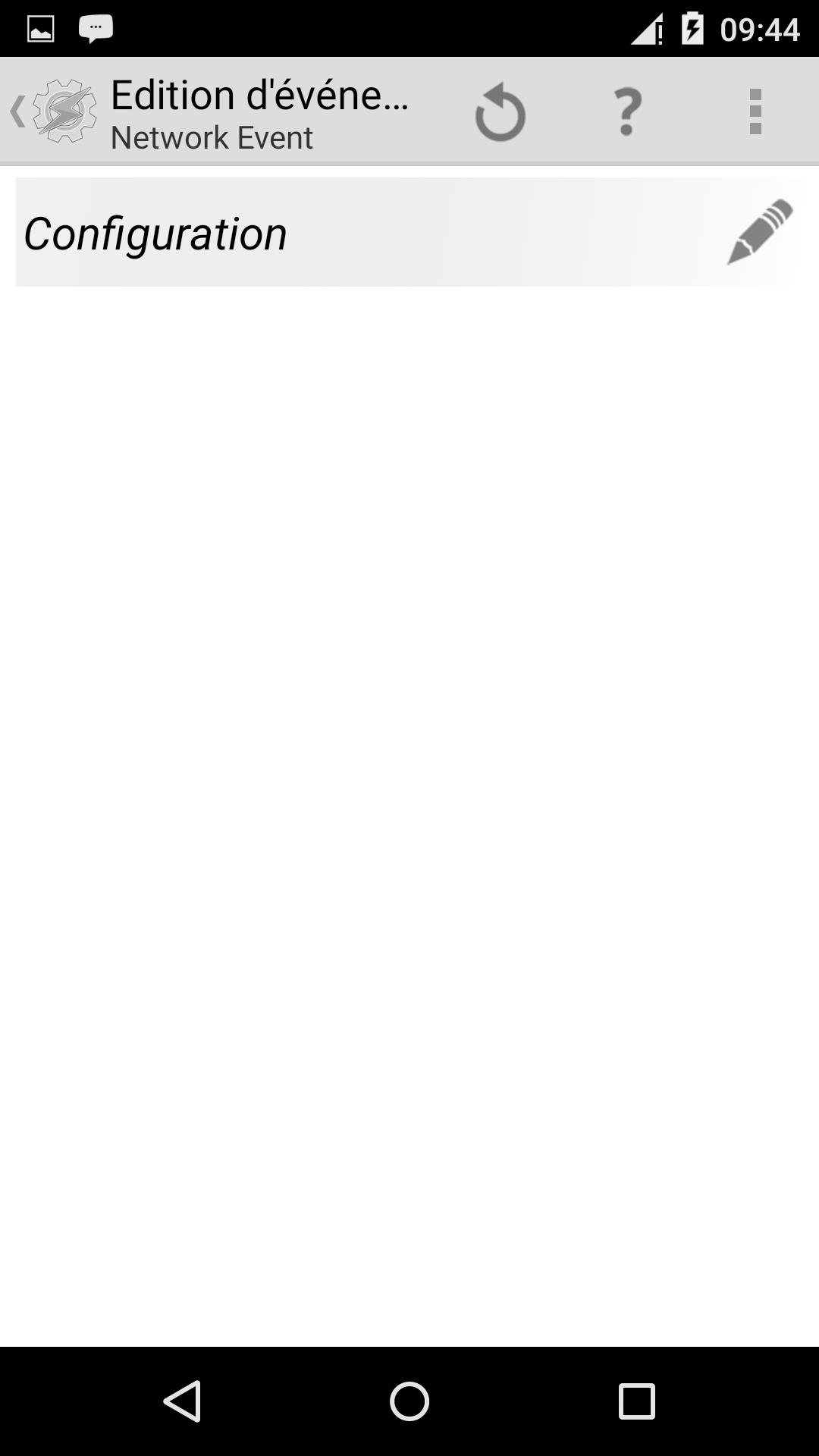
TNES is a plugin that enables Tasker to trigger events when receiving messages over network. There are two ways to send messages to the plugin :
1) Sending an HTTP GET or POST to it : There is an HTTP server that can handle GET and POST requests on ressource "/" on port 8765. Variables of the POST can be filtered and transmited to Tasker as explains below.
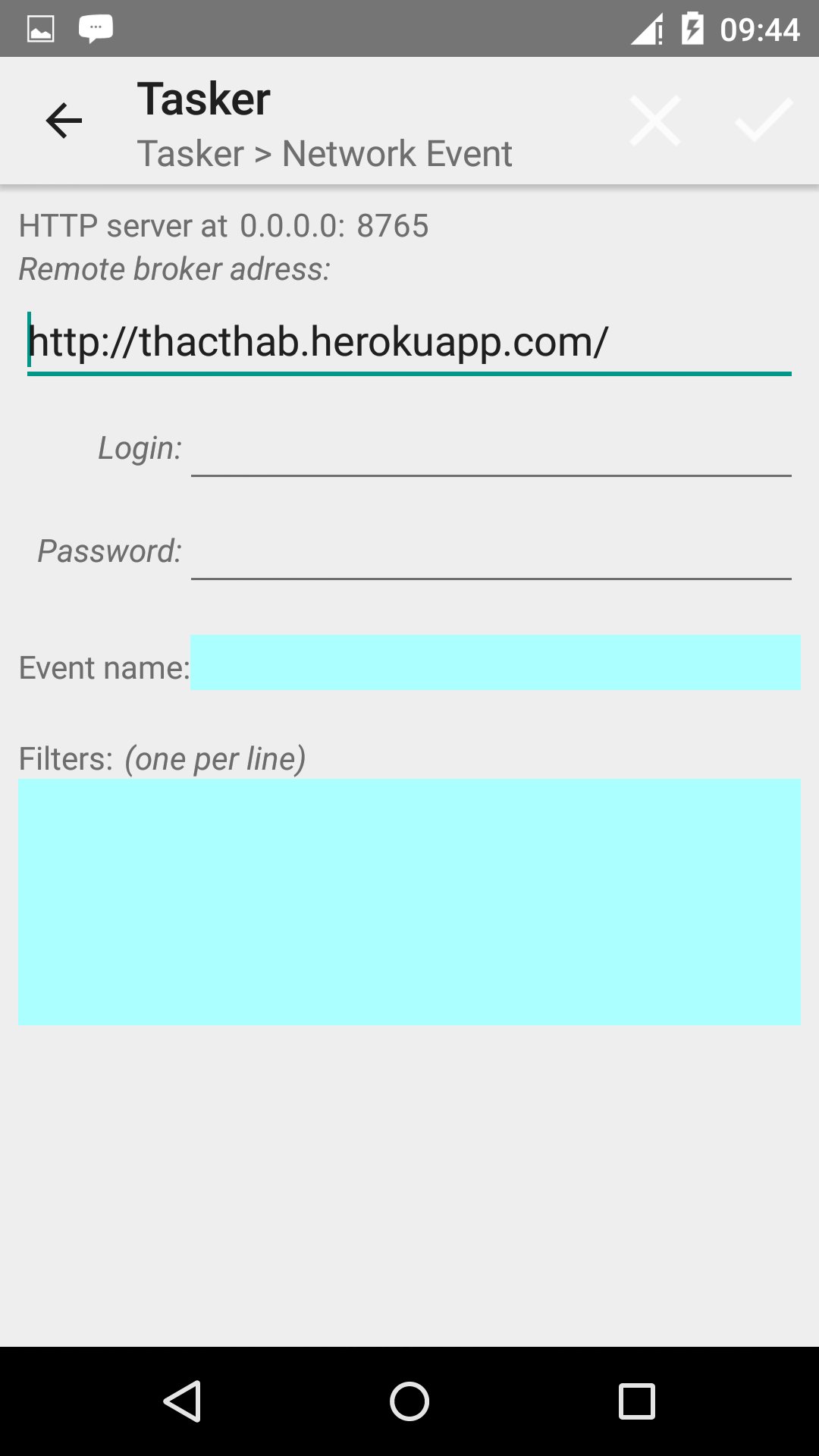
2) Over then remote server http://thacthab.herokuapp.com : Go to this adress and register a free account. Then configure the plugin with both the login and the password you used for that account. You can send message via the website or by sending a GET or POST request to http://thacthab.herokuapp.com/broadcast . The GET or POST request MUST contains following variables :
- login : the login you used for the account
- pass : the password you used for your acount
- title : a title, actually just some text describing the message
- message : a message, can be simple text or a serialized JSON.
In this case, the plugin will consider following variables :
- senderName : its value will be equal to the login used to send the request.
- title : the title of the message
- message : the message.
- if message can be parsed as a JSON, then every attribute of it will be processed as variables.
The plugin will trigger the event if the variables contains in the message are not filtered. If at least one filter is evaluated as false, then the event is not triggered. Filters can be expressed when configuring an instance like this (one filter per line) :
variable
variable == value
variable != value
The filter "variable" means that variable should be present in the message, whatever its value.
The filter "variable == value" means that variable should be present in the message and that its value must be equal to "value".
The filter "variable == value" means that variable should be present in the message and that its value must be different from "value".
Every variable transmited via the network call will be translated into Tasker variable if the event is fired. The variable are named like this: %tpe_VARNAME, where VARNAME is the name of the variable in the network call, VARNAME is ALWAYS lower case so that the variable is local to the rule from the Tasker point of view.
Latest Version
1.0.22Uploaded by
Carol Morato
Requires Android
Android 4.2+
Category
Free Productivity AppContent Rating
Everyone
Report
Flag as inappropriateLast updated on Jun 12, 2016
Correct the problem with the HTTP server shuting down after a while. Service is now in foreground.




APKPure - A multi-platform app store primarily focused on Android, providing extensive app-related content. Discover the app you want easier, faster, and safer, with quick and efficient downloads and installations.














