Package Name:com.androidvip.sysctlgui
SHA-256:ce482d0db48c99b2e01470023304fe7b4f0ea49024597c9f47f42a37fd223471
Show More

This app requires root access, if you don't know what it means, please do not install it
Sysctl GUI is an open source application, its main purpose is to provide a graphical way to edit kernel parameters. These parameters are those listed under a special system folder and they are edited using the
sysctl command.
Features
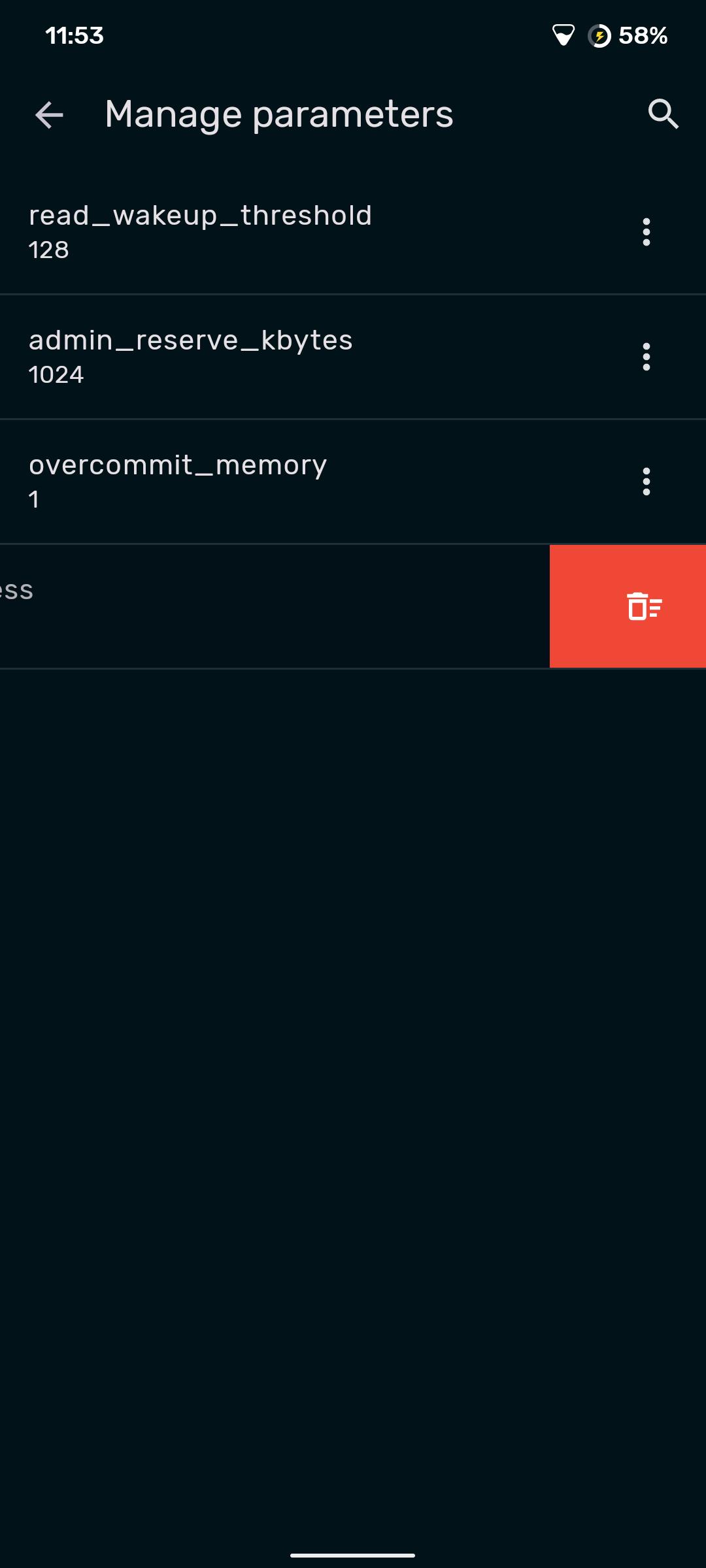
- Parameter Management: Easily browse the filesystem or search a comprehensive list to find kernel parameters, with in-app documentation to help you understand their impact.
- Persistent Tweaks: Automatically reapply your chosen settings on every boot.
- Configuration Profiles: Save and load sets of parameters from configuration files, making it simple to switch between different performance profiles or share your setup.
- Favorites System: Mark frequently used parameters for quick and easy access.
- Tasker Integration: Automate the application of kernel parameters in response to specific events using Tasker. SysctlGUI provides a Tasker plugin, allowing you to trigger parameter application based on a wide range of conditions/states.
Source code: https://github.com/Lennoard/SysctlGUI
Latest Version
3.1.0Uploaded by
Gary Gangang
Requires Android
Android 7.0+
Category
Free Tools AppContent Rating
Everyone
Security Report
Check Now
Report
Flag as inappropriateLast updated on Feb 18, 2026
- Improved layout and usability in landscape mode.
- The app now checks for compatible file types when importing settings.
- The app now uses dynamic colors by default.
- Added a new option to revert changes.
- Added a screen to ask for consent before editing kernel parameters.
- Updated UI with Material You components.




APKPure - A multi-platform app store primarily focused on Android, providing extensive app-related content. Discover the app you want easier, faster, and safer, with quick and efficient downloads and installations.



![[ROOT] HEBF Battery Saver APK](https://image.winudf.com/v2/image1/Y29tLmFuZHJvaWR2aXAuaGViZl9pY29uXzE1NjcwNzQ0ODJfMDE0/icon.png?w=102&fakeurl=1)