Scan Date:Feb 23, 2026
Show More
ManageEngine SysAdmin Tools is a free remote desktop management app that includes six simple tools that every IT admin needs. As an IT admin, you have a lot of desktop management activities to handle, and although you'd like to, you can't always resolve every issue instantly. This is where SysAdmin Tools comes in handy, helping IT admins like yourself manage computers even while they're away from their desks.
Getting started with SysAdmin Tools :
Step 1: Download and install the app.
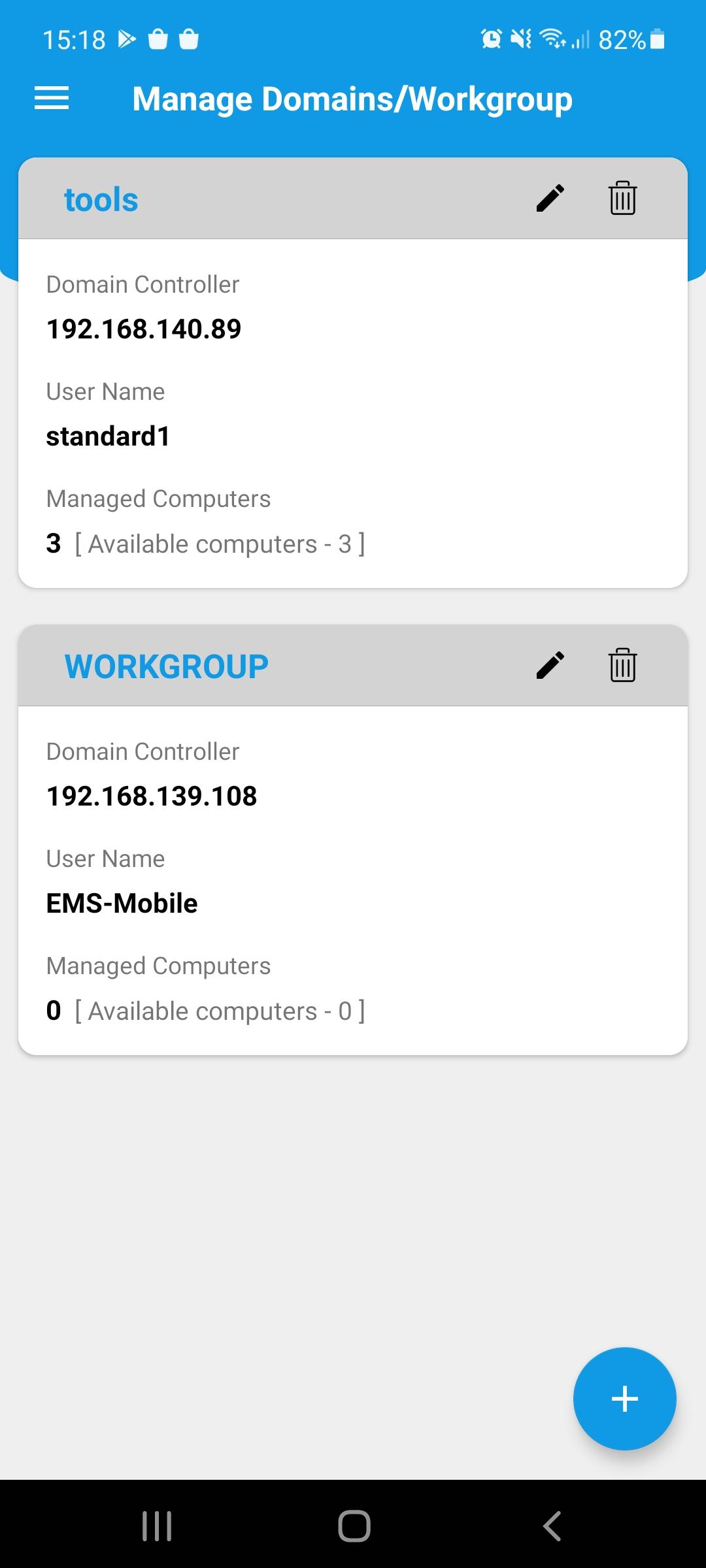
Step 2: Sync your Active Directory (or) workgroup details.
Step 3: Under the list of computers in each domain/workgroup, select the computers that you'd like to manage.
Key features:
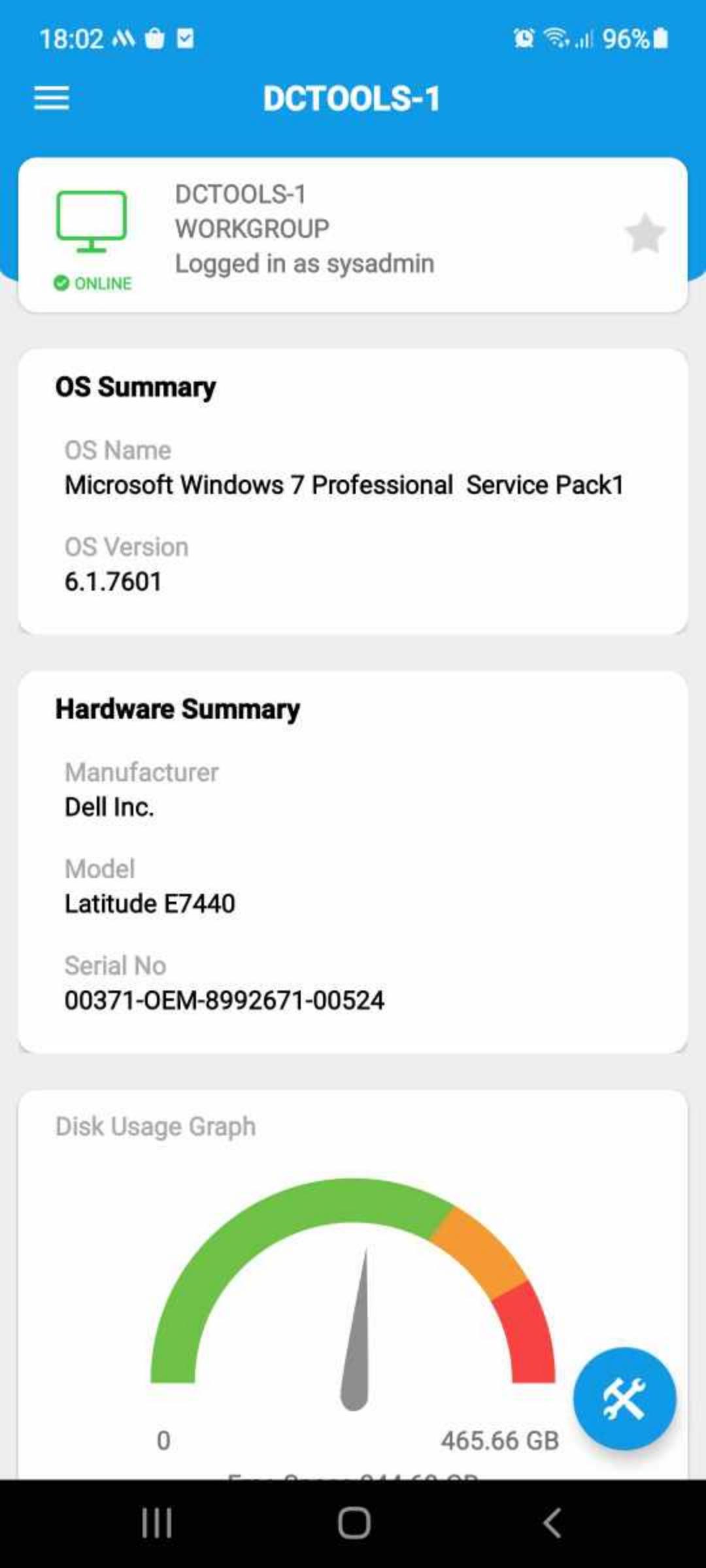
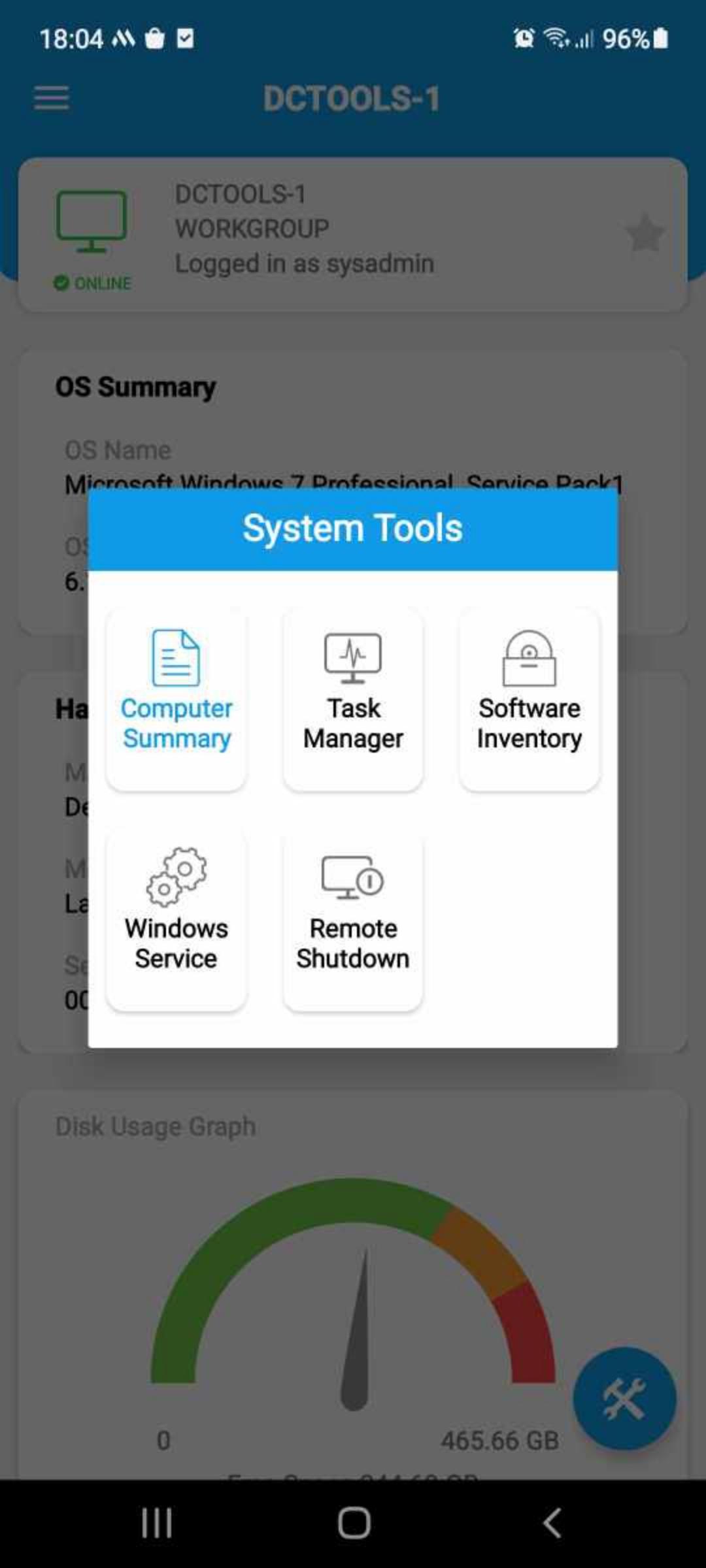
• Pull up information about managed computers like system name, date, serial number, username, manufacturer, operating system, RAM, model, and more, from your mobile device.
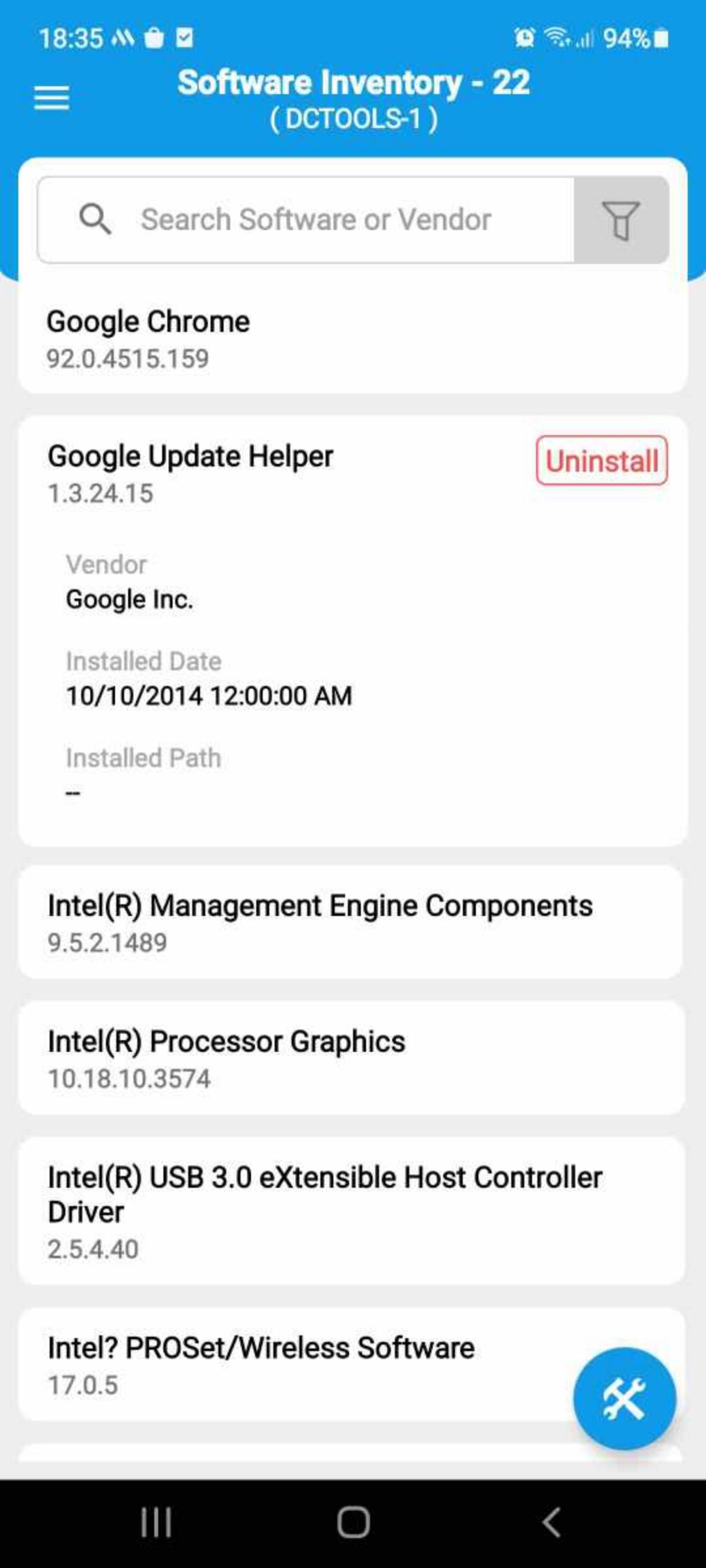
• Manage software in your network with in-depth details like software name, version, manufacturer and installation date. You can also uninstall software remotely.
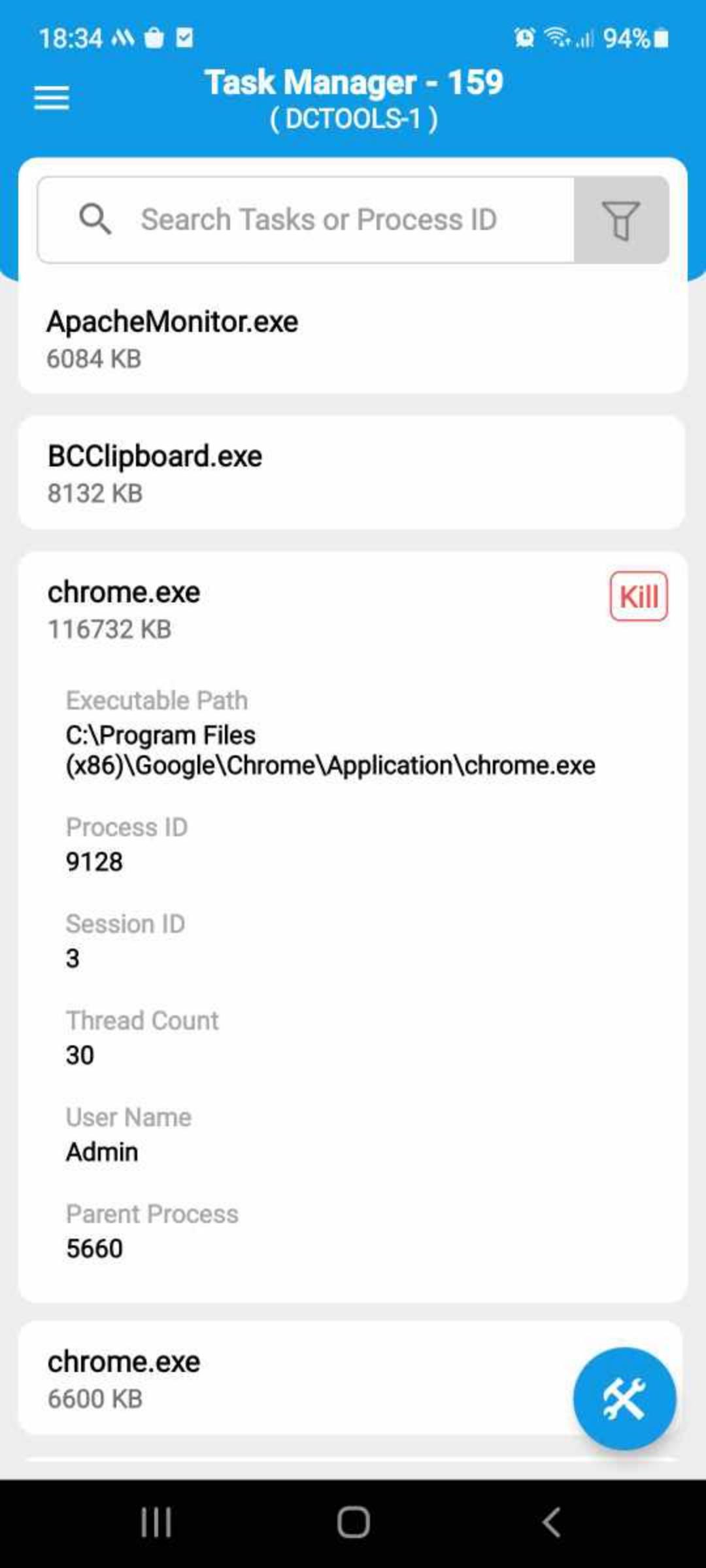
• See which tasks are running on any given computer in your network and stop tasks instantly.
• Remotely wake any system on the network using your mobile device.
• Remotely shutdown, restart, standby, and hibernate your computers
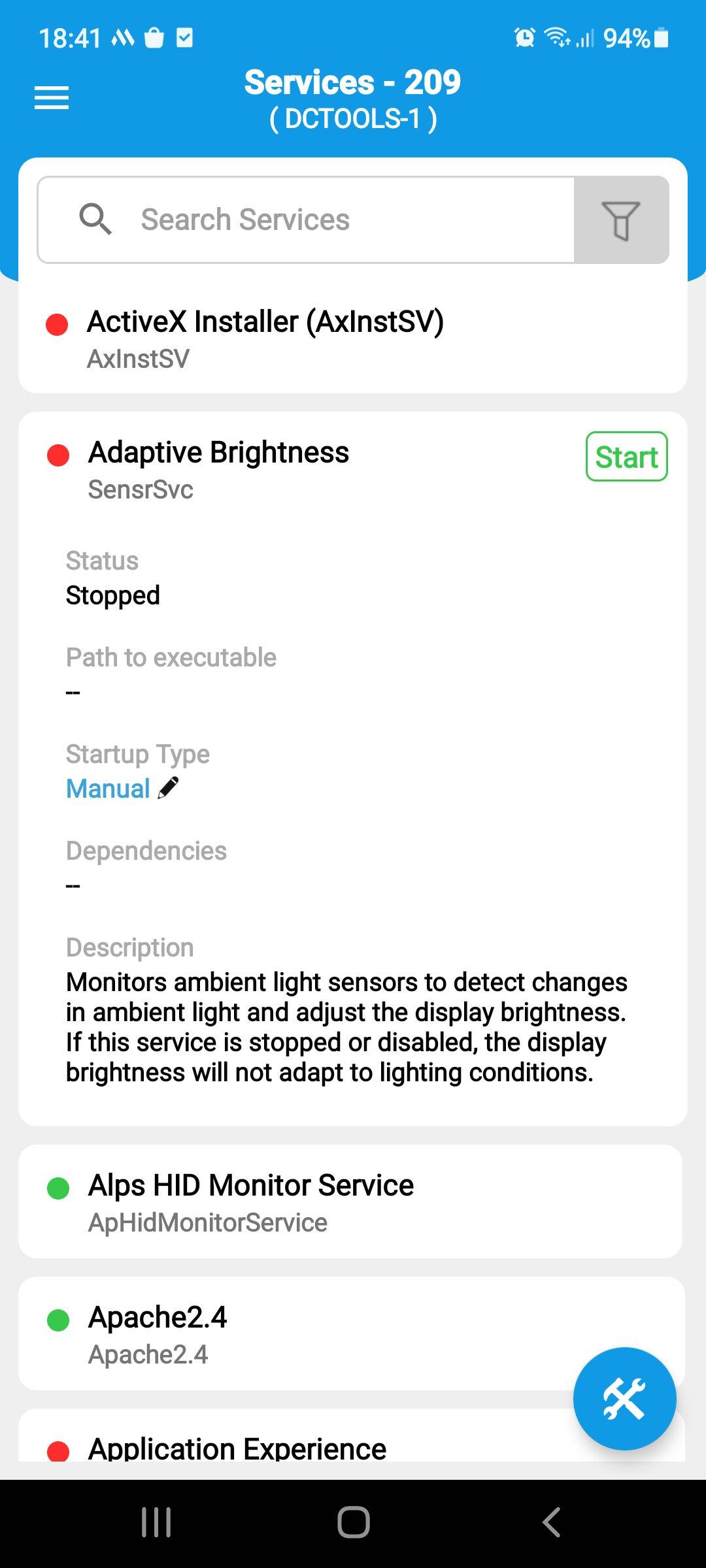
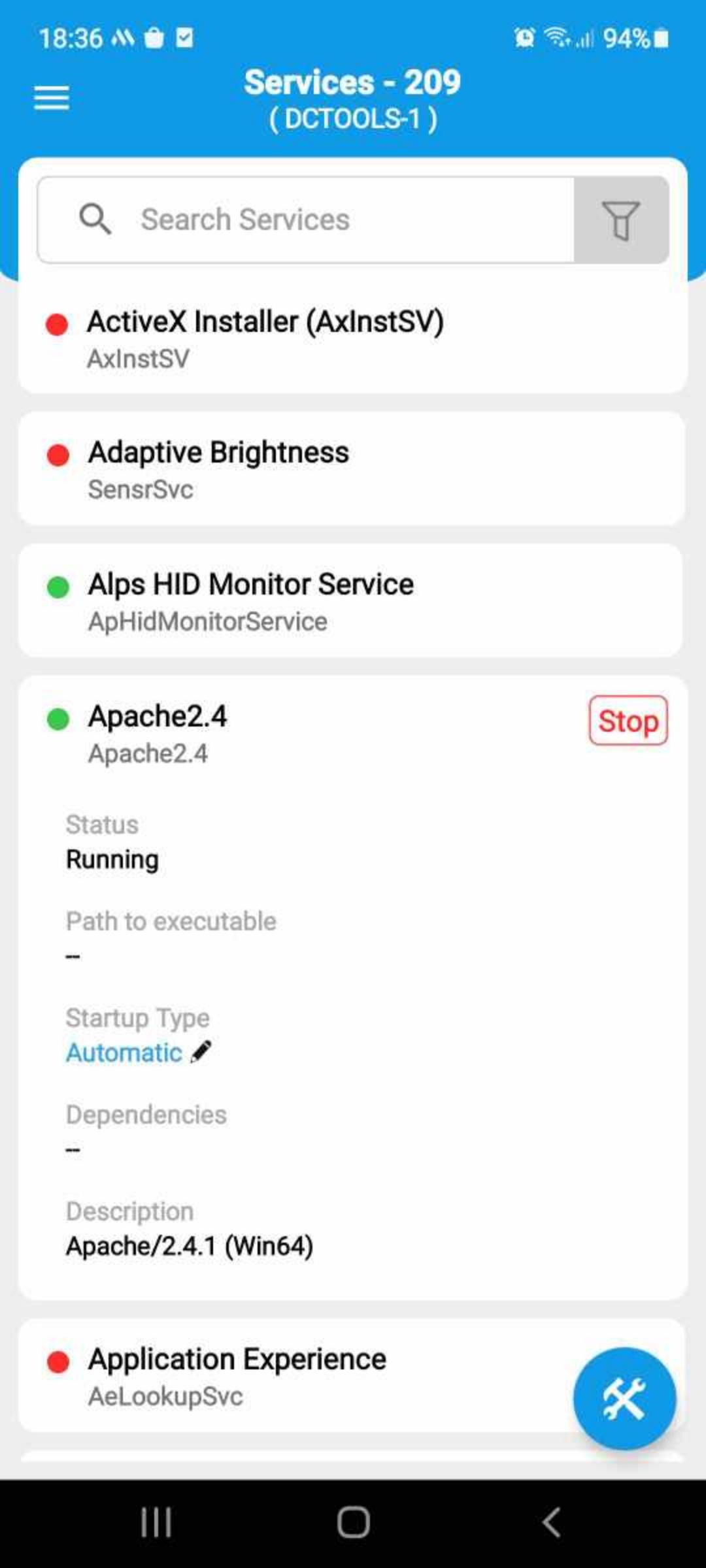
• Effectively manage all windows services in your remote machines.
Use cases:
This free admin tool can help you:
• Identify prohibited software in your network and uninstall it instantly.
• Detect and end remote tasks that reduce system efficiency.
• Shutdown and restart remote computers when there is a demand.
• Terminate windows service and tasks in remote machines instantly.
What's unique?
With ManageEngine SysAdmin Tools, you don't have to manually configure any setup on remote computers. Once you've selected computers under a domain/workgroup, System Tools automatically pushes a small package to that selected remote computer within the next two seconds. And there you go, that computer is officially under your control, no matter where you are. This app makes remote desktop management look easy.
Support:
This admin tool helps in managing your remote Windows computers.
Contact us at mobileapp-emssupport@manageengine.com
Latest Version
26.02.02Uploaded by
Orisbel Porres
Requires Android
Android 8.0+
Category
Free Productivity AppContent Rating
Everyone
Security Report
Report
Flag as inappropriateLast updated on Feb 23, 2026
-Squashed few bugs and improved overall performance.



APKPure - A multi-platform app store primarily focused on Android, providing extensive app-related content. Discover the app you want easier, faster, and safer, with quick and efficient downloads and installations.