Scan Date:Apr 26, 2026
Show More

This is the official companion app for your Swivl Robot and mobile version of our video coaching platform.
Getting Started
1. Open this app and connect to your Swivl Robot.
2. Login to your Reflectivity account.
3. Connect all the Markers you have to capture or stream multiple audio channels.
Recording
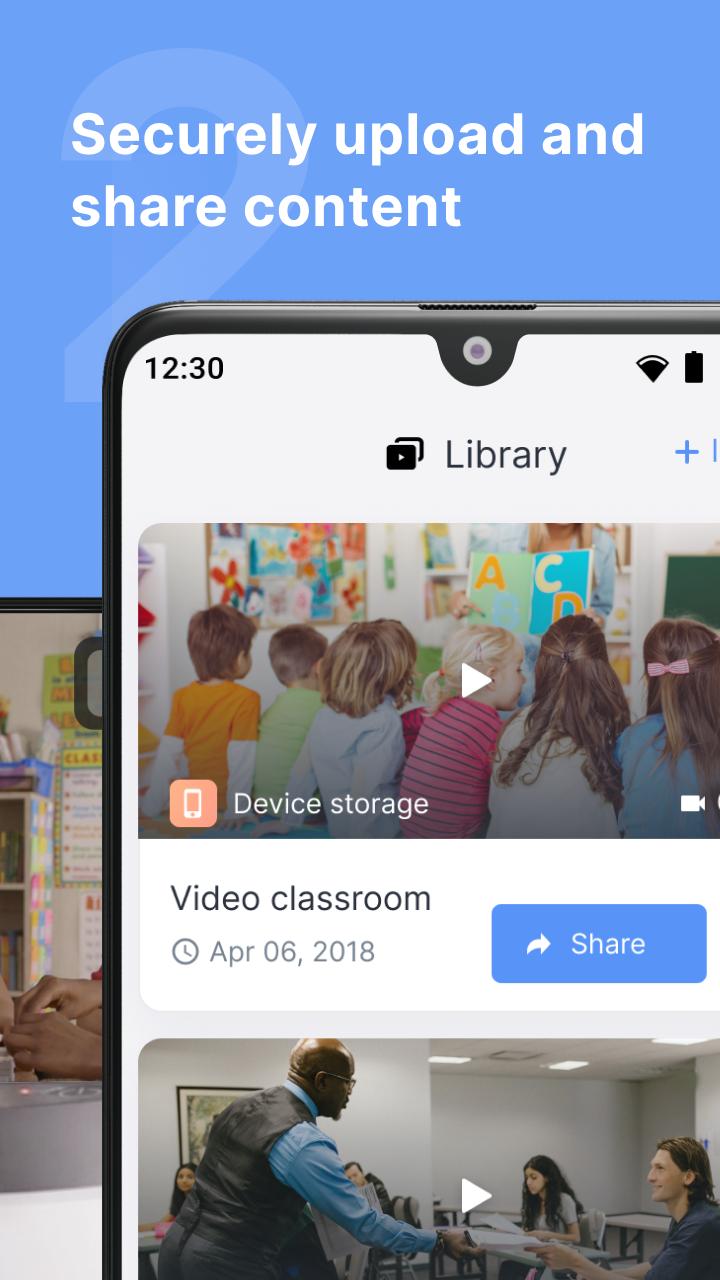
Record, upload, and share videos with other Swivl Capture users for collaboration.
Streaming
Launch your favorite live streaming app, like Zoom, to stream content to remote students.
Compatibility
-Works alone or with your C Series and CX Robots.
-Connects up to 5 Markers (microphones) for independent audio channels.
Links:
Swivl Capture+: https://play.google.com/store/apps/details?id=com.swivl.plus
Swivl Screencast+: https://www.swivl.com/downloads/
Reflectivity Web: http://cloud.swivl.com/
Help: http://swivl.com/setup
Latest Version
10.10.0Uploaded by
Mohammad Saka
Requires Android
Android 9.0+
Category
Free Education AppContent Rating
Everyone
Security Report
Report
Flag as inappropriateLast updated on Apr 26, 2026
Swivl Capture now connects your Robot to the M2 app! Pair your robot in a Live Streaming session, launch M2, and get real-time coaching tips and post-session feedback while you teach.




APKPure - A multi-platform app store primarily focused on Android, providing extensive app-related content. Discover the app you want easier, faster, and safer, with quick and efficient downloads and installations.