
SwiftLinks allows you to use chrome custom tabs on your phone without requiring app developers to implement it manually.
By doing so, you get a lighter, faster and secure browsing experience!
Featured in:
'SwiftLinks' gives every app its own custom internal browser. - Phandriod.com
SwiftLinks Opens All Of Your Links In A Chrome Custom Tab - AndroidPolice.com
What do I need to use this?
You need any custom tab compatible browsers. As of now only Google Chrome 45 and greater supports custom tab, hence you need to have it installed to make any use of this app. You can install it here : https://play.google.com/store/apps/details?id=com.android.chrome
Hows is using chrome custom tabs advantageous?
Using chrome custom tabs you have the following advantages
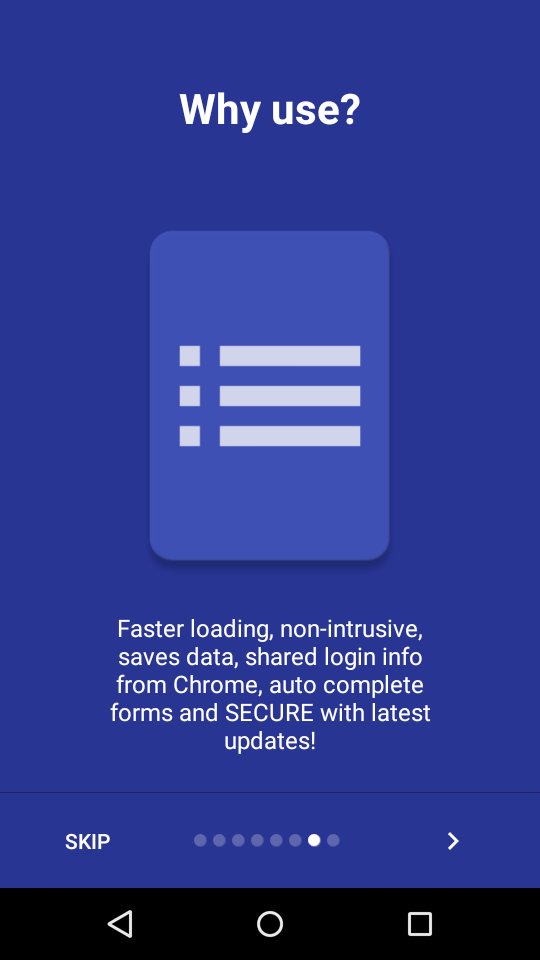
• Minimal distractions from the app you are using.
• Pages load faster relatively.
• You don't need to login to websites again.
• Your forms are auto filled if you have auto fill enabled.
• You can use chrome's data saver feature.
• Your browsing experience is secure with latest security updates! Other browser apps using in-built webview can be prone to security and performance issues. If you are below 5.0 definitely consider SwiftLinks!
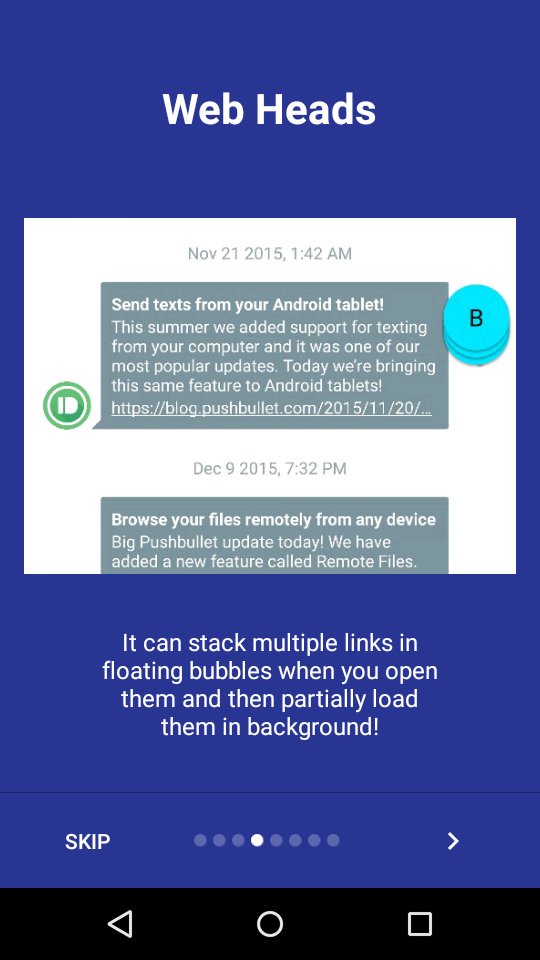
• Ability to stack multiple links and then open them later using floating bubbles.
Compared to normal chrome?
With SwiftLinks, you are essentially loading a light weight version of chrome that is fast and designed for the sole purpose of displaying webpages quickly. You can always Menu - Open in chrome to open the page in chrome and enjoy all features like bookmarks, history and multi-tab browsing!
Is it secure?
SwiftLinks uses Chrome's latest rendering engine which is always updated through Google play. Hence you are always latest on updates hence browsing using SwiftLinks is much more secure than normal Webview found on android versions below 5.0.
How to use?
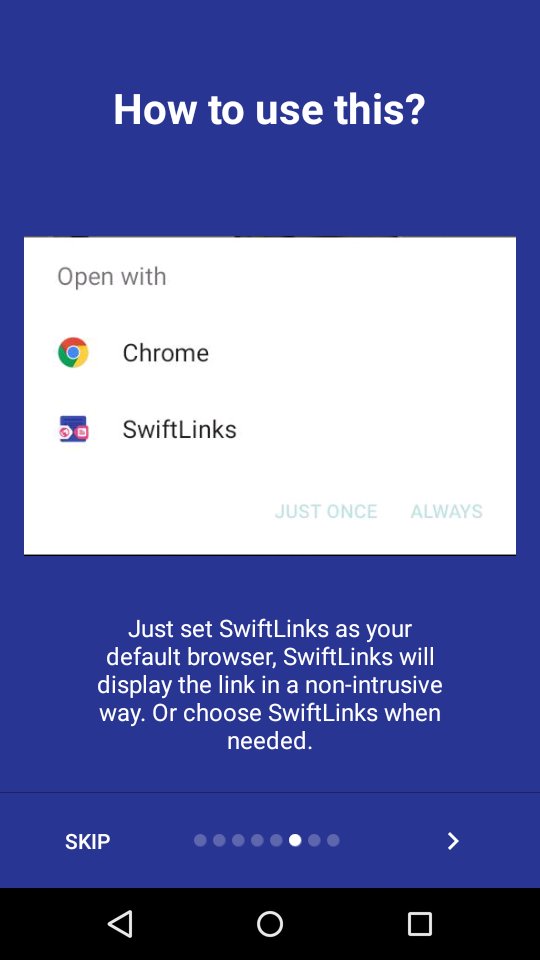
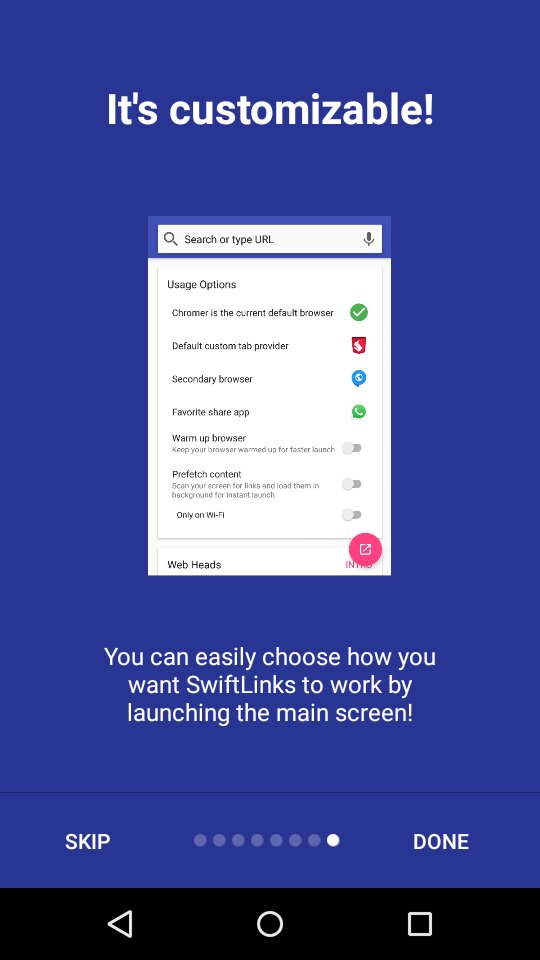
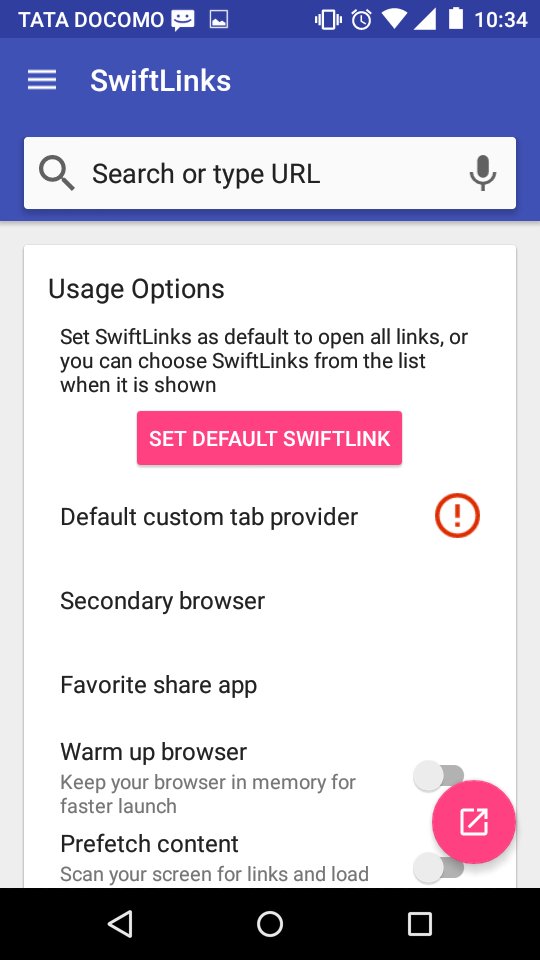
Set SwiftLinks as the default browser in your phone. From there on, any link you try to open in your phone will be presented in a custom tab. You can also not do this and choose to open link in SwiftLinks when prompted
Latest Version
1.5.1Requires Android
4.1 and up
Category
Free Productivity AppContent Rating
Everyone
Report
Flag as inappropriateLast updated on Feb 16, 2016
Minor bug fixes and improvements. Install or update to the newest version to check it out!


APKPure - A multi-platform app store primarily focused on Android, providing extensive app-related content. Discover the app you want easier, faster, and safer, with quick and efficient downloads and installations.