Package Name:com.lozsolutiont.svgviewer
SHA-256:65ab92e7ee611dde0d2f4299cd9b39a4e27b1d927cf7de09ab6f81d49d6188d4
Show More

SVG Viewer is very useful tool to visualize SVG file that is stored in your device. Apart from viewing svg file you can also convert svg to png and jpg. Easily to manage your svg file by using the SVG Viewer or SVG Reader app.
As we know that png and jpg image format are very common and every phone by default support it, so it is also very important that a device support svg image also and by using this SVG Viewer you can preview any svg file easily. Through SVG Reader app you can also convert svg into png and jpg image and then view all converted images within the app also.
Key Features of SVG Viewer
• Preview any SVG file as an ordinary image
• Open SVG from file explorers’ applications
• Convert SVG into PNG and JPG
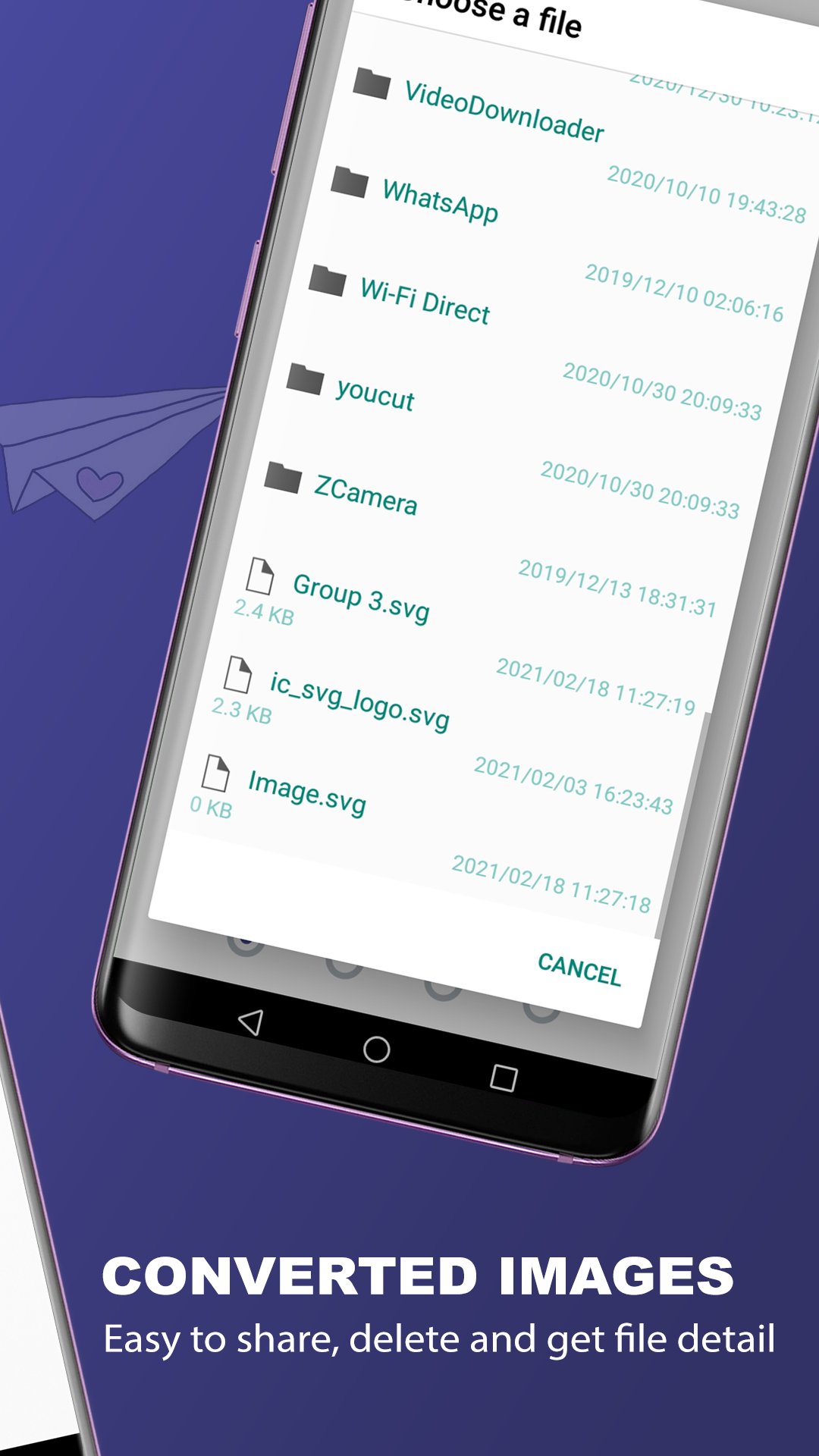
• View, delete and share converted images easily
• Share SVG file easily
How to use SVG Reader or SVG to JPG, PNG Converter
• Pick svg from device storage through file explorer, after picking the file you can view it
• If want to convert svg into png or jpg image then click on the convert button
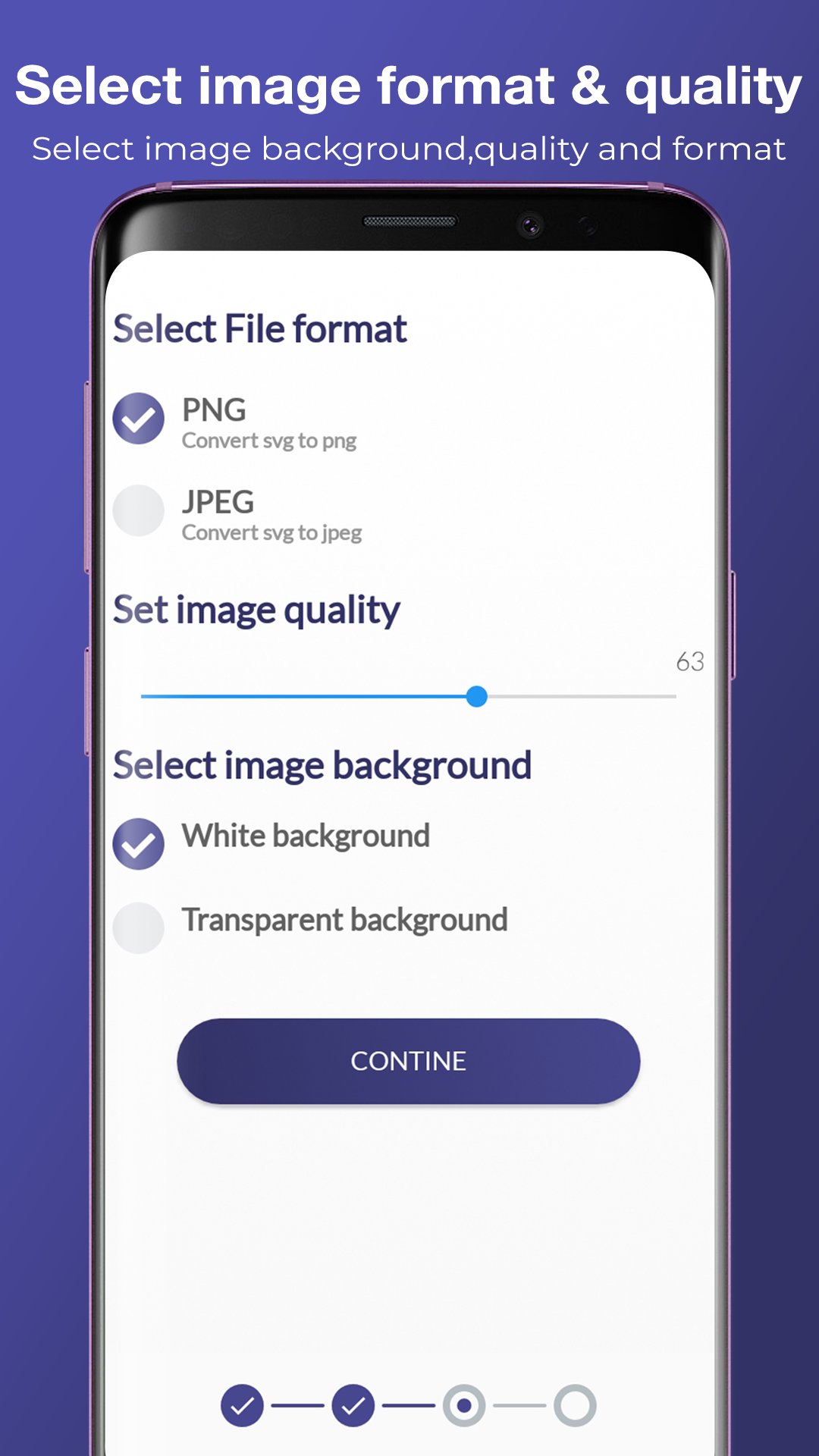
• After that select image format, set image quality and also set image background to white or transparent
• Then click on continue button and the svg file will be successfully converted into selected image format and then after that you can also share it on any social media
• In SVG to PNG, JPG converter you can also view all converted images within the app and can share, delete and get detail of the file also.
Permission Required by SVG to JPG, PNG Converter
1) INTERNET: Internet permission is only used for advertisement purpose only.
2) WRITE_EXTERNAL_STORAGE: This permission is only required to save the converted svg images into device storage
3) READ_EXTERNAL_STORAGE: This permission is required to read or pick svg file from device storage.
Converting svg to jpg, png you can set image quality and can also change image background to full opaque white or to a transparent. You can share the converted file and also view all converted images within the app also.
SVG to PNG converter or JPG converter is very useful for designer and developer to preview how the created svg logo or image is looking like.
For any minor bugs or any suggestion please contact us with our development team and we would love to resolve the issue. If you like the app then please support us by leaving positive feedback.
Latest Version
1.0.7Uploaded by
علاء الدين فارس
Requires Android
Android 6.0+
Category
Free Productivity AppContent Rating
Everyone
Security Report
Check Now
Report
Flag as inappropriateLast updated on Nov 1, 2025
Now support latest version
Minor bugs were fixed







APKPure - A multi-platform app store primarily focused on Android, providing extensive app-related content. Discover the app you want easier, faster, and safer, with quick and efficient downloads and installations.