Package Name:com.lozsolutiont.binfileviewer
SHA-256:1f00d3cdea614cceed24114667639d50dfb3efab30e262b3157e5015cba2ca3e
Show More

Bin File Viewer is a lightweight and fast utility app that makes it easy to view the contents of any file in binary, decimal, octal and hexadecimal formats. It's a great tool for developers or anyone who needs to quickly review the content of a file without opening it in a text editor. Bin File Viewer is ideal for binary file format research too.
Bin viewer is a powerful tool that supports various types of code, including binary, octal, decimal and hexadecimal. Bin file opener allows you to view the content of any file in these formats. It also has three levels of editor mode: dual mode, where you can view the content in all four formats and the original one; code matrix mode which only shows the content in binary, octal etc.; and Text Preview mode which lets you view the document's text format.
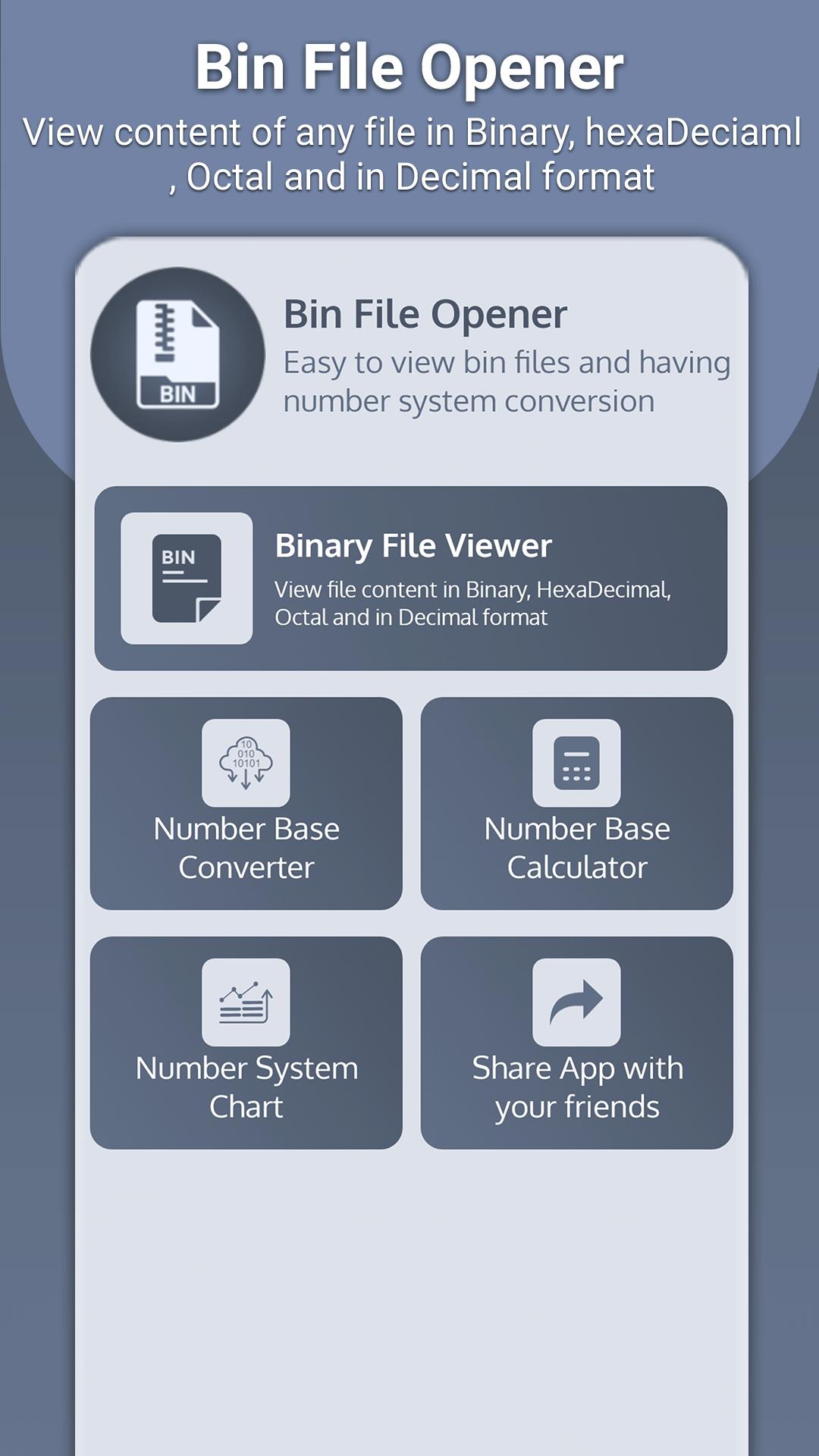
Key Features of Bin File Viewer
1. Bin file opener to seamlessly open binary files with ease
2. Having Binary converter and base converter, to convert between binary, decimal, octal, and hexadecimal values.
3. Having Binary converter chart, a visual aid to simplify your conversions.
4. Base calculator: Perform arithmetic operations on binary, octal, decimal, and hexadecimal values with ease.
5. Simple and beautiful UI
6. Wrap & unwrap row in bin file viewer
7. Editor different mode I.e. Dual, Text Preview and code Matrix
Bin file reader is an easy-to-use tool for developers, engineers, and anyone who needs to work with binary files. It can quickly open and read bin files, making it invaluable for those who require quick access to binary data. If you need to work with binary files, then Bin file reader is the tool for you.
Bin file reader also support binary converter to convert binary to text, binary to decimal and to hexadecimal. Beside bin viewer, there is base calculator that do the basic calculation i.e. addition, subtraction, multiplication and division on binary, octal, decimal and hexadecimal. Through bin file opener, it’s very easy to do calculation on base number system
Our base converter simplifies the conversion of binary to decimal and other number systems. Just input your binary number, hit "convert," and watch the decimal equivalent appear on your screen. But Bin viewer doesn't stop there – you can also perform various calculations on numbers in different bases.
If our bin file reader app was useful to you, please show your appreciation by leaving a positive review. We really appreciate the feedback.
Latest Version
1.0.3Uploaded by
Ronique Morris
Requires Android
Android 7.0+
Category
Free Tools AppContent Rating
Everyone
Security Report
Check Now
Report
Flag as inappropriateLast updated on Aug 23, 2025
Support la test version
Minor bugs were fixed




APKPure - A multi-platform app store primarily focused on Android, providing extensive app-related content. Discover the app you want easier, faster, and safer, with quick and efficient downloads and installations.