
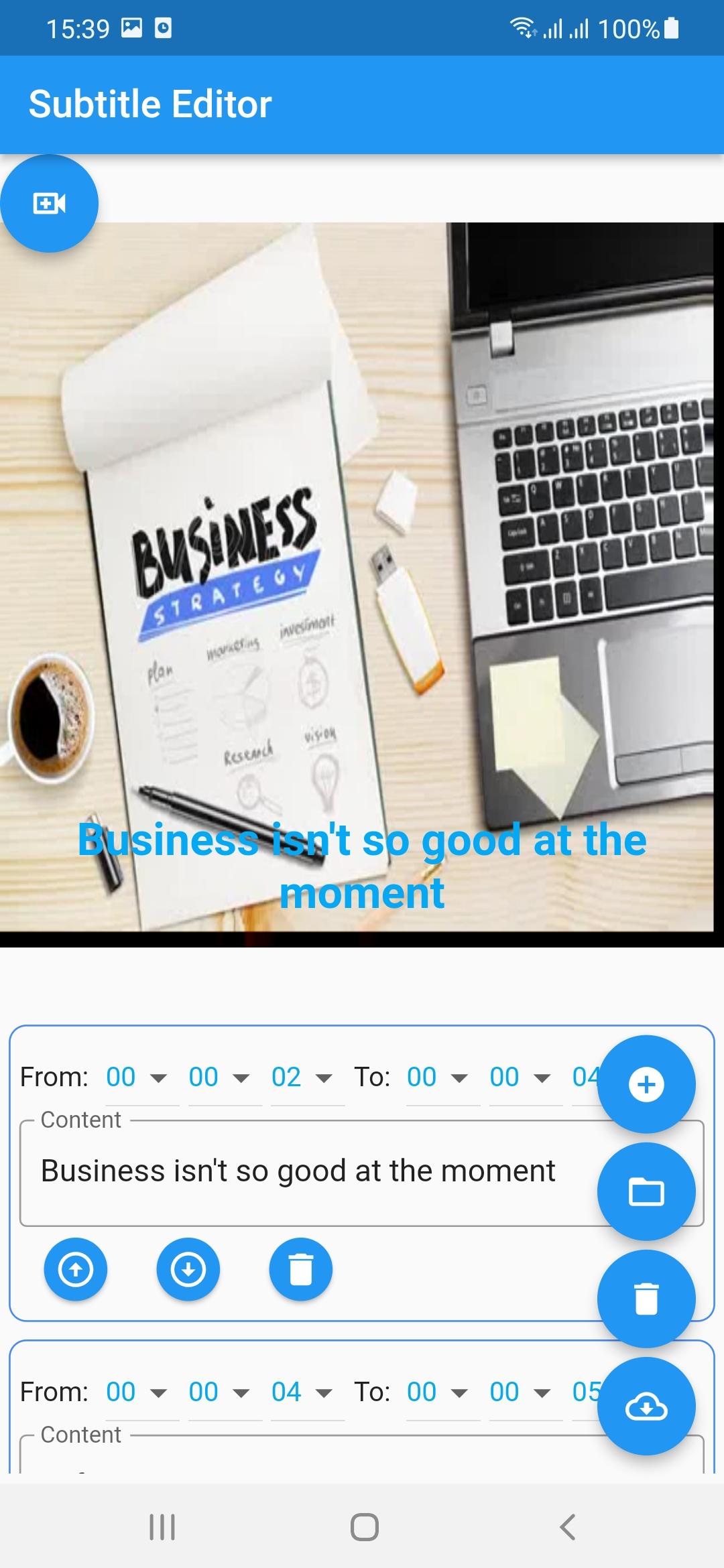
Subtitle Editor is a simple and easy to use that can upload your SRT file, edit your subtitles, preview subtitles in real-time and download as SRT. Editor's subtitles will sync and automatically move according to the video's subtitles while the video is playing.
Features
- Select video file to preview subtitles in real-time
- Add and Edit your subtitle
How To Use this tool?
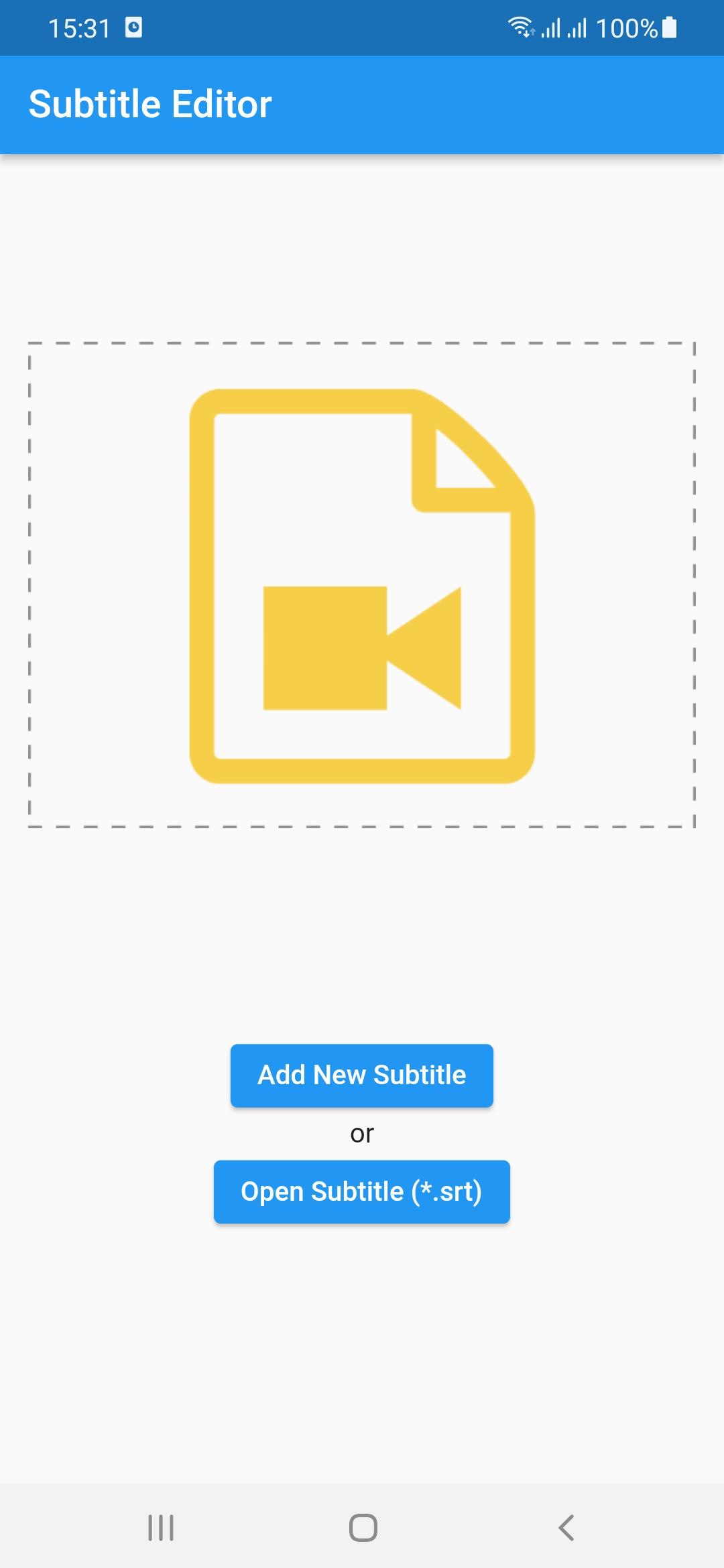
1. Add Video: select video "*.mp4" file.
2. Add subtitles: Upload your own subtitles file by clicking button. You can also manually write your own by clicking button.
3. Edit: Make edits to the subtitles by clicking on the text and typing. Edits will appear on your video (if you have uploaded one) in real time
4. Download: You can download your new subtitle file by clicking. Successful
Latest Version
1.0.0Uploaded by
Sesar Bawole Bawole
Requires Android
Android 5.0+
Category
Free Tools AppContent Rating
Everyone
Report
Flag as inappropriateLast updated on Sep 7, 2024
Subtitle Editor 1.12






APKPure - A multi-platform app store primarily focused on Android, providing extensive app-related content. Discover the app you want easier, faster, and safer, with quick and efficient downloads and installations.