Package Name:com.whatdir.stickers
SHA-256:d89be995be49091547823b20cceeda02341a04f28dd20e27aef721da06b9ea3c
Show More

The stickers for WhatsApp have finally arrived! We bring you the best application with which you can share and create stickers packs with your WhatsApp friends. We offer you assorted stickers packs so you can choose the one you like best. Video games, anime, memes, USA, Christmas, pepe, pets, animals, celebrities, TV series, emojis and much more. About 100 packs of Stickers! Here you will find the funniest stickers in the entire Play Store. What are you waiting for?
You are one step away from downloading one of the best stickers apps for WhatsApp in the market. Creativity and 100% security. You will have at your disposal an app that is constantly evolving and that will offer you more stickers in the future, without having to constantly update it! The application get its Stickers from Internet, so it is very possible that you will find some new ones every time you enter it!
We use themes that are recognized worldwide. If you have any requirement or you miss something, do not hesitate to leave us a comment.
Content and features available:
✔ Create Stickers create for whatsapp
✔ Anime Stickers
✔ Meme Stickers
✔ Christmas stickers
✔ Stickers pepe
✔ Funny stickers
✔ Cat stickers
How to add the Stickers to WhatsApp?
1. Install this wonderful application.
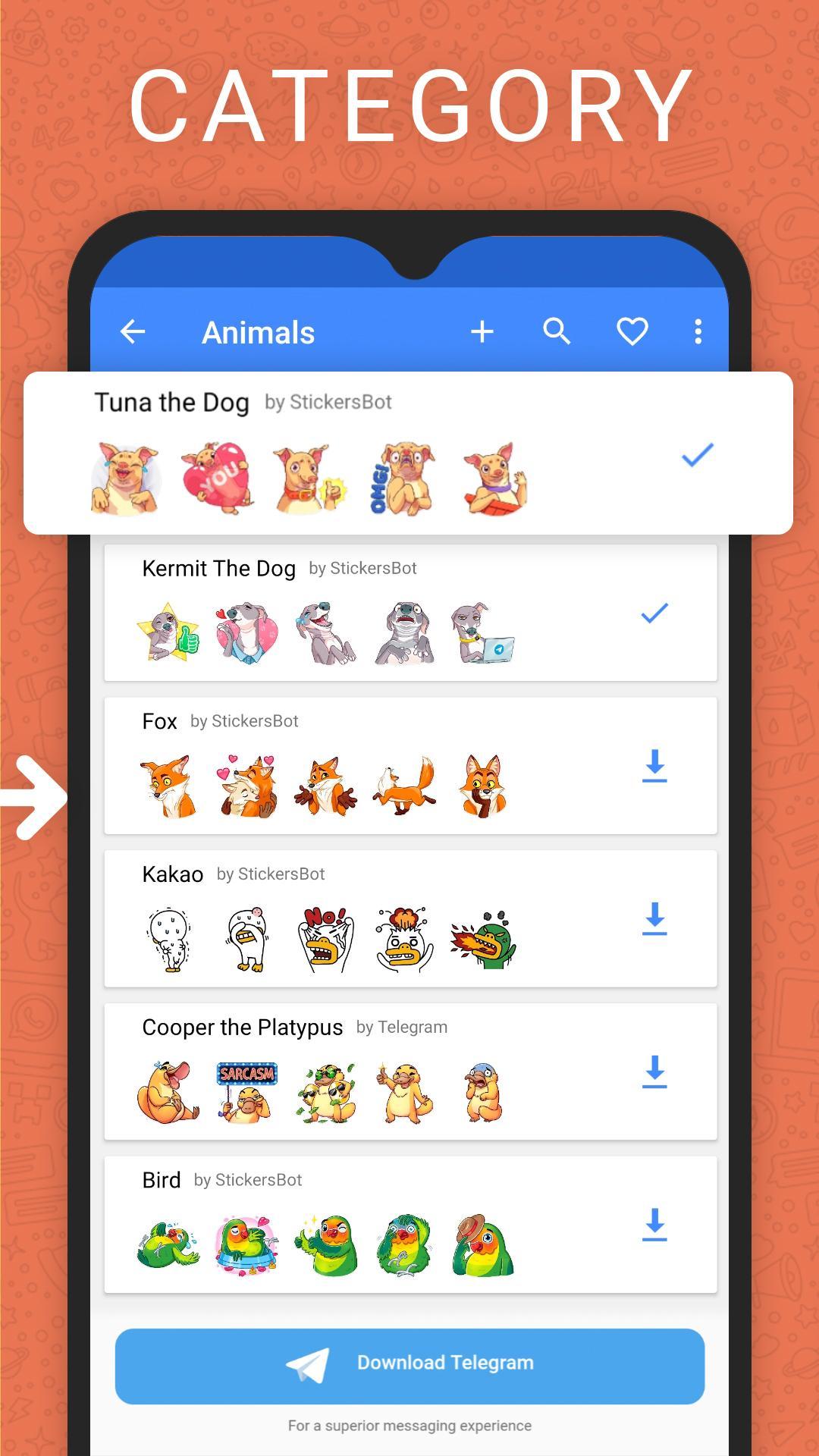
2. Choose your favorite Sticker pack. You can navigate between the categories by clicking SEE MORE or using the search engine to find the Stickers you like.
3. Click on the pack and then on the "ADD TO WHATSAPP" button.
4. Once finished, the Stickers will be added to WhatsApp. Congratulations! 👏🏼👏🏼
How to use the Stickers in WhatsApp?
1. Update WhatsApp and then enter the application.
2. Click on the emojis icon on the bottom left.
3. Now click on the Stickers icon, it appears in the center of the bottom part. An icon similar to a sticker, that are the Stickers!
4. There will appear all the packs that you have been adding. 🎉🎉
The Stickers are erased, what's happening !?
WhatsApp needs that our app to be always connected in the background to ask for the information of the Stickers. Some devices (One Plus, Huawei...) make use of a very aggressive battery optimization and end up closing our application and leaving WhatsApp incommunicated. That is why we have added a button in the settings menu on the top right to disable this optimization on our app. To do this you must follow the following steps:
1. Access our app Stickers Cloud.
2. Click on the menu on the top right and then on "Disable battery optimization".
3. Follow the steps, search our app and disable optmization from the settings of your device.
4. Enjoy this wonderful application without having to constantly add the packs! 😍🔥
Download it, we are waiting for you!
The Telegram Stickers of this application are published with the permission of Telegram, obtained at stickers@telegram.org
Latest Version
5.5.2Uploaded by
Stefan Rudan
Requires Android
Android 5.0+
Category
Free Tools AppContent Rating
Mature 17+ · Strong Language
Security Report
Check Now
Report
Flag as inappropriateLast updated on Feb 11, 2024
Minor bug fixes and improvements. Install or update to the newest version to check it out!





APKPure - A multi-platform app store primarily focused on Android, providing extensive app-related content. Discover the app you want easier, faster, and safer, with quick and efficient downloads and installations.