
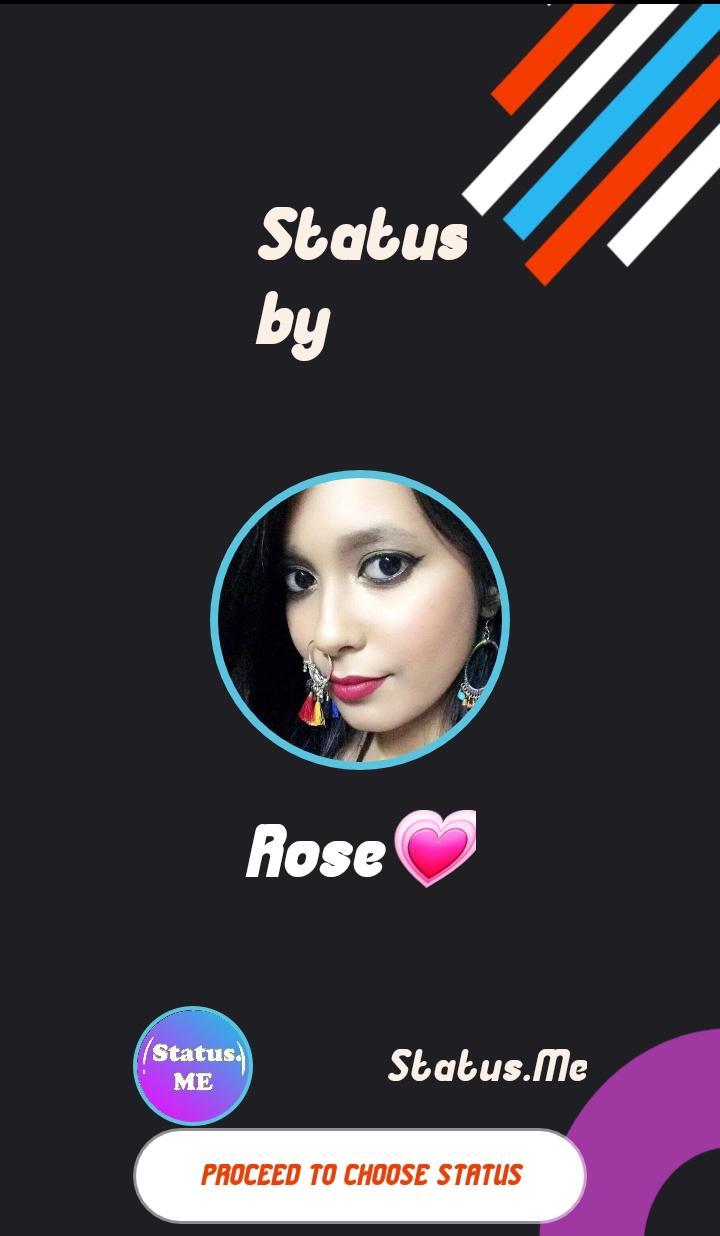
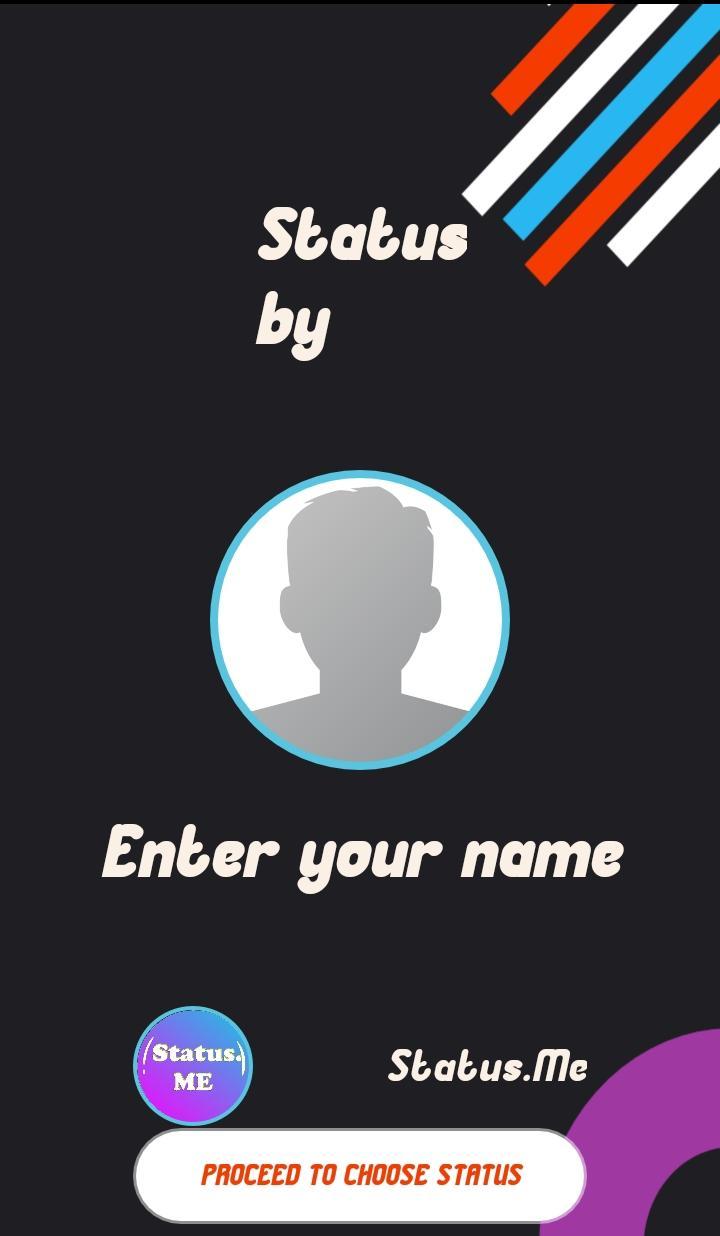
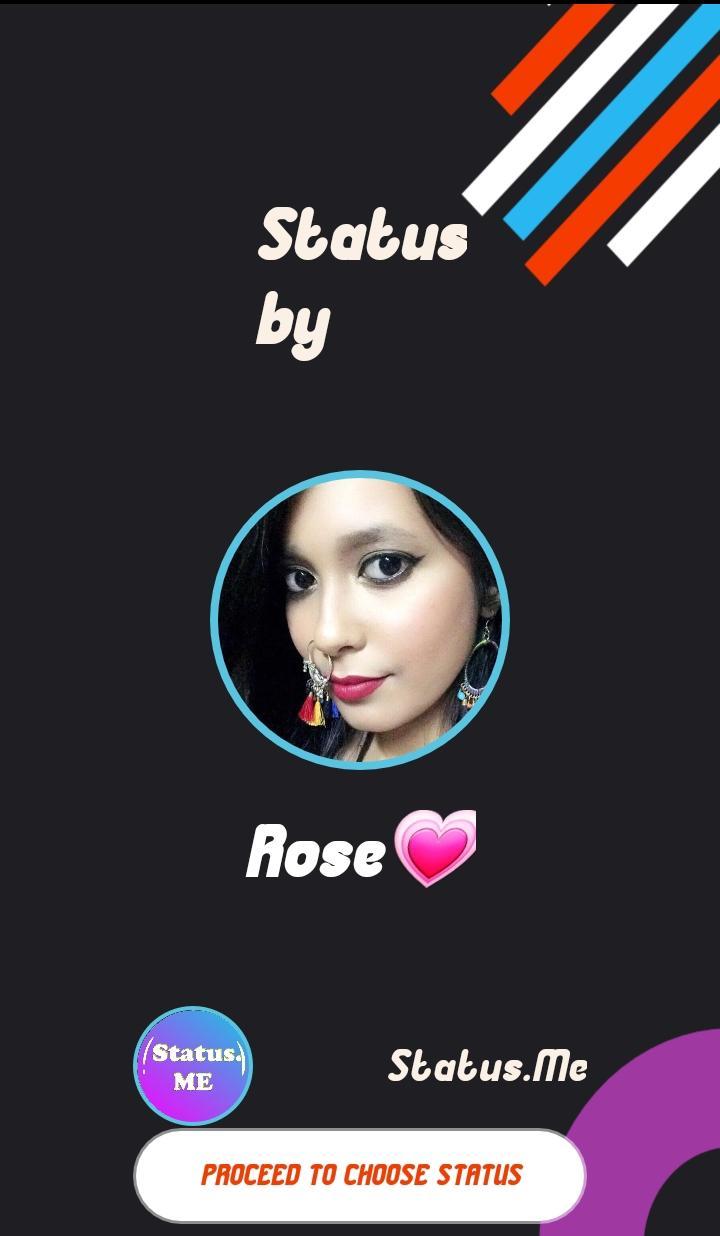
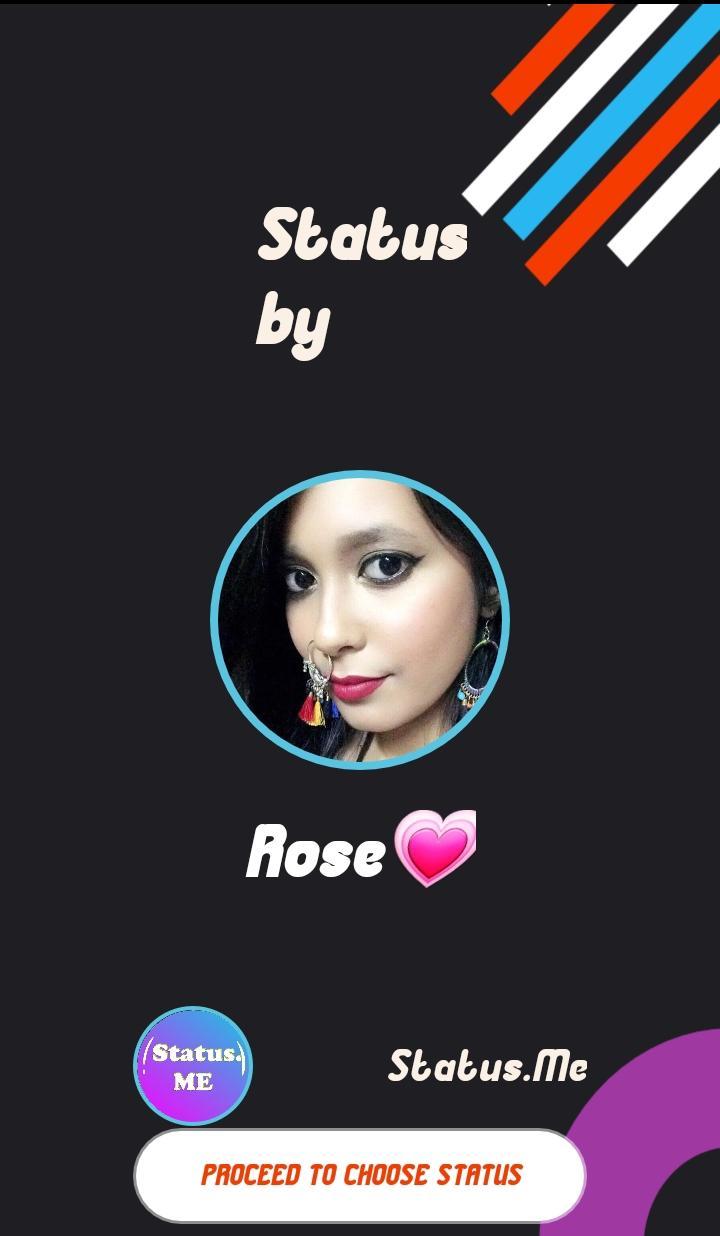
Status.ME is the first app that allows you to create video status and video story with your name on it with personalizing end screen having " your photo and name" on it.
Yes, Now your status will be yours forever. Even if anyone copies your status your, name will be there on it.
now all your status will be marked with your name and photo so your Video status will be personalized.
you can share Video Status/Story on WhatsApp, Instagram, Facebook, and YouTube also.
The first-ever app to give your video status your personalized end screen.
have fun and personalize your status and stories.
FEATURES:
-Status.ME allows you to add your name as a watermark throughout video duration.
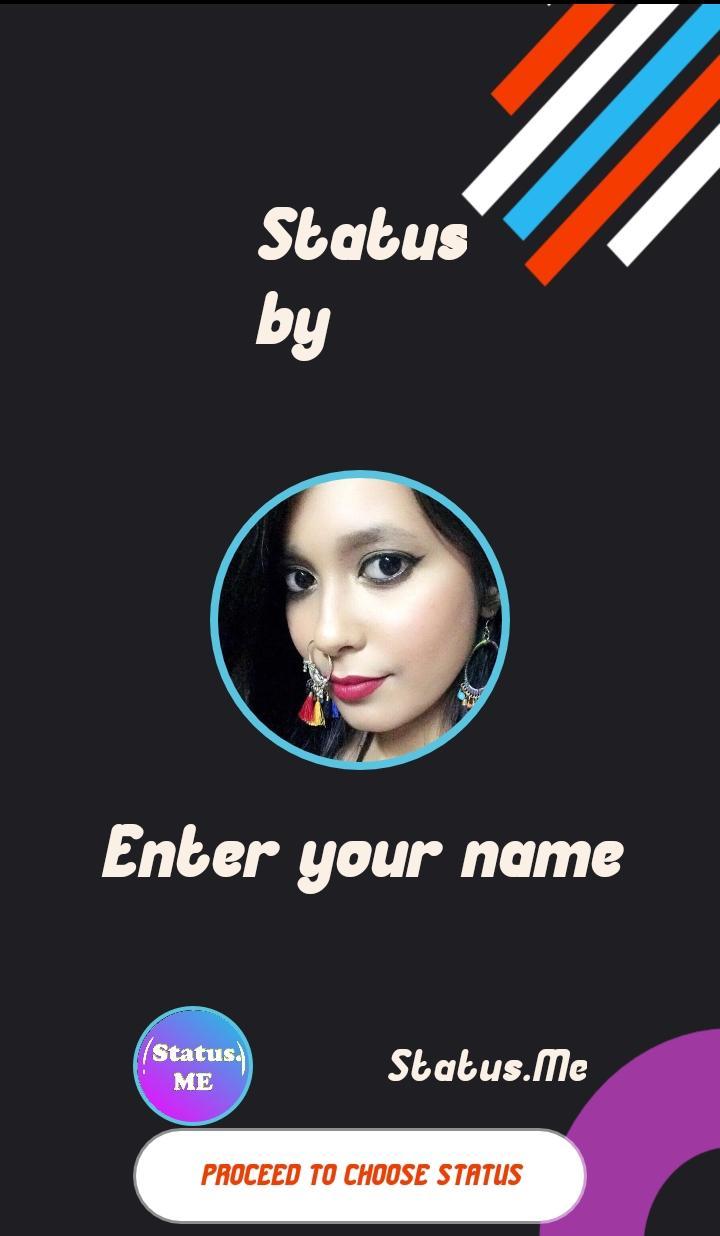
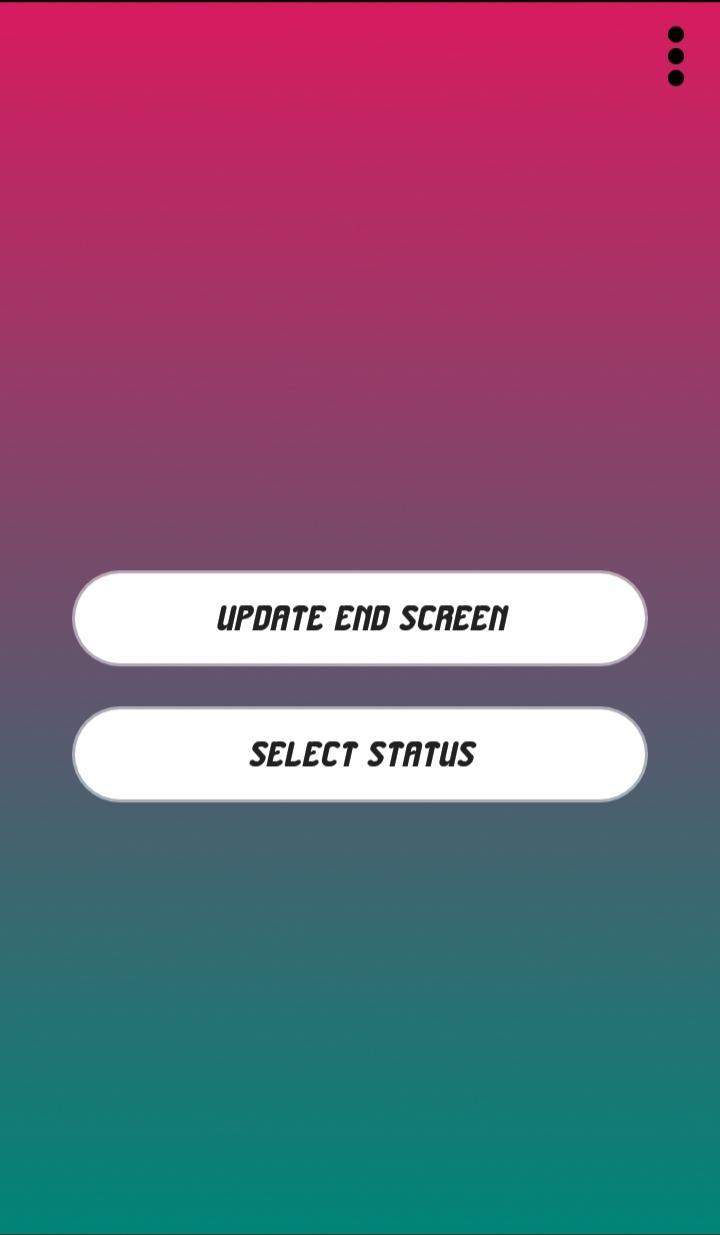
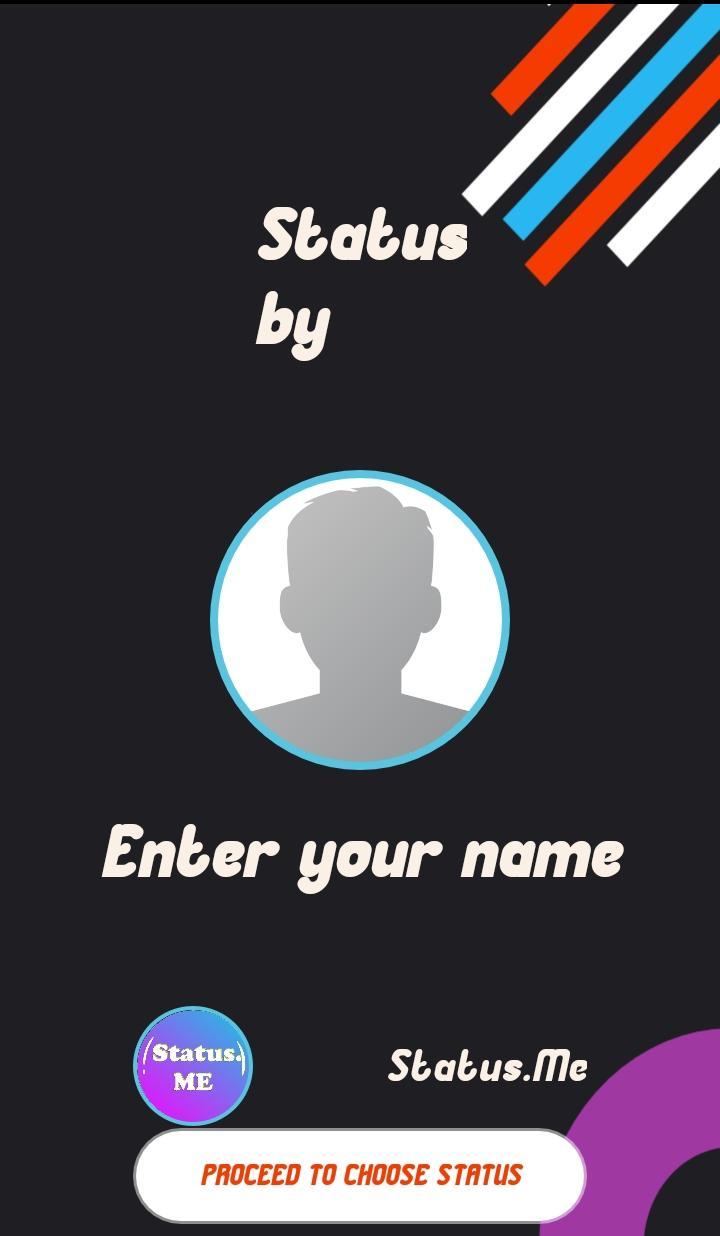
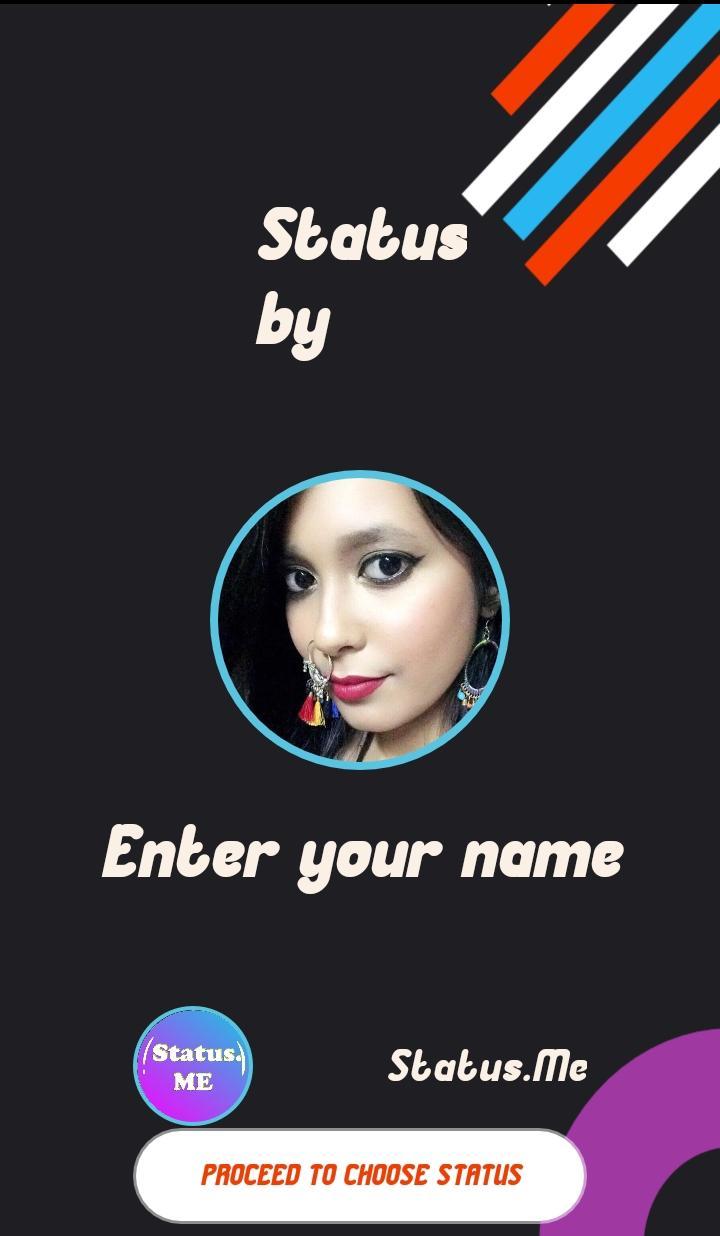
-Make End screen with your chosen photo and name.
-End screen will give all your video and status your identity that it's your status.
-change photo and name in the end screen of your video status or story whenever you want .
-See the preview of Created video status.
-Share on Whatsapp, Instagram, Facebook, Youtube Etc. with one tap option.
How to use:
Step 1-Choose "Your Photo" which you want to add in the end screen of your Video status.
Step 2-Type "Name" which you want to show on video and in the end screen.
Step 3-Choose Video to create Video Status/Story.
Step 4-Wait for about a maximum 3 minutes while the app creates the video. Check Preview.
Step 5-Share on your loved Social media.
Important: Choose a video of fewer than 15 seconds as Video Status is mostly less than 15 seconds.
Please wait for 3 minutes as it takes little time to create your personalized video status.
Please give the app 5-star.
If you find anything misleading or copyrighted in this app, please email us at whatsoff99@gmail.com before reporting, we will remove it in 48 hours!
Latest Version
1.3.0Uploaded by
Virendra Yadav
Requires Android
Android 7.0+
Category
Free Social AppContent Rating
Everyone
Report
Flag as inappropriateLast updated on Jul 10, 2020
-Save to gallery added.
-Better look od end screen.
-First app to make video status with end screen.
-Save video to gallery with end screen added to video status or video story.
-Personalize all your video status and stories.


APKPure - A multi-platform app store primarily focused on Android, providing extensive app-related content. Discover the app you want easier, faster, and safer, with quick and efficient downloads and installations.