Scan Date:Apr 16, 2026
Show More

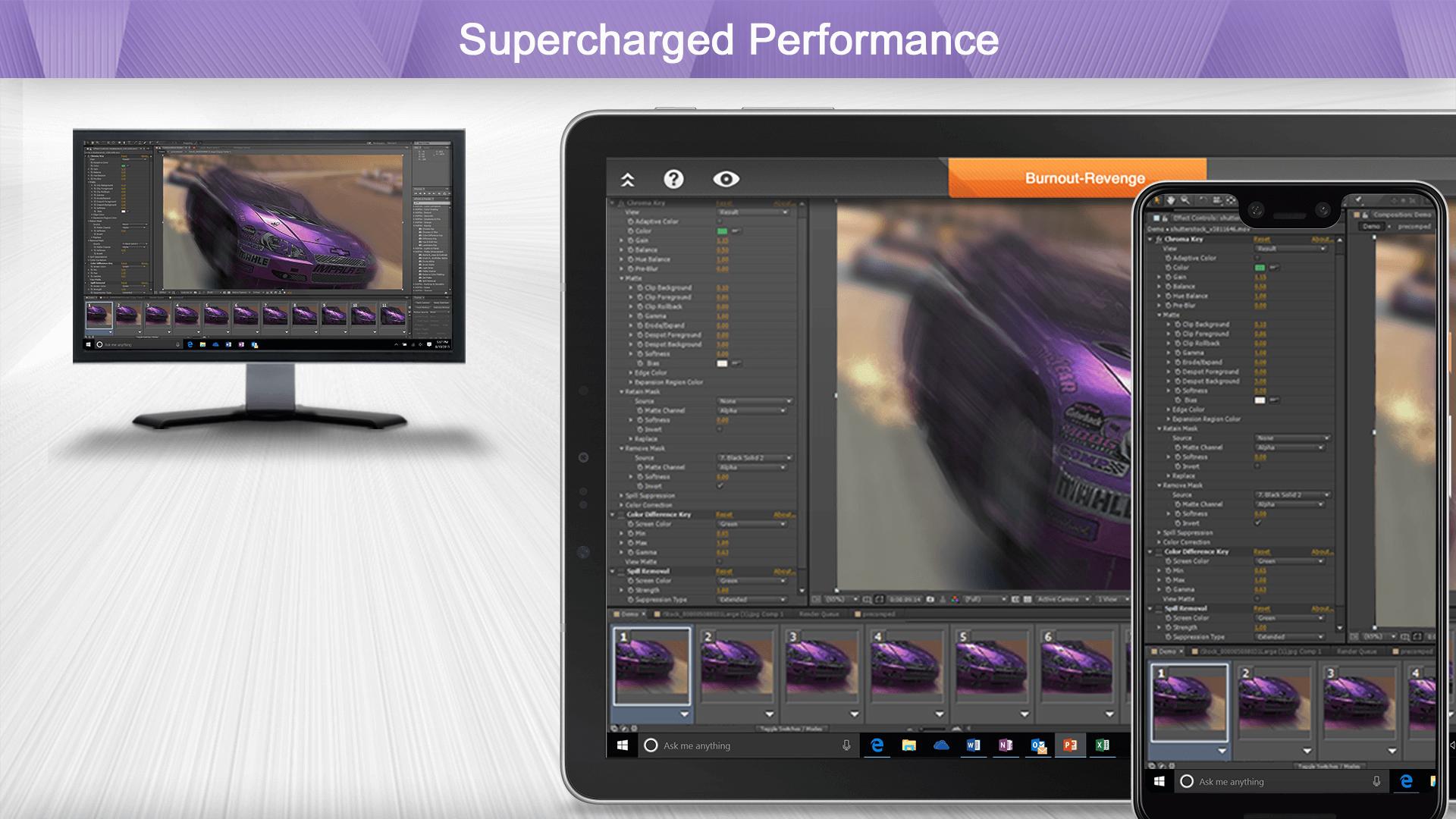
Easily provide secure remote access and support across your organization. Work from anywhere with remote desktop access to your powerful office computer from a laptop or mobile device. And IT & helpdesk teams have all the features they need to manage remote support for their entire organization.
Why Splashtop
- Anytime unattended access with 4k streaming
- Simple on-demand support across all platforms
- Security you can trust to enable users to work from home
- Live support when you need it
Experience Splashtop Today – Start a Free Trial
1. Download the business app on the devices/computers you would like to connect from
2. Sign up for a free trial and create a Splashtop account
3. Download the streamer (splashtop.com/streamer) on the computer you would like to connect to
4. That’s it! Login and start your session!
*For attended access, please have your end-user download the Splashtop SOS App to their computer or mobile device.
Key Features:
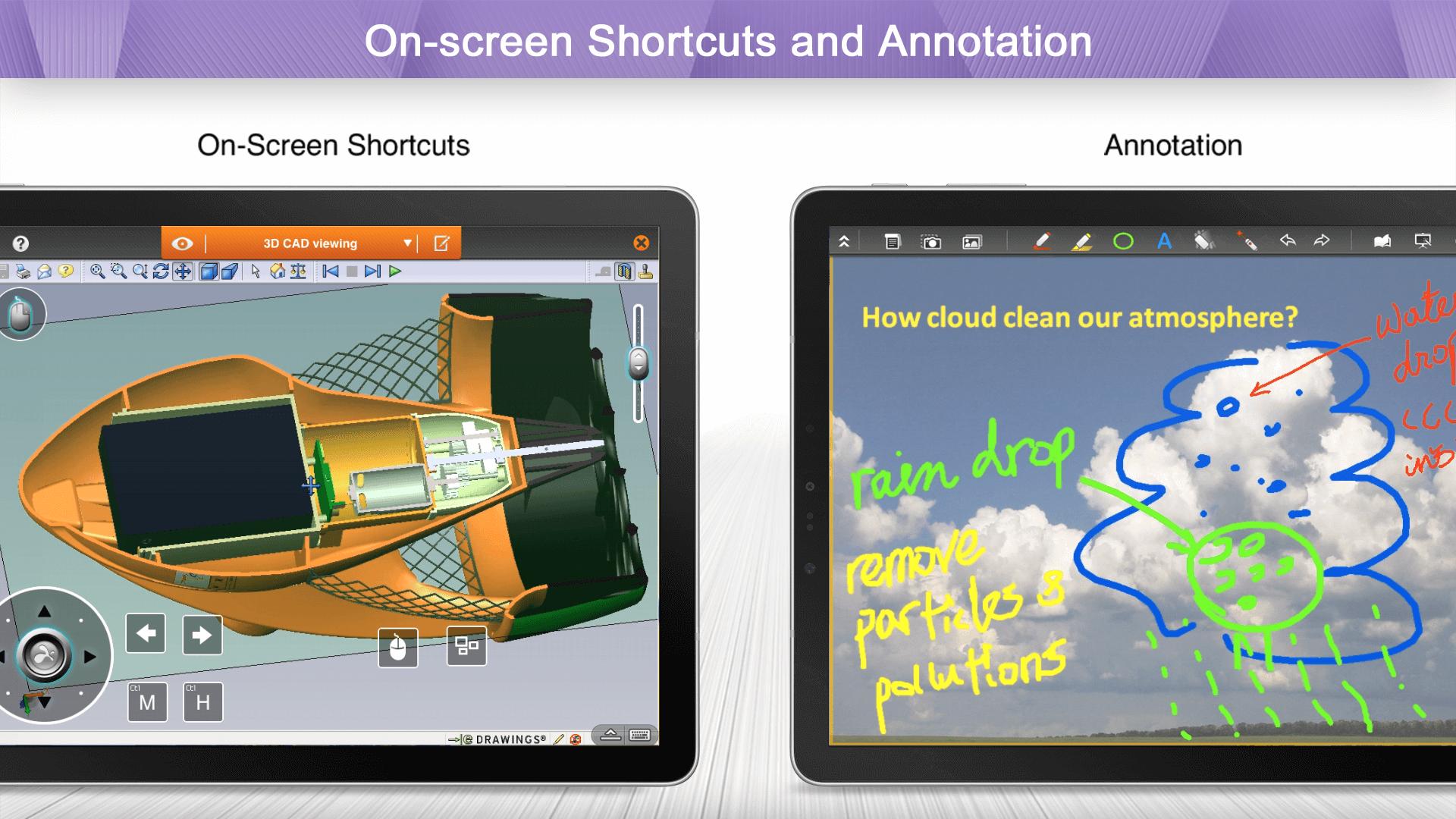
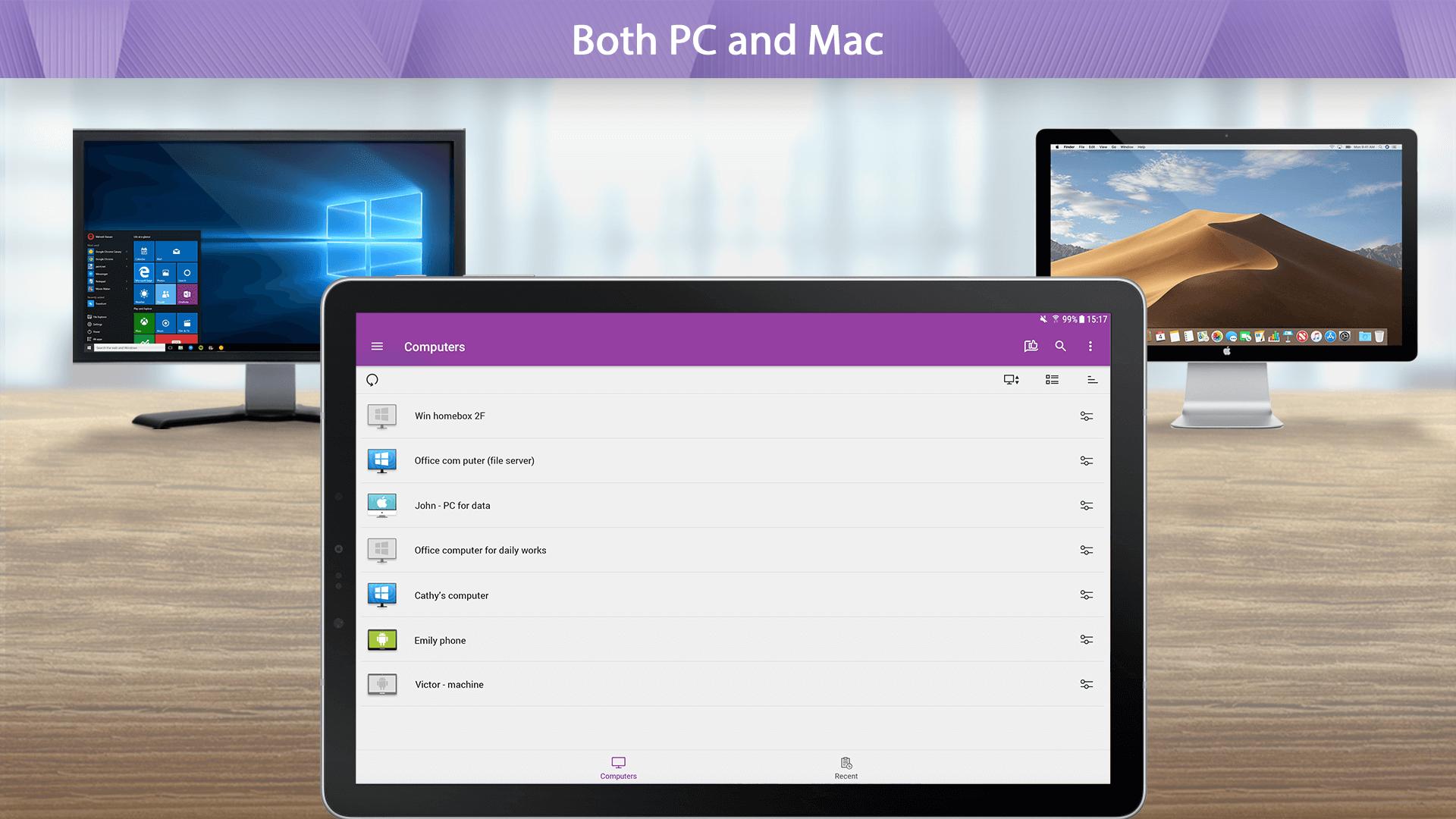
- Broad Device Support – iOS, Android, Windows, Mac, & Linux
- Cross-Platform
- File Transfer
- Multi-to-Multi Monitor
- Remote Print
- Chat
- User Management*
- Group View*
- Remote reboot and reconnect*
- Unattended Remote Control*
- Attended Remote Access and Remote Control*
- Session Recording*
- SSO**
- Remote Device Management**
*SOS and Enterprise
**Enterprise
Splashtop Products – Pick the product that is right for you!
- Splashtop Business Access (splashtop.com/business) - Unattended desktop remote access for individuals and businesses to control computers from anywhere
- Splashtop SOS (splashtop.com/sos)– Attended and unattended remote access and support for IT and Helpdesk teams
- Splashtop Enterprise (splashtop.com/enterprise) – Attended and unattended remote access and support with SSO/SAML integration, remote device management, and more!
Latest Version
3.8.0.22Uploaded by
Вадим Проценко
Requires Android
Android 5.0+
Category
Free Productivity AppContent Rating
Everyone
Security Report
Report
Flag as inappropriateLast updated on Apr 16, 2026
* Upgrade to API 35
* Support device redirection
* Support remote command v2
* Support to check for updates
* Service Desk: Continuous improvements
* Upgrade OpenSSL to v3.5.4
* Support Mesh relay
* For off-session actions, provide a general "no credentials" auth model
* Support File transfer and chat to iOS SOS
* Other optimizations and bug fixes



APKPure - A multi-platform app store primarily focused on Android, providing extensive app-related content. Discover the app you want easier, faster, and safer, with quick and efficient downloads and installations.