Scan Date:Feb 20, 2026
Show More

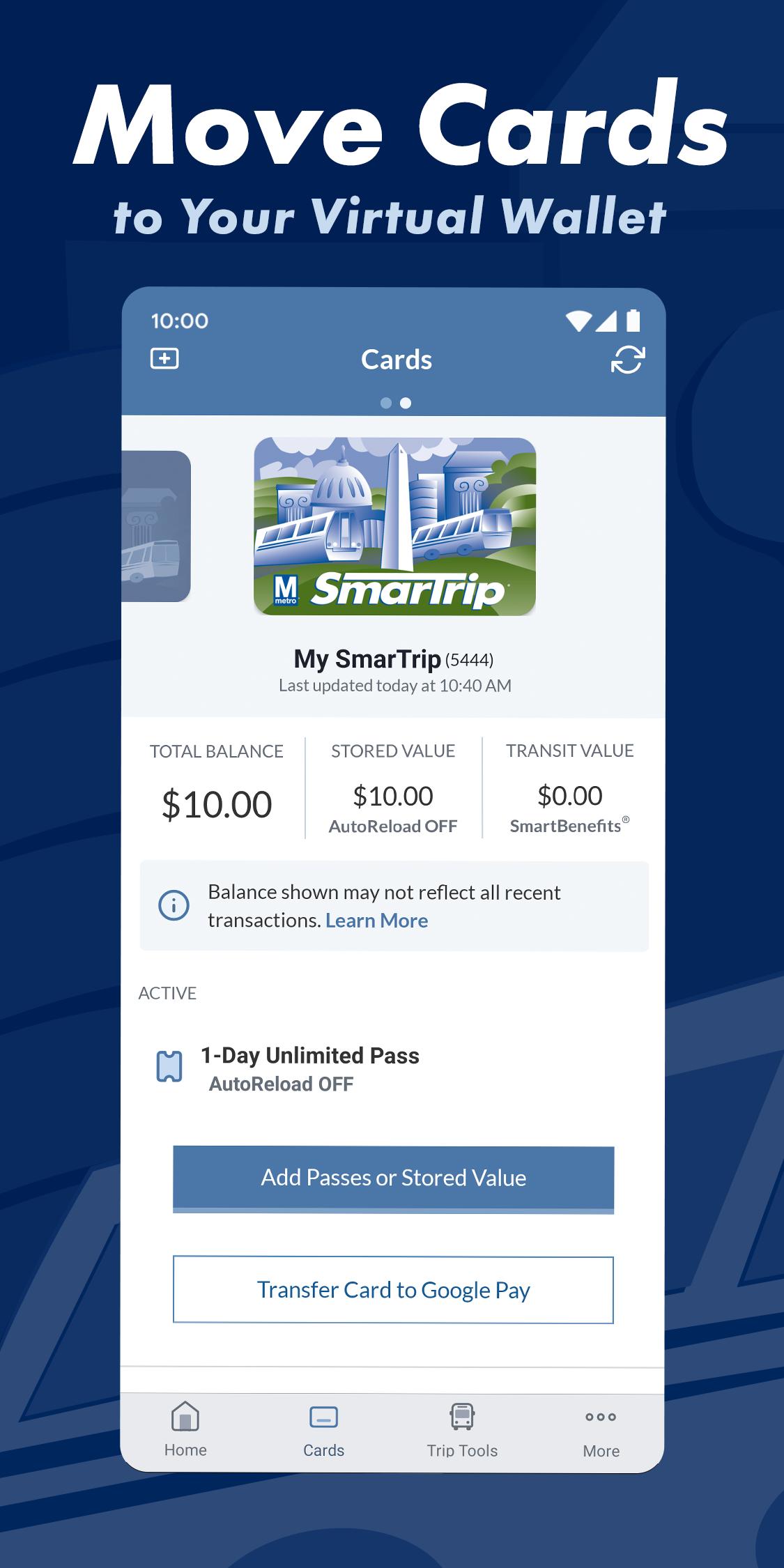
This app is an OPTIONAL tool that allows you to manage your SmarTrip® card and account. This app can NOT be used to pay your transit or parking fares. You do NOT need to setup a SmarTrip account to use SmarTrip in Google Wallet.
Add SmarTrip to Google Wallet:
- Open Google Wallet, tap “+ Add to Wallet”, choose “Transit Pass”, then “SmarTrip”
- In less than a minute you’ll have a new SmarTrip card in your Google Wallet and be ready to tap to pay for rides or parking anywhere SmarTrip is accepted.
If you need to do account management, then:
- Install this optional SmarTrip app to register your card for account balance protection, check SmartBenefits, setup Auto-Reload, or buy money-saving unlimited transit passes.
Chat with us at WMATA.COM/CHAT or call 888-SMARTRIP (888-762-7874)
Latest Version
2.0.144Uploaded by
Võ Nhân
Requires Android
Android 9.0+
Category
Free Travel & Local AppContent Rating
Everyone
Security Report
Report
Flag as inappropriateLast updated on Feb 16, 2026
The latest version of this app contains bug fixes and performance improvements




APKPure - A multi-platform app store primarily focused on Android, providing extensive app-related content. Discover the app you want easier, faster, and safer, with quick and efficient downloads and installations.