
Smart Lock provides your privacy in mobile phone from others.
You can meet here the most essential App which hides Apps/Pictures/Media Files by managing password.
Do you mind somebody executing Apps or taking a look to pictures and media files on your mobile phone?
Smart Lock provides you lots of features such as locking App, staying awake and locking auto screen-rotate.
No one can see locked Apps/Pictures/Media Files!!!
Main Features :
- Locking App
- Locking each Picture/Media File
- Staying awake (Executing locked App)
- Locking auto screen-rotate (Executing locked App)
- Change notification of mobile phone number
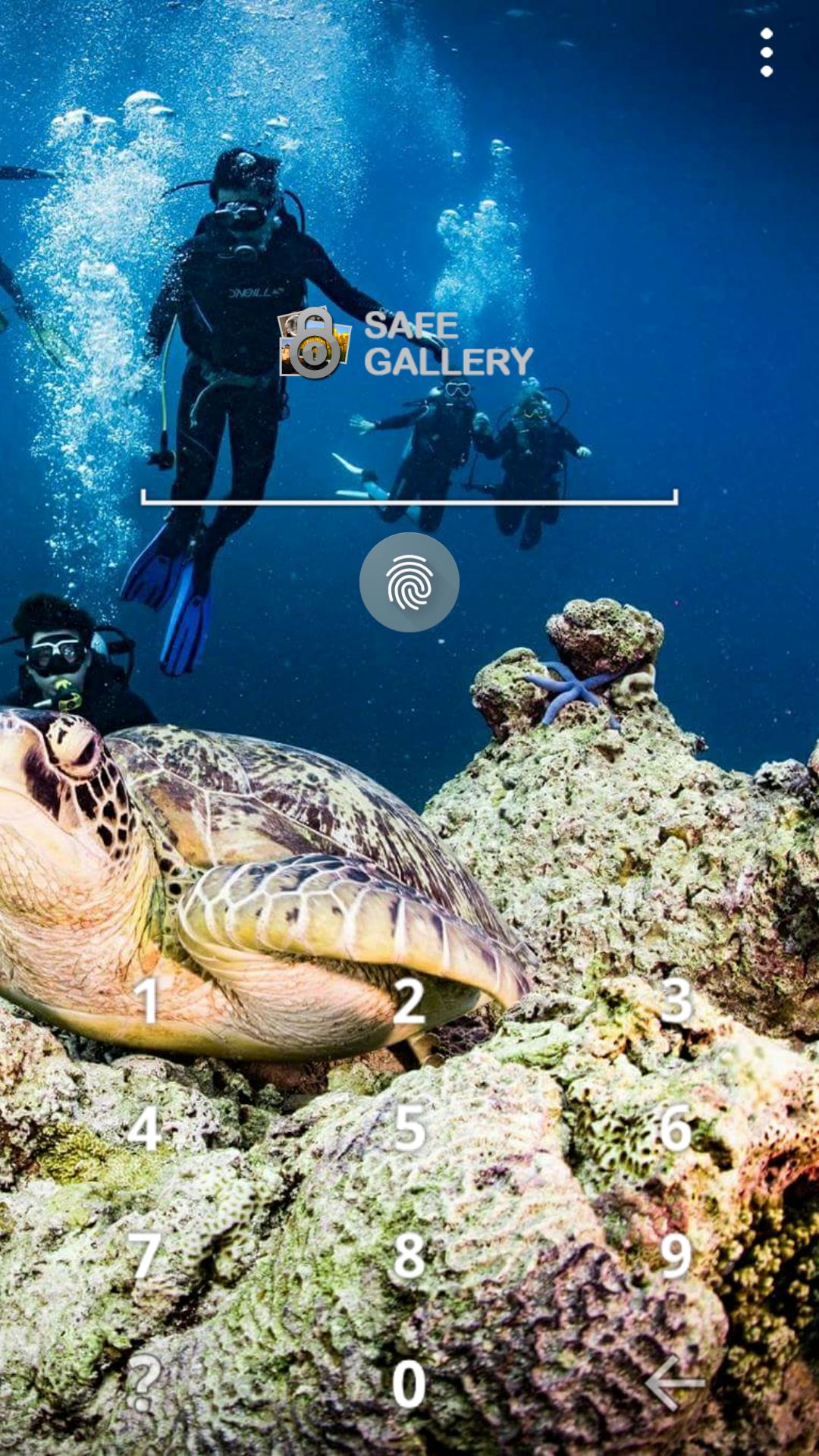
- Screen Lock Type : PINs, Password, Pattern, Fingerprint
- Supported GIF(Animated)
- Can use ad-free App. for a while through playing the reward ads.
[ Tip ]
- Be careful when deleting unlocked media files. If you do that, you will lost media files. Steps to recover it : Smart Lock Reinstall > Setting > Lock Media Recovery
- If you delete ".SmartLock" folder in SDcard, locked files will be deleted.
- If you choose "Clear data" menu(path : Settings > Applications manager > Smart Lock (Free)), information of locked files will be deleted.
- App which has function like cleaning up storage(ex. Clean Master) might be able to delete locked media, so do not delete any relative files of Smart Lock while cleaning up your smartphone.
- Do not forget to unlock and back up locked medias before upgrading firmware or formatting internal/external SDcard If not, all locked medias might be able to be deleted.
- Before deleting Smart Lock, do not forget to unlock all locked medias and then delete Smart Lock. If not, all locked medias might be able to be deleted.
- Please back up important locked media in extra storage. All locked medias might be able to be deleted in other Apps or outbreak situation.
- App Hide : If "it is not installed application" or is not running in the launcher, because it is checked "App Hide Mode" at Set up. Please use dial #789 in your phone and press call.
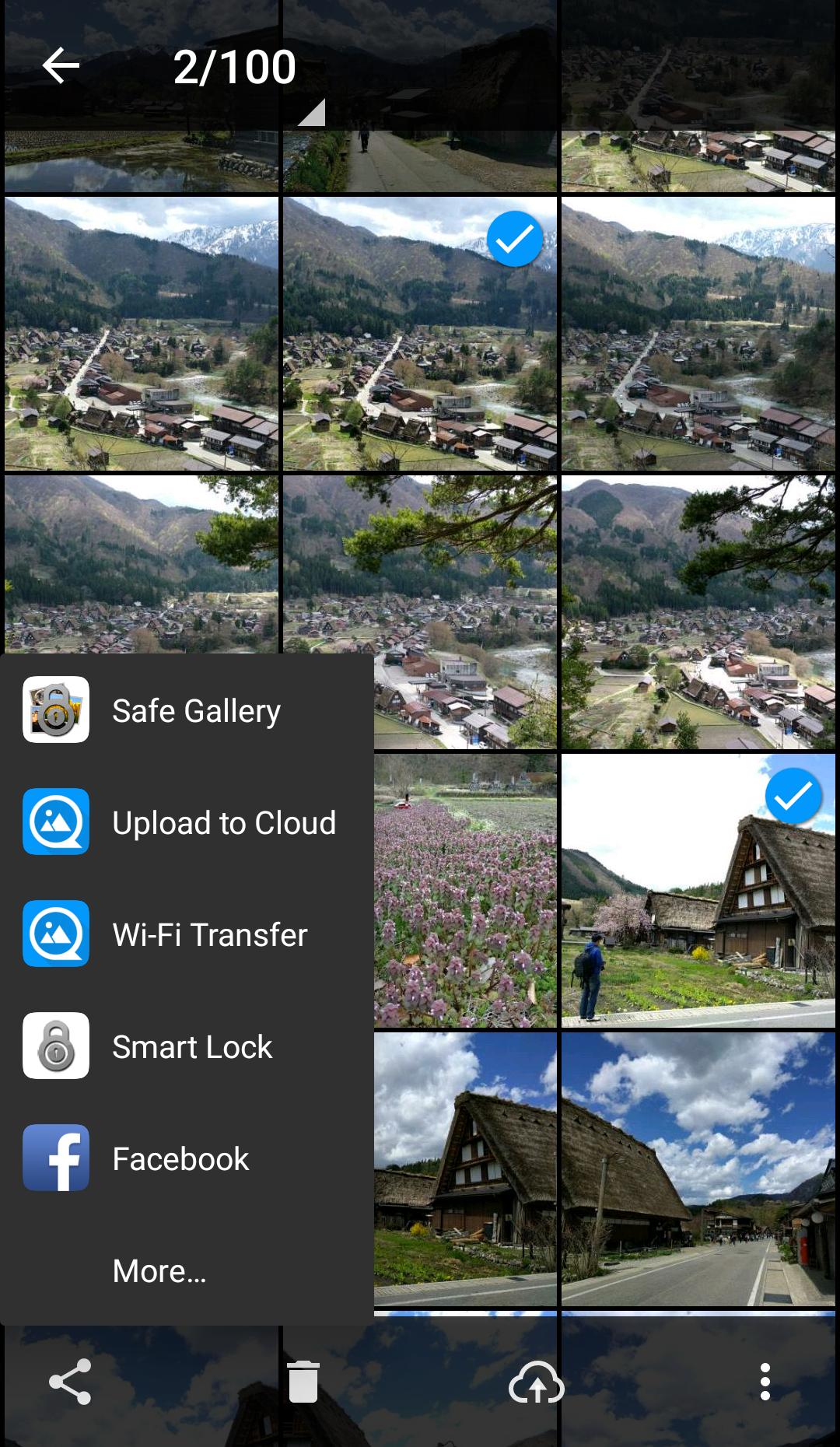
- When not execute calling to dial : Run Gallery(Default) on the phone > Select and share photos > Select Smart Lock and lock > call to dial #789
- Settings of app > Recovering media file : it can recover disappeared or invisible locked media files.
Latest Version
5.4.4Uploaded by
Ismael Jesus Moreno Morales
Requires Android
Android 5.0+
Category
Free Tools AppContent Rating
Everyone
Report
Flag as inappropriateLast updated on Sep 18, 2024
- Bug has fixed.




APKPure - A multi-platform app store primarily focused on Android, providing extensive app-related content. Discover the app you want easier, faster, and safer, with quick and efficient downloads and installations.