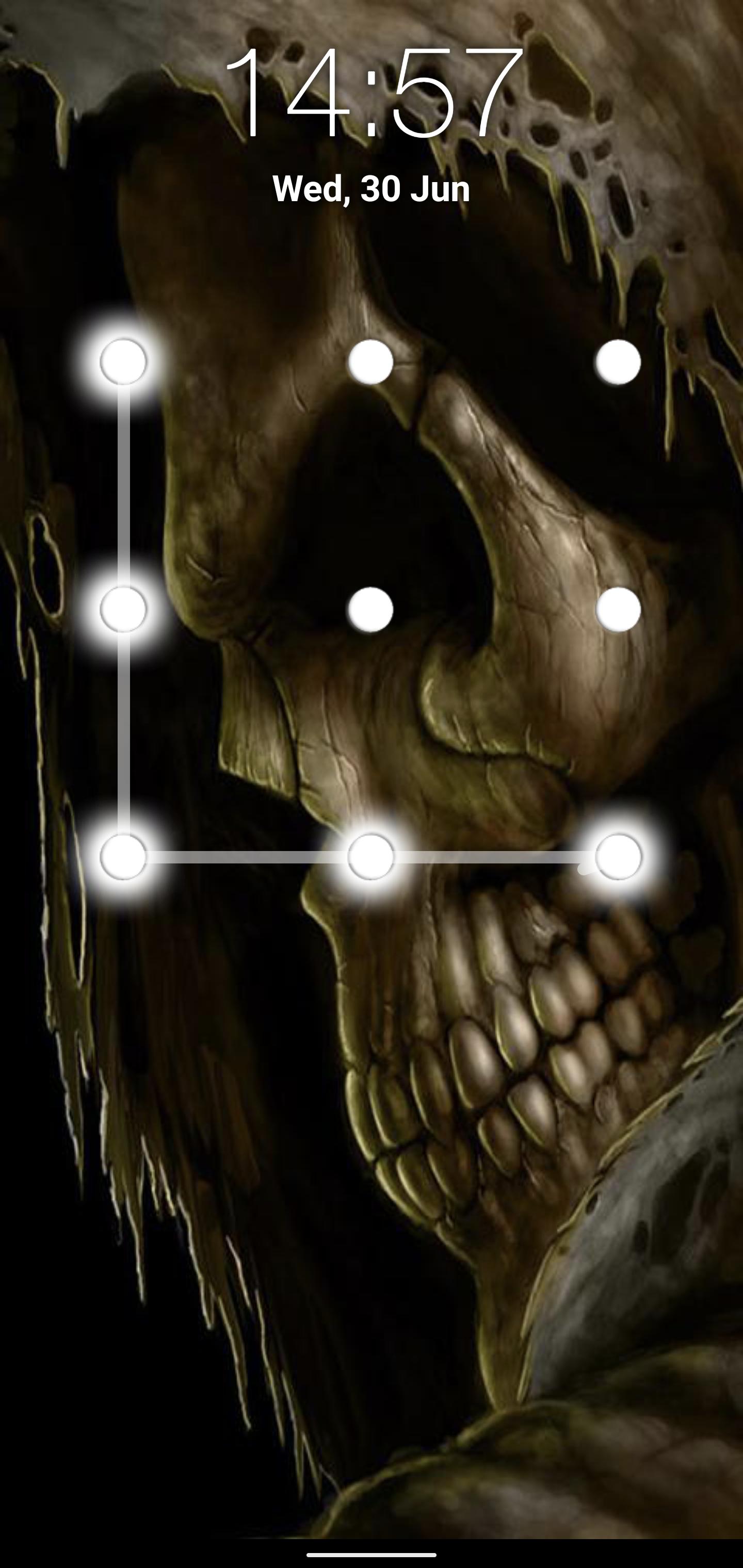
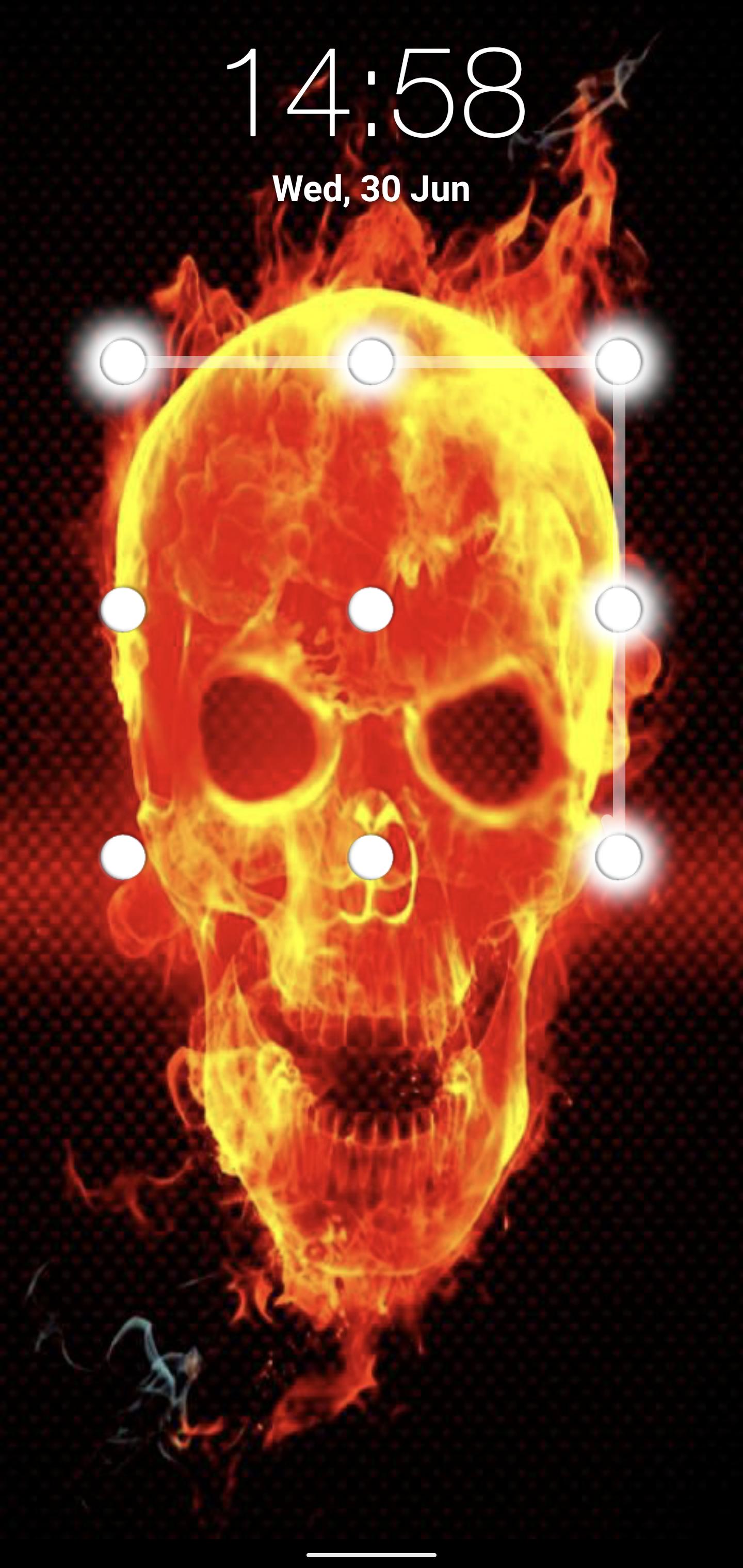
This skull pattern locker is a free application. You just have to draw a previously set pattern to unlock. It is an easy and secure way to protect your phone data.
App Flow:
When you open "skull Pattern lock screen" app.
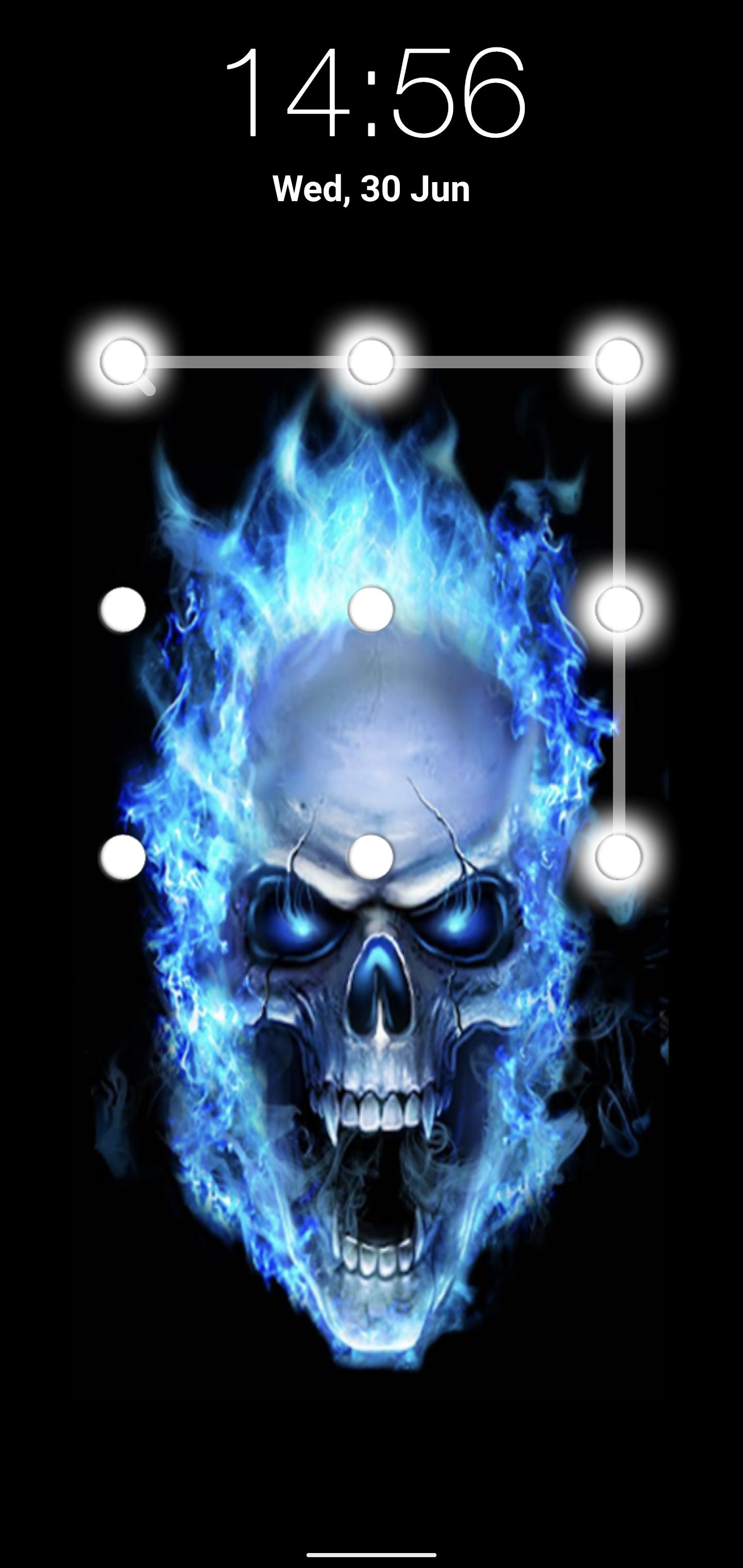
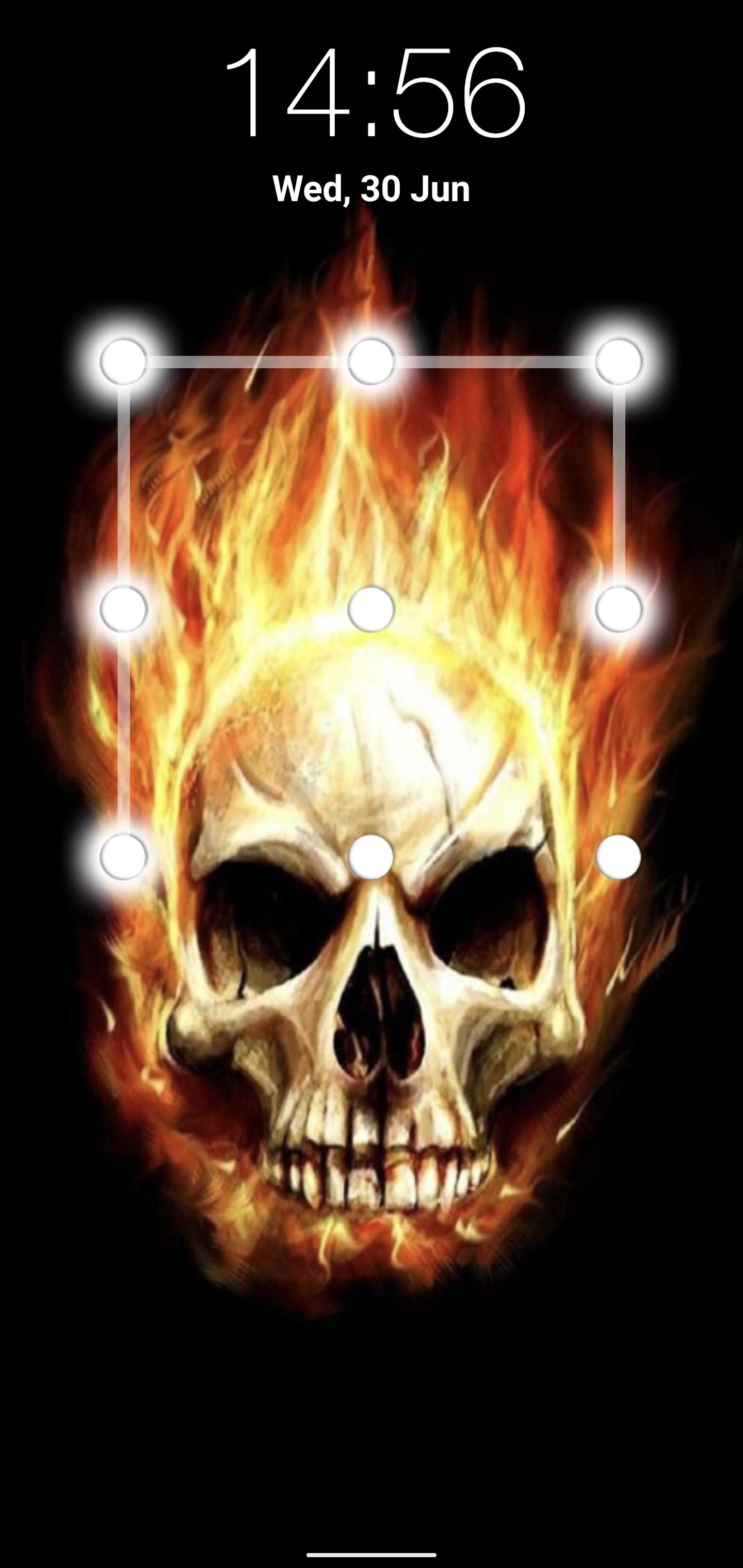
In Settings, you will see enable or disable lock screen checkbox. When you check enable for the first time your are moved to next screen where you can set the pattern as per your desire. Your Pattern must cover at least 4 dots. When you swipe over the dots, they glow to show you that you swiped over these specific dots. Then after tapping on Continue, the application will ask you to draw the previously set pattern again for confirmation. In case you draw a different pattern this time, dots will turn black and you will have to draw the same pattern again. Then confirm to set the pattern successfully.
You are advised to disable the default phone lock. For this, select "Disable Default Lock" option from the Settings of the application "skull Pattern lock screen." It will move you to security lock screen settings of your device. From there you can disable the default lock. Otherwise, you will have to unlock multiple locks.
You can also change the background of the skull lock screen. You are provided with several skull wallpapers in the application other than the default background.
FEATURES:
~ Enable/Disable the application from the settings.
~ Change wallpapers from settings
~ Date and Time displayed on Lock Screen
~ FREE for everyone
How to set Lock
~ Enable your skull pattern screen lock from setting screen
~ Set the pattern and remember it
How to unlock
~ Draw your pattern correctly to Unlock
~ If you draw wrong pattern, those dots turn red.
Your suggestions and feedback will be highly appreciated!
Thanks and Enjoy skull pattern lock screen
Latest Version
1.0Requires Android
4.1 and up
Category
Free Tools AppContent Rating
Mature 17+
Report
Flag as inappropriateLast updated on Jun 30, 2021
Minor bug fixes and improvements. Install or update to the newest version to check it out!

APKPure - A multi-platform app store primarily focused on Android, providing extensive app-related content. Discover the app you want easier, faster, and safer, with quick and efficient downloads and installations.