
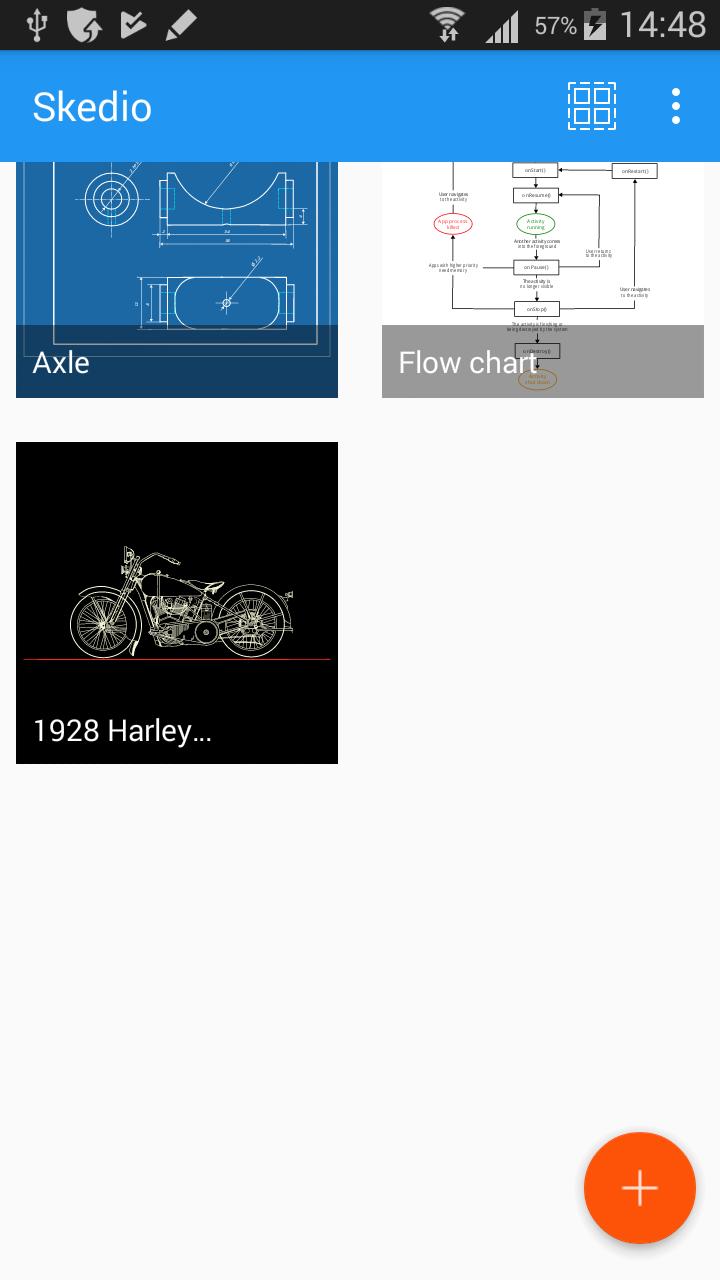
Skedio is an award-winning application for vector drawing. It minimizes the effort involved into creation and further editing of high quality illustrations. Skedio has a powerful vector engine, so any object, from simple line to complex free-form curve or text label, can be edited independently. Its shape, size and position can be precisely tuned for it to find exactly the right place in the resulting masterpiece. Skedio bridges the gap between classic sketching applications with limited editing tools and complex design software that targets computer graphics professionals. You don’t need to be an artist or a designer to use Skedio. It is for everyone, simple and powerful at the same time.
Awards:
- First prize winner of Samsung Smart App Challenge 2013 for Galaxy Note (http://goo.gl/fQsNuz).
Features of the application:
- Several different sketch styles for your choice
- Natural tools for creation of free-form curves, geometrical shapes, and text
- Precise form editing tools based on vertices of curves and lines
- Common transformations and modifications: rotation, scaling, flipping, duplication
- Intuitive eraser tool
- Various dashed line styles and arrowheads
- Ordering operations: bring forward, send backward, etc.
- Undo and redo
- Support for pressure-sensitive active pens (like Samsung S-Pen)
- Infinite canvas size for unlimited creativity
- Pan and zoom with two-finger gestures
- Sharing of sketches as PNG images
- Export and import capabilities for transferring between devices
Premium features:
- SVG export
- Export with transparent background
- No watermark
- Snapping to grid and angles (helps to draw perfect circles and squares)
- Advanced color picker
- Grouping of objects
What can you create with Skedio:
- Creative artworks
- Schemes and diagrams
- Educational illustrations
- Technical sketches
- Mind maps
- Handwritten notes
- Floor plans
- Doodles
- Etc.
Skedio Help Center: https://skedio.helpscoutdocs.com/
Skedio tutorials on YouTube: https://www.youtube.com/user/skedioapp
Facebook: https://www.facebook.com/skedio
Latest Version
2.0.3-GPUploaded by
ﻋﺒﺪ ﺍﻟﻠﻪ ﻋﺒﺪ ﺍﻟﺮﺣﻤﻦ
Requires Android
Android 4.4+
Category
Free Productivity AppContent Rating
Everyone
Report
Flag as inappropriateLast updated on Apr 13, 2020
Вug fixes



APKPure - A multi-platform app store primarily focused on Android, providing extensive app-related content. Discover the app you want easier, faster, and safer, with quick and efficient downloads and installations.