Scan Date:Jul 11, 2026
Show More


Simple Control helps when hardware keys are broken or hard to reach on your phone. It places a virtual navigation bar on the display so you can go back, return home, or view recent apps without using physical buttons. Setup is straightforward, and the service runs with accessibility permissions while respecting your privacy. If you download Simple Control, you can adjust placement and behavior to fit one handed use, and you can keep your screen controls available across apps.
Virtual navigation bar
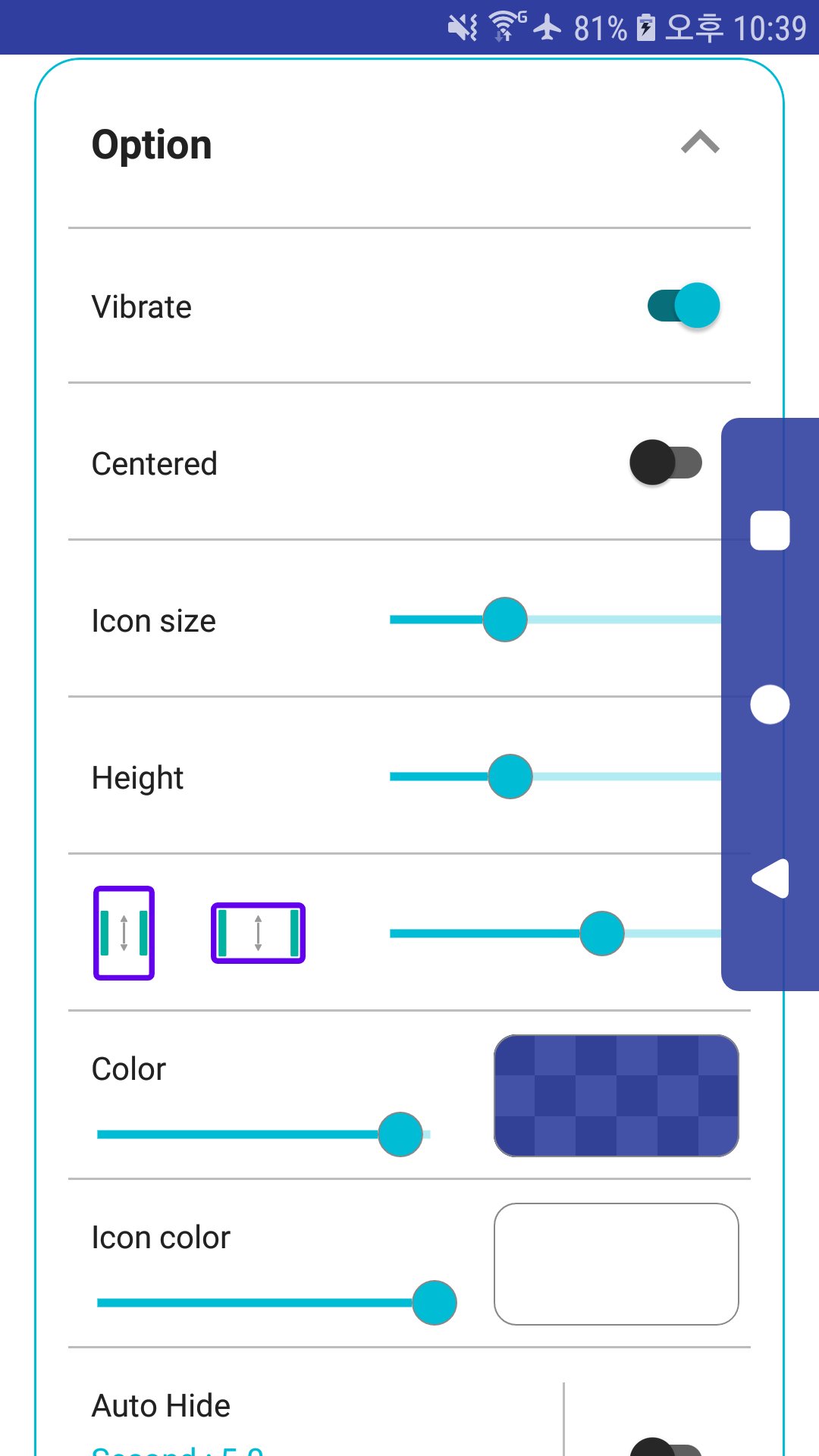
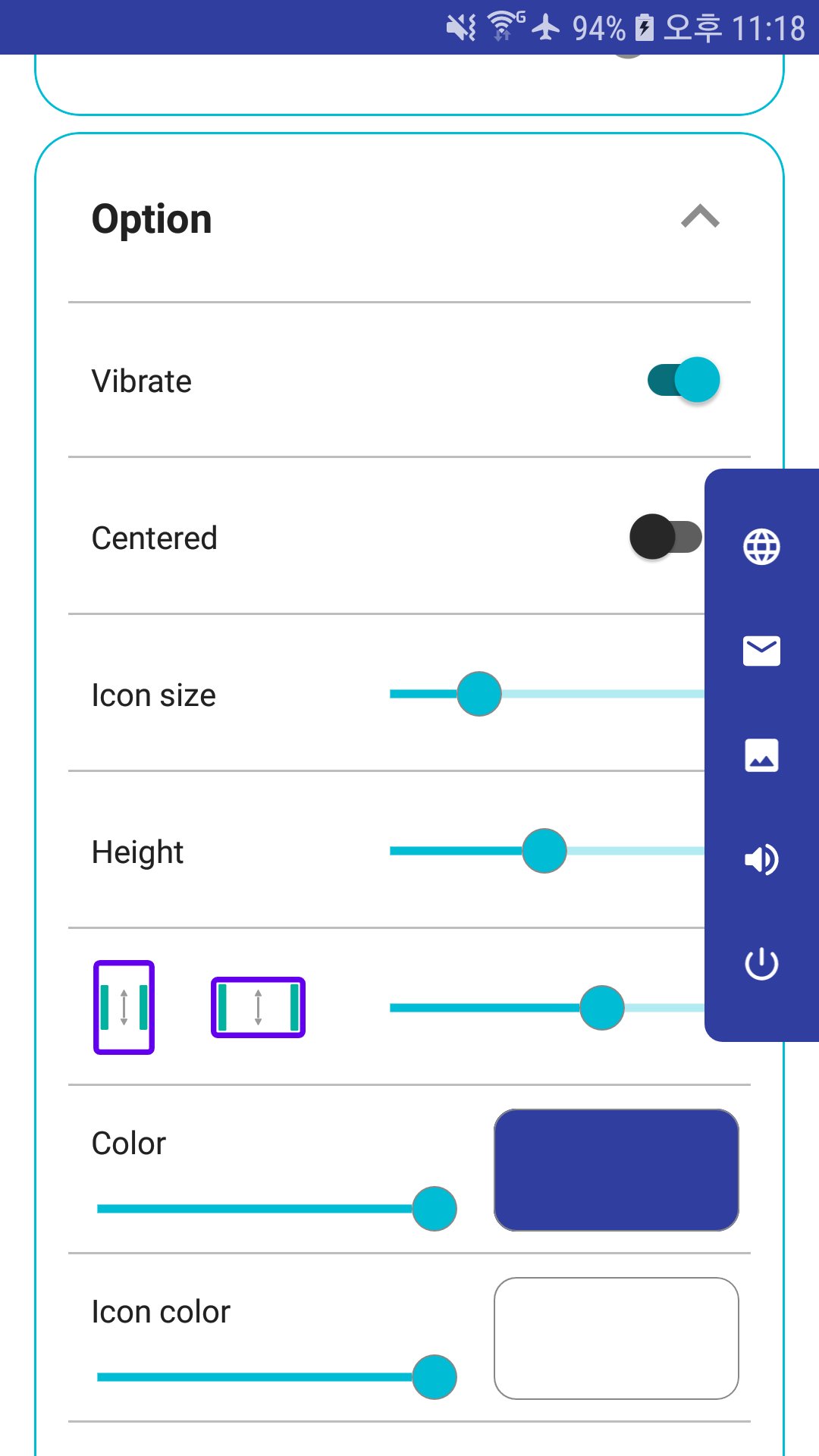
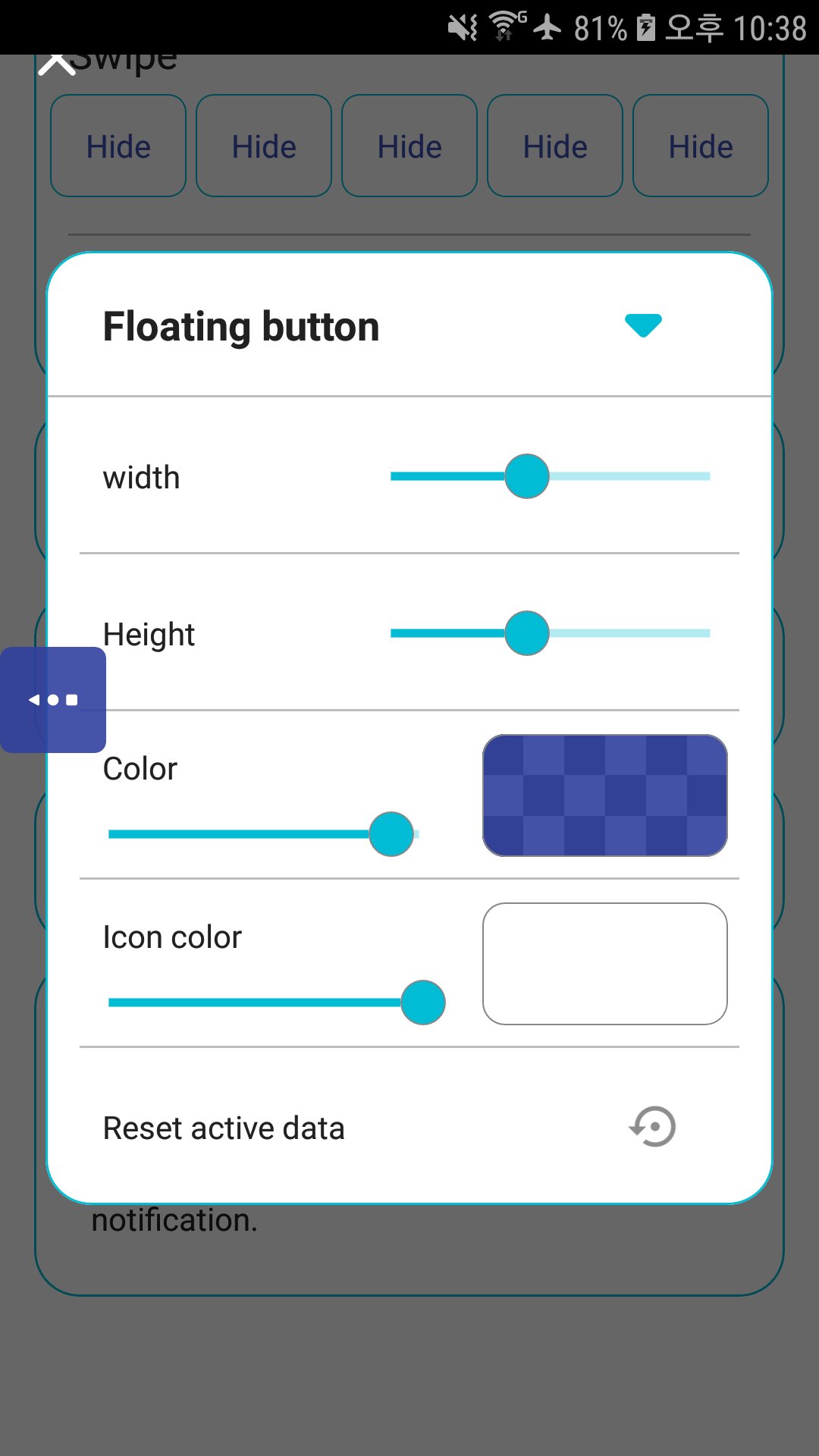
Simple Control adds back, home, and recent buttons on your display. You can position the bar to suit your grip and use it to replace broken or unresponsive hardware keys.
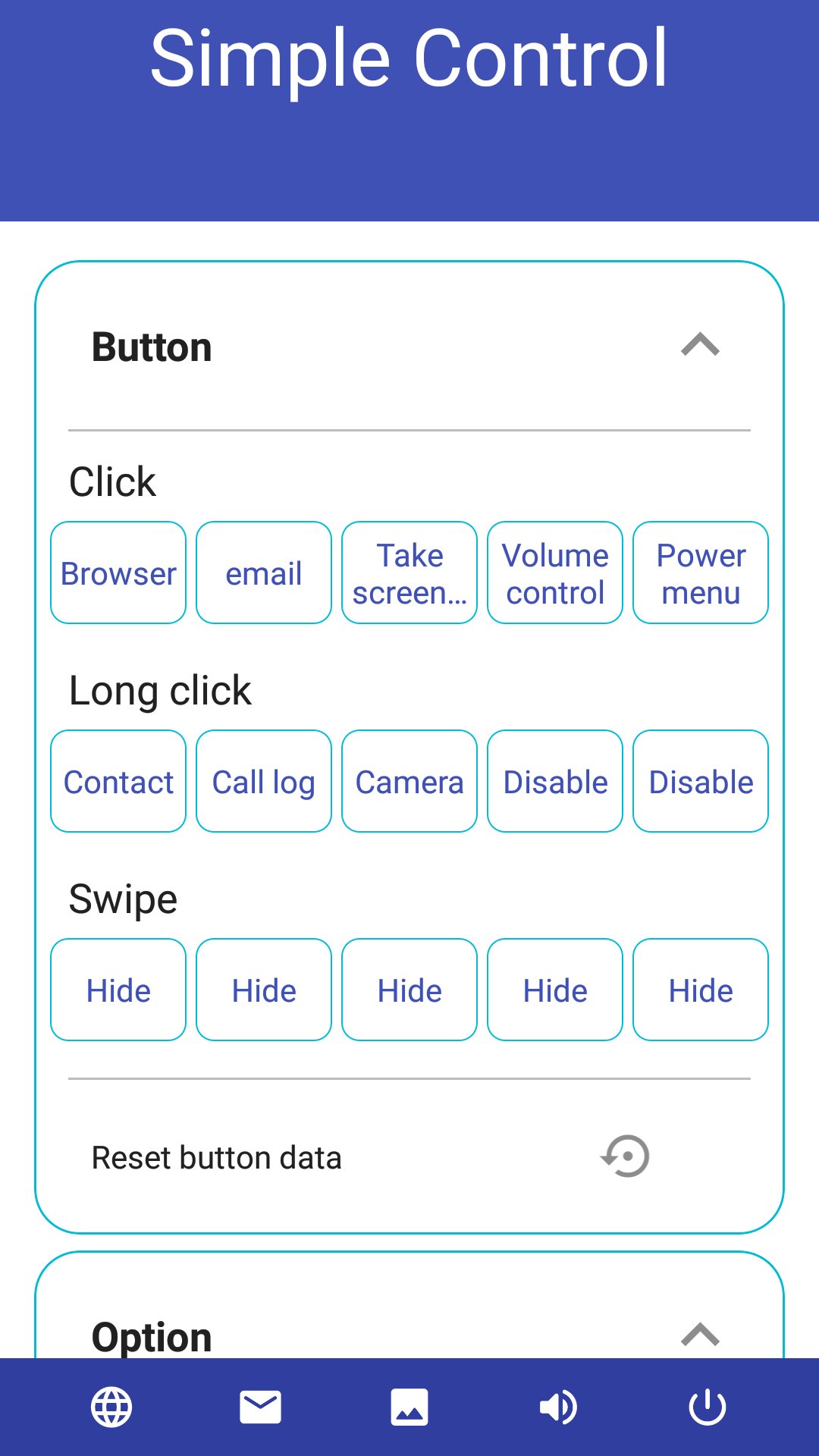
Extra buttons and quick actions
These options are available in the Simple Control APK after the accessibility permission is granted.
Accessibility setup and privacy
The app uses the AccessibilityService API to perform system actions like back, recent, screenshot, notification panel, power menu, and split screen. The accessibility service will not access your personal or sensitive information, and no personal data is collected through this service.
Simple Control provides on screen navigation for daily use and replaces failing keys when needed. Enable accessibility, test the basics, then add the shortcuts that match your routine. To keep features current in the Simple Control latest version, review permissions after updates and confirm the bar position suits your device.
Latest Version
3.0.97 Golden_sunsetUploaded by
Ravi R. Avi
Requires Android
Category
Free Tools AppContent Rating
Everyone
Security Report
Report
Flag as inappropriateLast updated on Jul 11, 2026
- Fix minor bug.






APKPure - A multi-platform app store primarily focused on Android, providing extensive app-related content. Discover the app you want easier, faster, and safer, with quick and efficient downloads and installations.