
Connect your Morningstar TriStar or ProStar solar controller to the network using an Ethernet cable
Wait 5 to 10 minutes for the controller to connect to the network
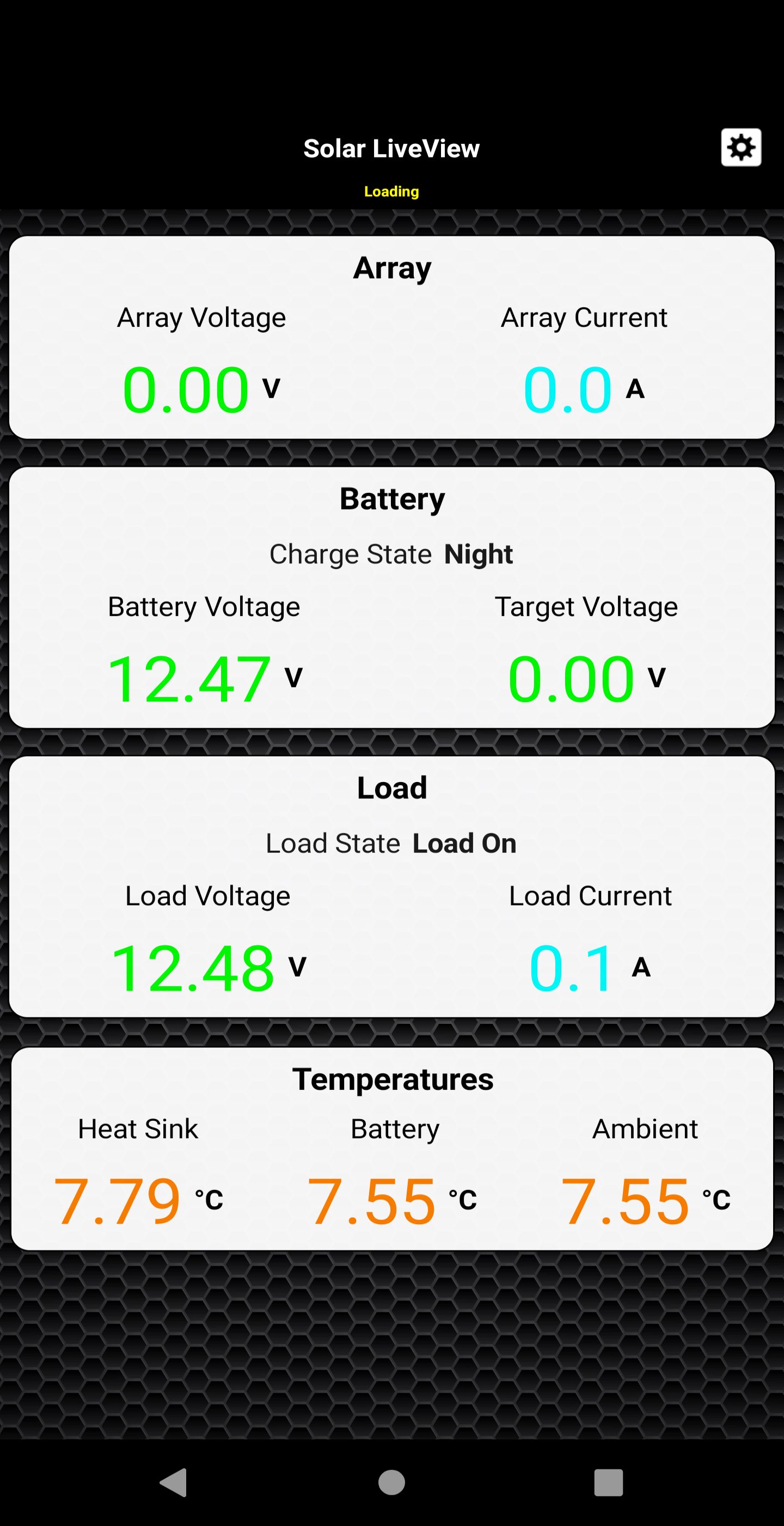
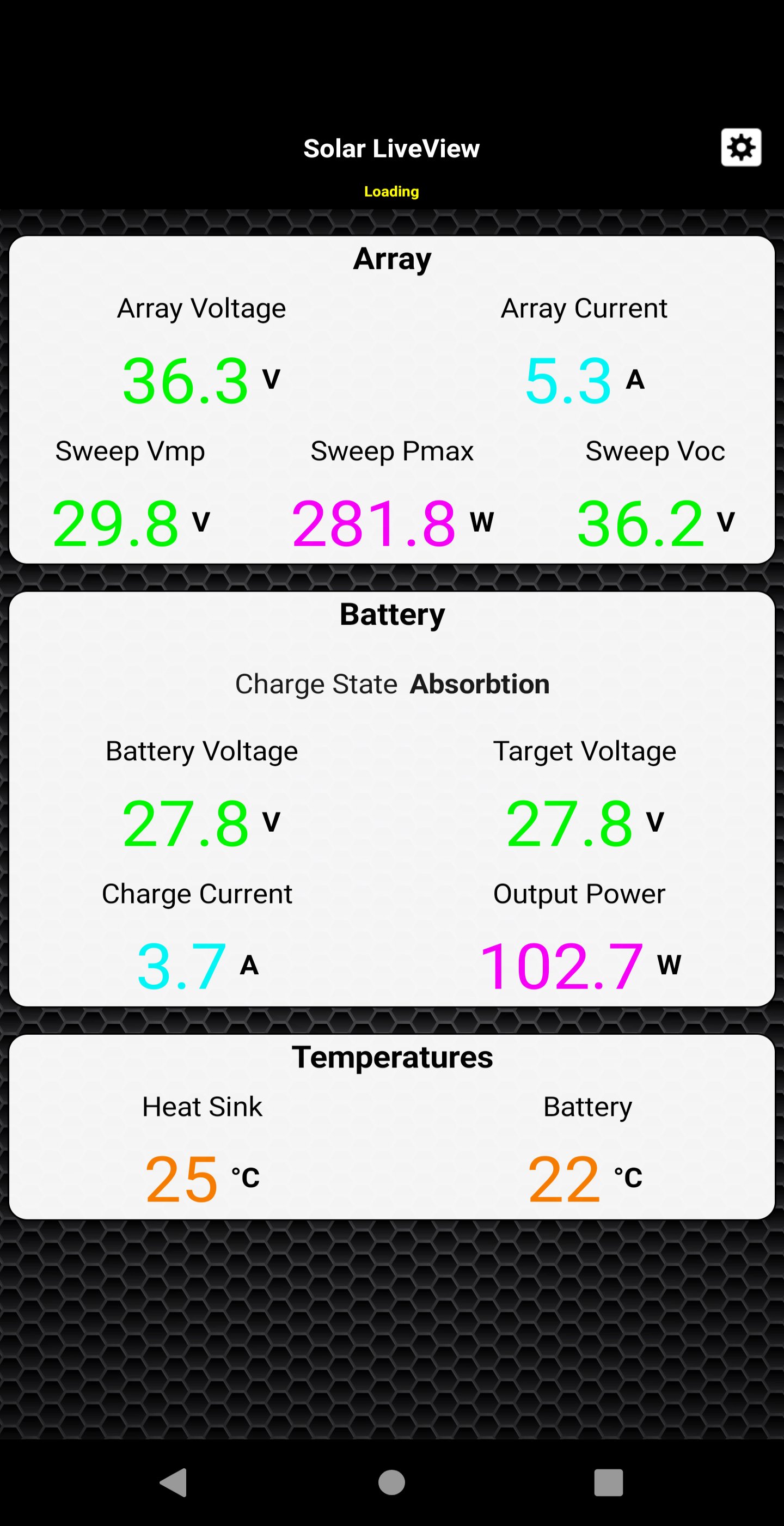
Open the app and enter the Live View URL in the address field in the settings. The Controller main Live data will load. The app are ideal for retrieving quick information about the charge controller.
The app monitor the Controller 4-stage battery charging algorithm and show charge status in real time when the application is running.
Connect your solar charger to your internet access and keep remote track of your solar power system a daily basic with this powerful and convenient app.
Latest Version
2.0.8Requires Android
5.0
Category
Tools AppContent Rating
Everyone
Report
Flag as inappropriateLast updated on Nov 19, 2019
Minor bug fixes and improvements. Install or update to the newest version to check it out!



APKPure - A multi-platform app store primarily focused on Android, providing extensive app-related content. Discover the app you want easier, faster, and safer, with quick and efficient downloads and installations.