Connect your Morningstar TriStar or ProStar solar controller to the network using an Ethernet cable
Wait 5 to 10 minutes for the controller to connect to the network
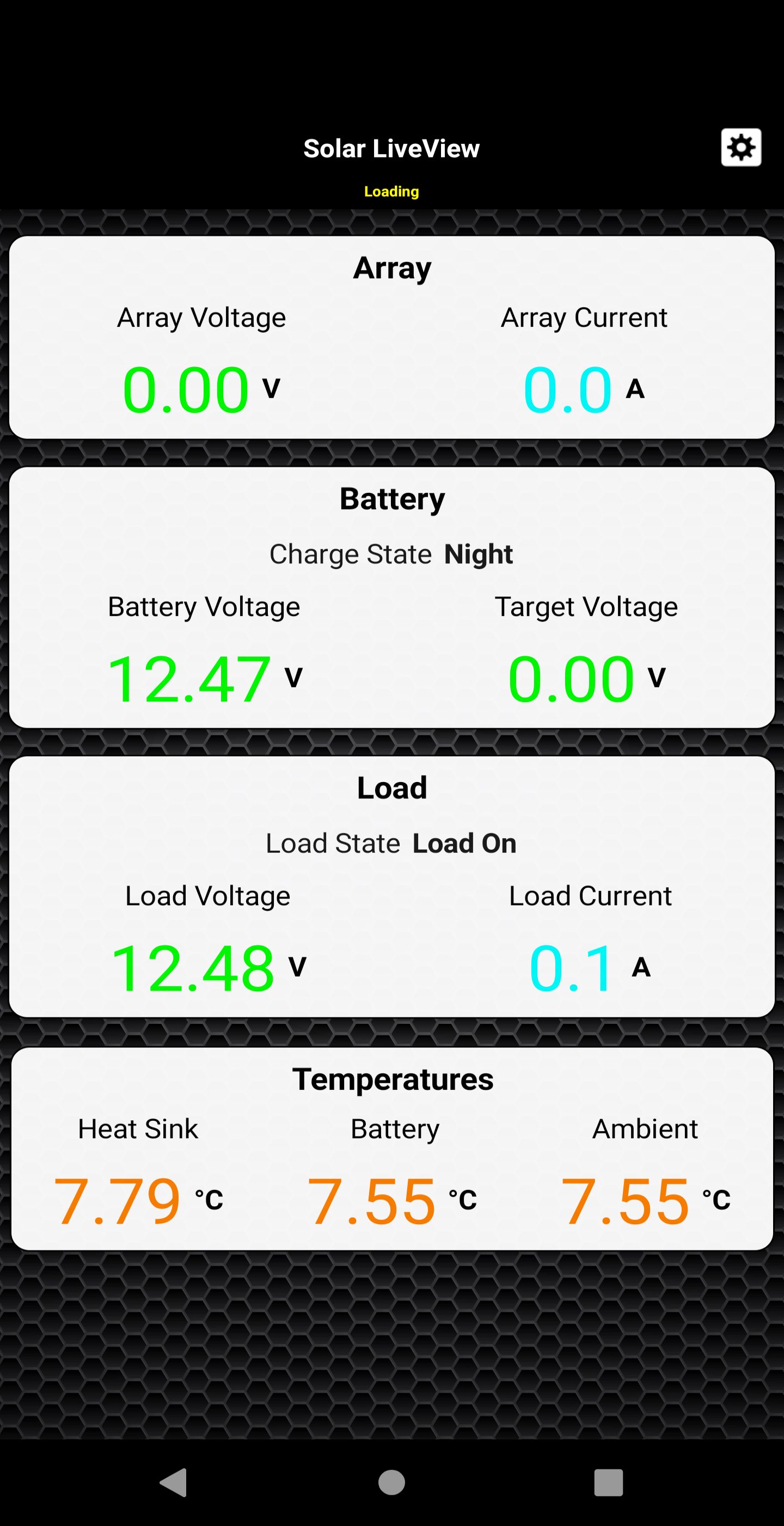
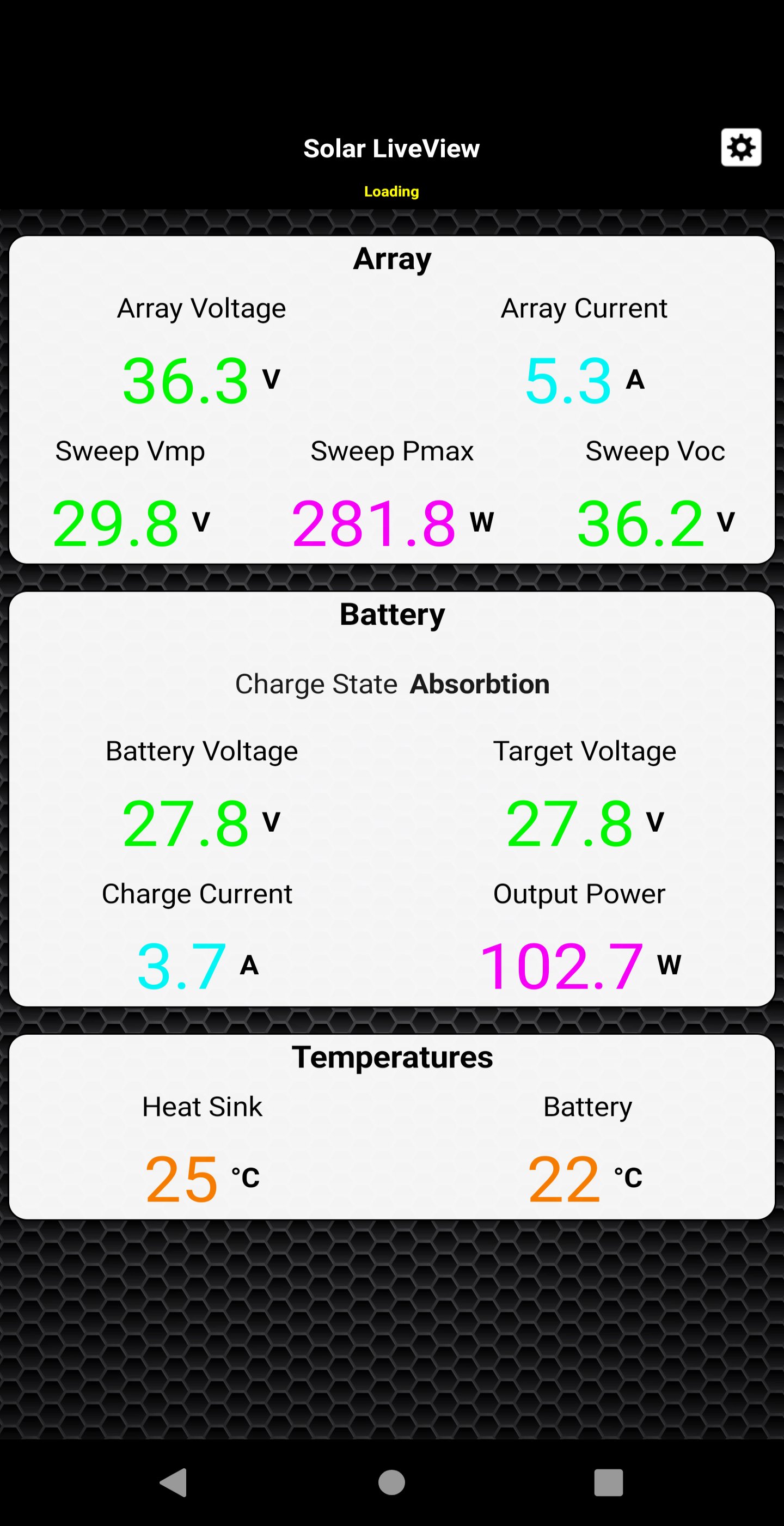
Open the app and enter the Live View URL in the address field in the settings. The Controller main Live data will load. The app are ideal for retrieving quick information about the charge controller.
The app monitor the Controller 4-stage battery charging algorithm and show charge status in real time when the application is running.
Connect your solar charger to your internet access and keep remote track of your solar power system a daily basic with this powerful and convenient app.
En Son Sürüm
2.0.8Gereken Android sürümü
5.0
Kategori
Araçlar UYGULAMAİçerik derecelendirmesi
Everyone
Bildir
Uygunsuz olarak işaretleLast updated on Nov 19, 2019
Bu sürümde küçük hata düzeltmeleri ve genel iyileştirmeler bulunur. En iyi deneyim için en yeni sürüme güncelleyin.


APKPure - Android ağırlıklı, çok platformlu bir uygulama mağazası olup, geniş uygulama içeriği sunmaktadır. İstediğiniz uygulamayı daha kolay, hızlı ve güvenli bir şekilde keşfedin, hızlı ve verimli indirme ve kurulum imkanlarıyla.