Secure Folder - Hide files is the perfect place to store all the photos, videos, files, private app and data you want to keep
private.
UC Vault - Hide Photos & Videos. is Smartphone Application to Lock Personal and Private Photo.
Secure Folder - Secure files leverages the defence-grade security platform to create a private, encrypted
Space on your Galaxy phone. Apps and data moved to Secure Folder are sandboxed separately on
the device and gain an additional layer of security and privacy.
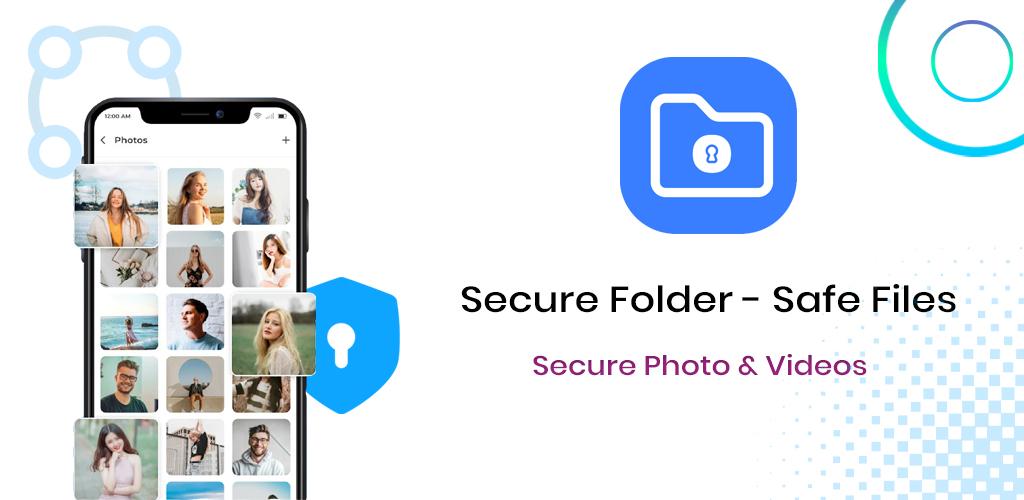
Secure Folder - Safe files is an app developed for the secure app that lets you protect any private folder on your
Android smartphone quickly and easily. With Secure Folder upload, you can create a PIN or password to stand between your files and prying eyes.
Easier and more convenient
Store your private files and apps safely. It's easy to move apps and data by tapping "Move to Secure Folder"
or by importing them via "Add files" from inside Secure Folder. Your personal apps and data will be separated
and encrypted so that they are protected from malicious attacks.
More secure
Lock your Secure Folder with an additional PIN, pattern, password, or biometric lock, so that only you can access
your private pictures, apps, and data.
Secret Folder in which you can add the video from your library or record directly thru the app & the app is
password protected, so no one will be able to access your videos/photos. View the videos/photos in easy-to-view
albums and you can even group your video and later view them in a grid view or list view.
With Secure folder, Main Uses and Benefits:
✔ UC Vault -Hide Pics & Videos is much more than a means to simply place images into a private folder
✔Add data to Secure folder upload (carpeta segura)
✔ Private app effectively manage secrets data in secret folder
✔Confidential data encryption
✔ Vault protect with intruder selfie
✔ Password protection - PIN, pattern, or biometric
✔ Hide Pictures & Videos - Vaulty
✔ Secure folders sync
✔ Secure folders store
Intruder Selfie
When someone tries to access your secured photos and videos in your absence, the app captures an image of
that person from your phone’s front camera.
UC Vault - Hide SMS, Pics & Videos
Increase the privacy of your Android terminal.
UC Vault - Hide Pics & Videos is completely free to hide unlimited photos and videos. Photo Locker - Hide Photos comes
equipped with a handful of other tools. Photo Lock, You can only open a private photo gallery by typing the correct
password. From the Android photo gallery sensitive photos can be stored safely locked in a secure locker photos
only by a secret PIN code access in Photo Locker.
With Secure Folder - Secure files private app, you can do more things in one app and manage your life better!
Note: Secure Folder - Secure files guarantees you that all your files are stored only on your phone and we do not
have access to any of your content.
Latest Version
1.5Uploaded by
Yaseen El-Gammal
Requires Android
Android 5.0+
Category
Free Tools AppContent Rating
Everyone
Report
Flag as inappropriateLast updated on Apr 5, 2024
Minor bug fixes and improvements. Install or update to the newest version to check it out!




APKPure - A multi-platform app store primarily focused on Android, providing extensive app-related content. Discover the app you want easier, faster, and safer, with quick and efficient downloads and installations.