
Important Note: HP Dual App Viewer is currently available only for HP Slate 21 (hp.com/go/slate21) and HP Slatebook 14 (hp.com/go/Slatebook)
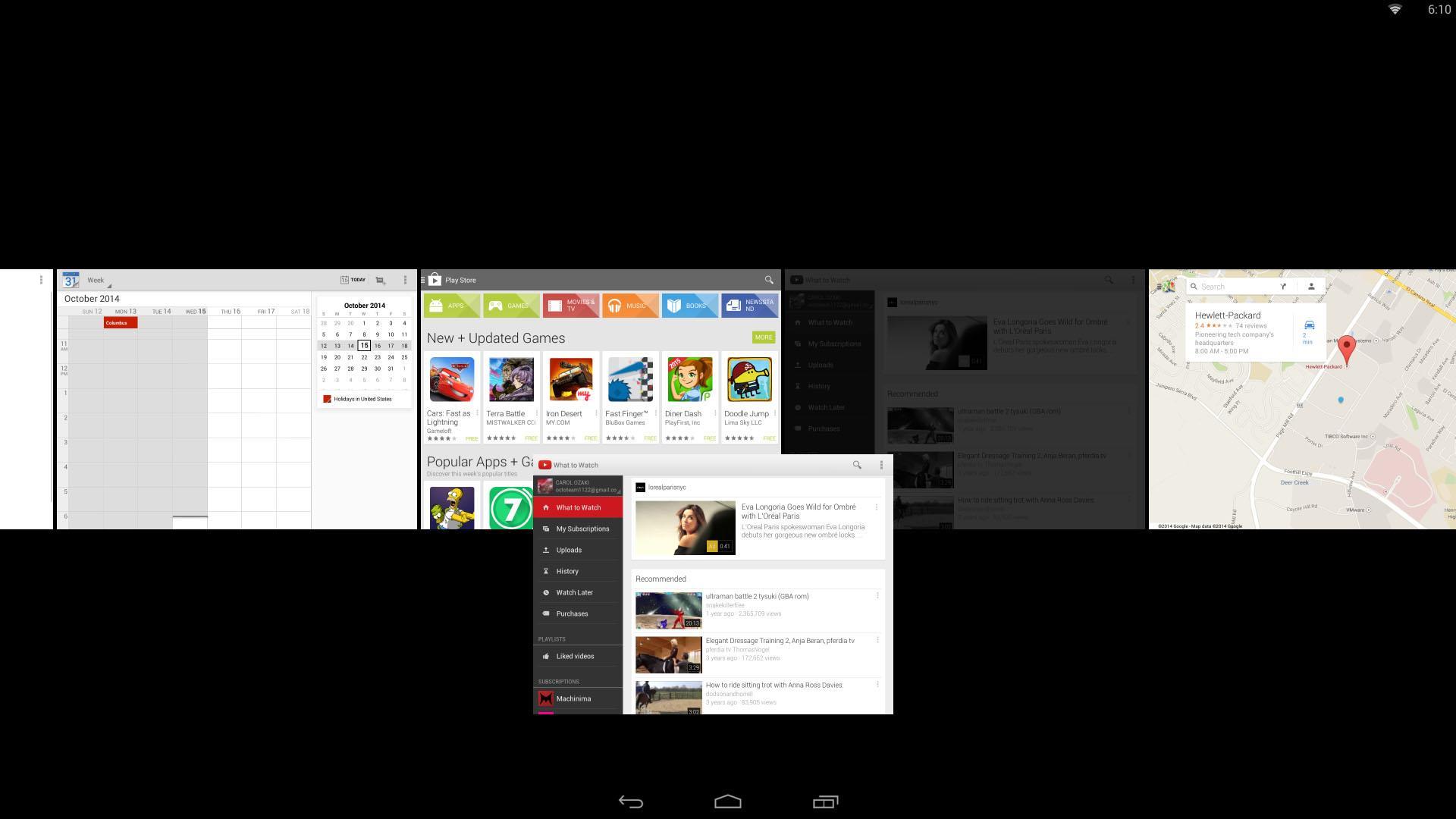
HP Dual App Viewer allows you to view and interact with two apps side by side, making multitasking on Android more convenient and easier to use.
Do you want to browse the web while writing a paper? You can do it.
Do you want to chat with your friends while watching a movie? You can do it.
Do you want to make a video while watching a video? Why not, you can do that too.
Included in this tutorial are the detailed features available in HP Dual App Viewer and how to how to control/operate/use it using gestures.
Latest Version
1.0Uploaded by
Sujoko Fadil
Requires Android
Android 4.2+
Category
Free Productivity AppContent Rating
Everyone
Report
Flag as inappropriateLast updated on Aug 5, 2015
This release includes minor bug fixes and general improvements. Update to the latest version for the best experience.




APKPure - A multi-platform app store primarily focused on Android, providing extensive app-related content. Discover the app you want easier, faster, and safer, with quick and efficient downloads and installations.