
Important Note: HP Dual App Viewer is currently available only for HP Slate 21 (hp.com/go/slate21) and HP Slatebook 14 (hp.com/go/Slatebook)
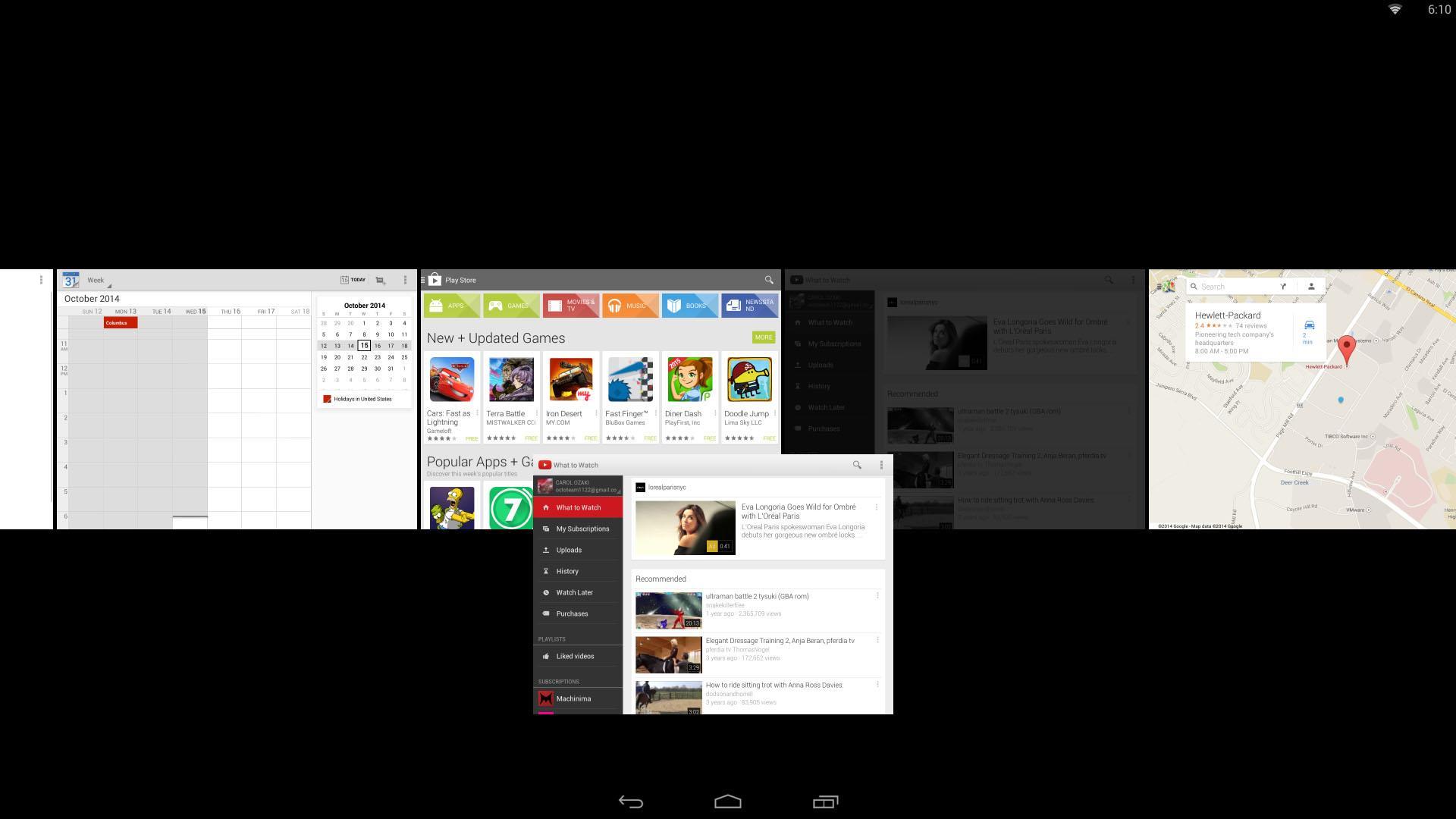
HP Dual App Viewer allows you to view and interact with two apps side by side, making multitasking on Android more convenient and easier to use.
Do you want to browse the web while writing a paper? You can do it.
Do you want to chat with your friends while watching a movie? You can do it.
Do you want to make a video while watching a video? Why not, you can do that too.
Included in this tutorial are the detailed features available in HP Dual App Viewer and how to how to control/operate/use it using gestures.
Versi Terbaru
1.0Dimuat naik oleh
Sujoko Fadil
Memerlukan Android
Android 4.2+
Category
PERCUMA Produktiviti APLIKASIPenilaian Kandungan
Everyone
Laporkan
Tandai sebagai tidak sesuaiLast updated on Aug 5, 2015
Versi ini mengandungi pembaikan pepijat kecil dan penambahbaikan umum. Kemas kini kepada versi terkini untuk pengalaman terbaik.




APKPure - Sebuah gedung aplikasi berbilang platform yang tertumpu terutamanya pada Android, menyediakan kandungan berkaitan aplikasi yang meluas. Temui aplikasi yang anda mahukan dengan lebih mudah, pantas, dan selamat, dengan muat turun dan pemasangan yang cepat dan cekap.