
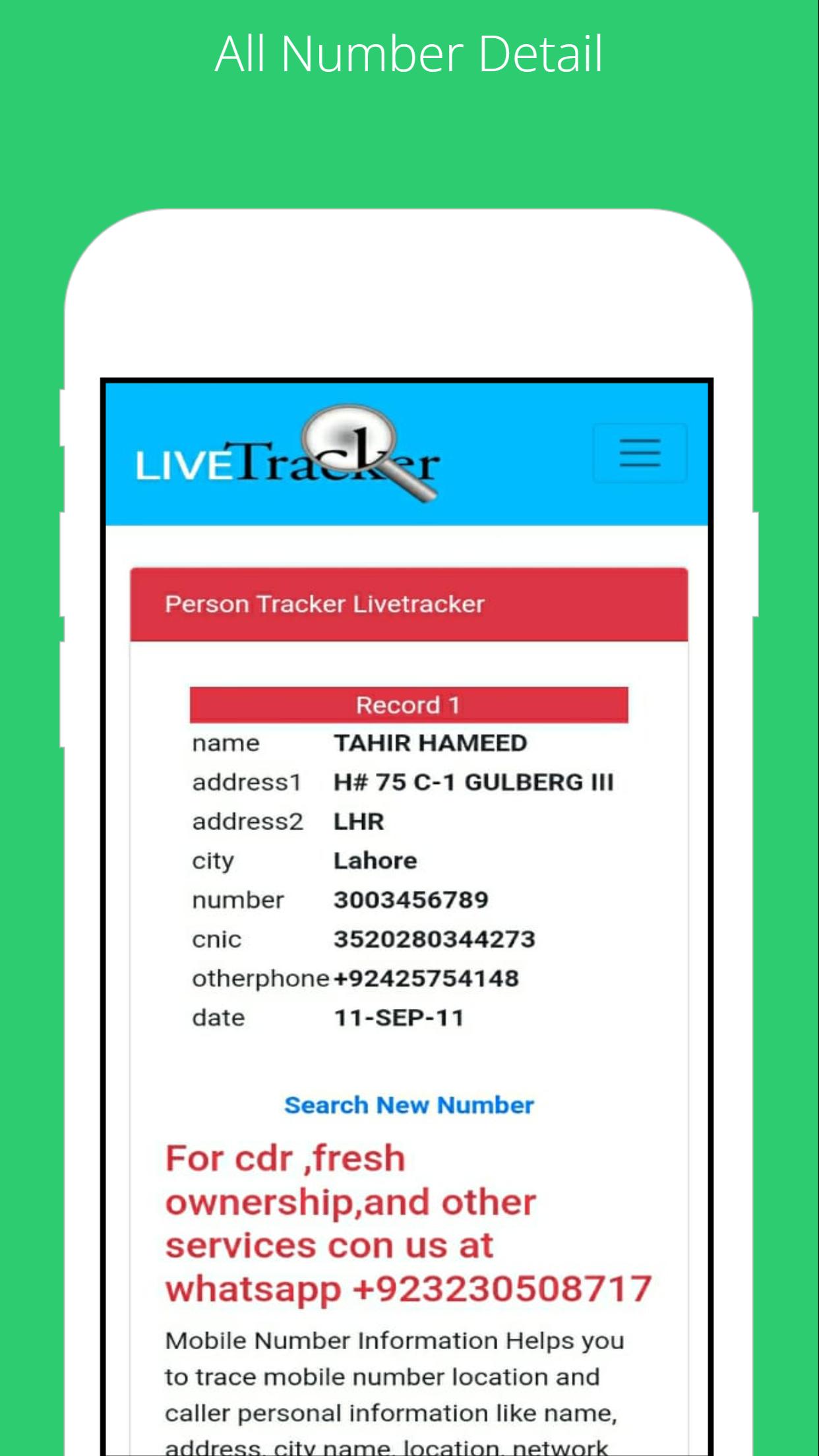
To find the SIM card owner's name and address, open the SIM Owner Details by Pak Data Finder. Enter the mobile number in the given box and tap on the submit button. That’s it, next you will find the name and address of the SIM owner details.
How to check registered sims?
To check the registered sim cards you only need to click on "sim information" to enter your CNIC number to get the complete details of the Sim numbers registered.
By Pak Data Finder app it's now very easier for all registered numbers on your CNIC. It provides the complete details of sim registration. You can also whether there how many Zong, Jazz, Warid, Ufone, and Telenor sims are registered.
Latest Version
1.0Uploaded by
Abdulrahman Noman
Requires Android
Android 4.1+
Category
Free Tools AppContent Rating
Everyone
Report
Flag as inappropriateLast updated on Jul 22, 2022
Minor bug fixes and improvements. Install or update to the newest version to check it out!








APKPure - A multi-platform app store primarily focused on Android, providing extensive app-related content. Discover the app you want easier, faster, and safer, with quick and efficient downloads and installations.












