
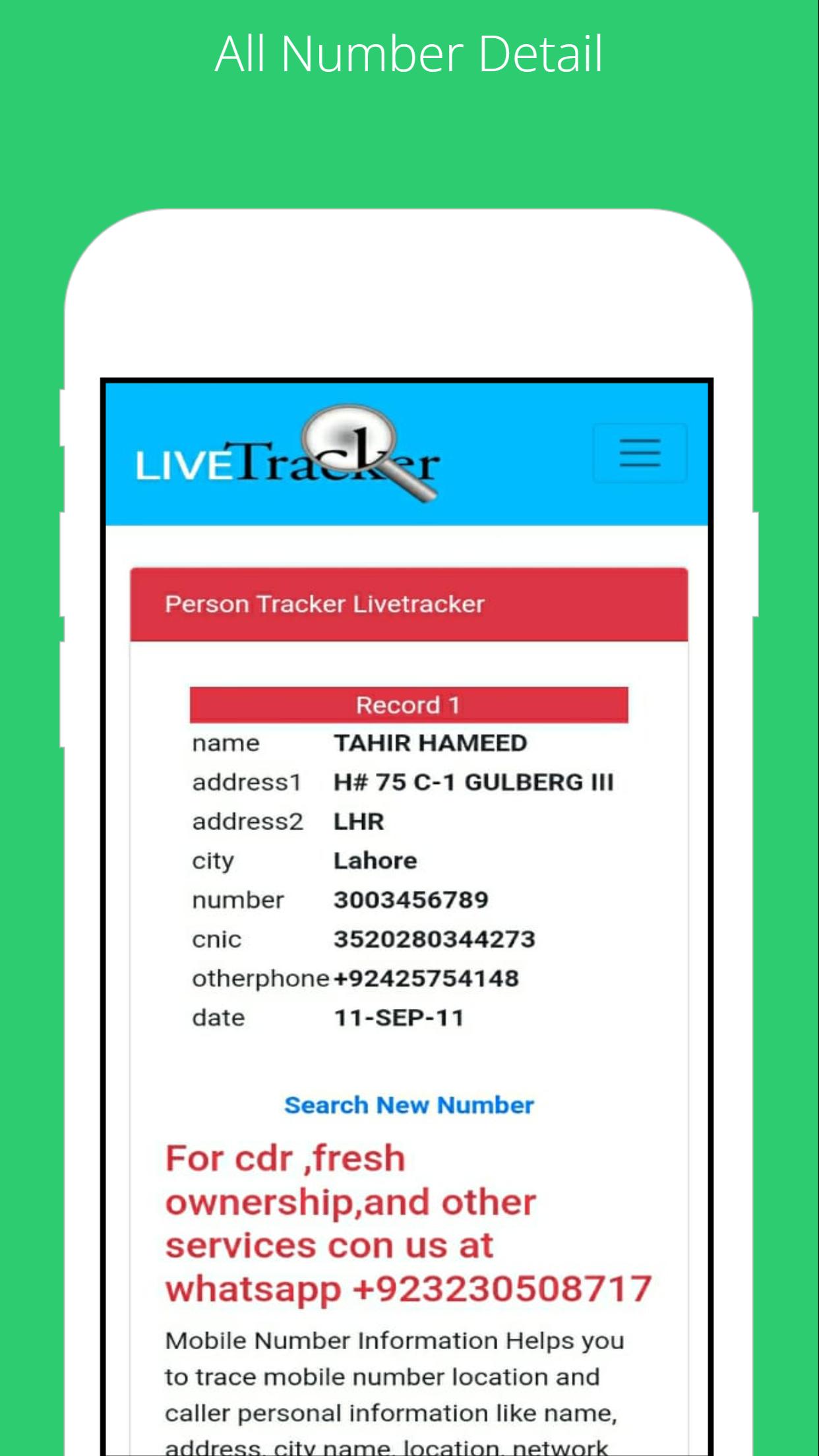
To find the SIM card owner's name and address, open the SIM Owner Details by Pak Data Finder. Enter the mobile number in the given box and tap on the submit button. That’s it, next you will find the name and address of the SIM owner details.
How to check registered sims?
To check the registered sim cards you only need to click on "sim information" to enter your CNIC number to get the complete details of the Sim numbers registered.
By Pak Data Finder app it's now very easier for all registered numbers on your CNIC. It provides the complete details of sim registration. You can also whether there how many Zong, Jazz, Warid, Ufone, and Telenor sims are registered.
เวอร์ชันล่าสุด
1.0อัปโหลดโดย
Abdulrahman Noman
ต้องใช้ Android
Android 4.1+
Category
ฟรี เครื่องมือ แอปการจัดประเภทเนื้อหา
Everyone
รายงาน
ปักธงว่าไม่เหมาะสมLast updated on Jul 22, 2022
เวอร์ชันนี้มีการแก้ไขข้อบกพร่องเล็กน้อยและการปรับปรุงทั่วไป อัปเดตเป็นเวอร์ชันล่าสุดเพื่อประสบการณ์ที่ดีที่สุด







APKPure - ร้านค้าแอปพลิเคชันแบบมัลติแพลตฟอร์มที่มุ่งเน้นระบบ Android เป็นหลัก พร้อมให้บริการเนื้อหาที่เกี่ยวกับแอปอย่างครบครัน ค้นพบแอปที่คุณต้องการได้ง่าย รวดเร็ว และปลอดภัยยิ่งขึ้น พร้อมการดาวน์โหลดและติดตั้งที่รวดเร็วและมีประสิทธิภาพ