Scan Date:Jan 15, 2026
Show More

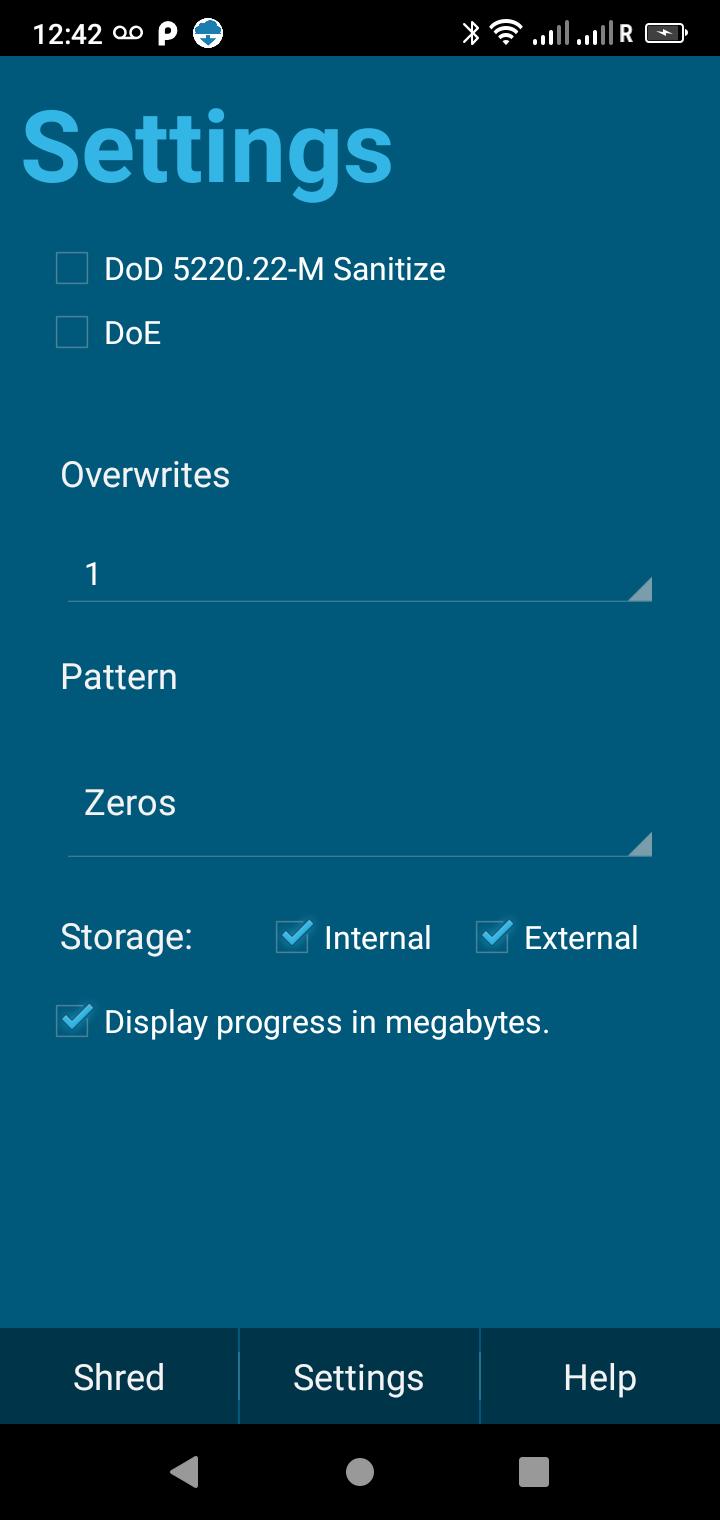
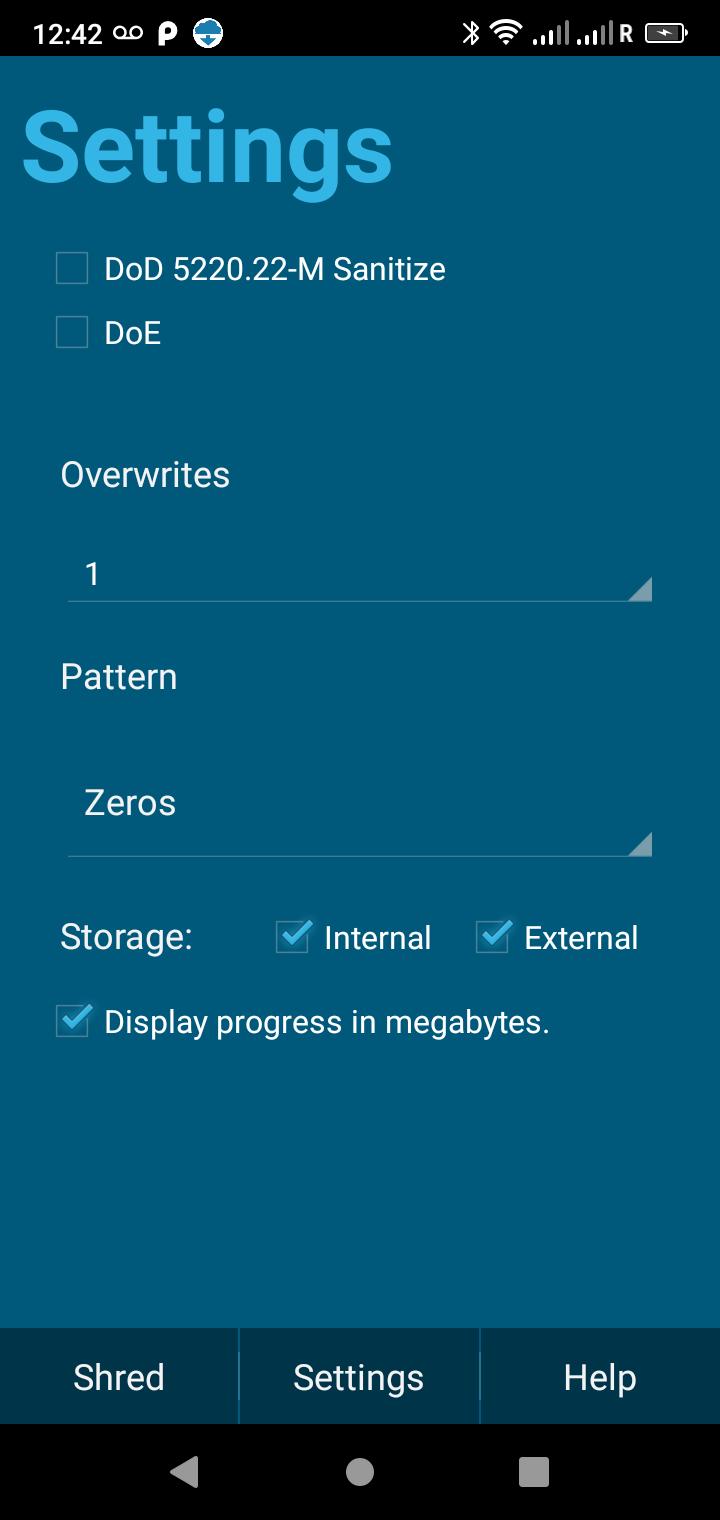
Wipe Data on an Android phone, tablet, TV and protect your privacy with this easy to use app that will permanently delete data from any Android device so it can’t be recovered. Easy to use, ShredIt, comes with step-by-step tutorials, a proven track record as well as a configurable overwrite pattern, multiple overwrites, government standard write patterns (DoD, DoE), and will wipe the internal and external storage on your device.
Subscription - annual
Features
*Easy to use: You'll be up and running in less than a minute so you can use it RIGHT NOW
*Wipes free space so deleted data can't be recovered. Works for both internal and external storage (flash drive memory)so you can wipe everything
*Easy to wipe phone before selling with step-by-step tutorials so you can relax
*Optional Standards Compliance: If you need Government Standard's Compliance, you just do. It's thorough but it takes longer. US Dept of Defense (DoD 5220), US Dept of Energy (DoE) electronic shredding standards, Gutmann
*Overwrite Options: A configurable overwrite pattern and number of overwrites to meet your other requirements
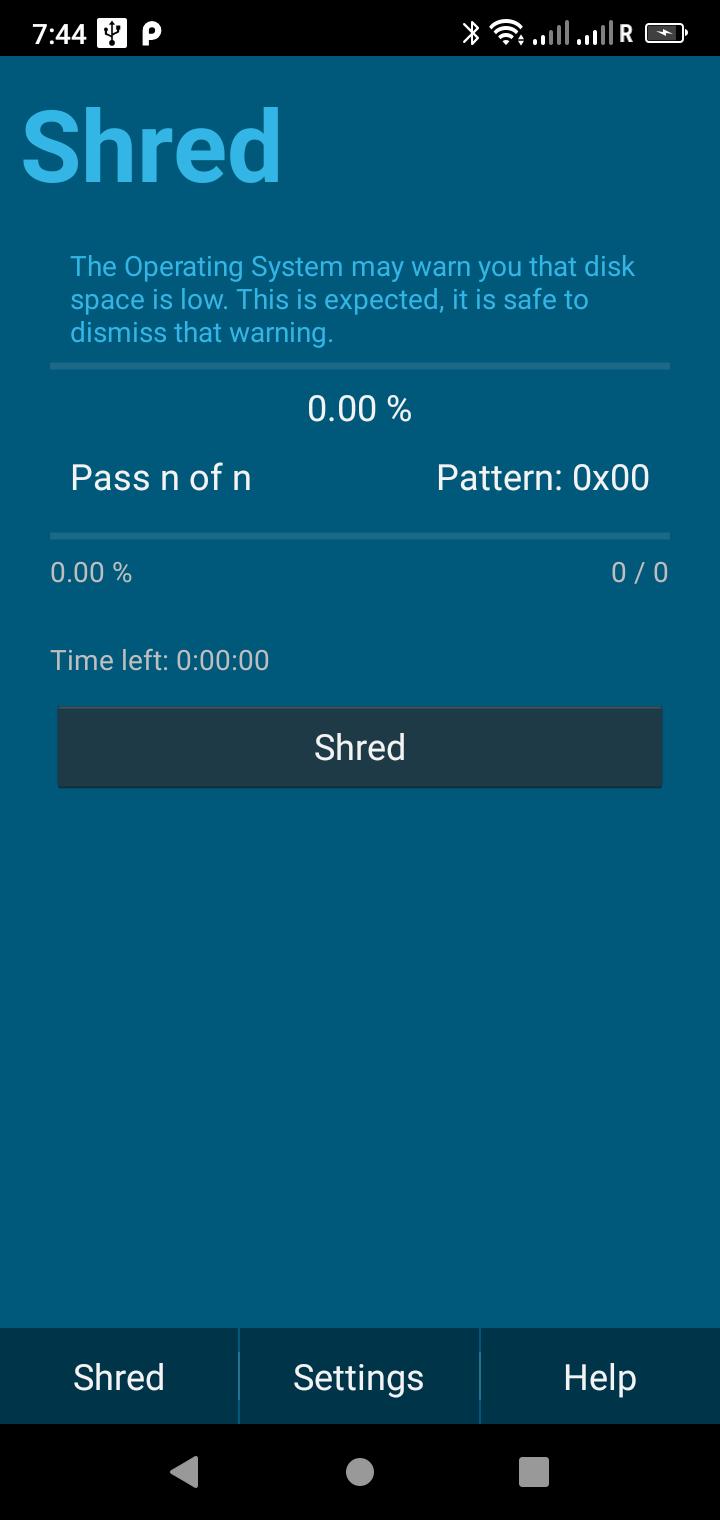
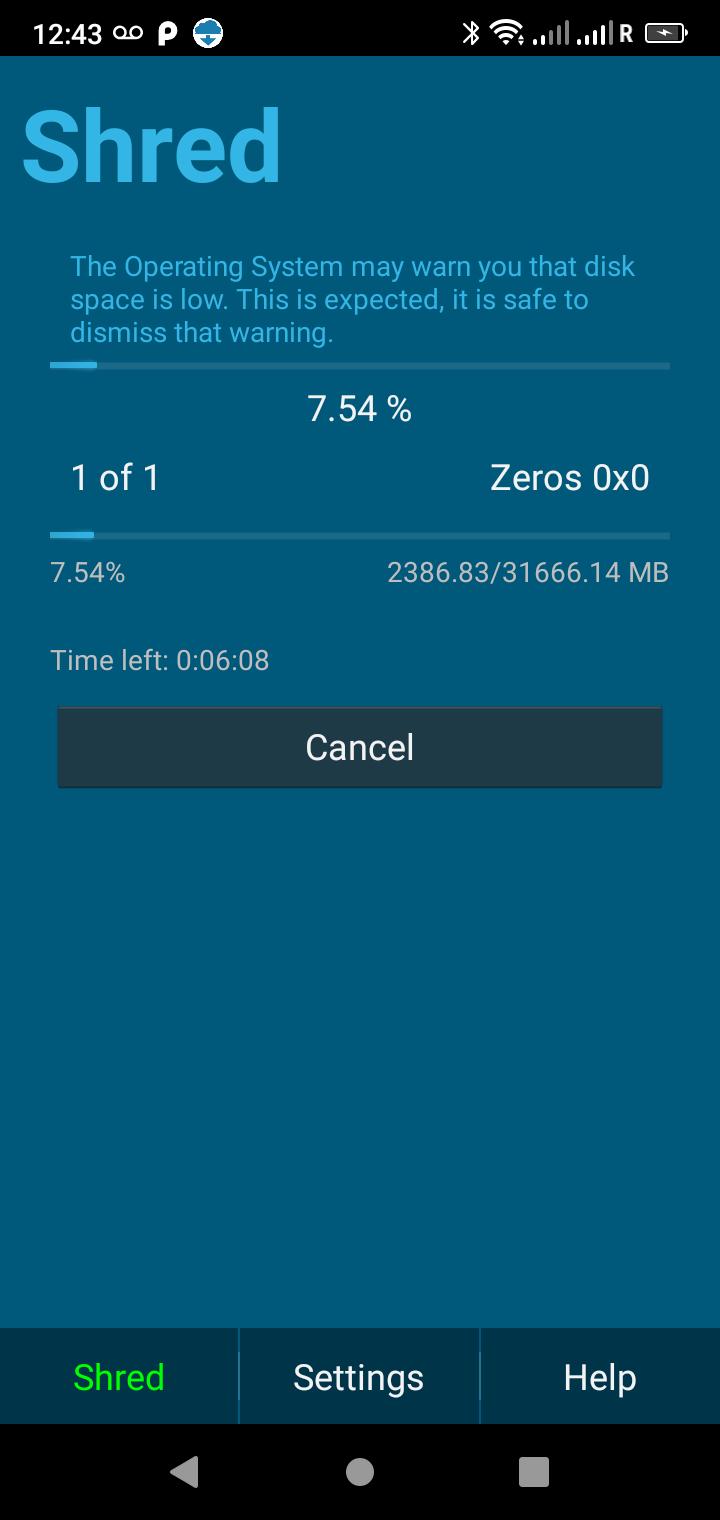
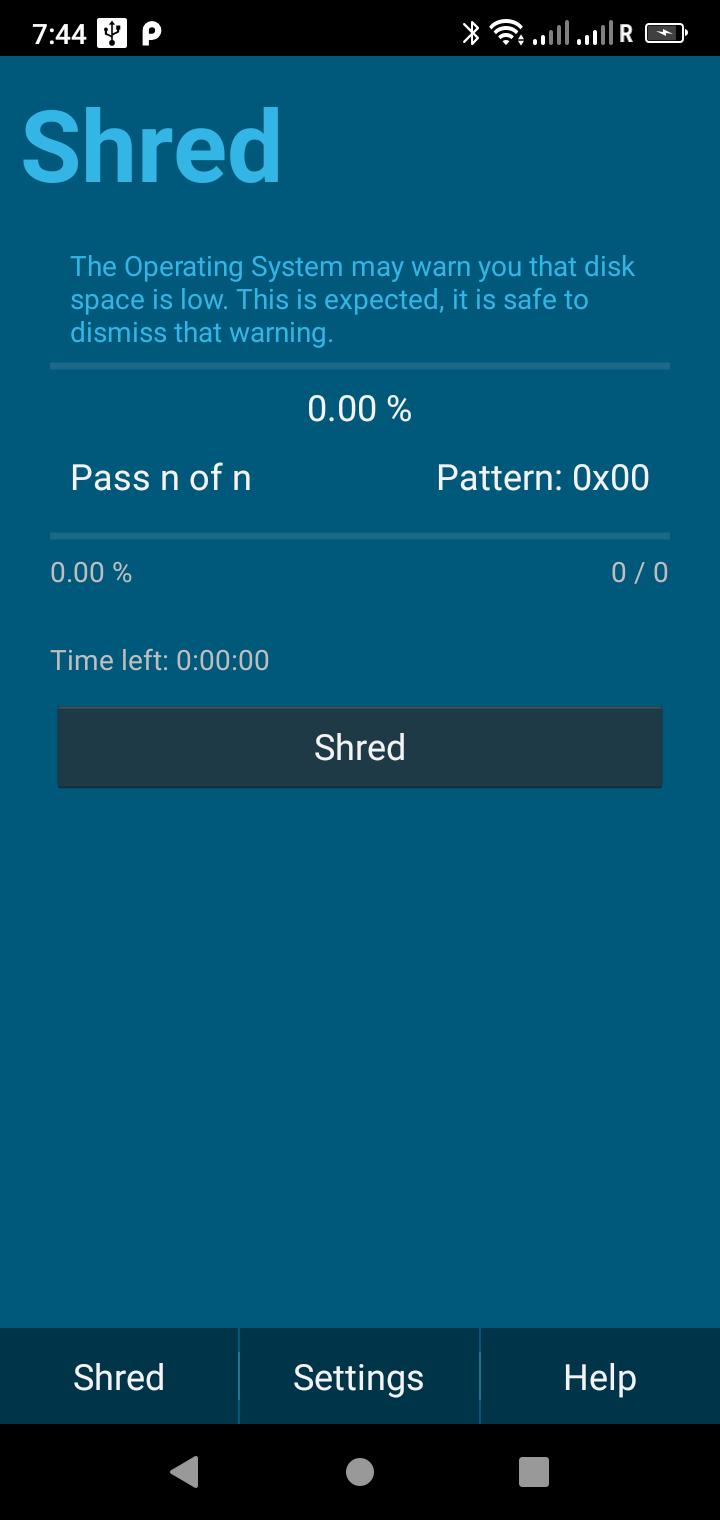
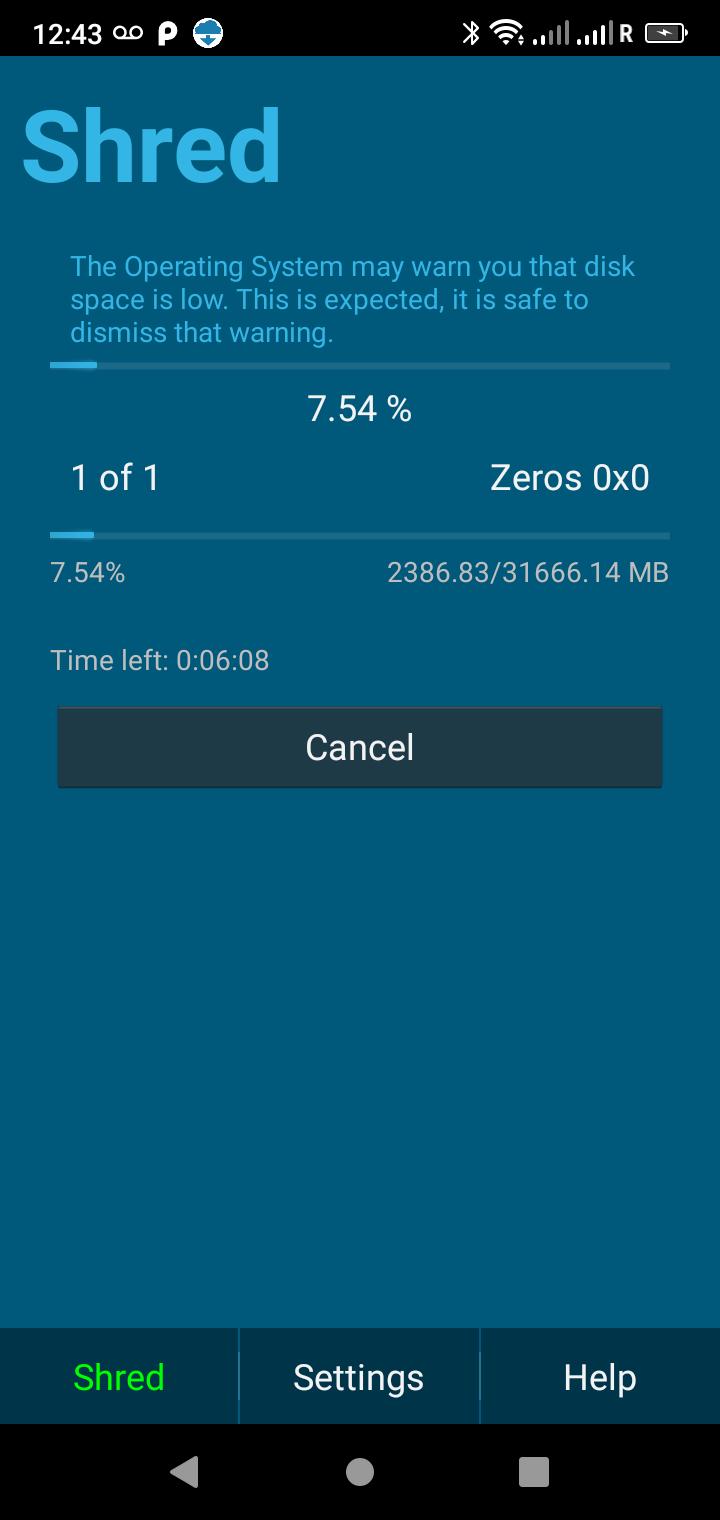
*Accurate time estimate and status display, so you’ll know exactly what’s happening and how long it will take
*Reliable Quality: ShredIt has been successfully erasing data since 1991
Using ShredIt to erase an Android phone, tablet or TV is easy! Here’s what you do:
1. Delete the private data and private apps from your device
2. Launch ShredIt
3. Pick your overwrite options. (The number of overwrite passes determines how long it takes the job to complete. If you choose multi-overwrites, the job will take longer. Watch the progress on the Progress screen.
4. From the Shred screen, click the Shred button to start the job.
ShredIt does the work for you. When the operation is complete, the private data on your Android device will be permanently deleted so it can’t be recovered.
Usage Notes - Only data that is in the free space will be erased. The easiest thing to do is to uninstall the App(s) and then use ShredIt. If you still need the Apps, re-install them later. - It's not possible to uninstall some Apps. In that case, get the App info (Long press and drag the App onto the info icon), clear its cache, clear its storage, and Force Stop the App. Then wipe the free space with ShredIt.
Where to Learn More about what ShredIt does and how to use it
* Watch the Video - Learn How to Install - Step-by-Step
* Watch the Video - Wipe an Android Device - Step-by-Step
* Visit our site and Learn more
Latest Version
3.3.6.250726Uploaded by
Supaporn Ninwadee
Requires Android
Android 5.0+
Category
Free Business AppContent Rating
Everyone
Security Report
Report
Flag as inappropriateLast updated on Jul 30, 2025
Fix problem with Edge to Edge drawing App buttons under system navigation buttons.



APKPure - A multi-platform app store primarily focused on Android, providing extensive app-related content. Discover the app you want easier, faster, and safer, with quick and efficient downloads and installations.