
Shredder Chess is made for players who want to train on a phone without setting up a board or using several separate tools. It gives you a place to play full games, review positions, and work through chess practice at your own pace. Because the app can adjust to different skill levels, it fits casual learners as well as stronger players. If you want to download Shredder Chess, this page explains what the app offers before installation.
Adjustable chess opponent
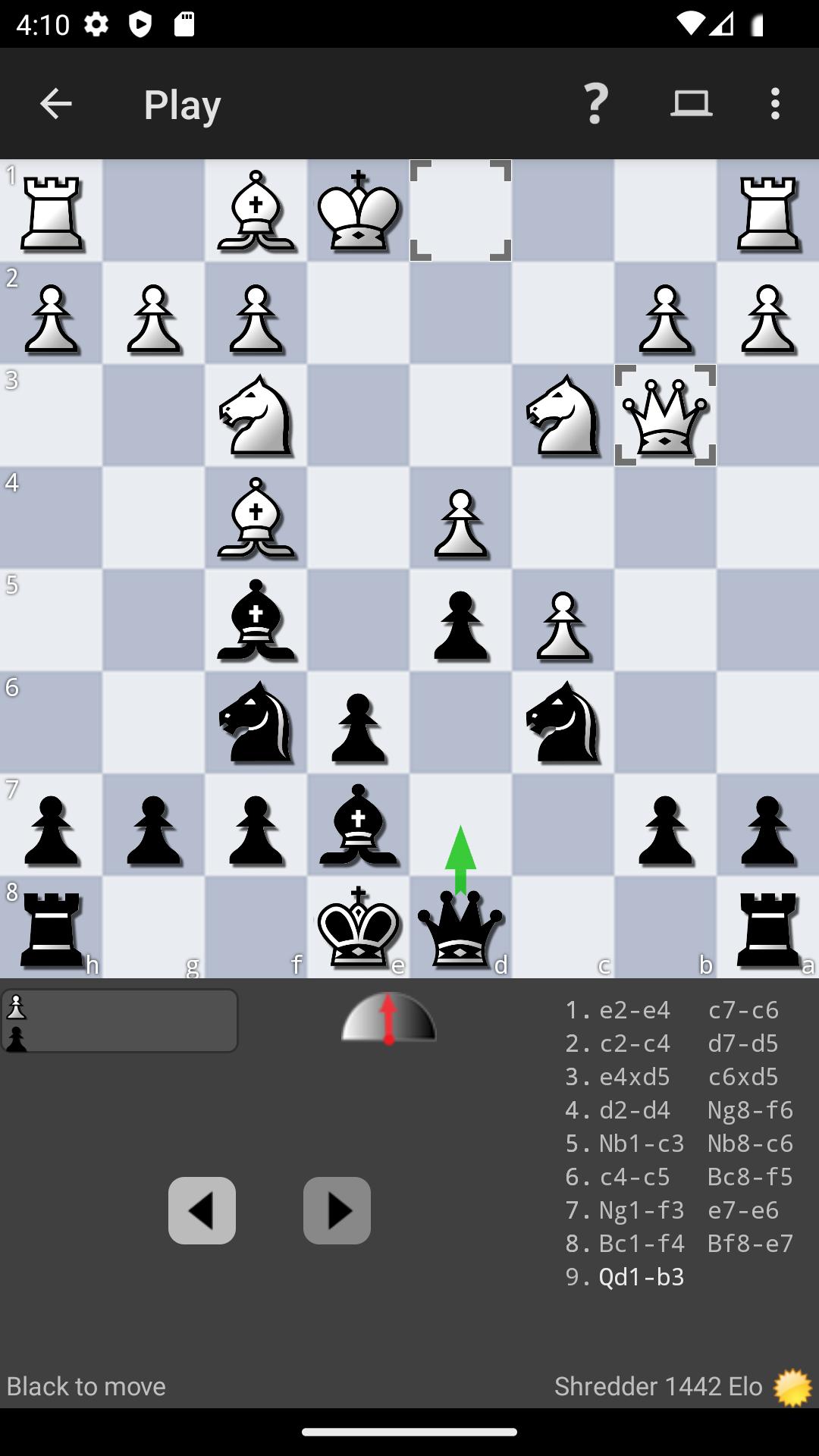
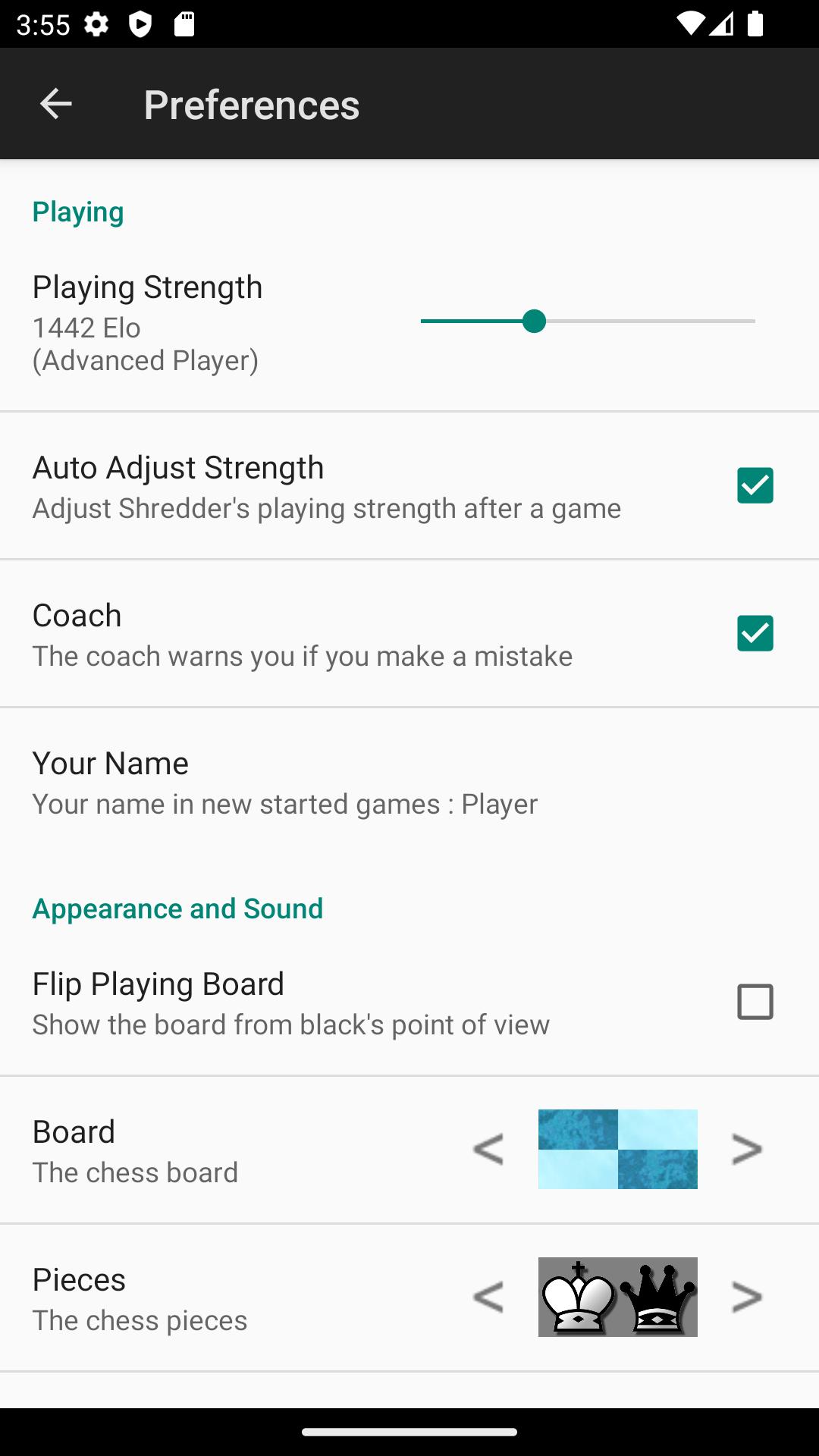
Shredder Chess lets you play against the Shredder engine at different strengths, from beginner level to master level. As you continue playing, the app can adapt its strength automatically, so the game does not stay too easy or become too difficult too quickly. This makes regular practice more useful, especially when you want an opponent that matches your current playing level.
Human like play style
Shredder Chess can play in a way that feels closer to a human opponent instead of only choosing engine perfect moves. It can simulate different playing strengths and include common human mistakes. As a result, you can practice spotting practical chances and handling positions that often appear in real games.
Built in chess puzzles
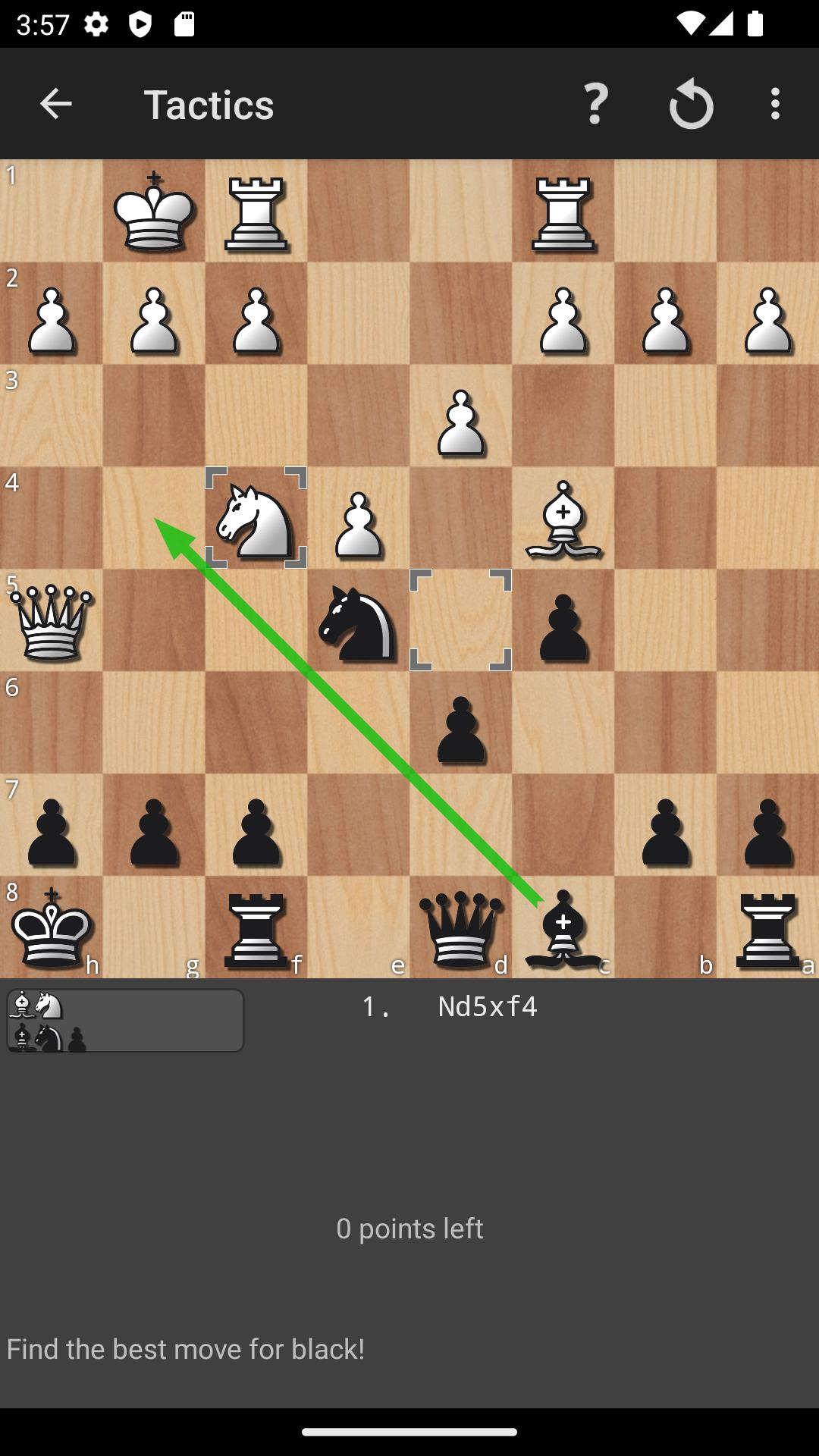
You can train tactics with 1000 built in chess puzzles. The app tracks your performance, so you can see whether your solving is improving over time. When you get stuck, Shredder Chess can give advice, which helps you understand the idea behind a move instead of only guessing the answer.
Game and position analysis
Shredder Chess works as a chess analysis app for reviewing games and checking custom positions. You can use it to find mistakes, compare possible moves, and understand why one plan is stronger than another. This is useful after a practice game, because the review can show where the position changed and what you could try next time.
Coach and practical chess tools
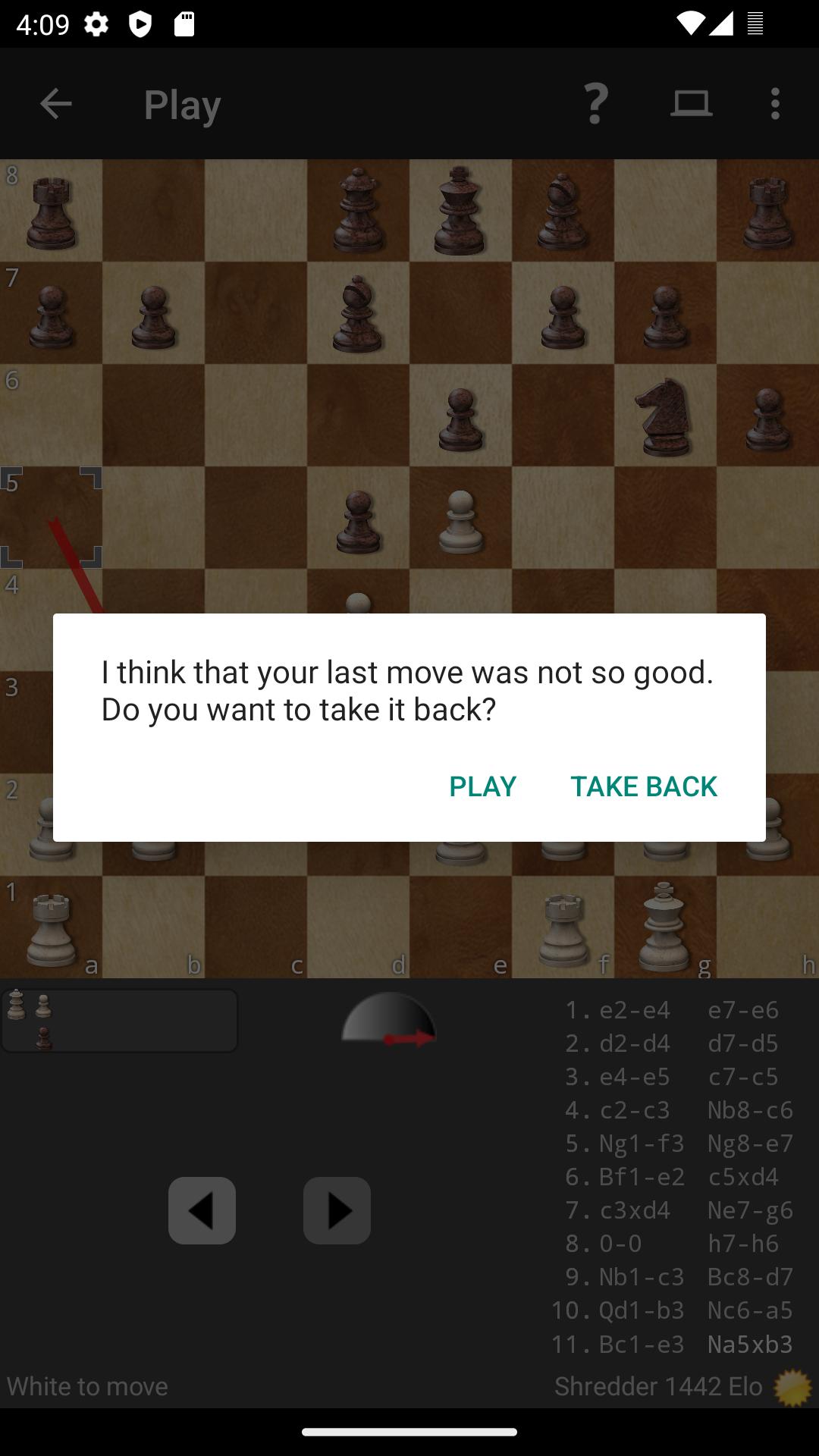
You can use the in game coach while playing, and it warns you before clear mistakes. In addition, Shredder Chess supports useful tools such as PGN import and export, game saving, opening book variety, multiple boards and pieces, and blindfold play. The app also supports phones and tablets, so you can use it for short sessions or longer review time.
Shredder is a long established chess name created by Stefan Meyer Kahlen. The program was first created in 1993, became commercially available in 1997, and is known as a 19 time World Computer Chess Champion program. This background matters for users who want a training app based on a recognized chess engine rather than a simple casual board game.
Shredder Chess Android is suitable for beginners who need guided practice and for advanced players who want stronger opposition and deeper review. Since the app can adjust its playing strength, it can stay useful as your level changes. Before choosing a Shredder Chess download, it is worth knowing that the app focuses on steady training through play, puzzles, analysis, and coaching.
The broader Shredder Chess ecosystem also includes online play, Puzzle of the Day, an opening database, and an endgame database. These related resources can support users who want more chess material outside a single training session. However, the Android app itself is mainly useful when you want mobile practice, position checking, and game review in one place.
After installing the Shredder Chess APK, open the app and choose the type of training that matches what you want to do first. You can start with a normal game, a puzzle session, or a position review, then move between these activities as your practice needs change.
Shredder Chess combines engine play, tactics practice, coaching, and analysis for users who want structured chess training on Android. Install the Shredder Chess latest version if you want a mobile chess app that supports both casual practice and more serious review.
Official information is available through the developer’s website and support email.
Latest Version
1.9Requires Android
6.0
Category
Board GameContent Rating
Everyone
Report
Flag as inappropriateLast updated on Feb 25, 2026
This release includes minor bug fixes and general improvements. Update to the latest version for the best experience.




APKPure - A multi-platform app store primarily focused on Android, providing extensive app-related content. Discover the app you want easier, faster, and safer, with quick and efficient downloads and installations.