This is a Shift Work Schedule version without any ads. Thank you for purchasing this app.
Shift Work Schedule is a free calendar and work shifts schedule widget. This app features a simple yet elegant calendar and widget that you can use to show your work shift pattern.
Shift Work Schedule offers its own list of work shift patterns that you can immediately use. If in case, your work shift doesn’t fall on any of those patterns, you can set a custom shift pattern and use it instead of the pre-loaded shift work patterns.
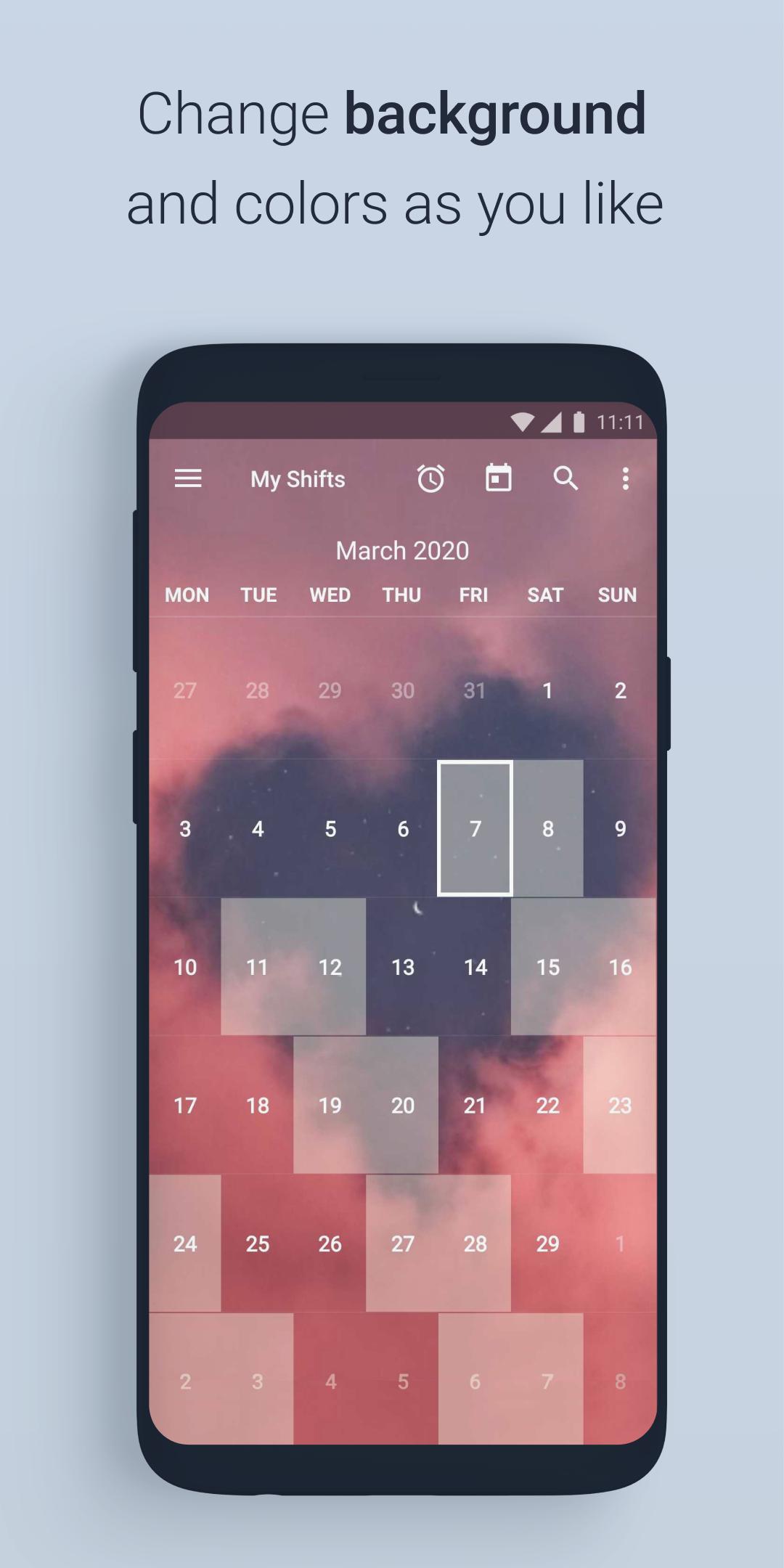
The app will automatically highlight all corresponding days of your work week based on the day you select, so you can see if you are working or not on a specific date and plan your holidays, trips or whatever you want to plan.
NOTE: once you selected your shift pattern, you can not edit separate days (like overtime).
The app also has a nice search feature that lets you check if you’re supposed to be working a particular day and it lets you customize its appearance down to the background.
The app offers a sleek, translucent calendar widget, even if you do not work shifts, you might use it as a simple calendar Widget on your main screen or lock screen( starting from 4.2 android version).
Settings of Shift Work Schedule:
⏰ Alarm clock for shifts
📱 Widgets - 4x1, 4x2, 3x3, 4x4, and resizable widget
🎨 Сhange colors for the selected day, all shifts, day numbers
📊 Adjust your custom shifts pattern
👨👩👧👦 Save up to 5 custom patterns
📖 22 Preset shift patterns
7️⃣ Show week number, change the first day of the week
🖼 Background picture from user gallery
The app does not sync with Google calendars, and it is not wage calculator, all it does is shows you work shifts pattern in a nice way :)
NOTE: Certain Android devices might have some problems updating widgets or setting shift alarms when the Shift Work Schedule app is closed.
To ensure that all alarms set by you are triggered, you'll need to set your device so that it will auto-start the Shift Work Schedule app on the device reboot. Allow the app to run in the background and remove the app from the battery optimized apps list. More info in the apps Help section.
If you have any suggestions or questions, or you do not understand how to make your custom pattern, or you want to correct or add a translation for this app, send me an email please - 4thfloorapps@gmail.com
Latest Version
3.0.3Requires Android
5.0
Category
Productivity AppContent Rating
Everyone
Report
Flag as inappropriateLast updated on Dec 27, 2020
This release includes minor bug fixes and general improvements. Update to the latest version for the best experience.




APKPure - A multi-platform app store primarily focused on Android, providing extensive app-related content. Discover the app you want easier, faster, and safer, with quick and efficient downloads and installations.