

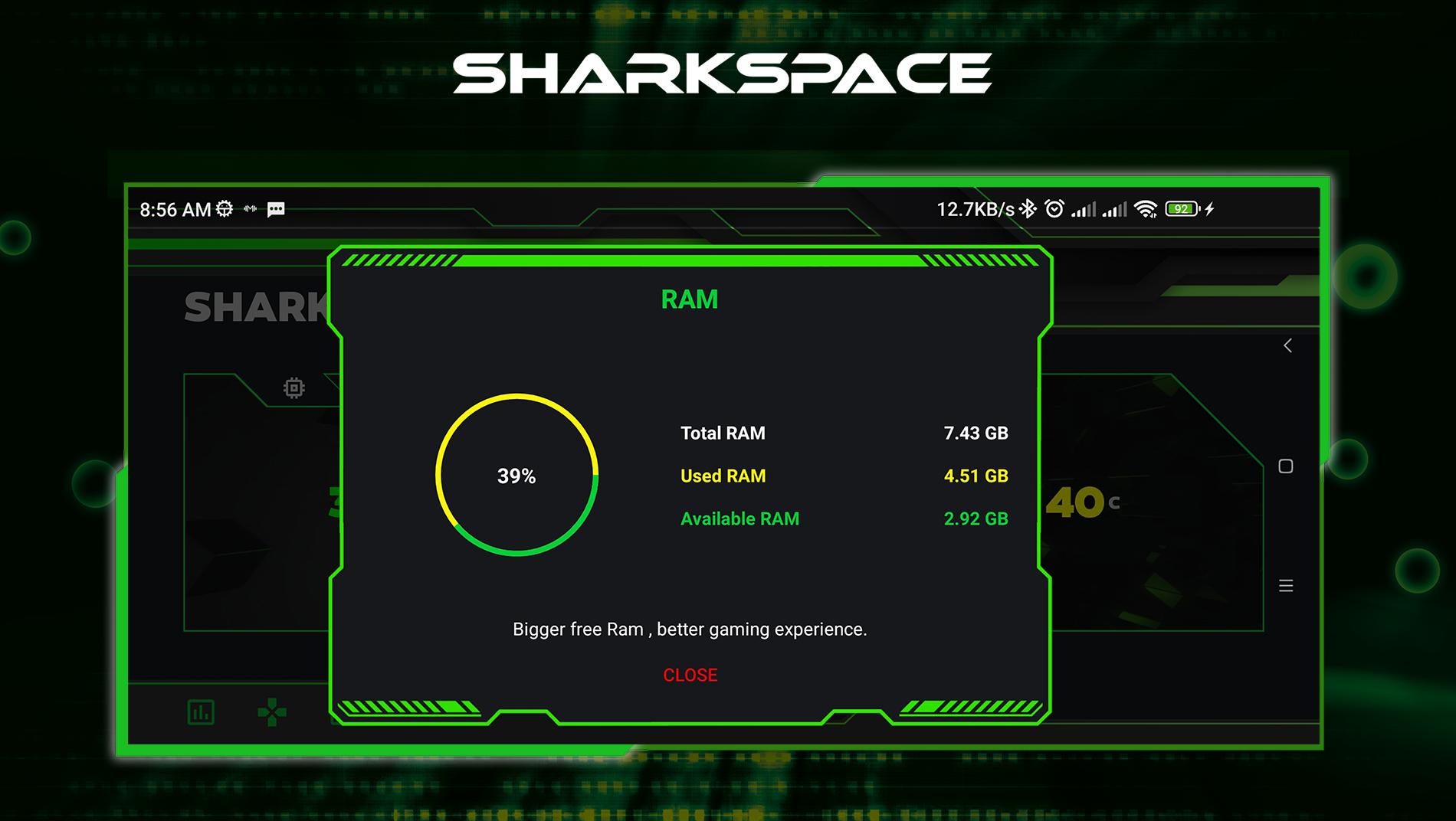
SharkSpace targets common issues that slow down mobile games. It supports smoother sessions by organizing tools that focus your device on play, and it keeps setup simple for busy users. With a modern look and straightforward controls, it is quick to start. As a result, you can adjust performance and keep data tidy while playing without switching apps. To begin, install SharkSpace APK and open the app to pick the tools that fit your routine.
FPS Display
To monitor performance, SharkSpace shows your current frame rate on screen while you play. It helps you see changes in smoothness in real time without leaving the game.
Junk Cleaner
When storage feels tight, you can clear temporary files with the junk cleaner. This frees space and can reduce clutter that slows loading.
WA Cleaner
If chat media builds up, SharkSpace offers a WA cleaner to remove old images, videos, and documents. Your device stays responsive with more available storage.
Custom Nickmaker
For personalization, create stylized nicknames for your profiles using the nickmaker. Using the SharkSpace latest version keeps the newest text styles available.
SharkSpace provides practical tools for smoother play and cleaner storage. To get started, download SharkSpace and configure the overlay and cleaners before launching a game. Use only the options you need to keep setup simple.
Latest Version
1.0.3Uploaded by
Ricardo Medina
Requires Android
Android 5.1+
Category
Free Personalization AppContent Rating
Everyone
Report
Flag as inappropriateLast updated on Jun 1, 2023
Minor bugs fix




APKPure - A multi-platform app store primarily focused on Android, providing extensive app-related content. Discover the app you want easier, faster, and safer, with quick and efficient downloads and installations.