Sharepad is designed so you can quickly take notes in meetings or conversations without worrying about which app to open or creating a document.
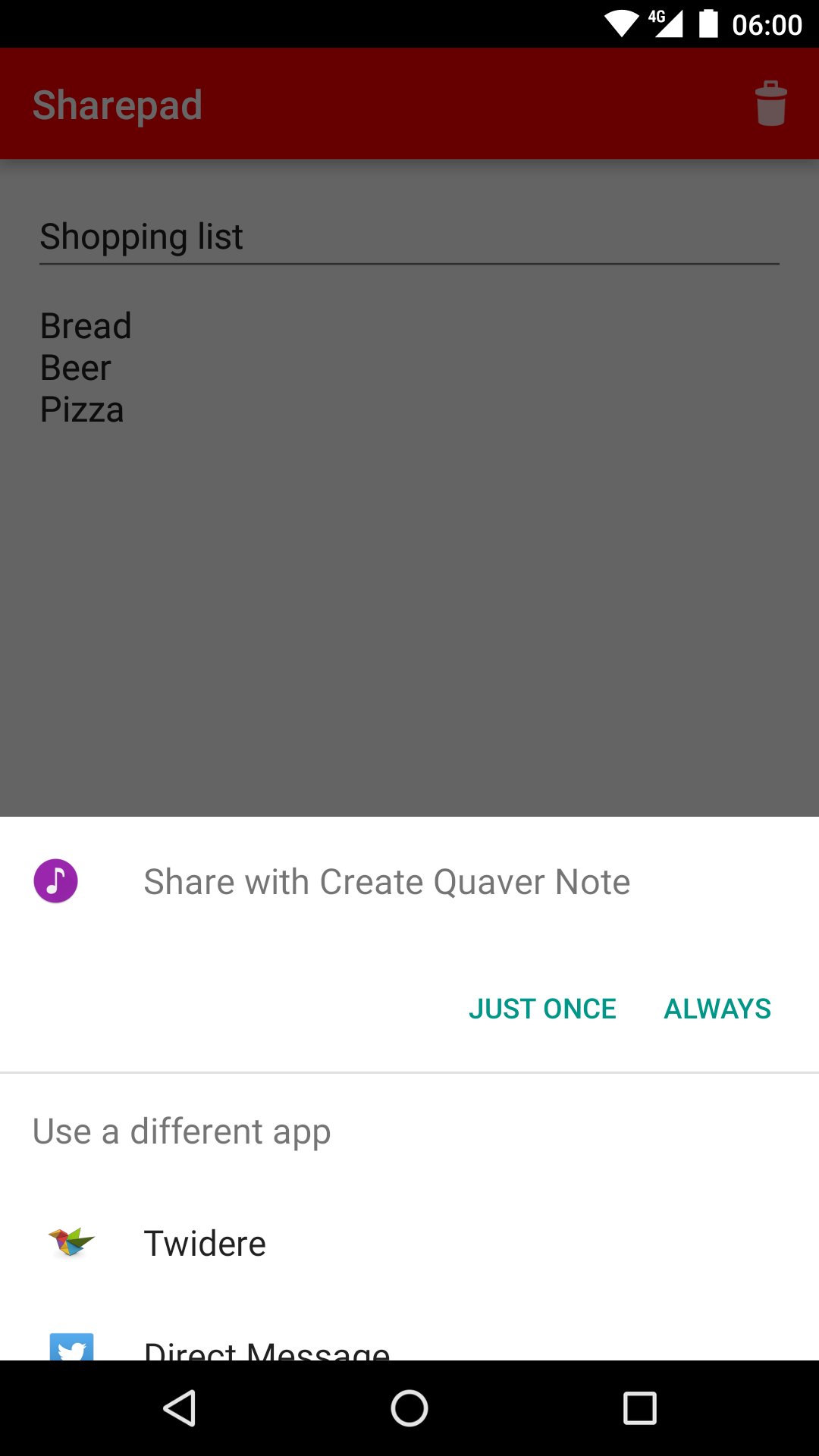
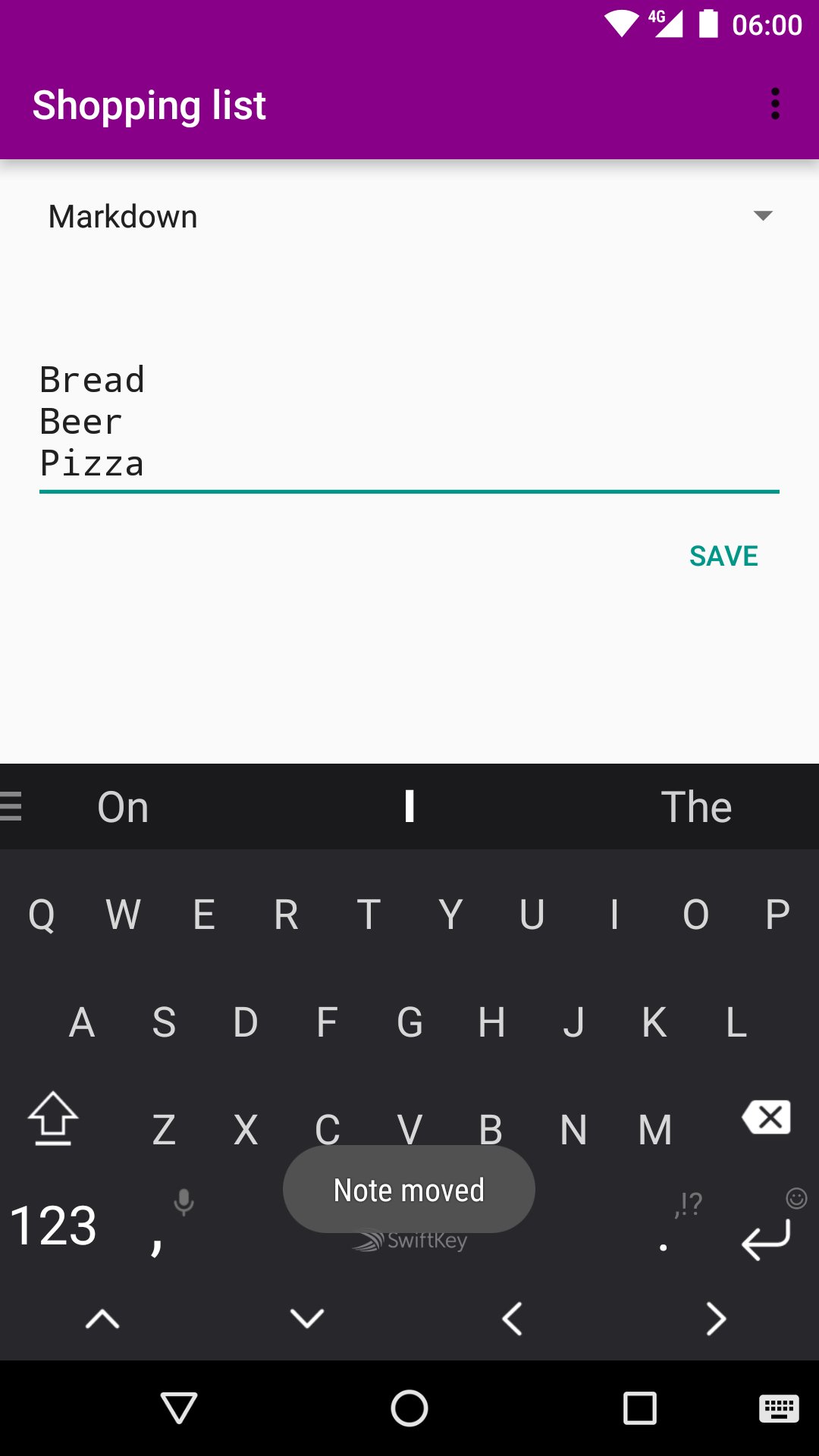
It's more-or-less just a text box and a share button. It's designed to open instantly and let you start typing a note. When you've finished, hit share, and then figure out whether you want to put your new note in Evernote, or Keep, or send it as an email or an SMS or what. The note will still be in Sharepad so you can send it to more than one app or change your mind as much as you want.
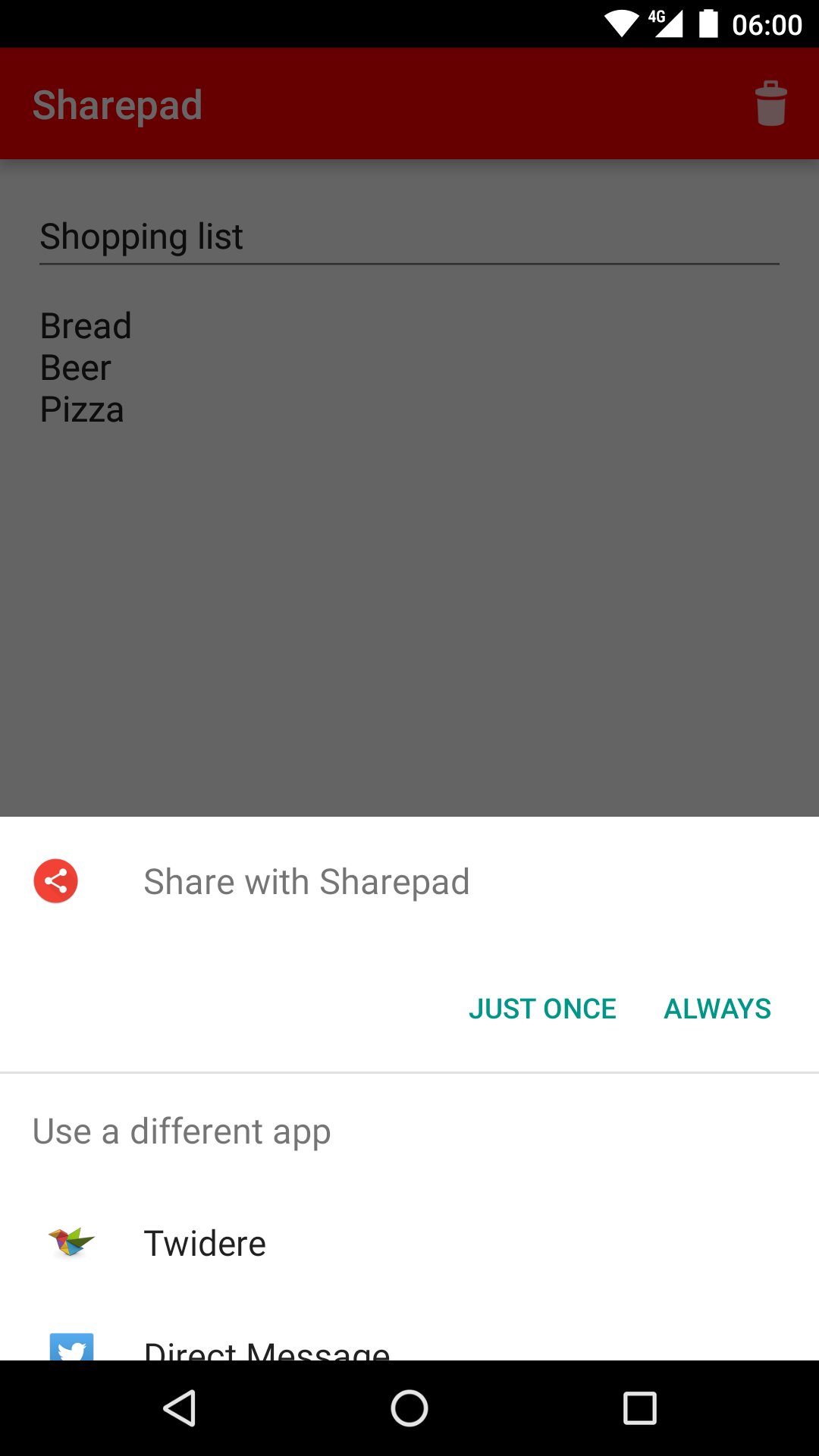
You can also share text TO Sharepad — this is useful, for example, when sharing to WhatsApp. WhatsApp doesn't let you modify text shared to it before sending it, but if you send it via Sharepad then you can.
It's quite handy when combined with AutoShare and Tasker, too.
_____
Header image uses elements from CMS (data transfer device).jpg, by Thomas Guignard (Flickr) [CC BY-SA 2.0 (http://creativecommons.org/licenses/by-sa/2.0)], via Wikimedia Commons
Latest Version
2.0.1Uploaded by
سمسم جلال
Requires Android
Android 2.2+
Category
Free Tools AppContent Rating
Everyone
Report
Flag as inappropriateLast updated on Nov 9, 2016
New Material look.



APKPure - A multi-platform app store primarily focused on Android, providing extensive app-related content. Discover the app you want easier, faster, and safer, with quick and efficient downloads and installations.