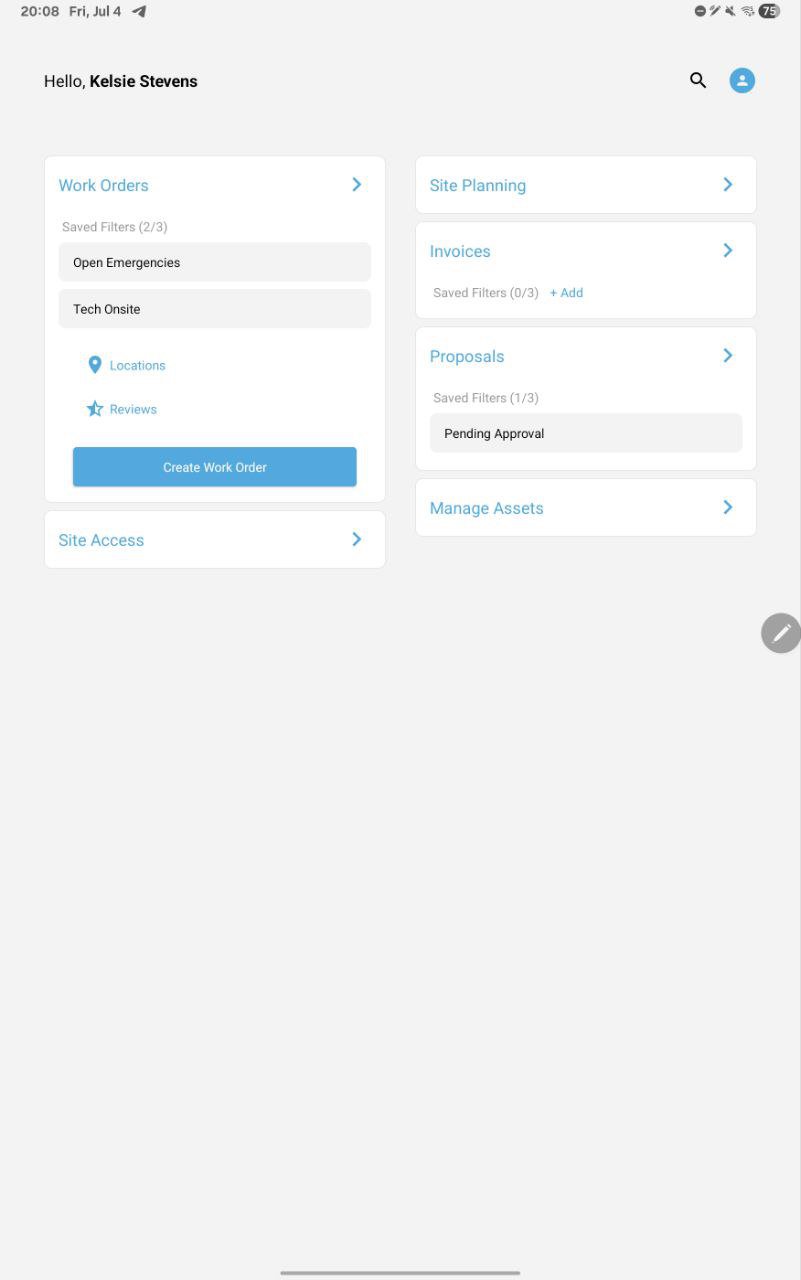
Create, search, and edit WOs anytime from anywhere to minimize the time required to get your WOs completed. For licensed ServiceChannel customers only.
Search Work Orders By:
Tracking Number
Work Order Number
Purchase Order Number
Location Keyword
Reassign Work Orders
Filter Work Orders by Status, Trade, Category and Priority
Edit Work Order Details:
Status
Priority
Schedule Date
Trade
Provider
NTE
Purchase Order Number
Description
Category
Add/Review WO notes
Add/Review Attachments for notes and WOs
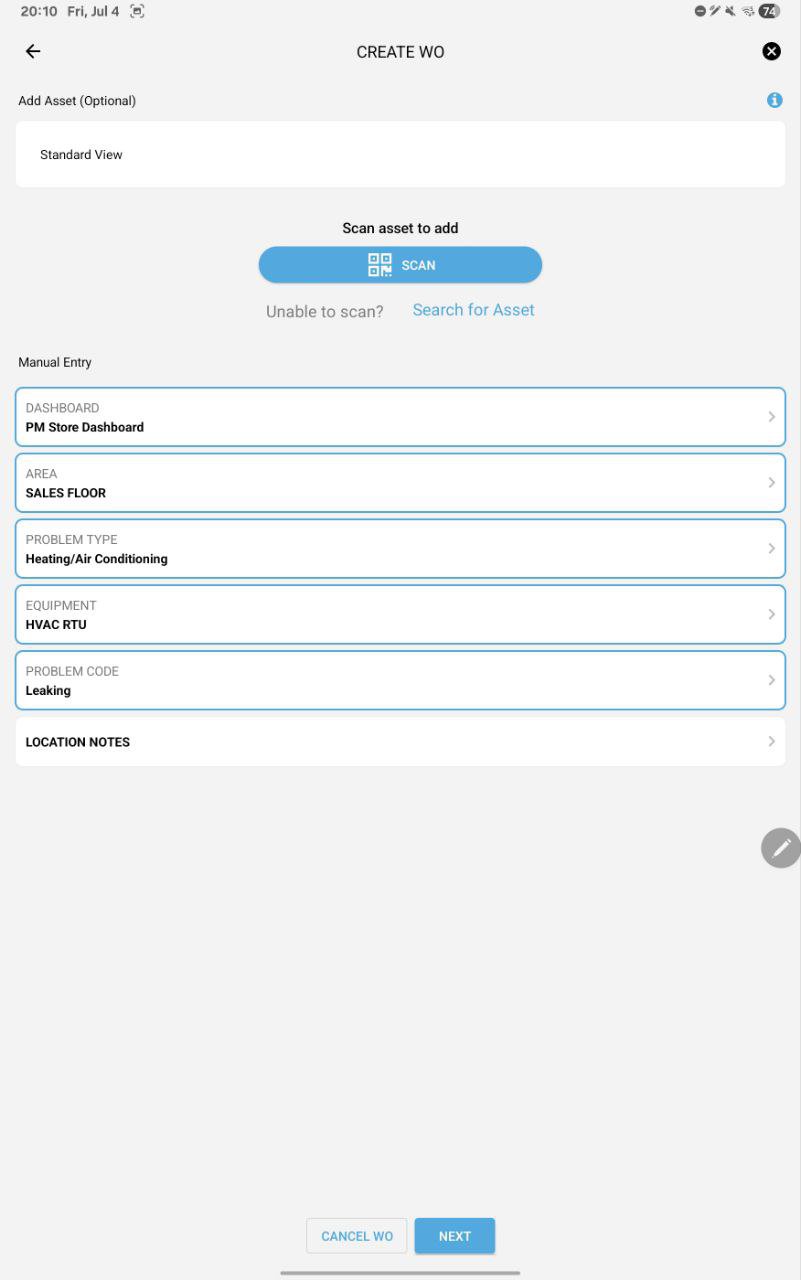
Create work orders anytime, from anywhere, and get them to your contractors quicker, saving you time and reducing remediation time.
Latest Version
2609.2Uploaded by
Elly Silva
Requires Android
Android 8.0+
Category
Free Tools AppContent Rating
Everyone
Report
Flag as inappropriateLast updated on Oct 5, 2026
No visible changes for this version. We are currently working on new features that are going live down the road. Stay tuned!





APKPure - A multi-platform app store primarily focused on Android, providing extensive app-related content. Discover the app you want easier, faster, and safer, with quick and efficient downloads and installations.