


Package Name:com.sos.securit
SHA-256:0c454b6cc363cf996a7161b9e7d643a5cf0c0ce3da45ad14a3e0721e7c54af60
Show More

Professional alert application reserved for customers of the My Keeper company.
💡 ACCESS TO THE SOLUTION
The app will only work if you or your company are My Keeper customers. You can contact the teams via the following link: https://mykeeper.fr/fomulaire-contact/
ENHANCE THE SAFETY OF YOUR EMPLOYEES AND ISOLATED WORKERS
From accidents or medical problems to attacks or threats: My Keeper offers an effective solution to respond to all emergency situations.
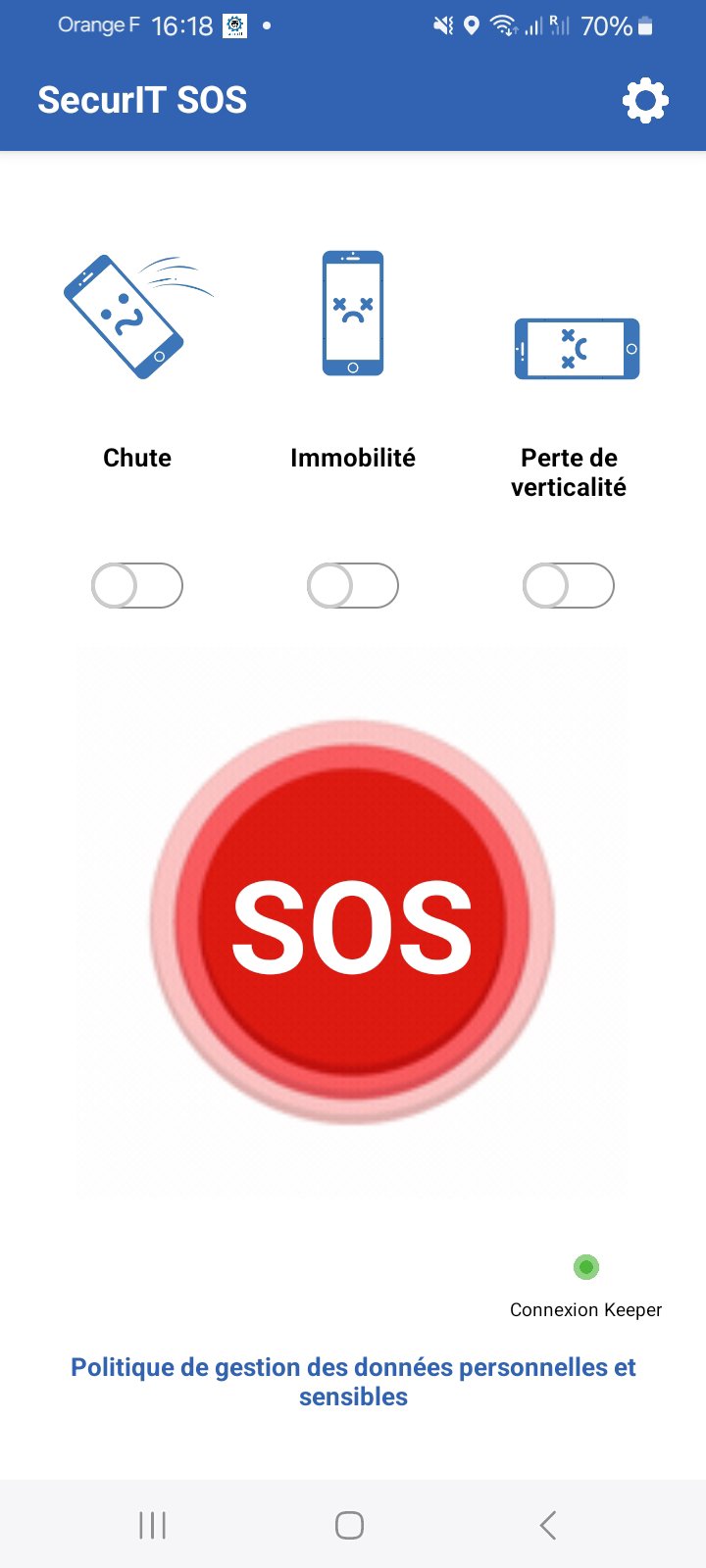
With the SecurIT SOS mobile application, trigger a distress alert simply and discreetly on your employees' professional smartphones.
Thanks to our innovative alert transmission software, our partner remote assistance center is able to transmit the alert to the appropriate emergency services in just a few minutes.
💡 HOW DOES IT WORK?
If you feel threatened, three methods available to raise the alert. Pressing the SOS button on the application, repetitive presses (3 or 5 depending on the desired setting) on the power button on your device (not available on certain phone models) or even pressing the button on the Always-on notification (ideal for triggering quickly without unlocking your phone) will trigger the app's action. The application will send an SMS with your position to the My Keeper servers, at the same time notifying your managers, predefined alert contacts, the remote assistance center as well as the police or necessary emergency services, in the event of danger . Allowing rapid action to counter any potential danger.
Once an alert is sent, SecurIT SOS puts your device in automatic answering configuration for a configurable duration. This will allow our remote assistance center to discreetly listen to the situation in order to send appropriate help, without additional action from the user. After this duration, the device will return to its standard state.
The application runs continuously in the background so that the service is active after the phone is restarted voluntarily or not (following an update for example).
The application is in no way a tracker and does not collect any personal data (CNIL & RGPD compliant), sending the SMS with your geolocation is the sole result of a desired and considered action by the user.
DOUBT REMOVED 🚀
Remote assistance experts available 24/7 to help resolve any doubts (e.g. panic, screaming). Remote assistance offers personalized protocols based on your users' risks and processing of alerts in white zones.
MULTI RECEPTORS SIMULTANEOUSLY 🚀
The alert is transmitted simultaneously and without delay to several people. The line manager(s) are notified by SMS and by the remote assistance operator of the situation.
BEST VALUE FOR PRICE 🚀
MY KEEPER uses the most advanced technologies to make them as simple as possible for users. Our “ALL-IN-ONE” offers for professional user licenses are very affordable for all types of businesses and public institutions.
For more information, you can refer to the following confidentiality rules: https://mykeeper.fr/securit-sos-application-my-keeper/
As well as the user's personal and sensitive data management policy: https://mykeeper.fr/cgu-securit-sos-application-my-keeper/
Latest Version
1.8.0Uploaded by
Melvin Jordan Valladares
Requires Android
Android 8.0+
Category
Free Business AppContent Rating
Everyone
Security Report
Check Now
Report
Flag as inappropriateLast updated on Oct 17, 2026
Supporter la contrainte Google de 16KB Page Size



APKPure - A multi-platform app store primarily focused on Android, providing extensive app-related content. Discover the app you want easier, faster, and safer, with quick and efficient downloads and installations.










