
SECURELOCK - Simple, Fast, Sure!
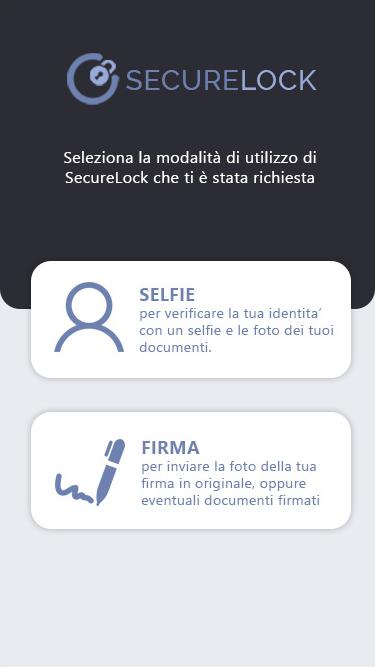
The SecureLock App, allows remote identification of a user to whom the Company, for which identification is required, requires the use of SecureLock. After downloading Securelock for free, and after accessing the App, the user can use the two main modes: "Selfie" and "Signature".
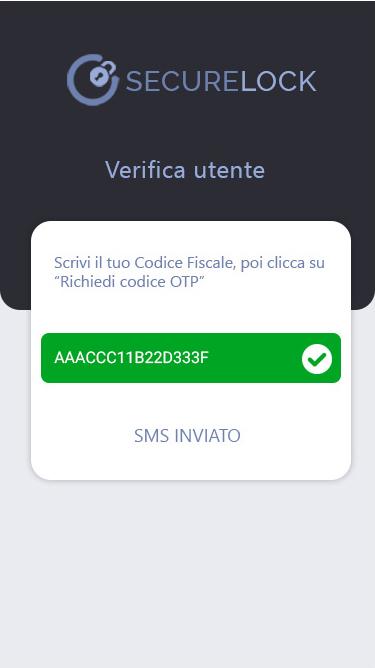
Once the SecureLock app is downloaded and installed, it is necessary to identify the user.
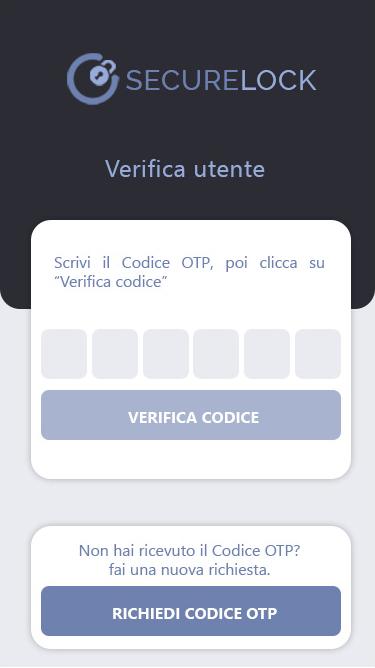
After entering the tax code, an SMS will be sent to the mobile number, previously registered with the requesting company, with the OTP code, which must be reported in the appropriate field and verified.
If the verification of the OTP code is positive you can proceed with the use of the "Selfie" and "Signature" modes of SecureLock
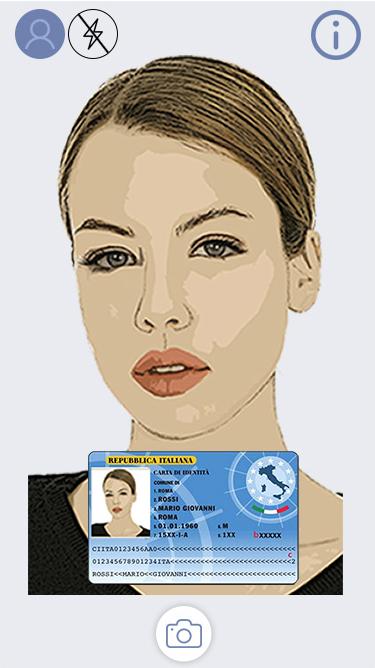
How does Selfie work?
Selfie is the SecureLock mode that allows users to identify themselves in less than 3 minutes, with a personal Selfie and photos of the required documents.
How does Firma work?
Signature is the SecureLock mode that allows users to send the click of their own handwritten signature, or of a particular document, for example a "signature specimen", to the company that requests it.
Latest Version
1.61Uploaded by
Khoa Minh
Requires Android
Android 7.0+
Category
Free Tools AppContent Rating
Everyone
Report
Flag as inappropriateLast updated on Dec 10, 2021
Aggiunta funzionalità di selezione conto




APKPure - A multi-platform app store primarily focused on Android, providing extensive app-related content. Discover the app you want easier, faster, and safer, with quick and efficient downloads and installations.













