Scan Date:Feb 18, 2026
Show More

★ Hide pictures & videos to keep your privacy safe! ★
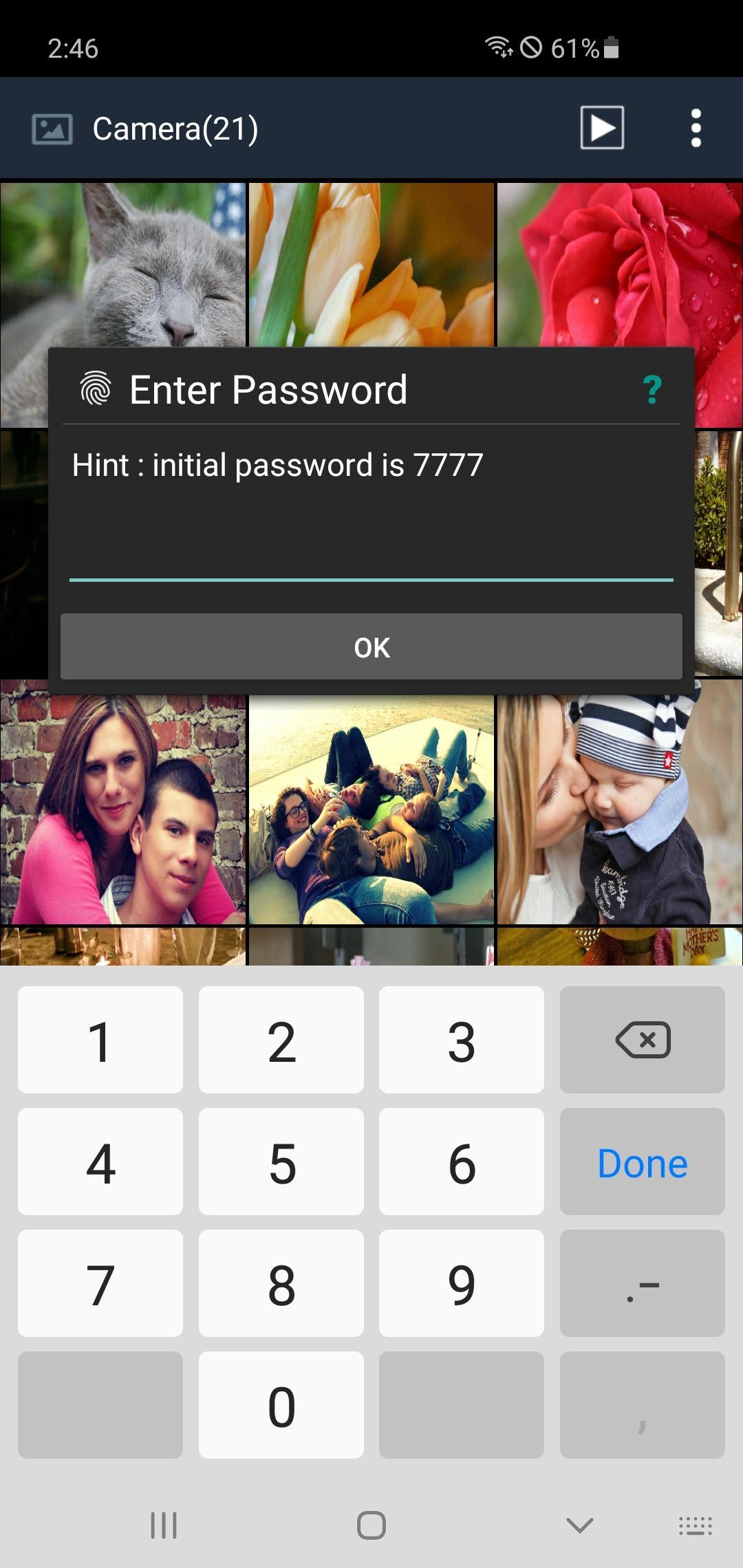
Do you have pictures or videos that you want to keep it secret? 'Secure Gallery'(Hide pictures & videos) can hide(lock) pictures and videos for protection of your privacy using a password or pattern! Why don’t you start to hide pictures and videos with 'Secure Gallery' and keep your privacy safe now?
✔ Hide(lock) pictures and videos to keep your privacy safe
✔ Fastest and most secure private gallery
✔ Manage your pictures and video(new folder, move, copy, rename)
✔ Support Sdcard(Android 7.0 or later)
✔ ALL FEATURES are COMPLETELY FREE
■ Features
• Hide(lock) pictures (Photos)
• Hide(lock) videos
• Support Fingerprint
• User friendly UI
• Un-hide pictures and videos
• Manage pictures and videos more easily
• Stealth mode supported (hides a launch icon)
• Slide show supported
• Support 3 lock type : password(number, character), pattern
• Support to make new folder
• Select Background of Gallery
• Support Image Viewer
• You can show a publish media
• You can directly share hidden media in any app
• And Lots of More features
Take control of your privacy with Secure Gallery(Hide pictures & videos). It hides pictures & videos and keep them in secret places.
■ Q&A
1) Can't run Secure Gallery(or Secure Gallery disappears)
· if you hide Secure Gallery's Icon in options, and then Secure Gallery will disappear. To run it, please put 'Widget' of Secure Gallery in Widget List and click it.
2) Media thumbnail and actual media is different
· Settings of phone 〉Applications 〉Stock Gallery 〉'Clear Data' and 'Cache Delete' 〉Rebooting phone
3) Can lock Secure Gallery when running it?
· enable 'Running Lock' option in Settings, then Secure Gallery will request a password when running it.
Latest Version
3.6.11Uploaded by
Gdhsgs Vdgdgsh
Requires Android
Android 11.0+
Category
Free Tools AppContent Rating
Everyone
Security Report
Report
Flag as inappropriateLast updated on Nov 11, 2023
v3.6.0
· support Sdcard(Android 7.0 or later)
· able to select folder when unlocking a media
· improved performance and bug fixes
v3.5.0 : removed 'Dial Run' feature because Google Policy
*** To launch App, phone's Home Screen > Add Widget > Secure Gallery Widget and put it on Home screen ***






APKPure - A multi-platform app store primarily focused on Android, providing extensive app-related content. Discover the app you want easier, faster, and safer, with quick and efficient downloads and installations.