
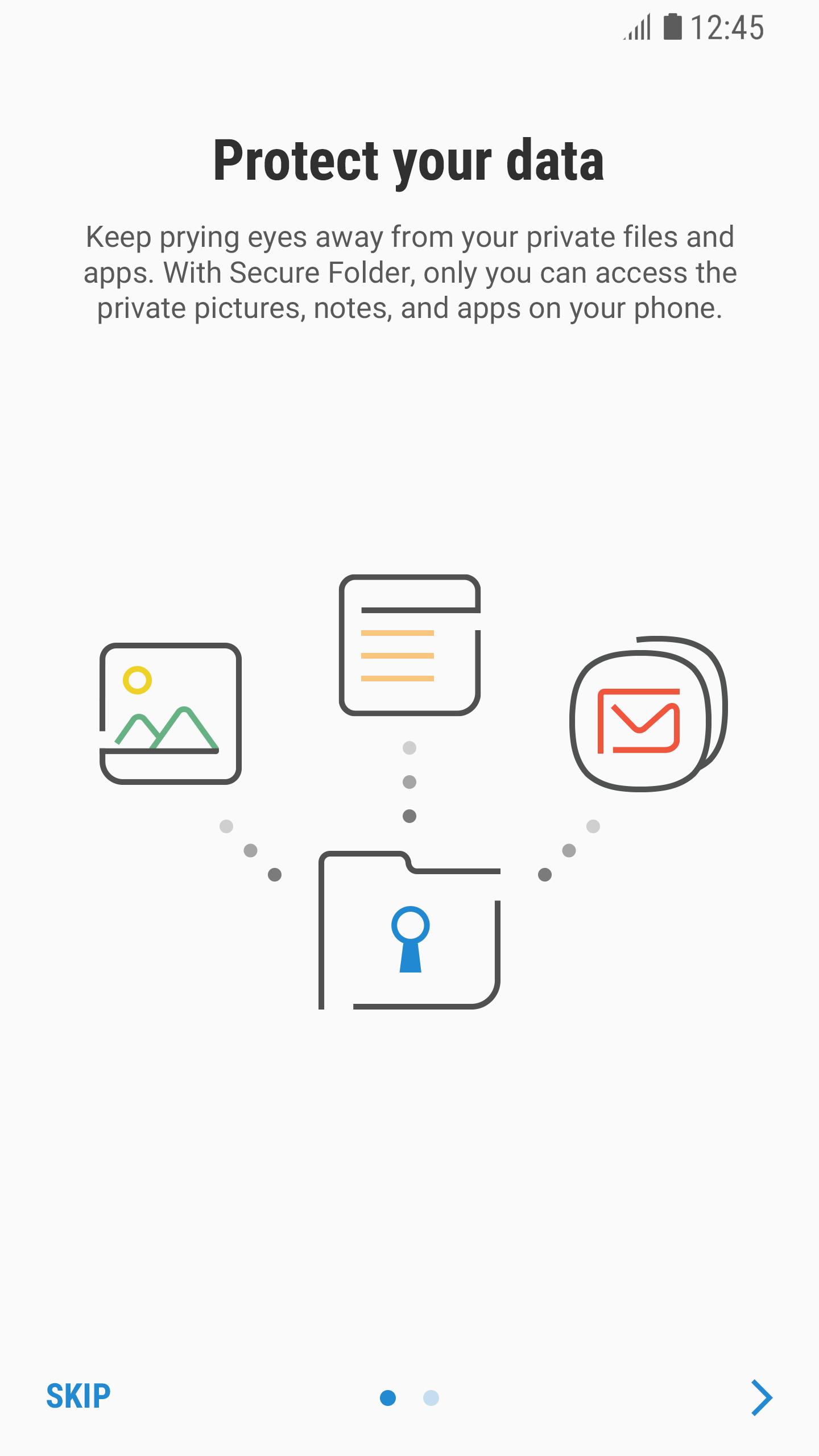
Secure Folder helps when you need to keep personal apps and files separate from your main phone space. It uses Samsung Knox to build a protected area that only you can access. The service works on Samsung phones with Android 7.0 or later and requires an official system and a Samsung account. Items placed inside remain isolated and are hidden from the rest of the device. If you install Secure Folder APK on a supported device, setup is straightforward and guided on screen.
Private access controls
Secure Folder lets you lock the folder with a PIN, pattern, password, or biometrics. This adds a second check before opening your private area and helps prevent unwanted access.
Move and separate apps and files
You can add apps and import files directly. Use Move to Secure Folder or Add files inside the app. Contacts, photos, and other items sit in a separate account so you can keep personal and work data apart on one device.
Backup and restore
Permissions used
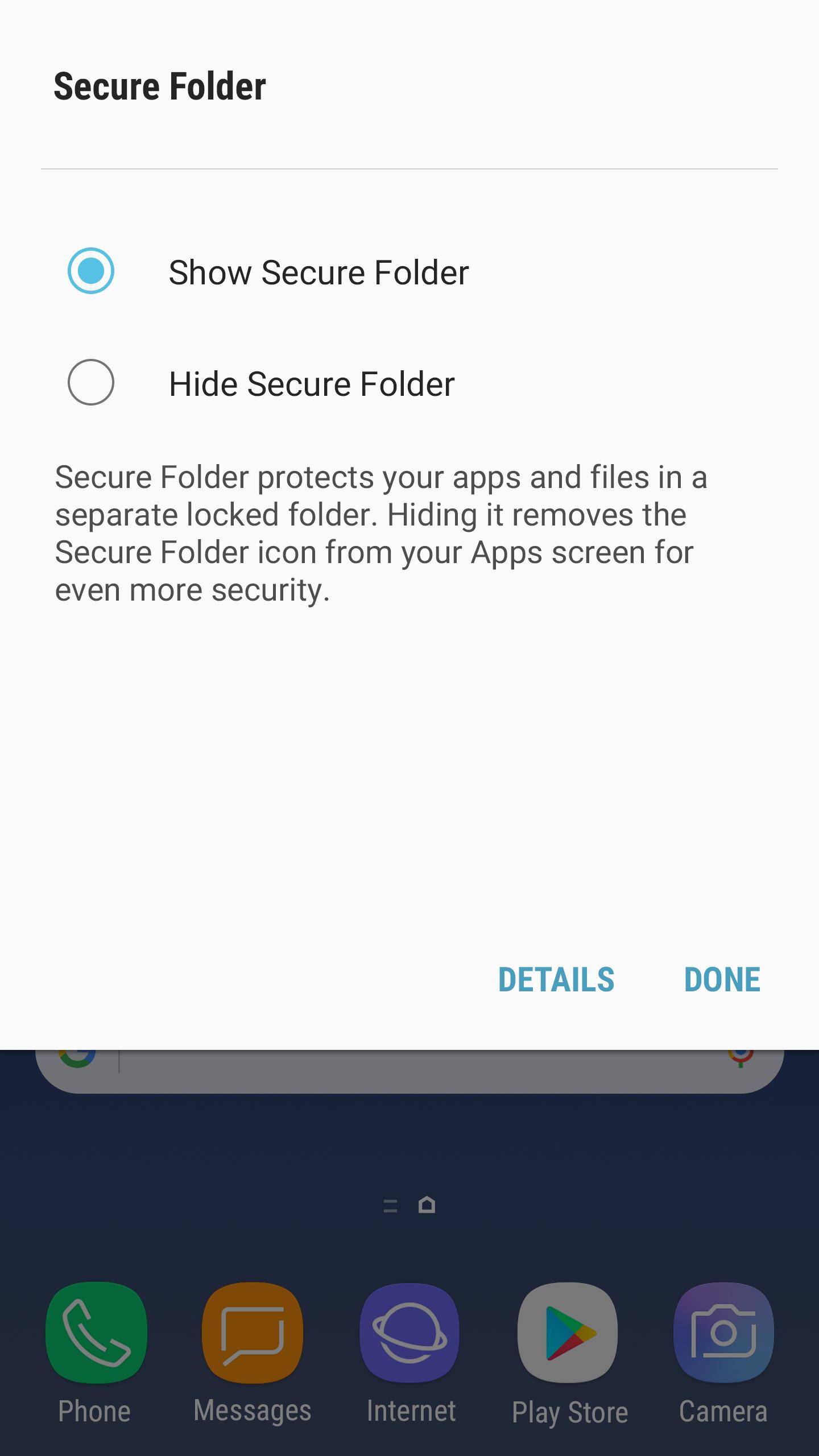
Secure Folder creates a protected area for apps and data on Samsung Galaxy phones. Set a lock, move your items, and keep them separate from your main space. For better compatibility and fixes, install the Secure Folder latest version on a supported device.
Latest Version
2.0.30.4Uploaded by
Samsung Electronics Co., Ltd.
Requires Android
Category
Free Business AppContent Rating
Everyone
Report
Flag as inappropriateLast updated on Mar 31, 2026
This release includes minor bug fixes and general improvements. Update to the latest version for the best experience.




APKPure - A multi-platform app store primarily focused on Android, providing extensive app-related content. Discover the app you want easier, faster, and safer, with quick and efficient downloads and installations.





![[Samsung] Always On Display APK](https://image.winudf.com/v2/image1/Y29tLnNhbXN1bmcuYW5kcm9pZC5hcHAuYW9kc2VydmljZV9pY29uXzE1ODAyODcwMThfMDQ4/icon.png?w=102&fakeurl=1)









