Package Name:com.sds.sds4smarthome.sdscontrolpanel
SHA-256:5941a6125af61ff9410d2f4e6fa4bc77f898d8705b3dafcd56450dddc53eaf07
Show More

Applications for easy operation SDS modules from LazNet, Ltd. http://www.merenienergie.cz/
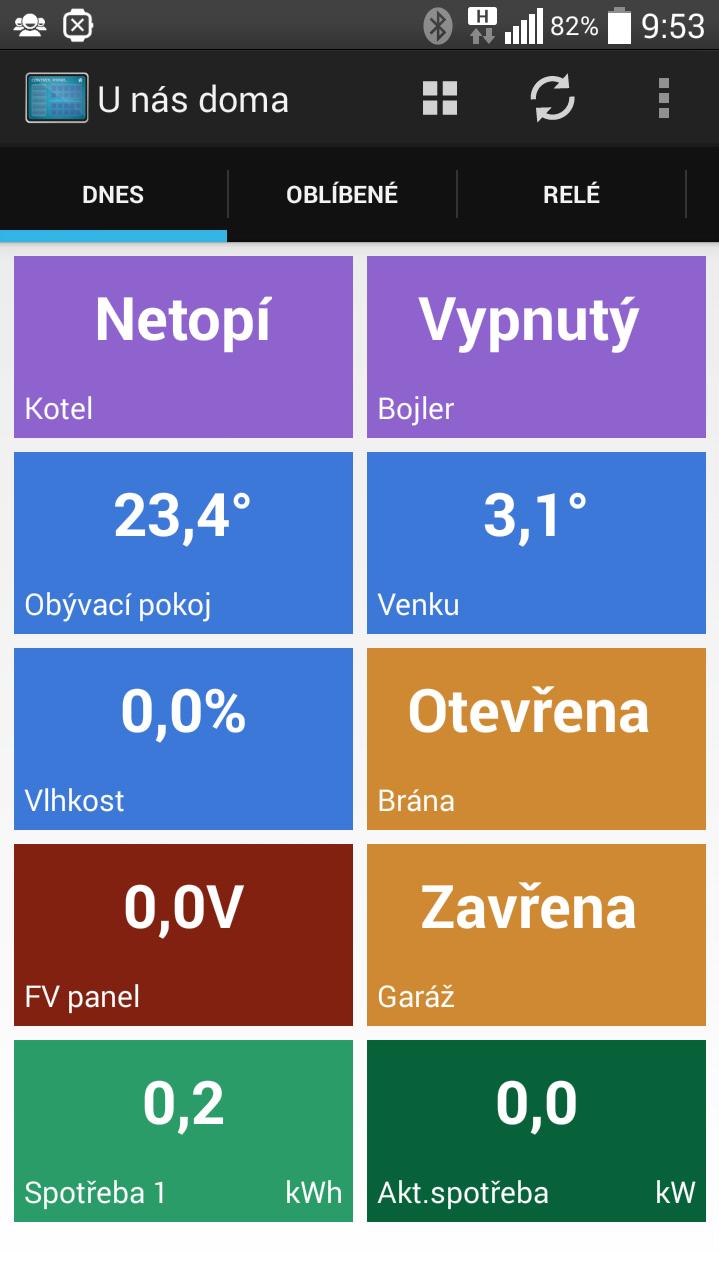
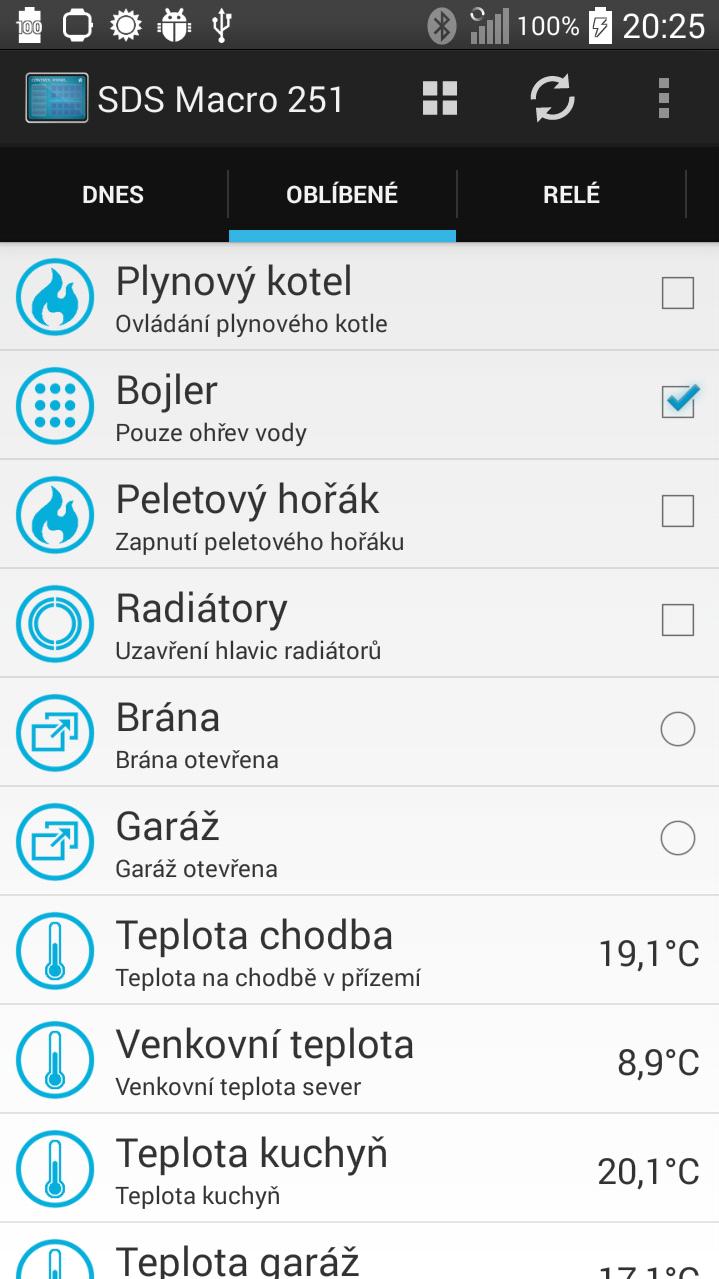
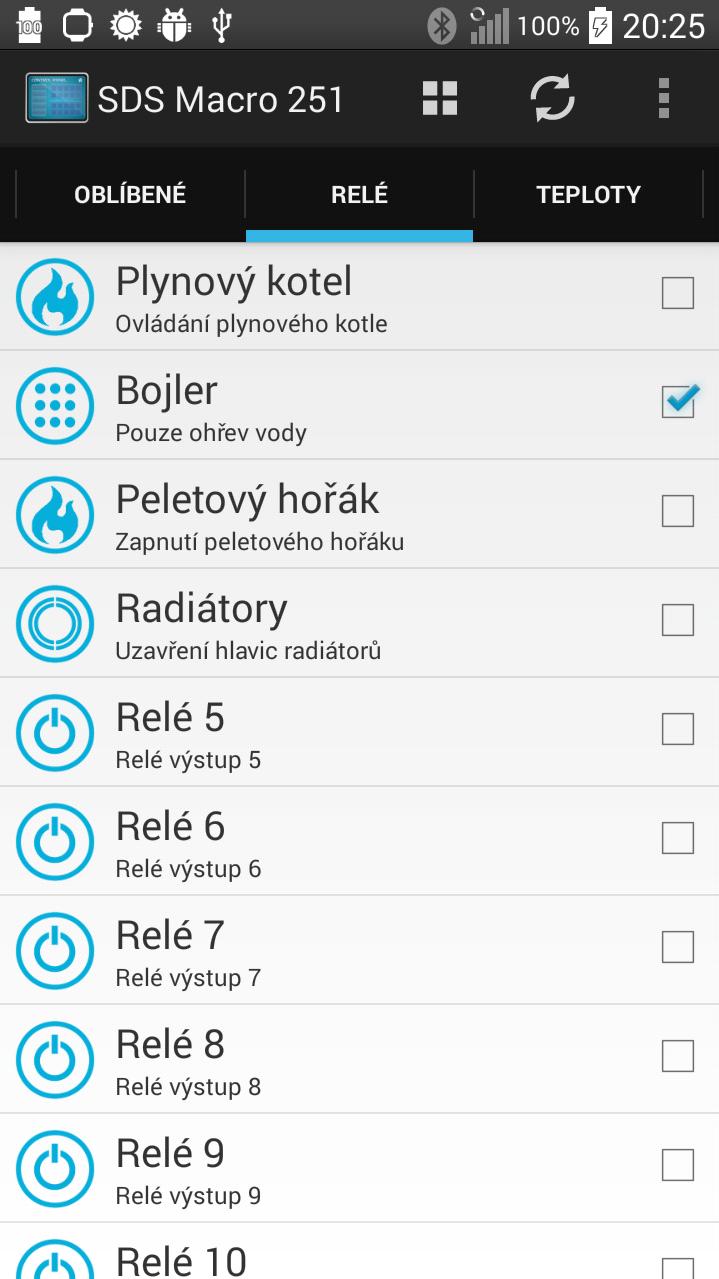
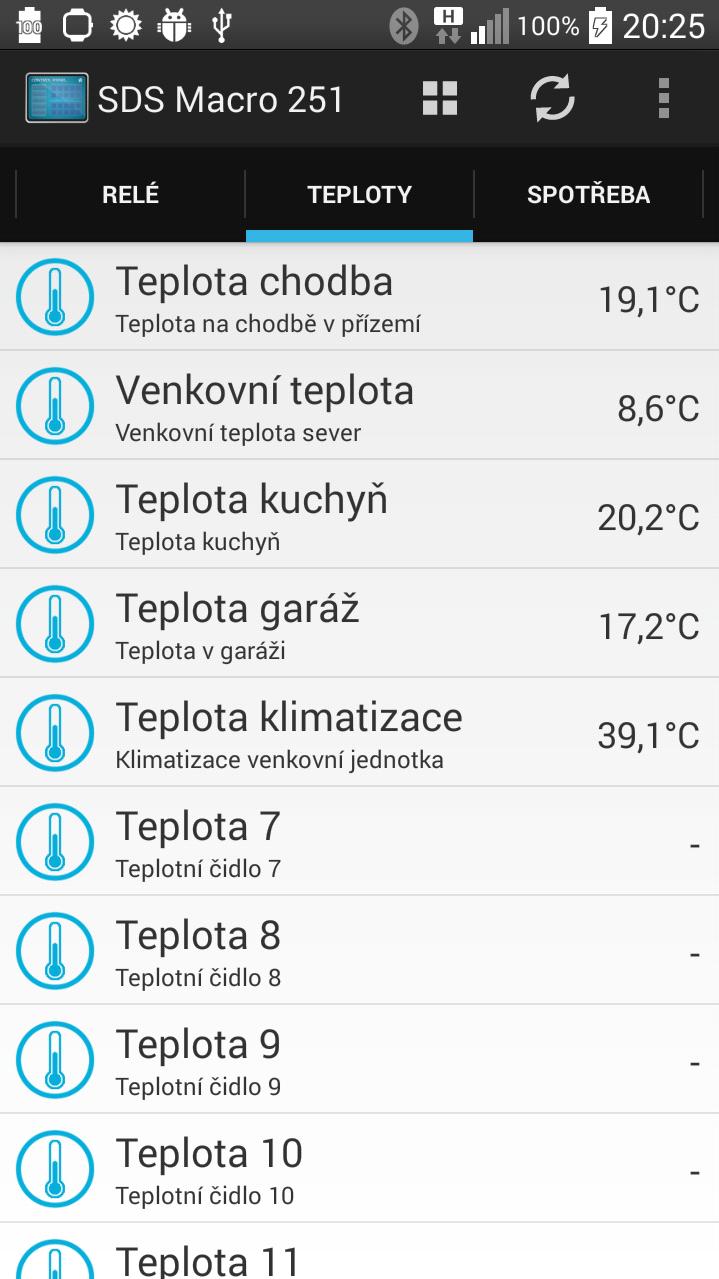
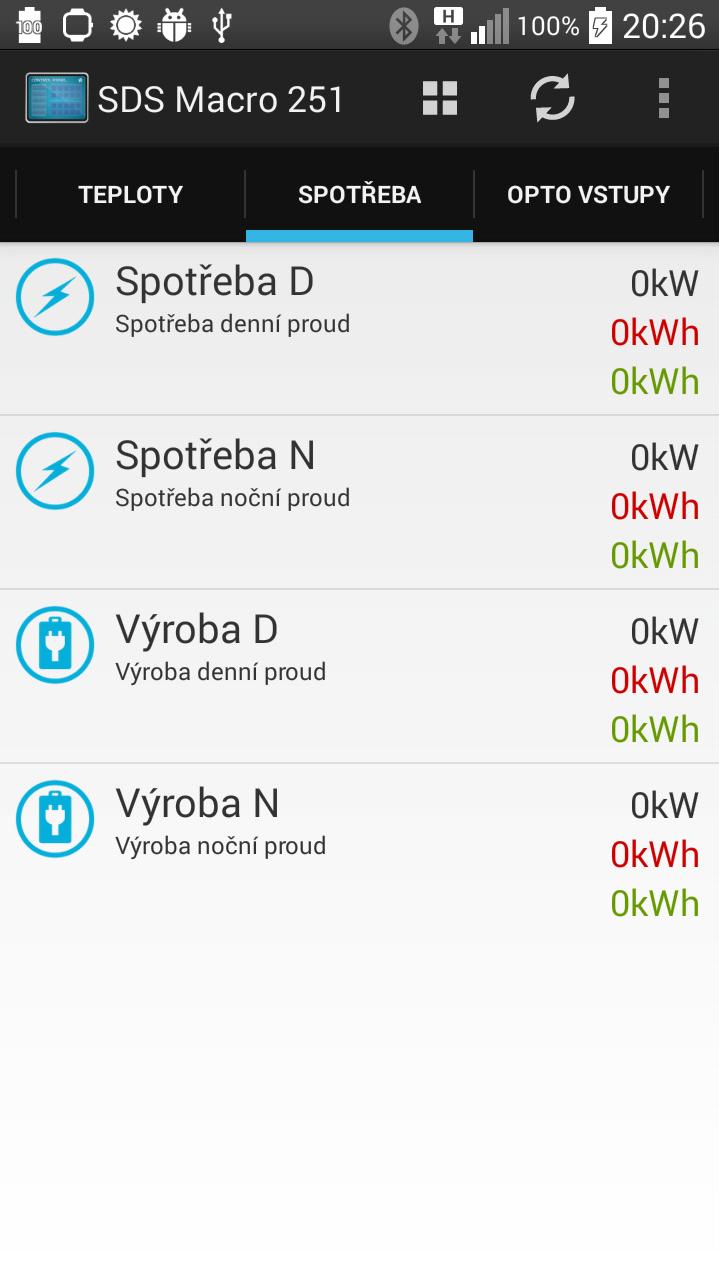
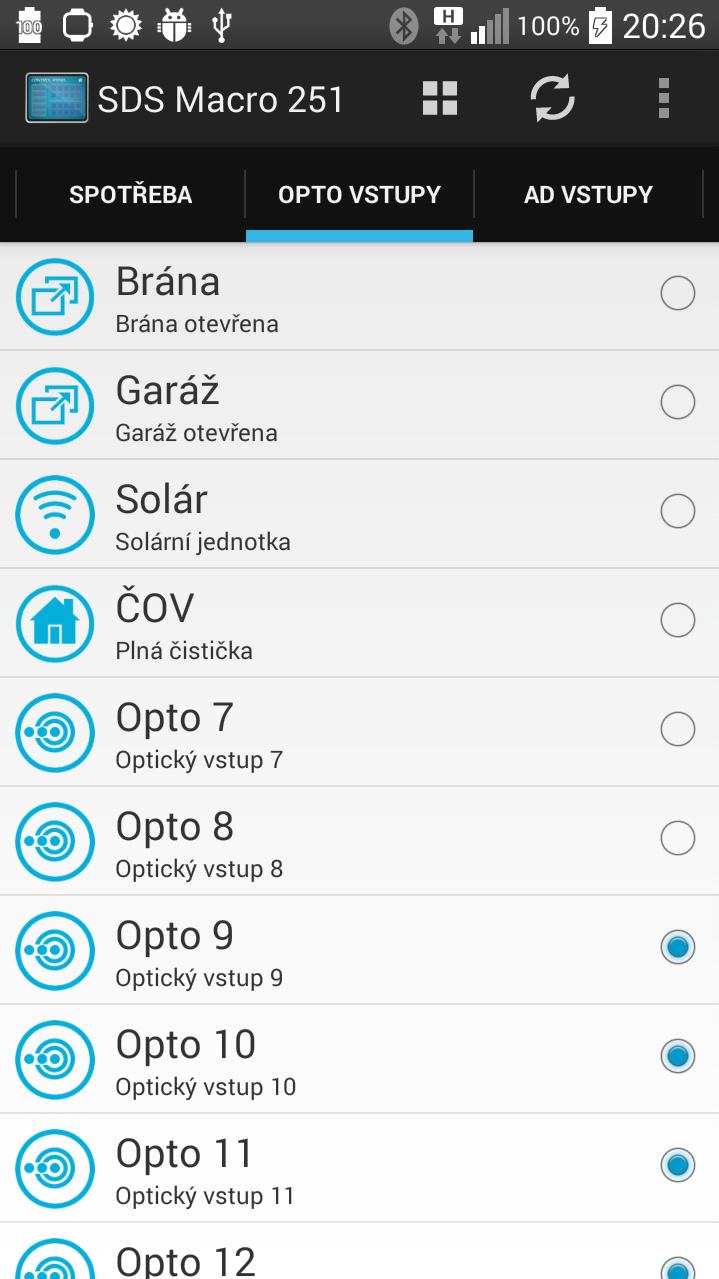
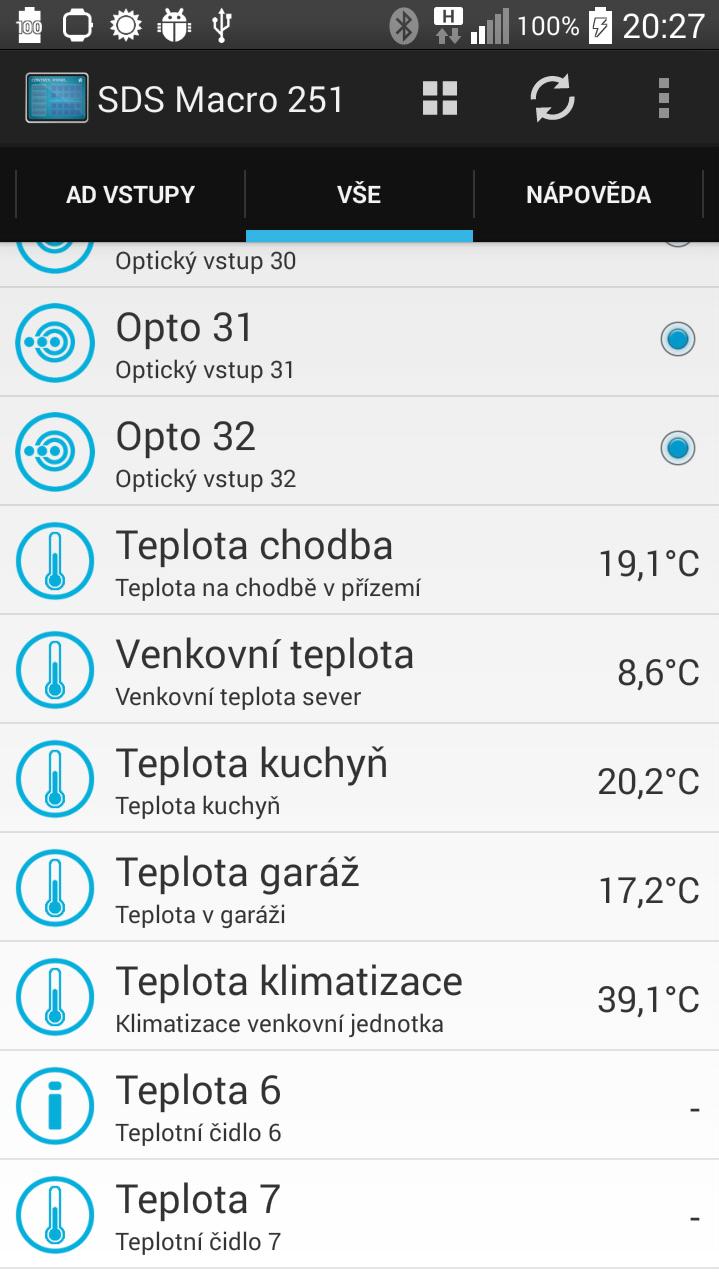
The application is compatible with all modules of the SDS. Reads the current status of the data and displays on each page. It also allows you to control the outputs SDS modules. The application allows total customization of inputs and outputs. Applications can include any number of connected modules SDS.
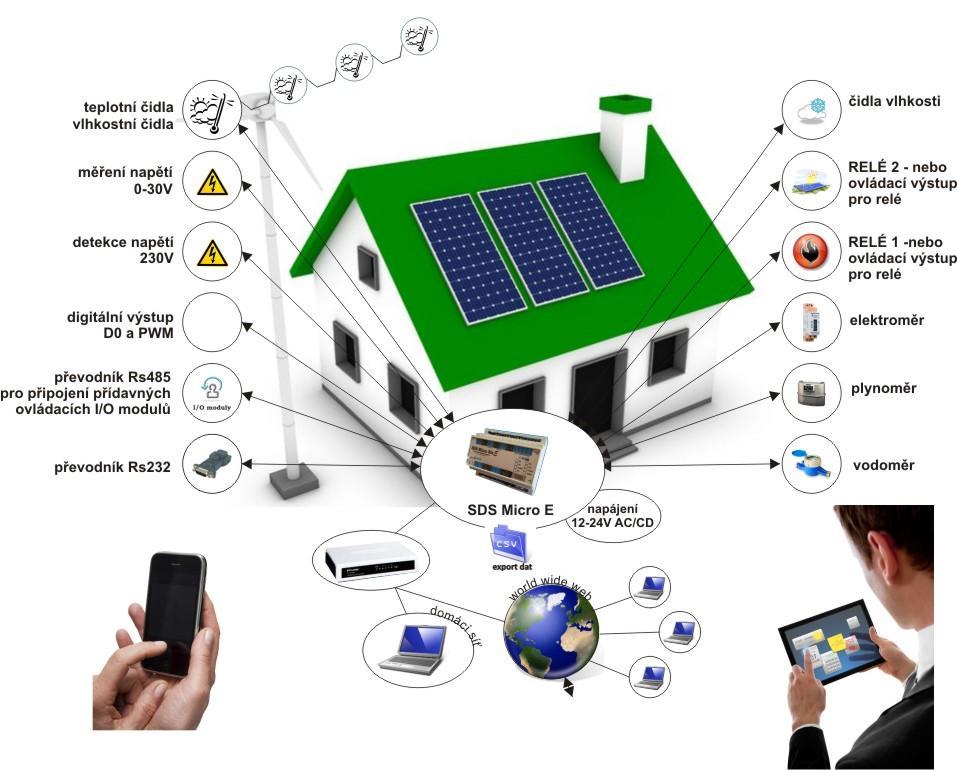
Our small, intelligent modules SDS MICRO - and higher MACRO SDS or SDS TTCPRO enables online monitoring of data on energy consumption and demand and the implementation of remote meter reading, to measure temperature and humidity. Current status of consumption of all devices (usually electricity, water, gas), can monitor via a web browser on a computer, tablet or phone. Each module is autonomous. It can automatically according to these values make intelligent self-management.
Despite the optical input on all modules of the SDS (MICRO, MACRO, TTCPRO, UPS), you can watch online consumption and energy production. It can monitor all devices that are equipped with a pulse output.
Some modules SDS have a RS232 or RS485 interface, allowing you to connect and energy meters (typically meters) with this interface.
Usually it is:
meters (one or more rates / tariffs)
gas meters
water meters
calorimeters
All modules SDS permit the integration of several energy meters. Using SDS products so you can easily create your own Smart Metering solutions.
Further information can also be found on forum.merenienergie.cz
*** INFO ***
For correct communication must be set only UDP port in the administration of SDS devices and set in the same port settings for the selected device. If you are accessing via fixed IP, remember to redirect port on the router on your device. If the control relay from the application, you need to set the SDS module administration panel "Outputs", relay control "SDS-C program."
Latest Version
1.4Uploaded by
Geovana Teixeira
Requires Android
Android 4.0+
Category
Free Tools AppContent Rating
Everyone
Security Report
Check Now
Report
Flag as inappropriateLast updated on Dec 31, 2015
v.1.4
Automatická aktualizace dat neprobíhá na pozadí
Změna zatržítek za přesouvací tlačítka
Doplnění 5.-8.vstupu pro spotřebu
Doplnění nápovědy
v.1.3
Automatická aktualizace dat
Stránka Dnes v landscape módu se 3 kartami
Doplnění 4.vstupu pro spotřebu
v.1.2
Ovládání relé dlouhým stiskem na stránce Dnes
Oprava zobrazení stavu relé
Zobrazení spotřeby a výkonu na setiny
v.1.1
Předělána stránka dnes
Doplněny jednotky
Doplněny nastavitelné textové stavy pro relé a opto vstupy
...

APKPure - A multi-platform app store primarily focused on Android, providing extensive app-related content. Discover the app you want easier, faster, and safer, with quick and efficient downloads and installations.