Follow me on Facebook: https://www.facebook.com/trigonesoft/
Follow me on Google+: https://plus.google.com/115838179299870348751
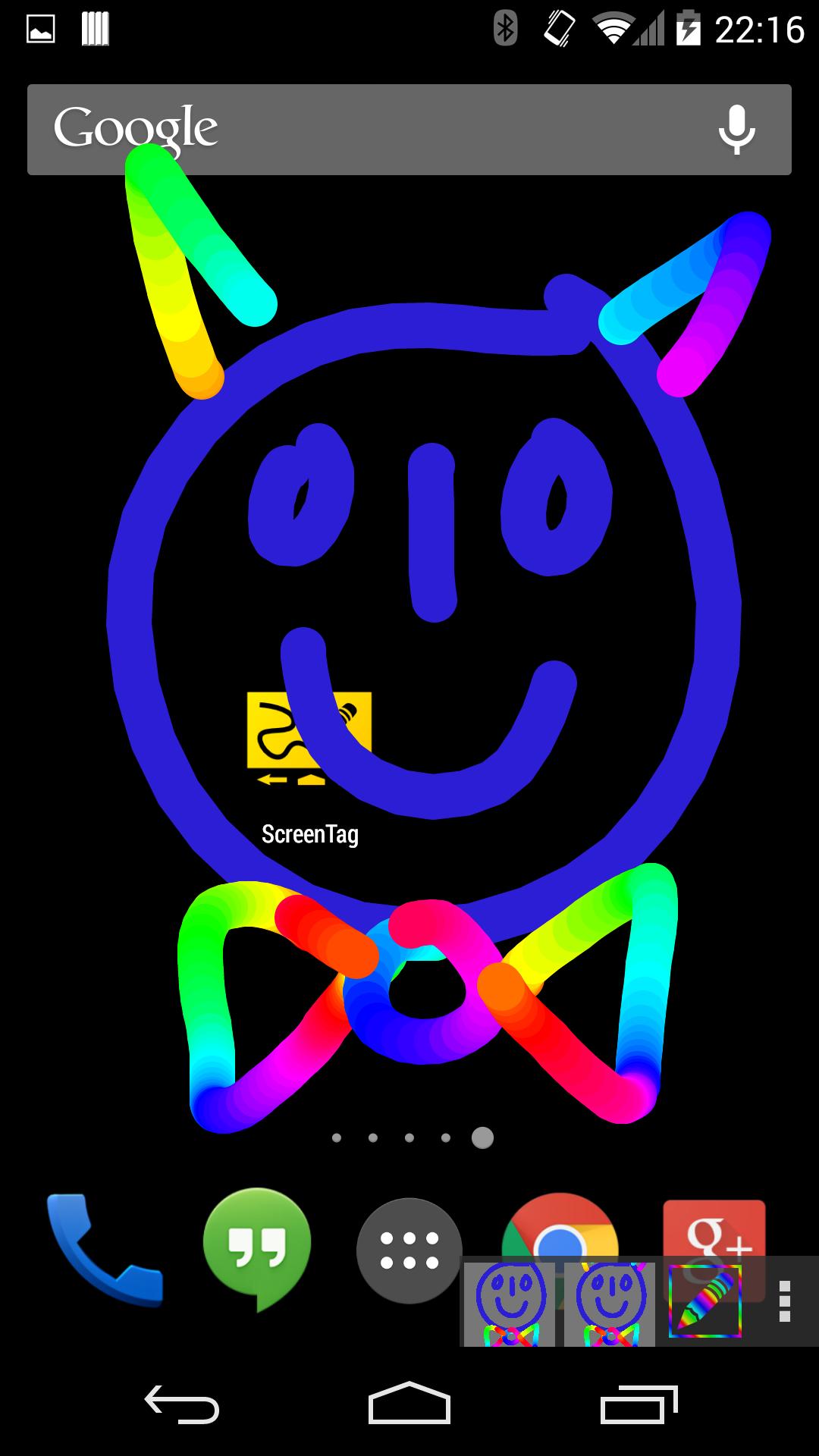
ScreenTag allows to write on your screen over any application, allowing you, for example to paint faces on your boss during a video conference or write note on a web page.
Then you can save your drawing/note by simply making a screenshot (you can take a screenshot by pressing and holding power and volume down buttons).
If your boss is too boring, "Angry mode" will allow you to frenetically scratch his face to calm your nerves.
"Angry mode" is a kind of "Etch a sketch" mode, where you can only write a single continuous line. Every time you take of your finger from the screen, the created picture will be saved. You can then reload each picture to see your creation and make screenshots if you want.
If you have children, the "Rainbow mode" will probably please them.
Note that in version 1.0, with Android 5 Lollipop, ScreenTag can't be displayed over the lock screen or applications displayed over the lock screen.
Latest Version
1.0Uploaded by
Rengasamy Harichandran Harichandran
Requires Android
Android 4.0+
Category
Free Video Players & Editors AppContent Rating
Everyone
Report
Flag as inappropriateLast updated on Aug 13, 2015
Minor bug fixes and improvements. Install or update to the newest version to check it out!





APKPure - A multi-platform app store primarily focused on Android, providing extensive app-related content. Discover the app you want easier, faster, and safer, with quick and efficient downloads and installations.