Scan Date:Feb 15, 2026
Show More
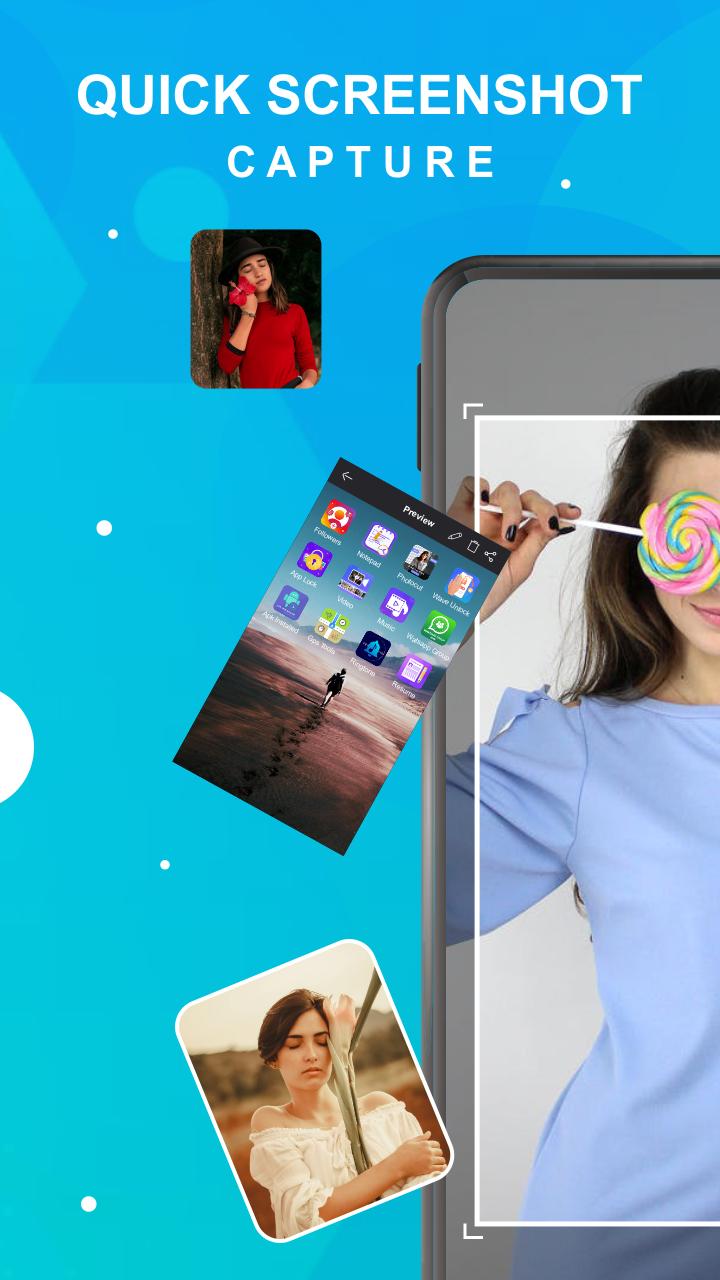
Quick Screenshot Capture is the most simple, smallest and fastest screenshot taking app. Very small size. It is optimized for high performance especially to take screenshots while playing games or watching videos. It works without internet.
There is a "Floating button" to capture the screen that is displayed on top of everything. You can take the screenshot easily with one touch on the screen. Floating button/gadget always remain on the top of the screen, so that you can capture easily at any time. Crop the captured image and share it with your friends with social media.
Quick Screenshot Capture Features:
☞ Easy and user-friendly interface
☞ One-touch Floating button
☞ Time interval to capture screen
☞ Notification icon click
☞ Capture screenshot by one touch
☞ Simple UI
☞ Crop screenshot to the desired size
☞ Save screenshot to the device
☞ Share screenshot with your friends
Latest Version
42.0Uploaded by
JP Reis
Requires Android
Android 7.0+
Category
Free Tools AppContent Rating
Everyone
Security Report
Report
Flag as inappropriateLast updated on Feb 15, 2026
Minor bug fixes and improvements. Install or update to the newest version to check it out!






APKPure - A multi-platform app store primarily focused on Android, providing extensive app-related content. Discover the app you want easier, faster, and safer, with quick and efficient downloads and installations.