Scan Date:Mar 24, 2026
Show More
Take control of your phone usage and enhance your focus with Screen Time Manager! Available for all Android users up to Lollipop, this app extends Digital Well-being functionalities for better digital health.
Key Features
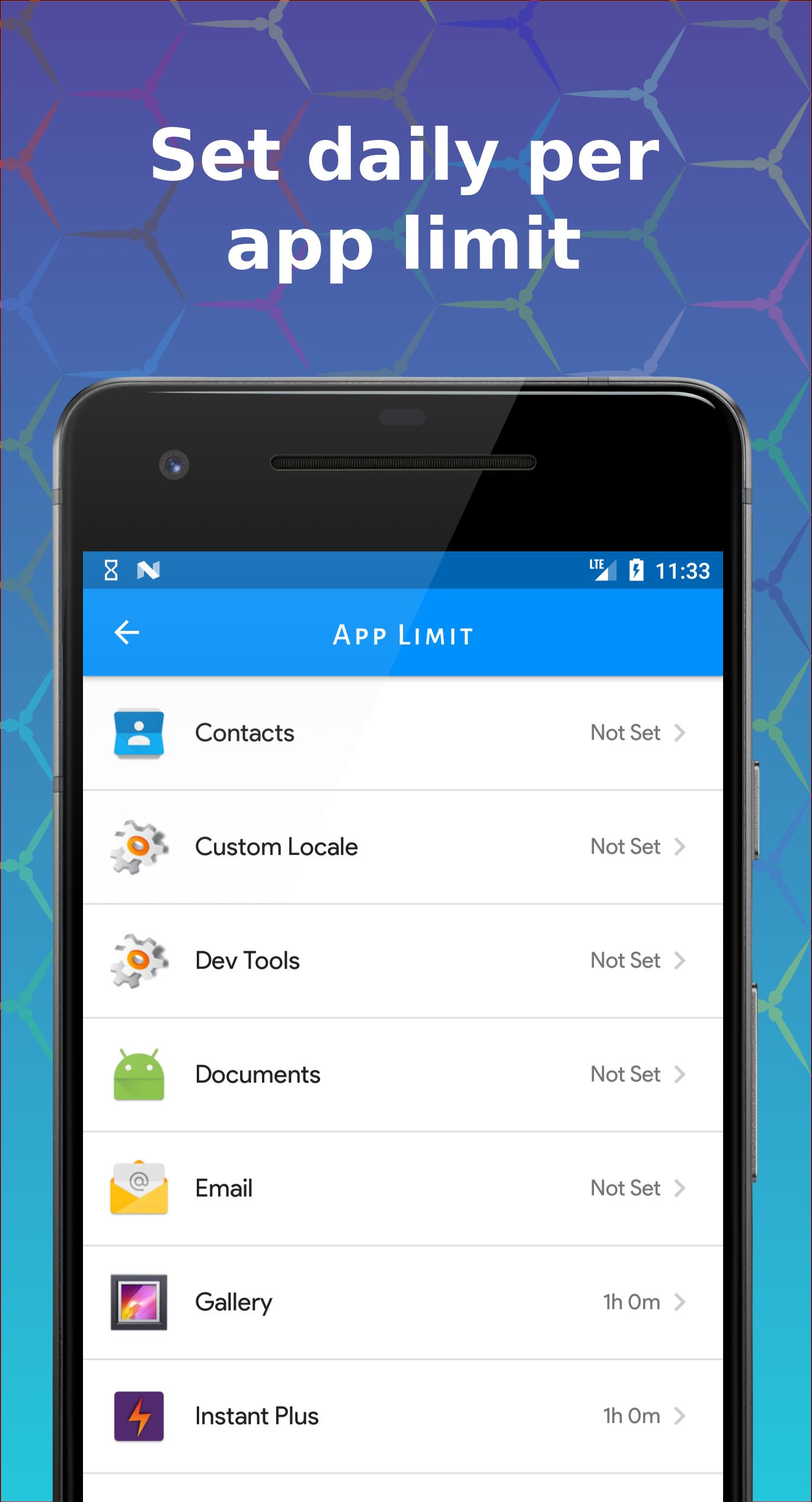
- 🕒 Limit App Usage: Set daily limits for apps.
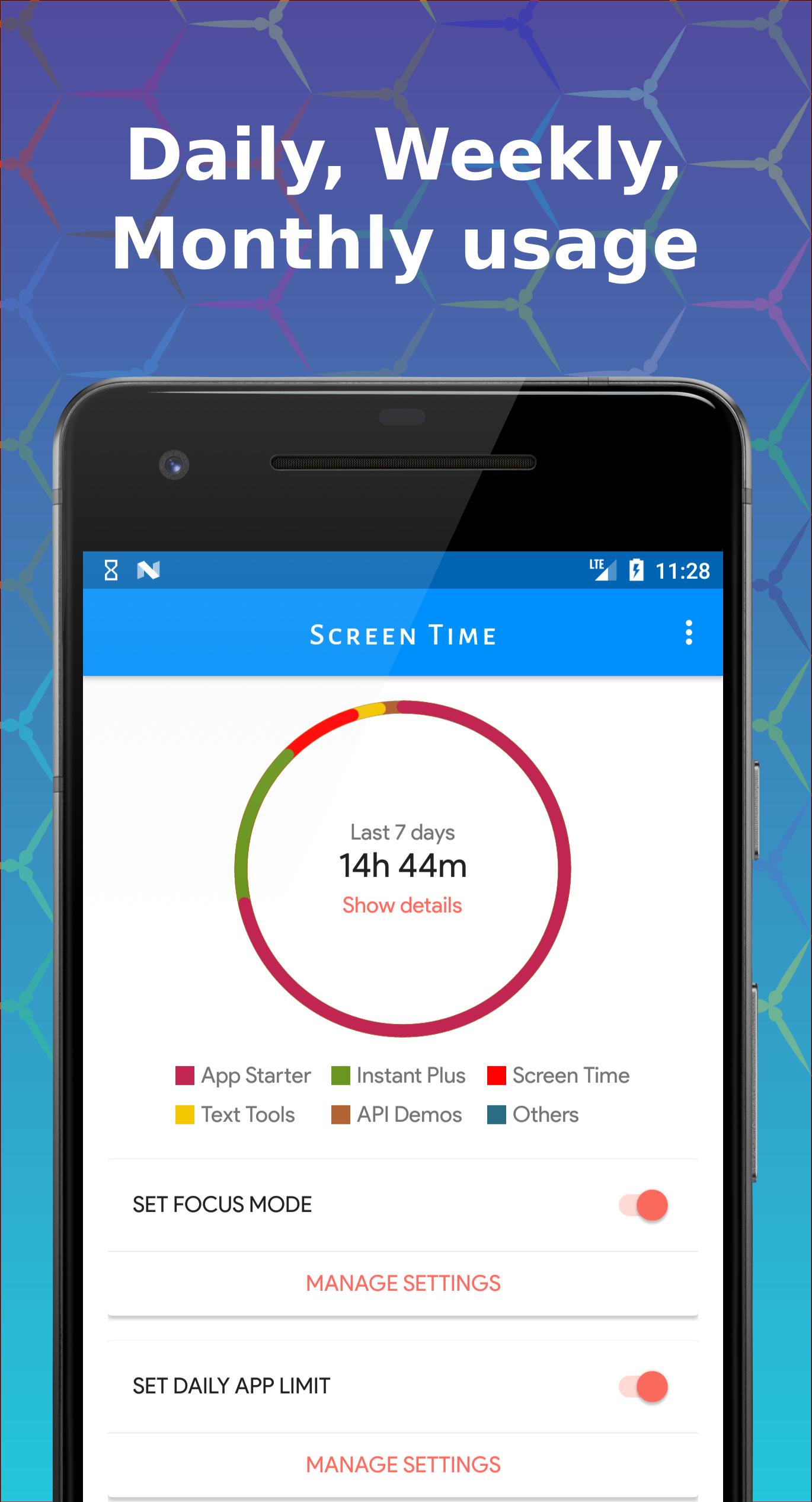
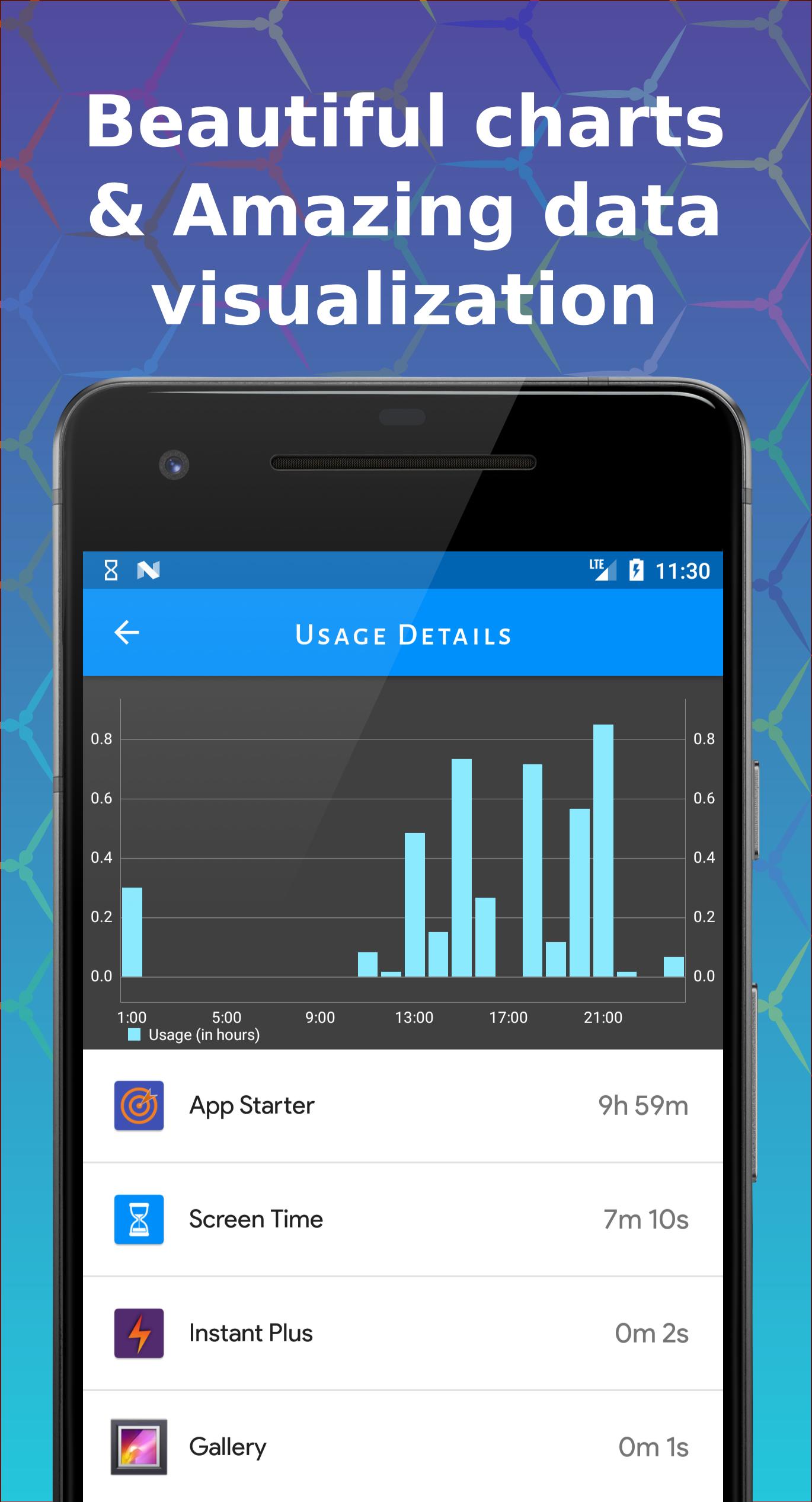
- 📊 Visualize Screen Time: Powerful visualizer and charts.
- ⏳ Daily App Limits: Manage phone usage effectively.
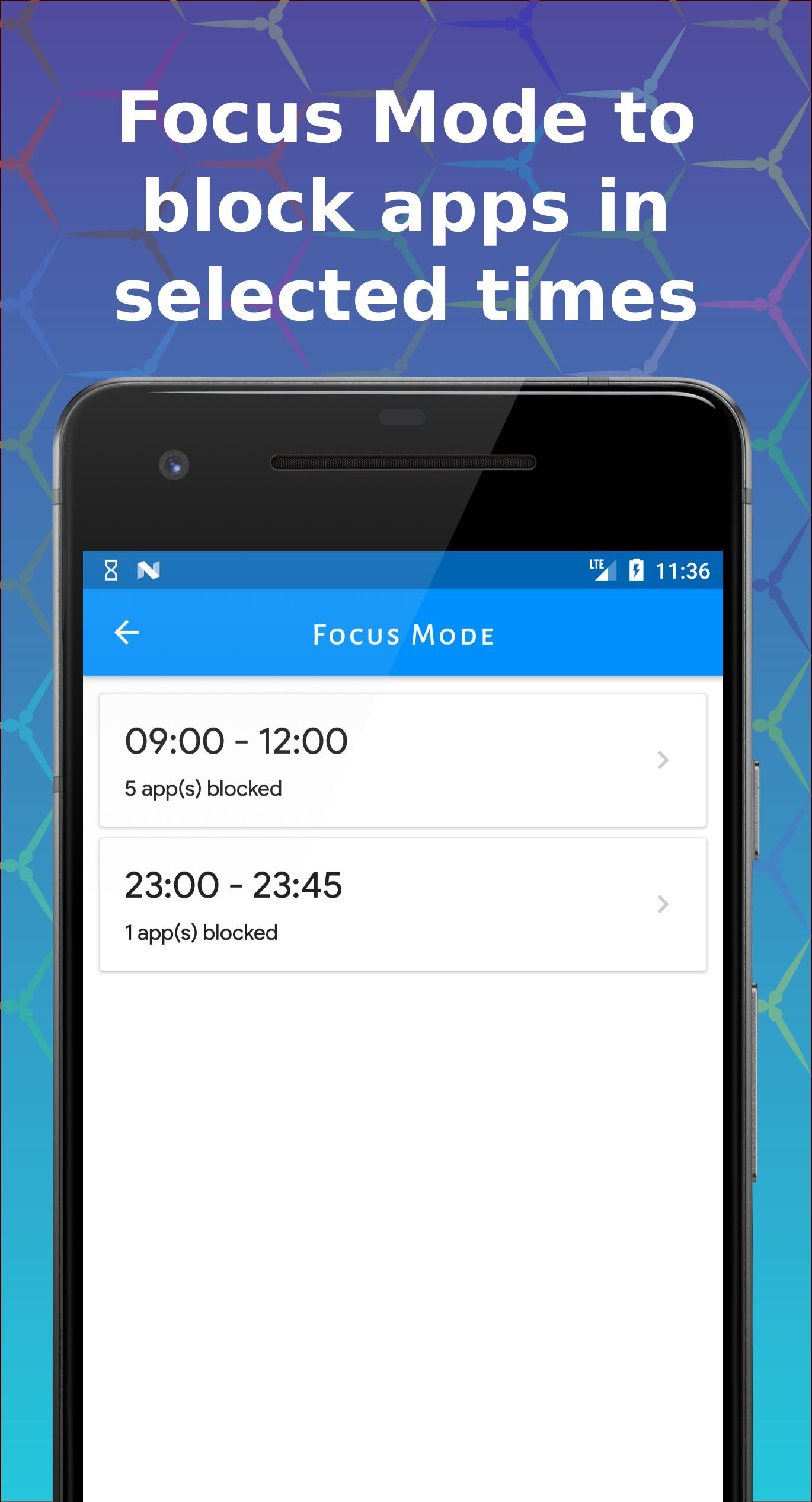
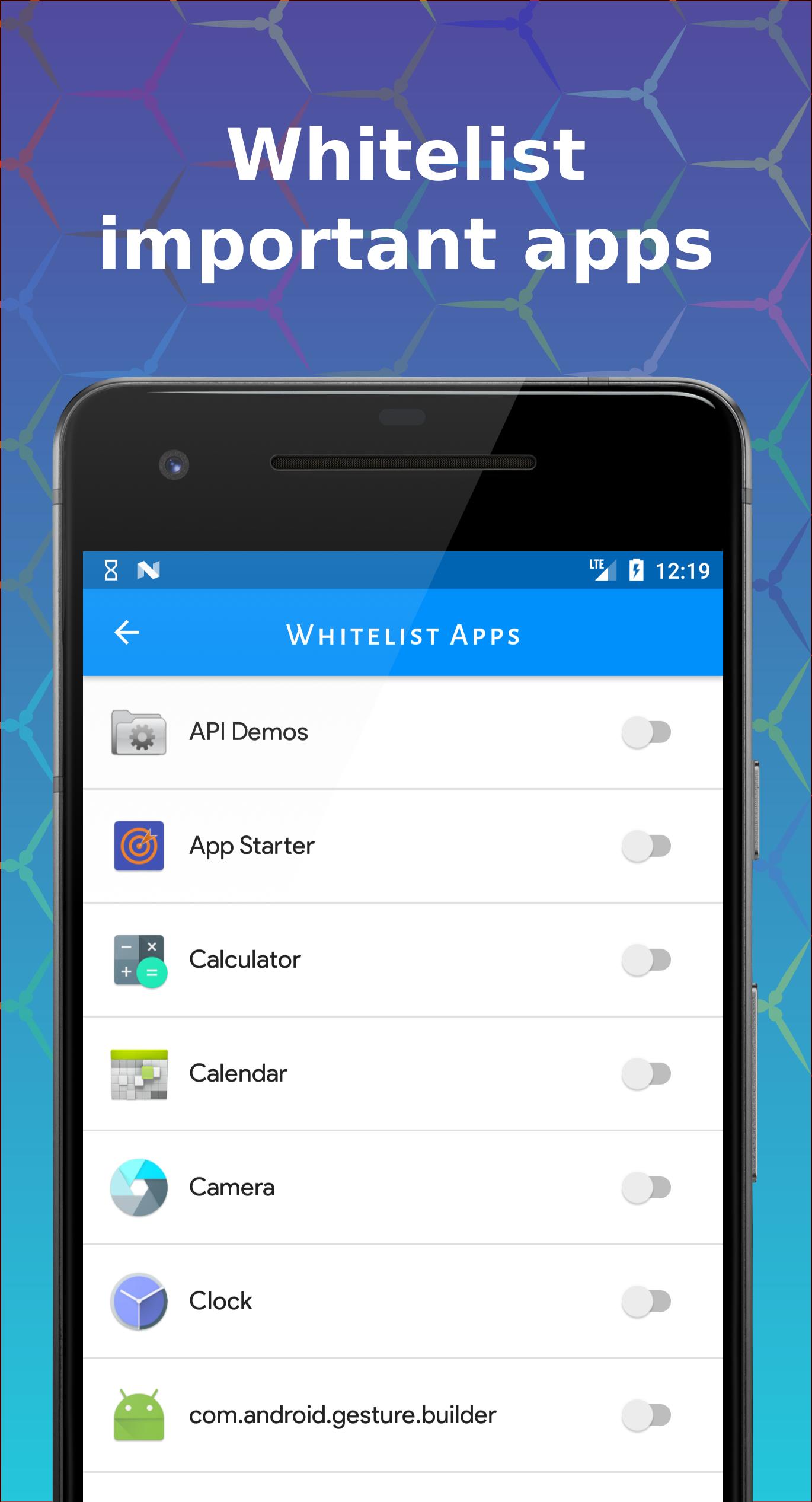
- 🚫 Focus Mode: Allow only essential apps during selected times.
- 📈 Compare Data: View screen time data across different periods.
- 🔍 Control Excessive Use: Enhanced charts to monitor usage.
- ⏰ Daily Notifications: Get screen time alerts.
Usage & Benefits
- 🔒 Effective Limiting: Manage app usage and break phone addiction.
- ⏰ Daily Limits: Keep track of app usage with notifications.
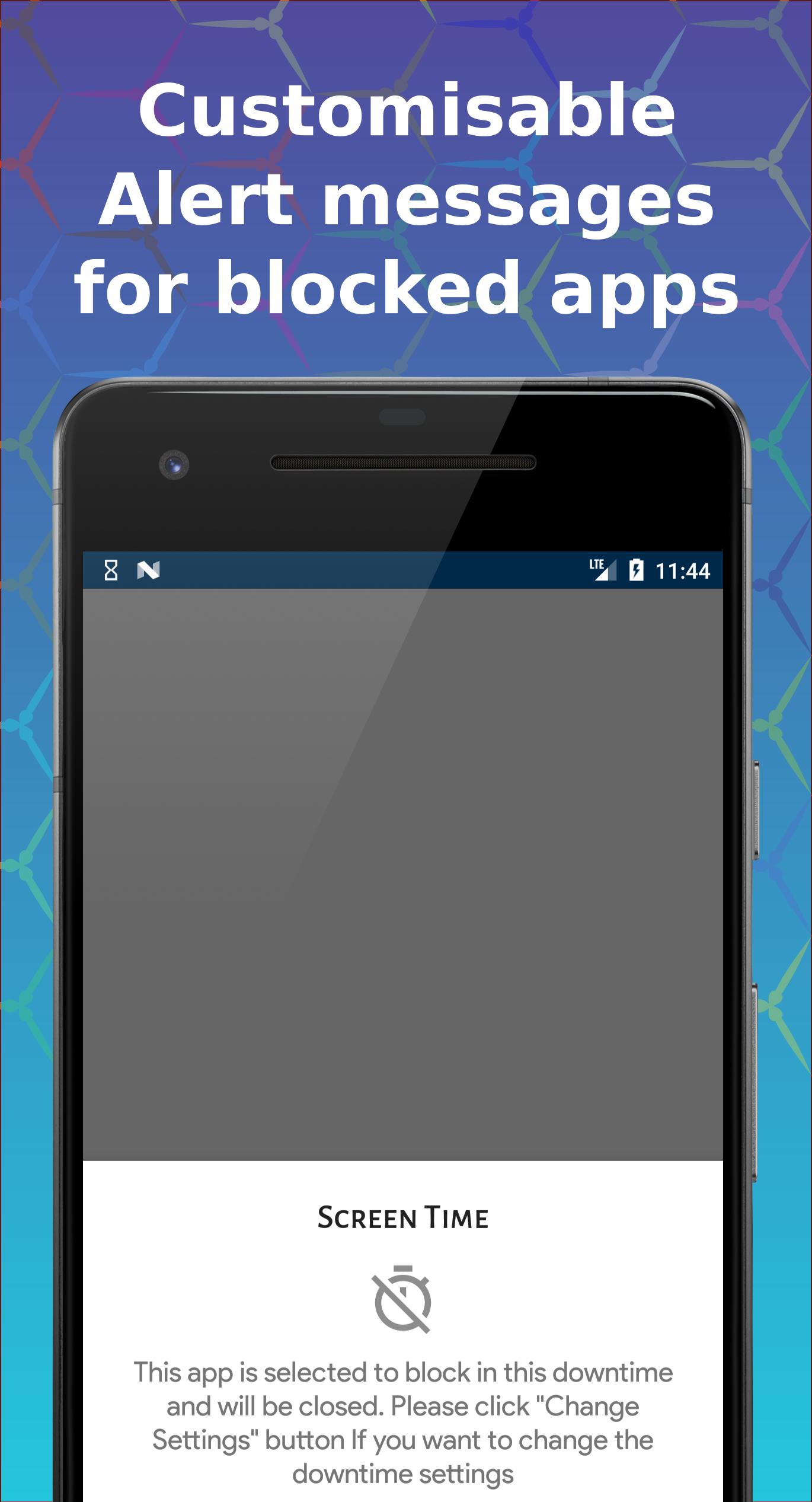
- 🚫 Focus Mode: Block certain apps during specific times.
Individuals often spend more time on their phones than they realize. Screen Time Manager helps you understand and manage your app usage for better productivity and digital wellbeing.
Why Choose Us?
Simple yet powerful, Screen Time Manager helps you manage screen time effectively. Your privacy is our priority; all data remains on your phone.
We’re always excited to hear from you! Contact us with any problems or suggestions.
Latest Version
1.14.6Uploaded by
Sandro Gogishvili
Requires Android
Category
Free Productivity AppContent Rating
Everyone
Security Report
Report
Flag as inappropriateLast updated on Mar 24, 2026
- Made things more stable so it all runs better ✨
- Fixed some bugs and tidied things up 🛠️
Got thoughts or ideas? Feel free to message anytime — always happy to hear from you 💬


APKPure - A multi-platform app store primarily focused on Android, providing extensive app-related content. Discover the app you want easier, faster, and safer, with quick and efficient downloads and installations.