Scan Date:Oct 28, 2025
Show More

SRecorder is a simple and HD screen recorder for android. With SRecorder you can record gaming videos, video calls, movies from your phone screen very easily.
SRecorder can also help you capture screenshots with just one tap and live streaming your phone screen on RTMP streaming platforms!
Download SRecorder right now! Capturing your best moments!
GREAT FEATURES:
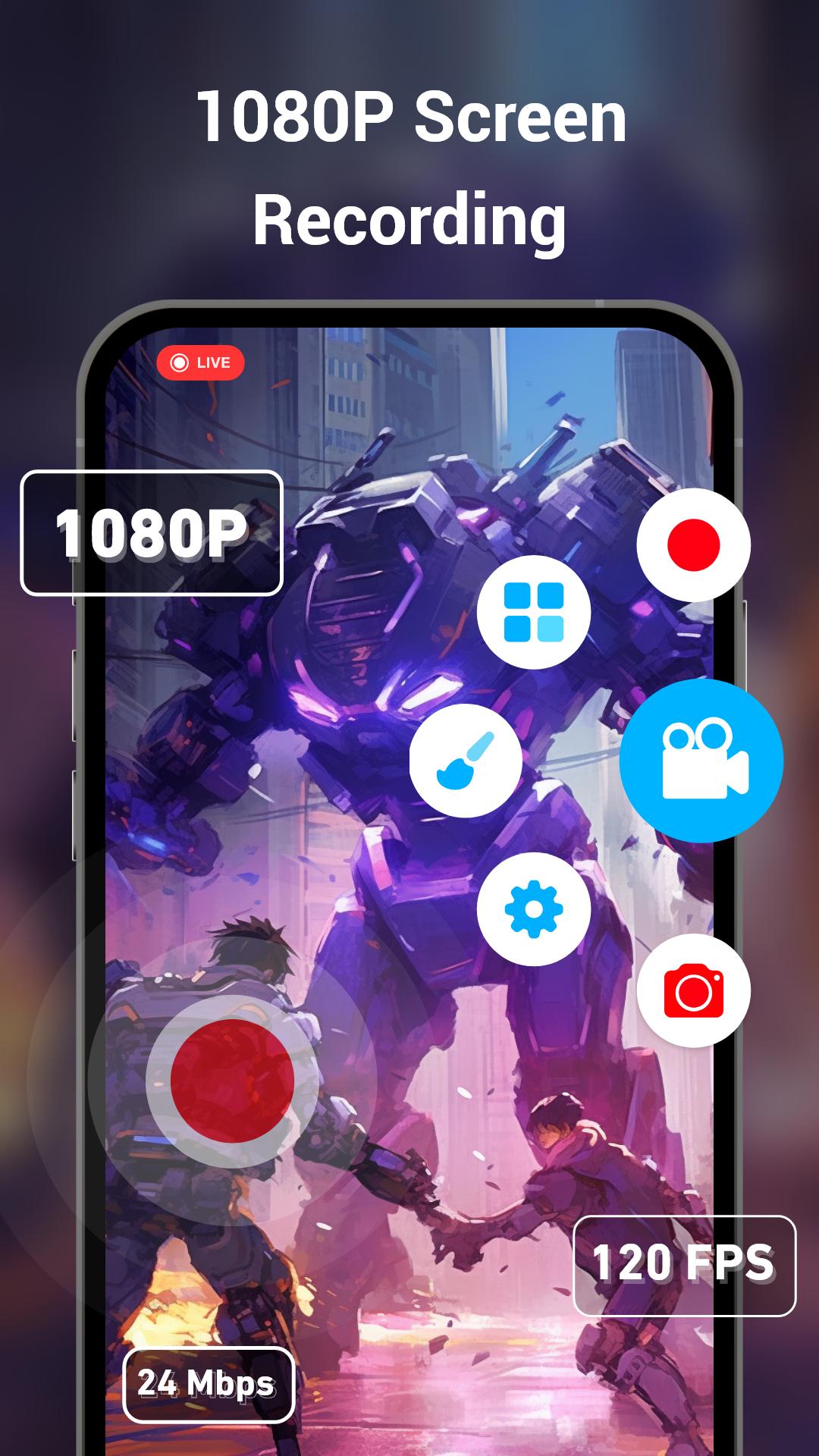
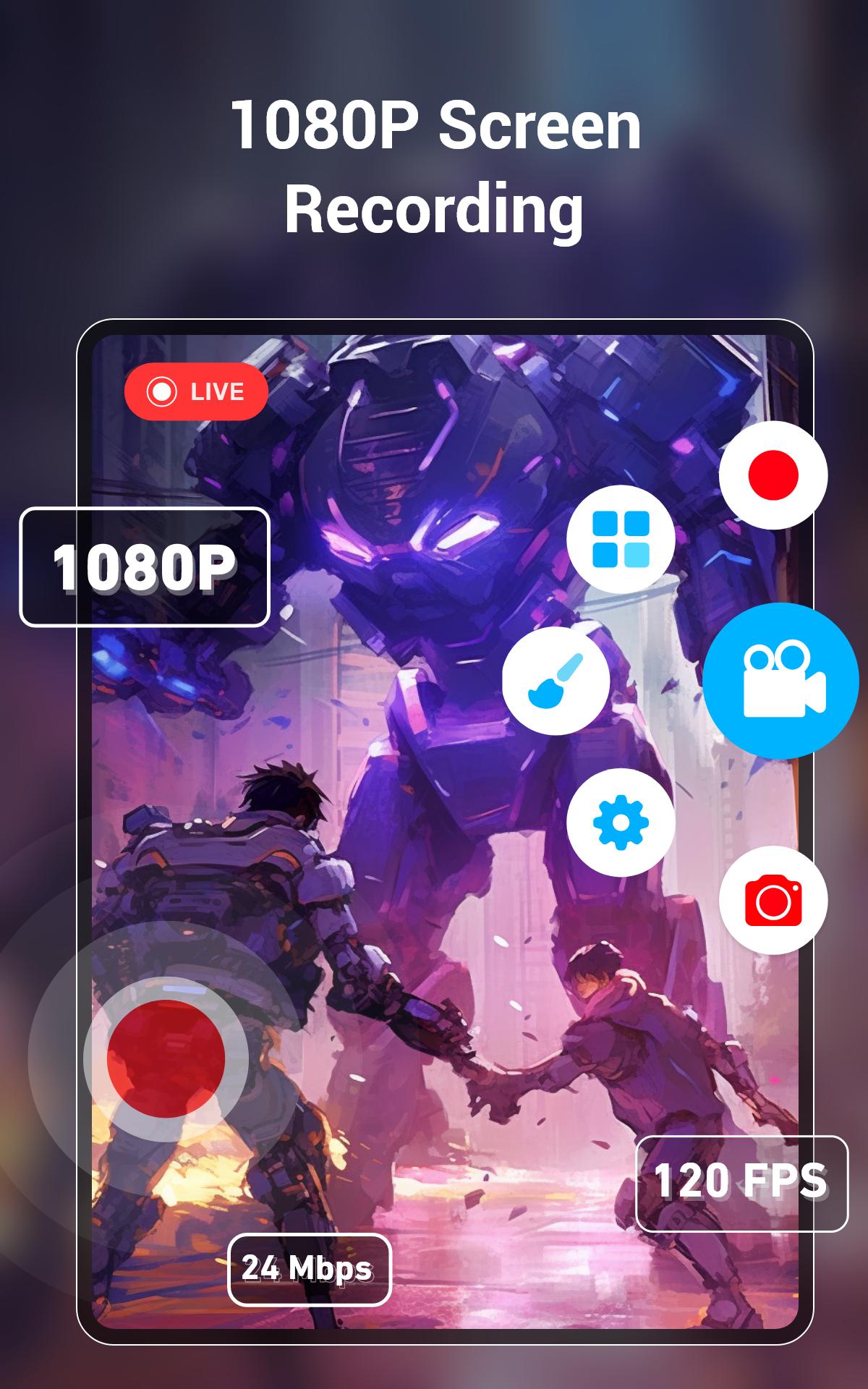
★ Full HD Screen Recording
SRecorder can help you recording gameplay with highest quality: 2K, 12Mbps, 60FPS (depends on your phone model), which are free to use. You can also adjust video recording resolutions, frame rates, and bit rates in settings freely.
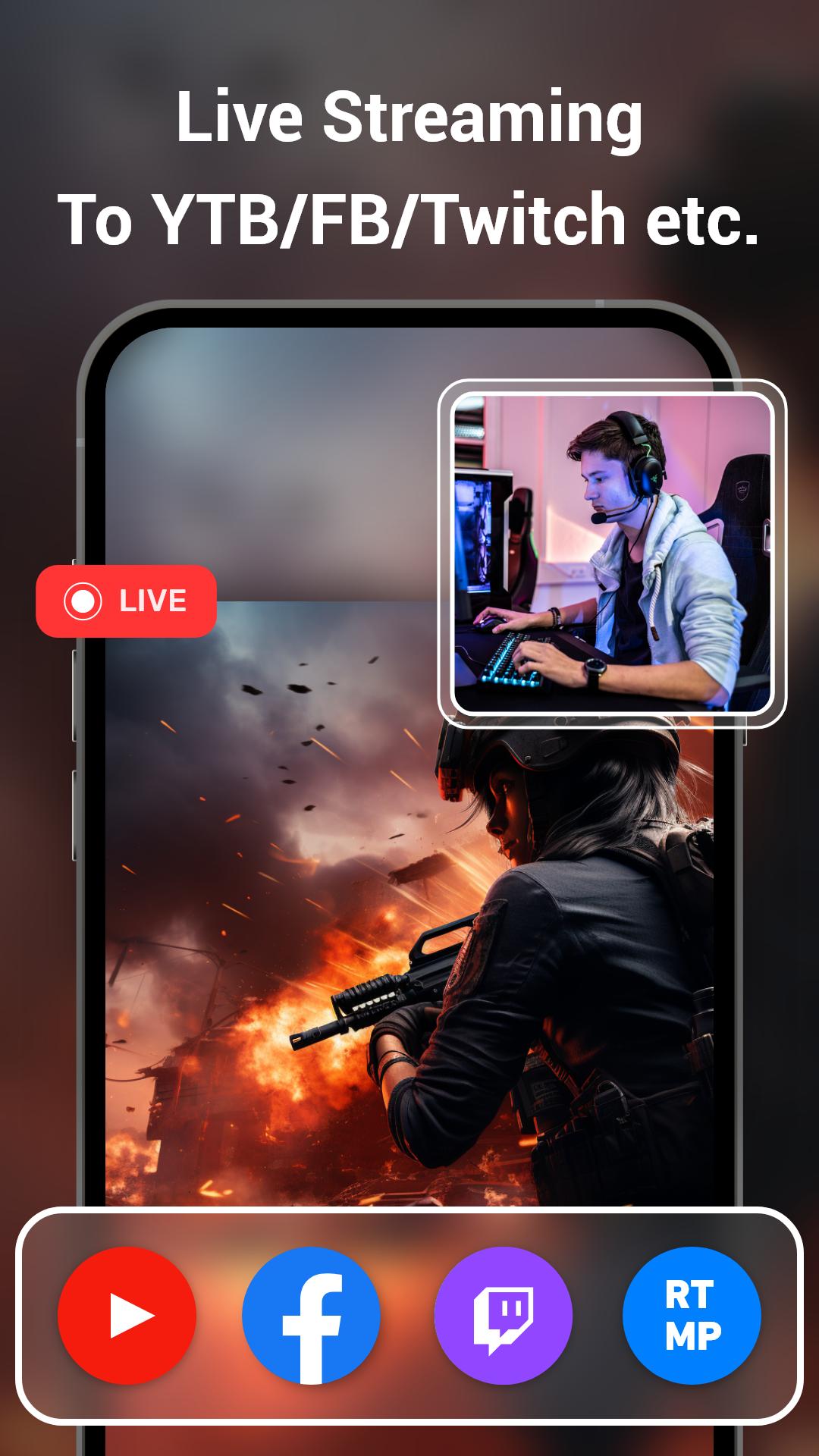
★ Live Streaming on RTMP
With the RTMP livestream features of SRecorder, you can live stream your phone screen to platforms which supports RTMP streaming!
★ Record Screen with NO Time Limit
Video screen capture app free for android, you can easily record game videos, video calls, live shows through floating window or notification bar without recording time limit!
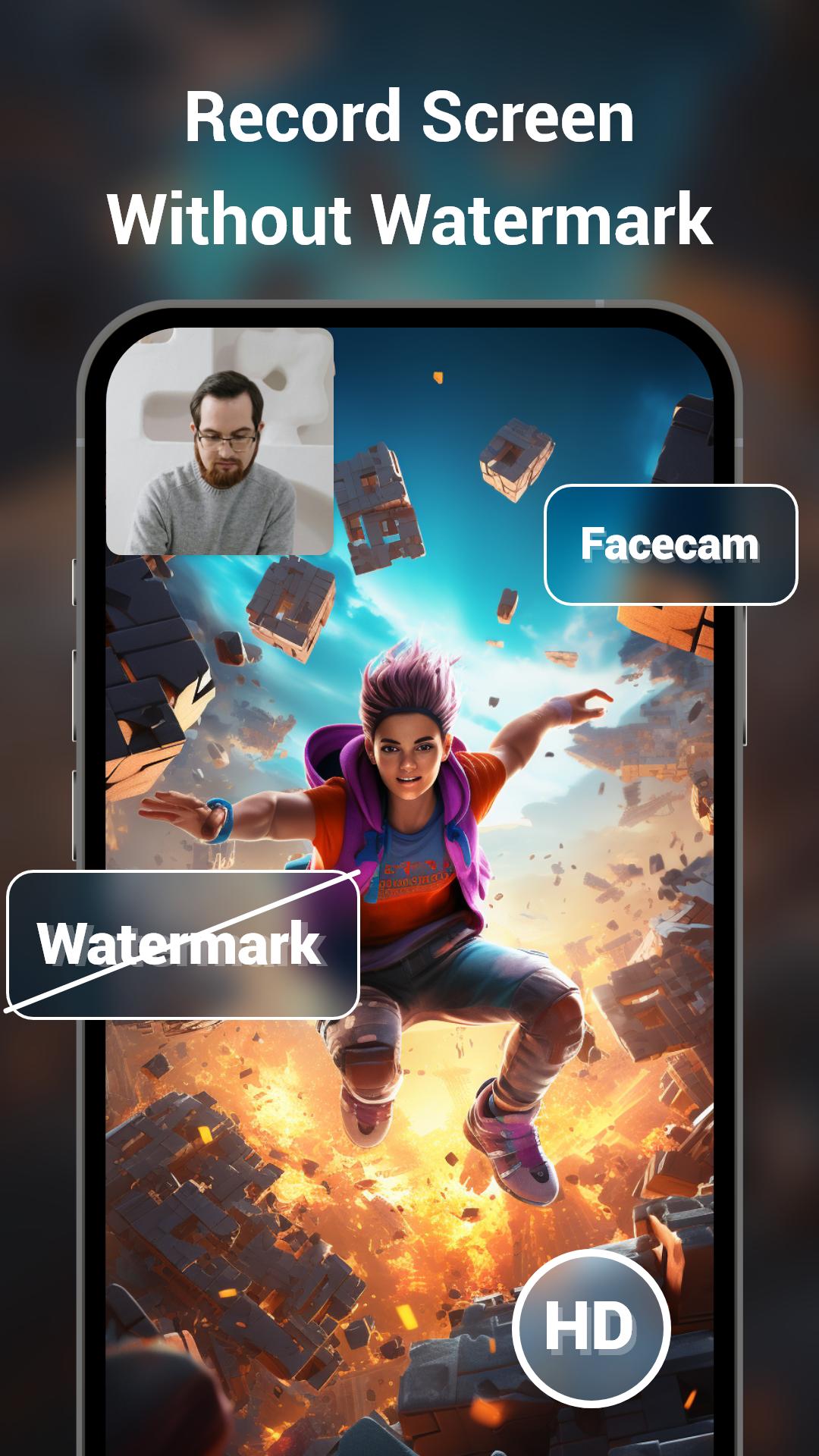
★ Video Screen Recorder with NO Watermark
Come with SRecorder recording HD videos without watermark, you can share clean videos to anywhere. By the way, you can also add photo or text watermark on your videos, show your brand!
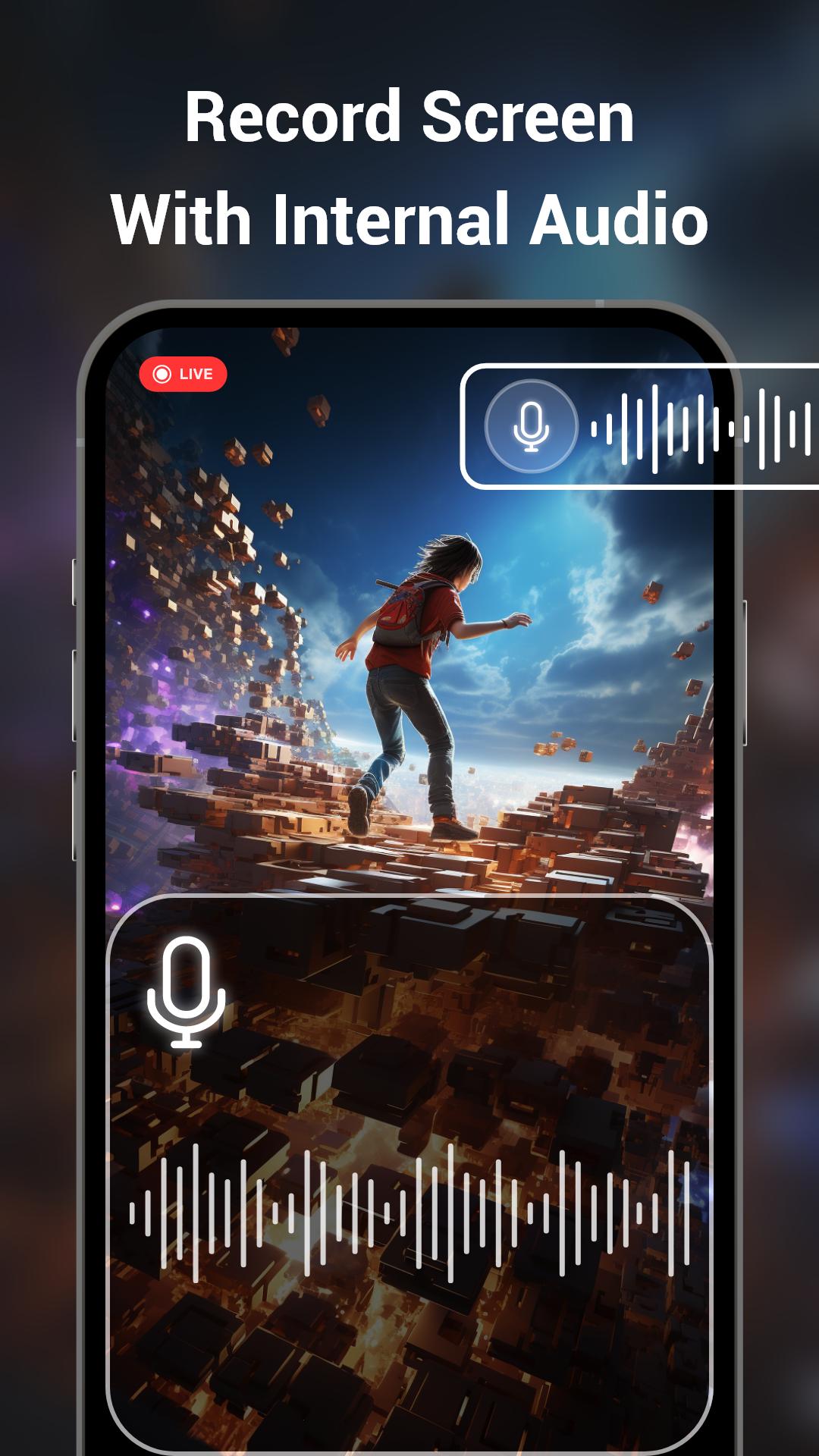
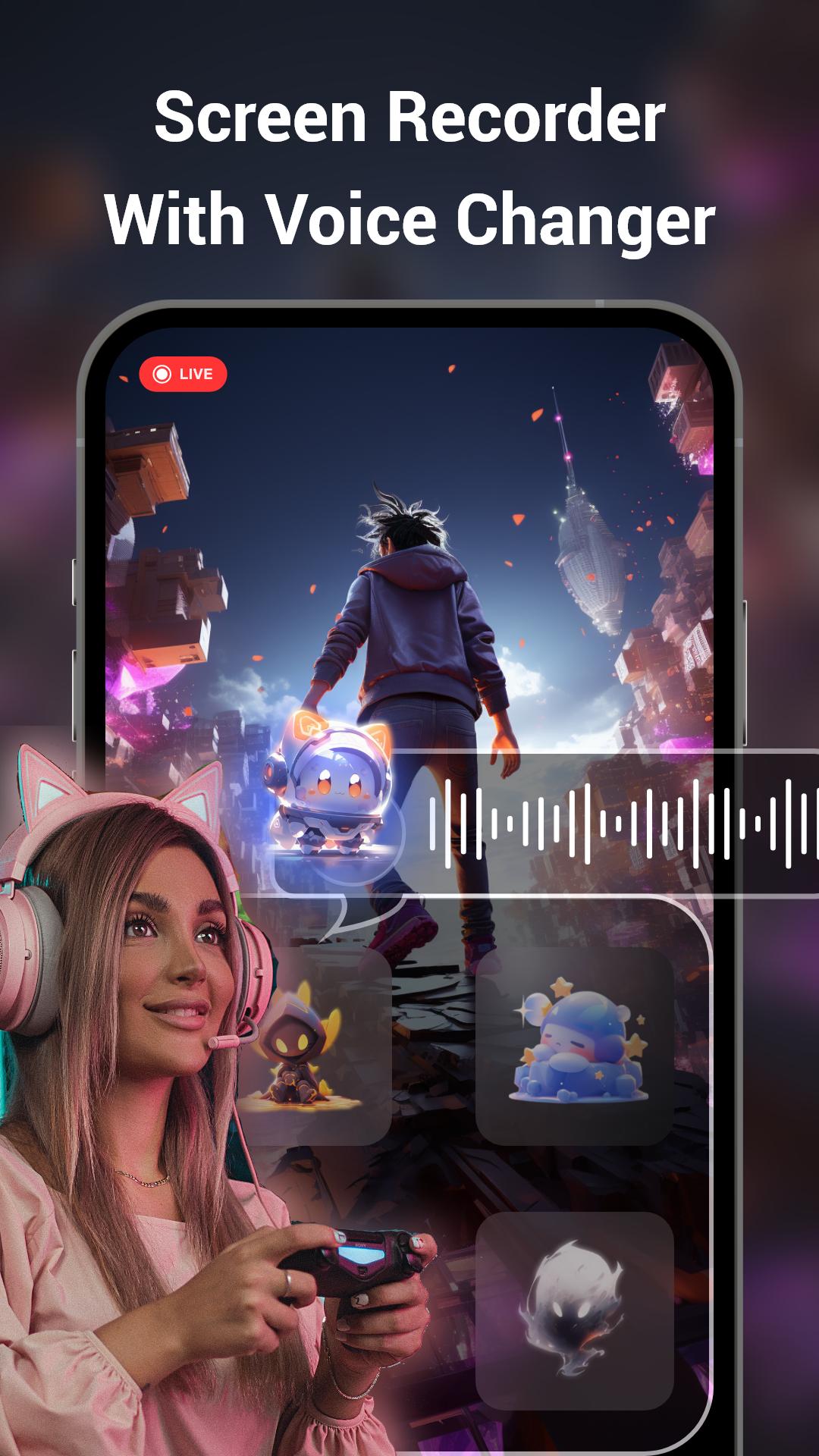
★ Screen Recorder with Audio
If you want to record gameplay videos with sound, this must-have screen recorder can help you record your screen with voice changer. SRecorder can record screen with variety voice effects, such as robot, kid, monster and so on. (If your system is above android 10, you can record screen with internal audio.)
★ Screen Recorder with Facecam
SRecorder can record videos with facecam, enable front or back camera to capture your reactions while screen recording, very useful for playing games or making teaching videos!
★ Screen Recorder with Brush Tool
If you want draw a symbol or marks on the screen when recording videos or screenshot, then SRecorder will be your best recorder app. Just touch screen to draw you want, SRecorder provide you with variety brush tools!
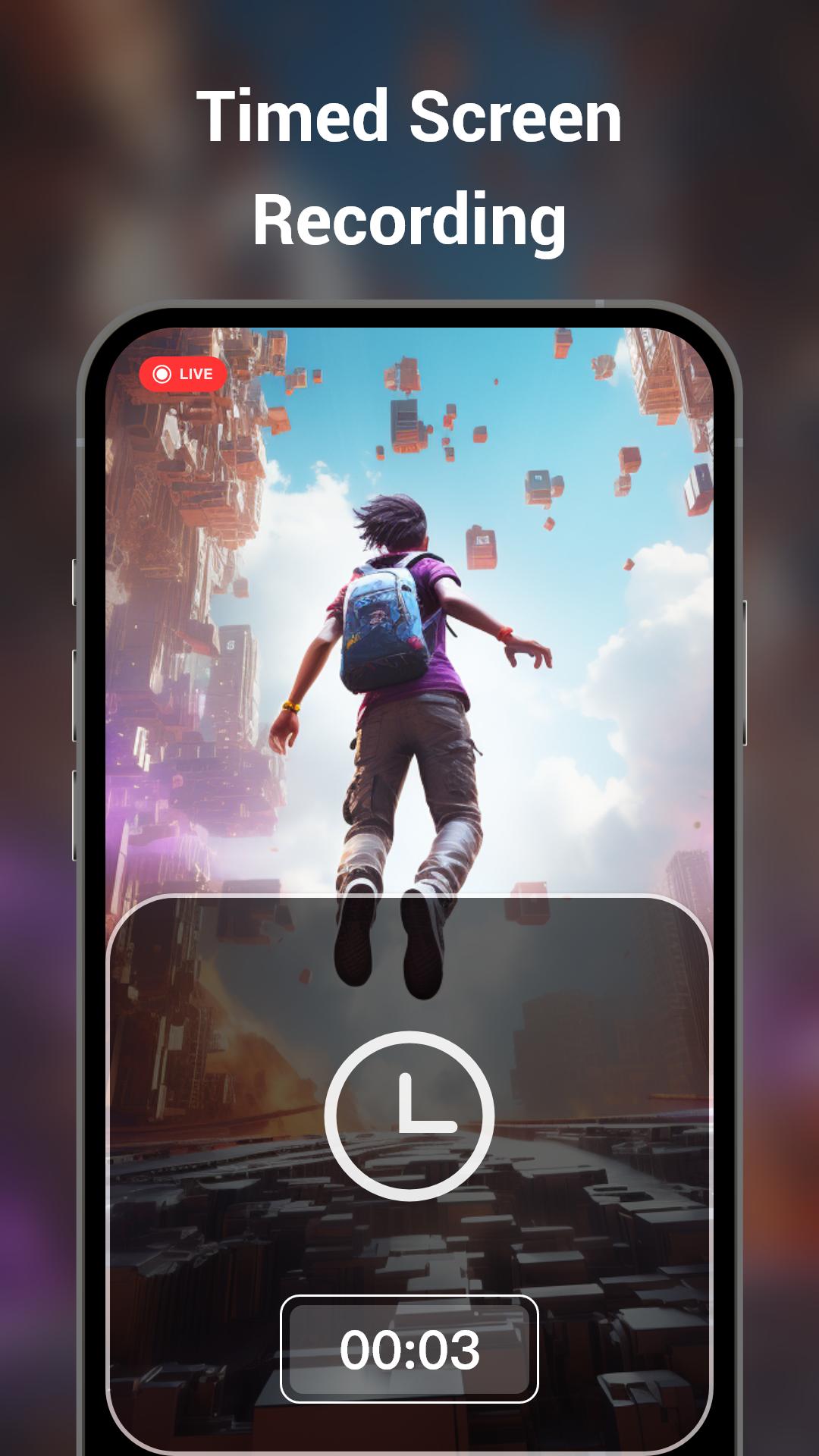
★ Screen Recorder with Scheduled Recording
Want a timed recorder? Set the video recording time and the recorder will be ended automatically? SRecorder have made your dream come true, don't need stay by your phone anymore, save your time!
★ Tips:
1. Recording suddenly stopped? The floating ball disappeared?
To prevent screen recording interruption, we suggest you freeze some big apps in the background process and authorize the SRecorder to obtain the permission ”Whitelist”. Check your phone's battery saver doesn't restrict app's activity.
And open the phone background process, lock the recorder to prevent the process of recorder from being interrupted by the android system.
2. Why the recorded video has no sound?
a. Unfortunately, the system bellow android 10 does not allow apps to record internal system audio currently. Please use the speaker when recording audio, the app record audio through microphone.
b. In addition, the android system does not allow multiple apps to use the microphone at the same time. This means that the video call app and SRecorder can not record sound at the same time.
If you have any feedback, bug reports, suggestions or you can help with the translations, please contact us at srecorderapp@outlook.com. Wish you a nice day!
Latest Version
2.0.3.2Uploaded by
Mohamad Kh
Requires Android
Android 6.0+
Category
Free Video Players & Editors AppContent Rating
Everyone
Security Report
Report
Flag as inappropriateLast updated on Aug 29, 2025
1. New UI interface, easier to operate.
2. Fix some bugs, more stable screen recording.


APKPure - A multi-platform app store primarily focused on Android, providing extensive app-related content. Discover the app you want easier, faster, and safer, with quick and efficient downloads and installations.