Scan Date:Nov 22, 2025
Show More

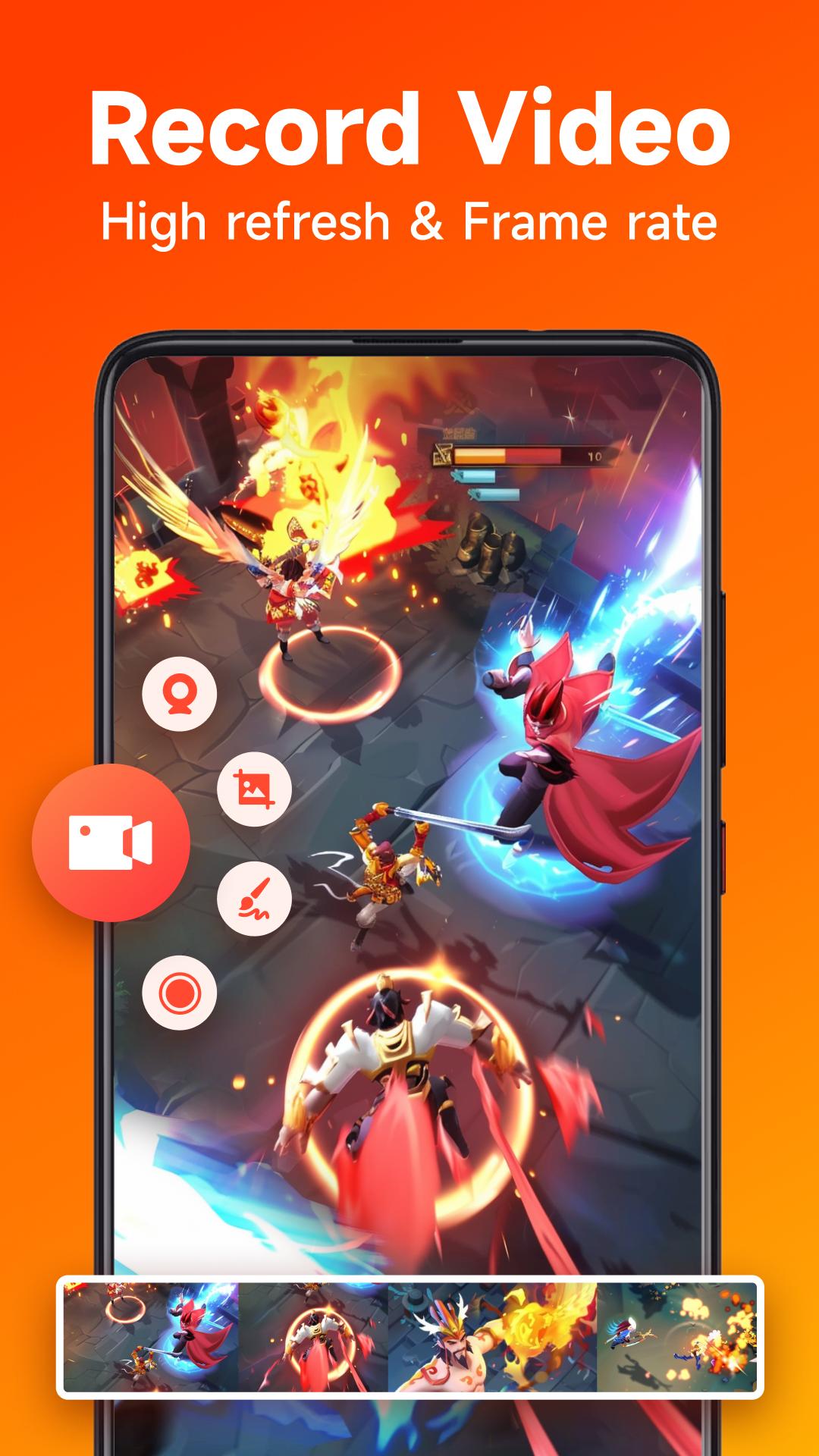
Screen Recorder provides stable and fluid screen recording. With this screen recorder, you can easily record popular mobile game videos; record video calls with family and friends; record tutorials for apps; record videos that cannot be recorded... Never miss our Screen Recorder with internal audio & facecam!
★ Features ★
HIGH-QUALITY video 1080p
NO lag
NO recording time limit
NO root needed
NO watermark
Count down before start recording
Shake phone to stop recording
Floating window recording
Edit recording gaming or video by video maker
Share screen video to your friend or YouTube
🌟 Game Recorder Smooth and Clear 🌟
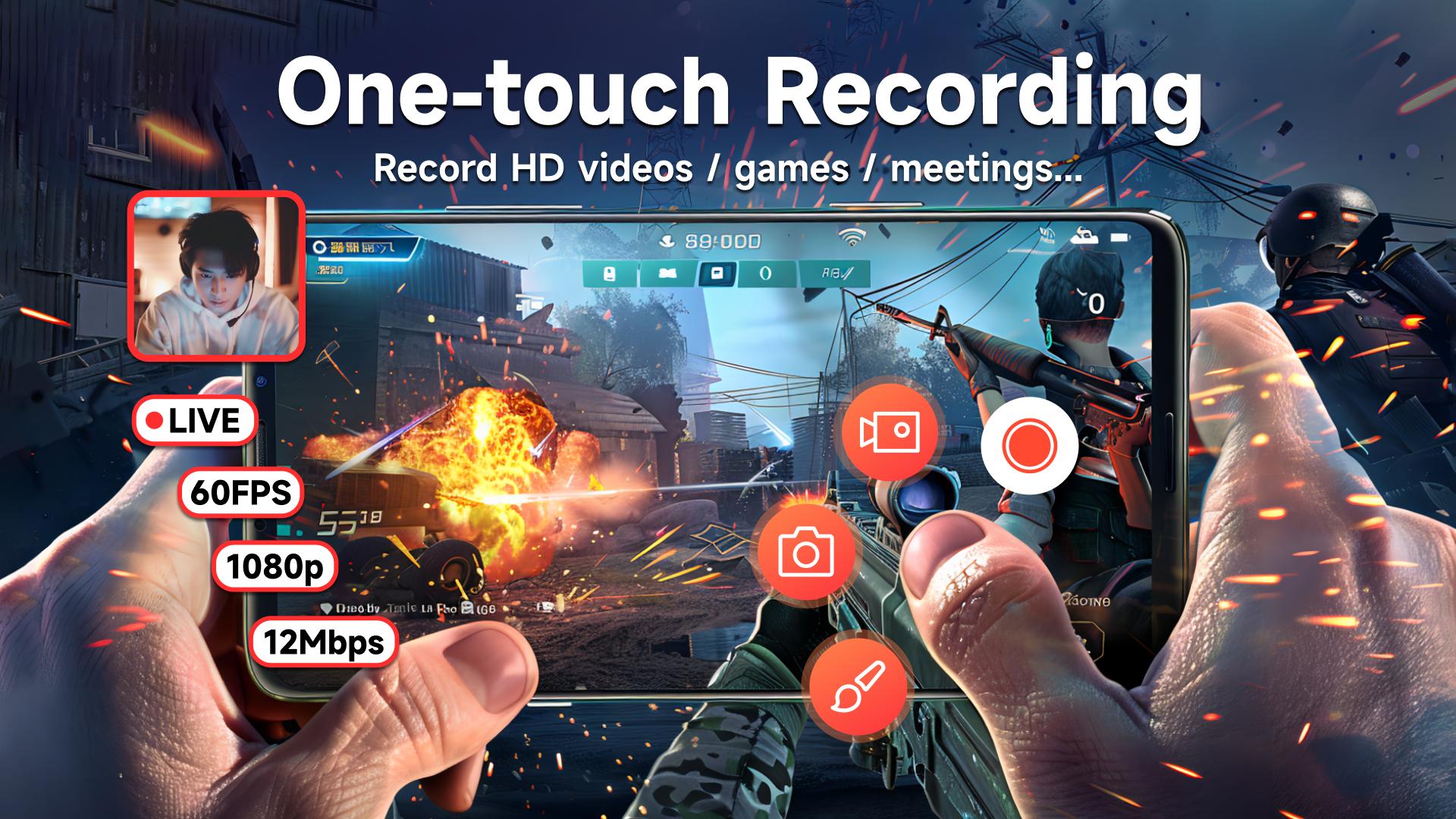
This game recorder supports the recording game screen in high quality: 1080p, 60FPS, 12Mbps. Many resolutions, frame rates, and bit rates are available for you.
🌟 Video Recorder in FULL HD 🌟
Record a clean video & screenshot with no watermark, no lag, no limitation.
🌟 Screen Recorder Easy to Control 🌟
Floating ball/notification bar control recording, Easy to pause/resume recording, rotate screen
🌟 Screen Recorder with Facecam 🌟
Screen Recorder with Facecam helps you record your face and reaction in a small overlay window. It can be zoomed to any size or dragged freely to any position. One-touch to switch front camera & rear camera.
🌟 Screen Recorder with Audio 🌟
This powerful screen recorder with audio/sound will record your voice & external audio fluidly and clearly.
🌟 Screen Recorder with Brush 🌟
Our screen recorder provides brush with all colors and shapes, clearly indicating your expression.
🌟 Easy Screenshot 🌟
One click to shoot a screenshot, one click to share.
Come and use our Best Screen Recorder APP for FREE to begin an anchor experience!
Latest Version
1.0.17Uploaded by
Fřëđđý Fřäňčø
Requires Android
Android 7.0+
Category
Free Tools AppContent Rating
Everyone
Security Report
Report
Flag as inappropriateLast updated on Sep 22, 2025
* Compatible with Android 15
* Fixed some issues
* Optimize floating ball



APKPure - A multi-platform app store primarily focused on Android, providing extensive app-related content. Discover the app you want easier, faster, and safer, with quick and efficient downloads and installations.