# Incredible Screen Recorder for camtasia and screen capture
With Screen Recorder: Myscreen, easily screen record or screenshot.
Myscreen - Du Recorder will let your screen record and screencastify much faster than ever. Pause/Resume to rec anytime with video recorder one click. Time to late, let's rec your own screenshot airshou!
Why choose Screen Recorder: Myscreen?
✅No rec Watermark
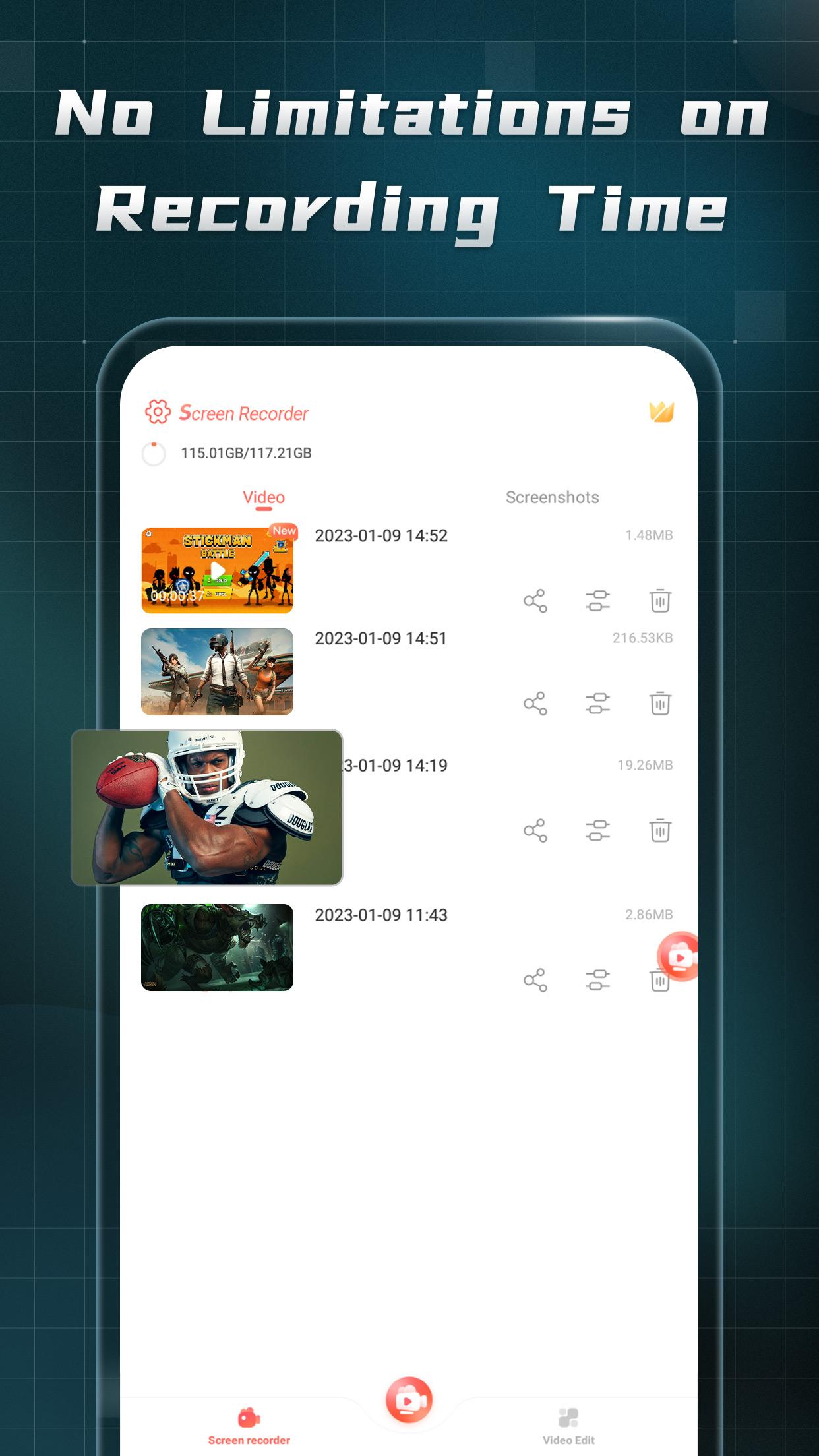
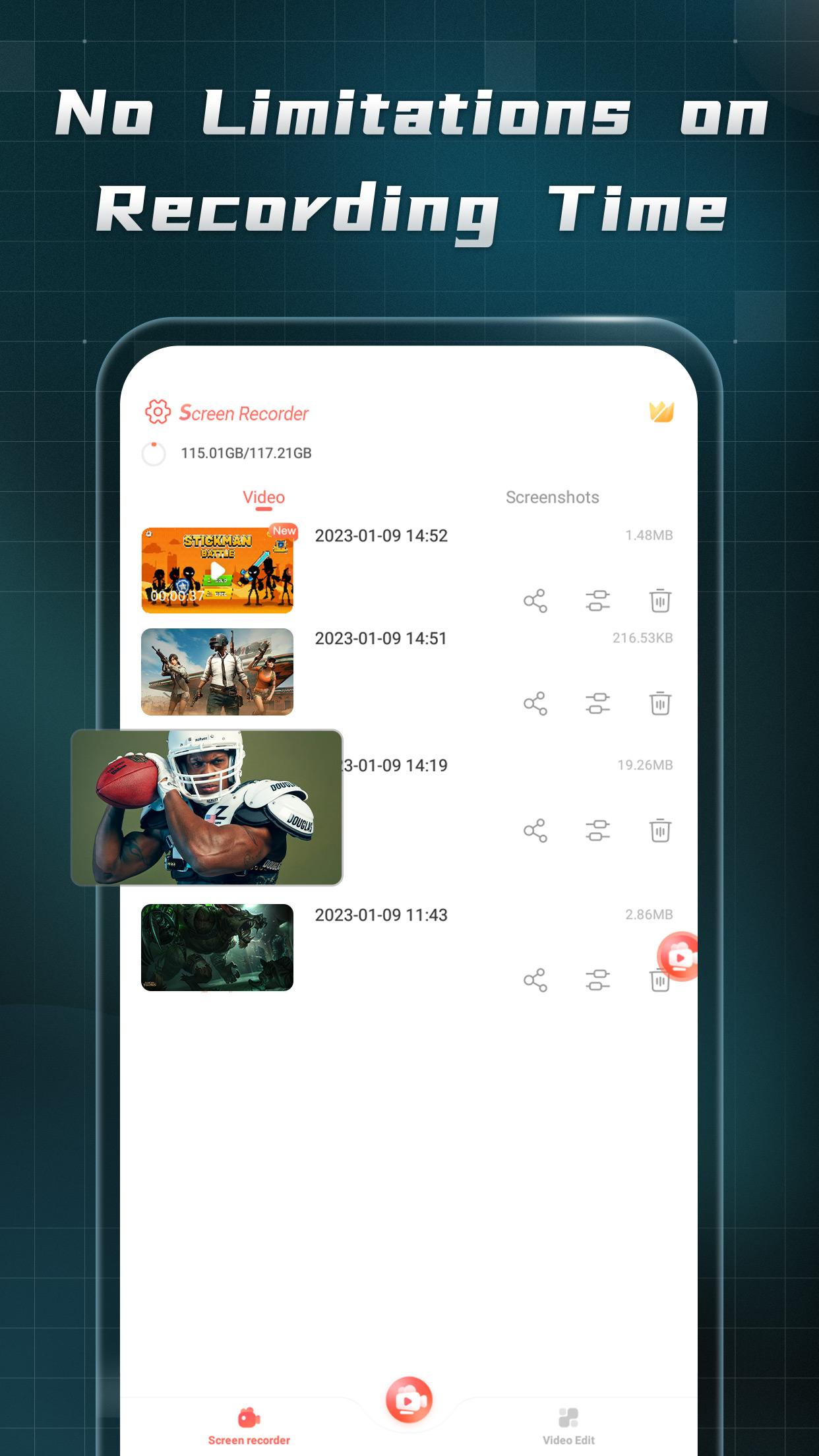
✅No Root & Offline for Free & No recording time limit
✅No WIFI needed for video recorder
✅Multi-function du recorder floating ball
✅Powerful screen capture editing features for screenshot and screencastify
✅Various outplayed video configurations
✅High-quality screencastify videos with ultra-clear sound quality
💡 Multi-function Floating Ball
- Start or pause recording at any interface with video recorder
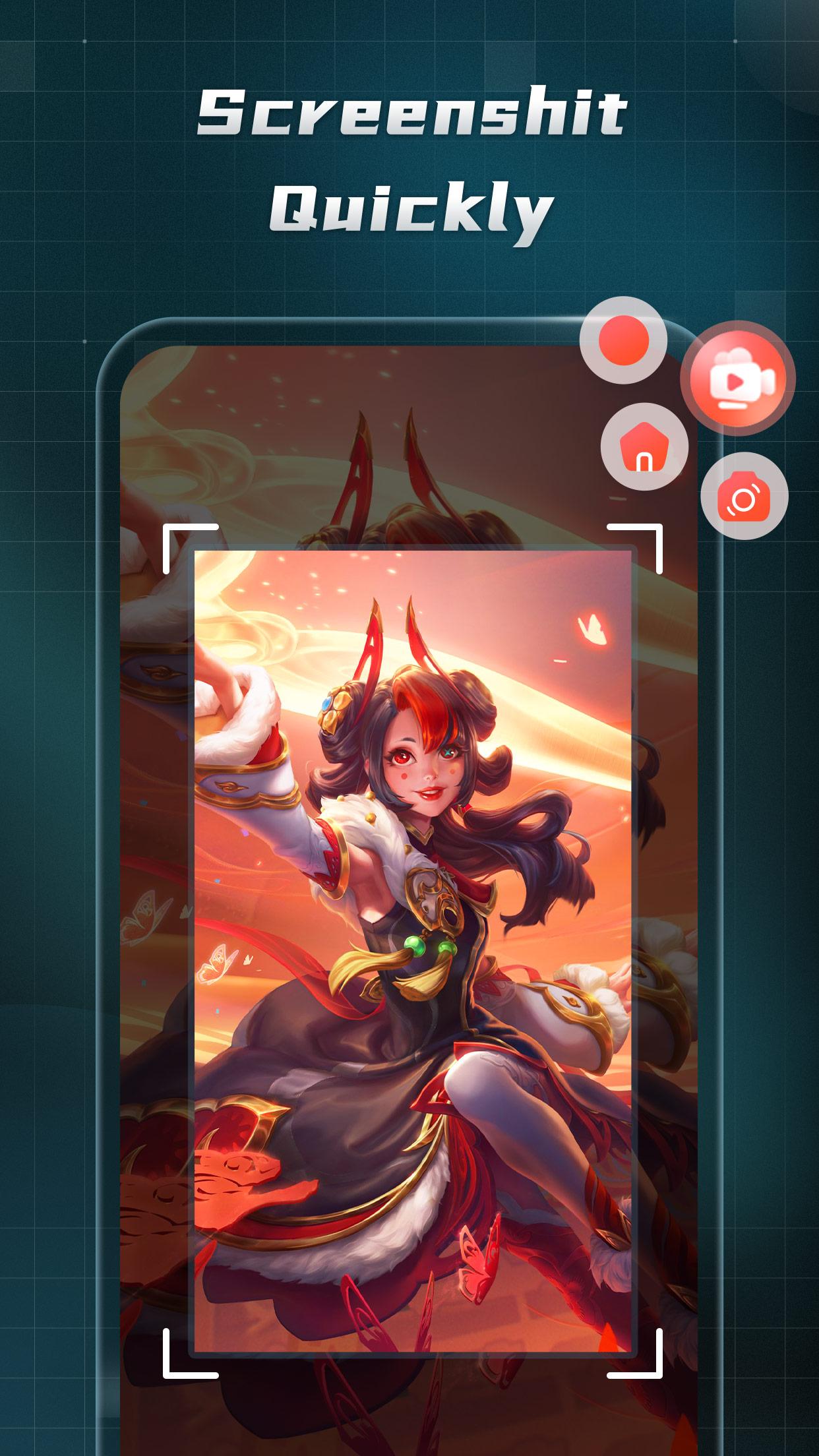
- Take screenshot and screen castify instantly via camera recorder
- Record HD outplayed screen videos (up to 2K resolution, 60fps)
- Lossless video recorder sound quality
- Save wonderful du recorder moments anywhere!
- No need to root for screencastify video recording
⭐️ Tips for Recoring
• Please give screen recorder permission to access video recorder content and floating window screenshot permission in advance.
• You can turn off Rec Floating Ball in background video recorder settings.
• You can quickly return to the du recorder main interface of the screencastify app through camtasia Floating Ball.
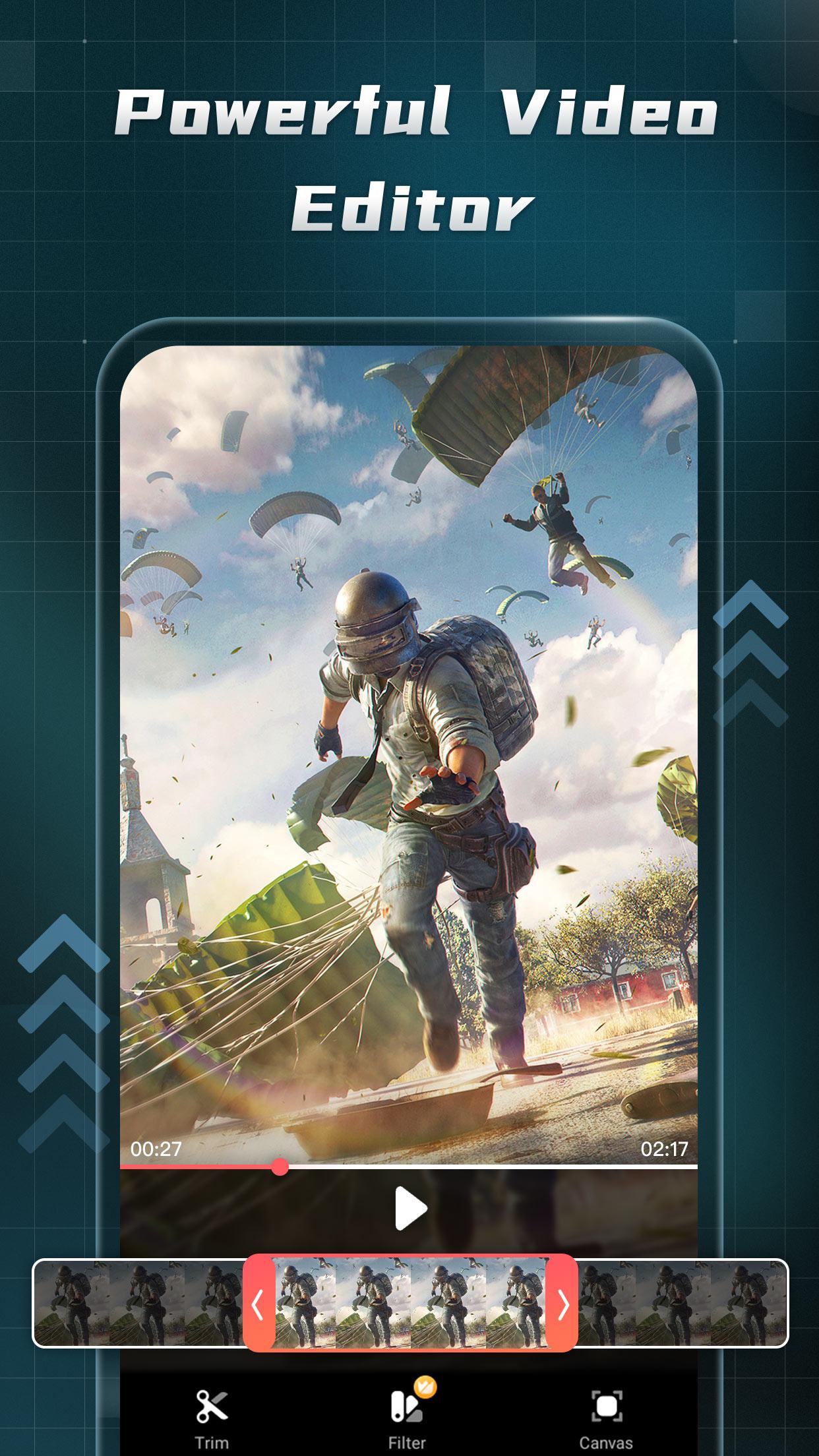
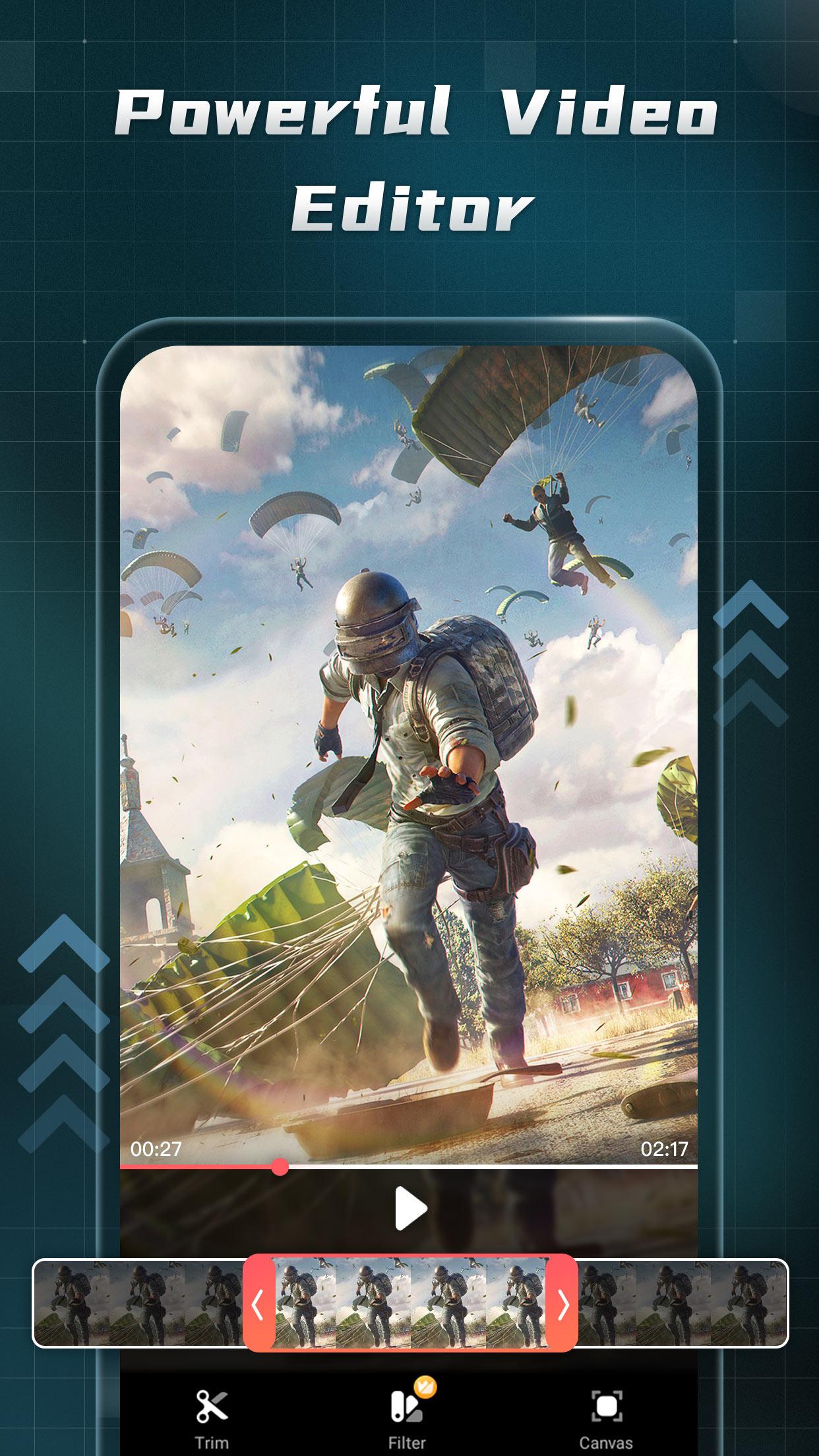
✂️Powerful Video Recorder, Editor
- Quick camera recorder video input, output and save with du recorder.
- Easy Edit: cut, splice, mix, and crop videos glip
- Trim Outplayed Video: Add or remove camtasia video clips of your recording in background video recorder
- Video Rec Adjuster: fade in or fade out, slow down or speed up your screen recording
In Screen Recorder: Myscreen, most du recorder features are free to use. Yet you also can unblock more powerful outplayed video camtasia editing tools with our subscription.
More outplayed features are under development!
If you have any questions or feedback about the use of Myscreen, please contact us at vieworldservice@hotmail.com
Latest Version
1.152Uploaded by
Samr Samr
Requires Android
Android 5.0+
Category
Free Video Players & Editors AppContent Rating
Everyone
Report
Flag as inappropriateLast updated on Apr 22, 2023
This release includes minor bug fixes and general improvements. Update to the latest version for the best experience.


APKPure - A multi-platform app store primarily focused on Android, providing extensive app-related content. Discover the app you want easier, faster, and safer, with quick and efficient downloads and installations.