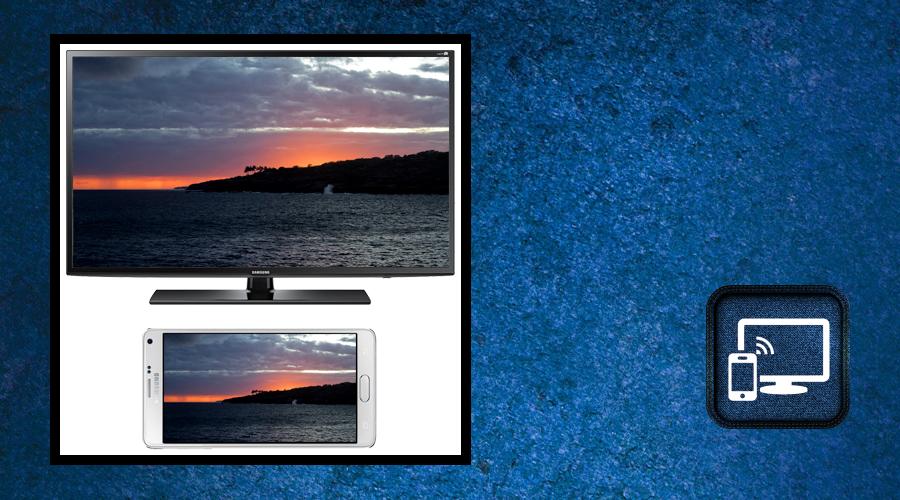
This application can only play contents but send screen as is such as HDMI, MHL, Miracast and Chromecast.
it does not need extra dongle or cable. Click the “Start”, the Mobile hotspot will be operating automatically. and After hotspot will be operating, connect to AP from other devices.
From now on, play video, music and photo in real time without copying it!!
Following devices are supported
Chromecast
Fire TV/Stick (Install companion app from Amazon Store on your Fire TV/Stick http://amzn.to/2fSxBwd)
Apple TV
Roku (Install companion app when suggested in this app)
Kodi aka XBMC
Android TV (Install companion app from Play Store on your TV http://bit.ly/2bZBRn6)
Smart TV's with DLNA / UPNP capability(All devices are not supported yet, Some feature might not work)
This app has been tested and found works on most of android mobiles with android version 4.2 and above.
to mirror your mobile screen to smart TV .. Please follow below steps :
- Your TV should support Wireless Display or any sort of Display Dongles.
- The TV must be connected to wifi network same as your phone.
- The Phone version must be android 4.2 and above.
- Download and run Screen Mirroring share App.
Latest Version
1.0Uploaded by
Omar Mohamad
Requires Android
Android 4.2+
Category
Free Tools AppContent Rating
Everyone
Report
Flag as inappropriateLast updated on Jul 13, 2017
Minor bug fixes and improvements. Install or update to the newest version to check it out!





APKPure - A multi-platform app store primarily focused on Android, providing extensive app-related content. Discover the app you want easier, faster, and safer, with quick and efficient downloads and installations.












